Do You Even Need a CMS When You Build with Lovable?

TL;DR: „Short answer: usually no. Lovable Cloud, GitHub markdown, or a simple admin page in the same project cover most Lovable sites. An external CMS only pays off once (1) non-technical editors maintain content daily, (2) content gets shipped across multiple channels, or (3) an existing CMS is already embedded in workflows."
— Till FreitagThe Counterintuitive Answer Up Front
You've built a site with Lovable. You're wondering whether to bolt on Sanity, Strapi, or Contentful. The honest answer in most cases: No.
This is counterintuitive because "headless CMS" gets sold as a default component of any modern stack. For AI First Builders, that's only partially true. Lovable already does much of what a CMS normally provides. Before you sign up with a second vendor, an honest inventory pays off.
What Lovable Already Brings Out of the Box
1. A Real Database – Lovable Cloud
Lovable Cloud is Supabase under the hood. You get PostgreSQL, authentication, file storage, and serverless functions – without an external account. For structured content (products, events, team members, case studies), this is a full-fledged content layer.
A posts table with title, slug, body, published_at plus RLS policies – that's 80% of what a "real" CMS does. The rest (editor UI) you build in the same Lovable project in an hour.
2. Git as a Content Source
This site uses markdown files in the repository. Every blog article is a .md file with frontmatter. Advantages:
- Version control for free (Git history = content history)
- Reviews via pull request – works editorially too
- No database needed for content, everything served statically
- AI-friendly: LLMs can read and write markdown directly
Works beautifully for blogs, documentation, marketing sites with manageable update cadence.
3. The Lovable Editor Itself
For sites you maintain yourself, Lovable is already the content editor. Change text? Say it in chat. Swap an image? Drag and drop. Reorder a section? Done. An additional CMS would only add friction here.
The Three Thresholds That Make an External CMS Worth It
Threshold 1: Non-Technical Editors with Daily Update Needs
Symptom: Marketing wants to change text several times a week, spin up landing pages, swap images – without asking you.
Why Lovable Cloud isn't enough: You'd have to build an admin UI that covers every edge case (image upload, rich text, preview, roles). Doable, but: headless CMS vendors have spent years on exactly that UX.
Answer: Sanity, Storyblok, or Payload. Which one fits – we cover that in Headless CMS for Lovable Sites.
Threshold 2: Multi-Channel Content
Symptom: The same content needs to land on website, in an app, in the newsletter, and in a partner portal.
Why Lovable Cloud isn't enough: You can serve content via API – but you end up building a CMS yourself in code, instead of using a mature product.
Answer: An API-first CMS that treats multiple consumers as default – Contentful, Hygraph, or Sanity are strong here.
Threshold 3: Existing Editorial Workflows
Symptom: The team already works in a CMS with templates, roles, approval processes, and translation workflows established.
Why Lovable Cloud isn't enough: This isn't primarily a technical problem, it's change management. Replicating existing workflows cheaply is illusory.
Answer: Wire Lovable as a frontend to the existing CMS. Use Lovable Cloud only where it genuinely adds something new (forms, user accounts, etc.).
When You Probably Don't Need a CMS
Rule-of-thumb check – if you can tick all of these, skip the CMS:
- At most 2-3 people maintain content
- Those people know how to use Lovable (or markdown files)
- Content gets served on a single site (no app/newsletter/partner multi-channel)
- Update frequency is weekly rather than daily
- There are no established editorial workflows that must be respected
All five tick? Then an additional CMS is overhead. You save another vendor, another bill, another login, and another failure point in deployment.
Three Typical Lovable Setups – and Which Content Model Fits
Setup A: Marketing Site with Blog (1-2 Authors)
Content layer: Markdown in the repo + Git-based workflow. Why: Lowest complexity, fastest load times via SSG, AI-friendly. This is how we do it here.
Setup B: Product Website with Dynamic Content (Team, Case Studies, Events)
Content layer: Lovable Cloud (Postgres) with a simple admin UI in the same project. Why: Structured data, but manageable editor requirements. A headless CMS would be a sledgehammer.
Setup C: Marketing-Driven Platform with Daily Updates and Multiple Channels
Content layer: External headless CMS (Sanity, Strapi, or Payload). Why: Here the editor UX lead of professional CMS pays off.
An Honest Note on the Edge
If you're already deploying to Cloudflare or Vercel Edge, take a look at newer CMS approaches living at the edge. We examined Cloudflare's Emdash CMS – an interesting approach that pushes the line between "database" and "CMS" further.
Bottom Line: Question First, Tool Second
"Do I need a CMS?" is the wrong question. The right one: "Who maintains which content, how often, for how many channels?" The tool choice falls out of the answer.
For most Lovable projects, Lovable Cloud plus a bit of custom work is enough. For the other 20%, a dedicated headless CMS adds real value – but not on principle, because it solves a concrete problem.
Anyone who buys a CMS because "that's what you do" is buying complexity without creating value. AI First Builders are allowed to leave out more components, not fewer.
Unsure which content layer fits your Lovable site? Let's spend 30 minutes together – we'll walk the decision tree.
📚 More on this topic: Find all articles on headless CMS, Jamstack & API-first in our Headless CMS Hub for AI First Builders.
Related Articles
Headless CMS for Lovable Sites: When It's Worth It – and Which One Fits
Building with Lovable and considering a headless CMS? Here's the honest guide: which CMS fit React-Vite-SSG sites, when …
Read moreHeadless CMS vs. Traditional CMS – When Is It Worth Switching?
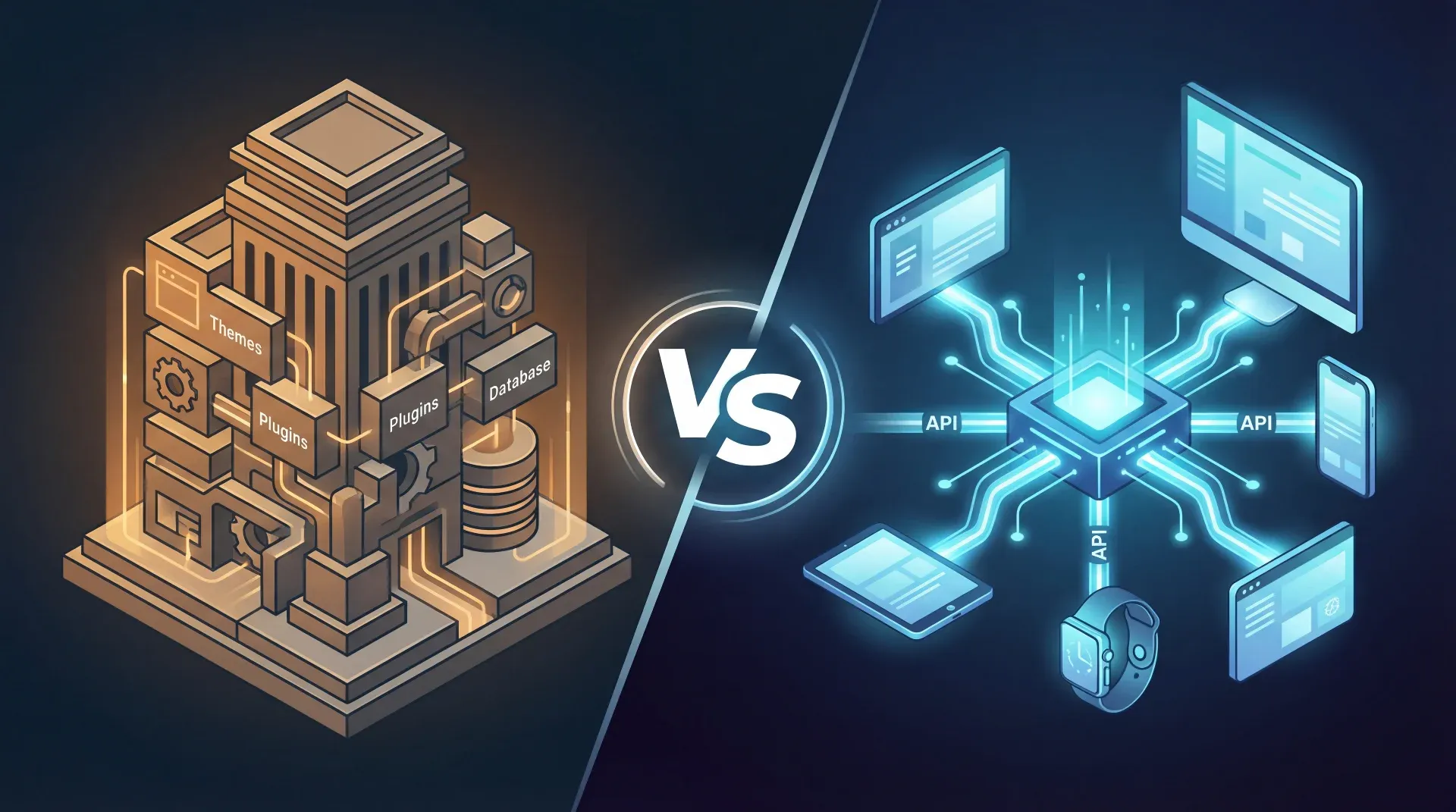
WordPress, Drupal, Typo3 – or a Headless CMS? We compare monolithic and decoupled content architectures and show when sw…
Read more
Agent Harness as a Category: Why the Harness Is the New Product
The harness — skills, sandbox, subagents, memory, channel routing — is the real product layer above the model. A map of …
Read more Deep Dive
Lovable Feature Roundup: What actually mattered in May and June 2026
Subagents, native Claude MCP, the Preview Toolbar, Publish-from-chat, slow-query analysis in Lovable Cloud: in six weeks…
Read more
Website Builders vs. AI-Native Stack: Which Path Wins in 2026?
Wix, Squarespace, Jimdo & co. vs. an AI-native stack with Lovable, Cloud and edge hosting – when does each really pay of…
Read more
Cloudflare vs. Vercel – Which One Should You Use When?
Vercel or Cloudflare? Both host your modern web app at the edge – but they pursue fundamentally different strategies. We…
Read more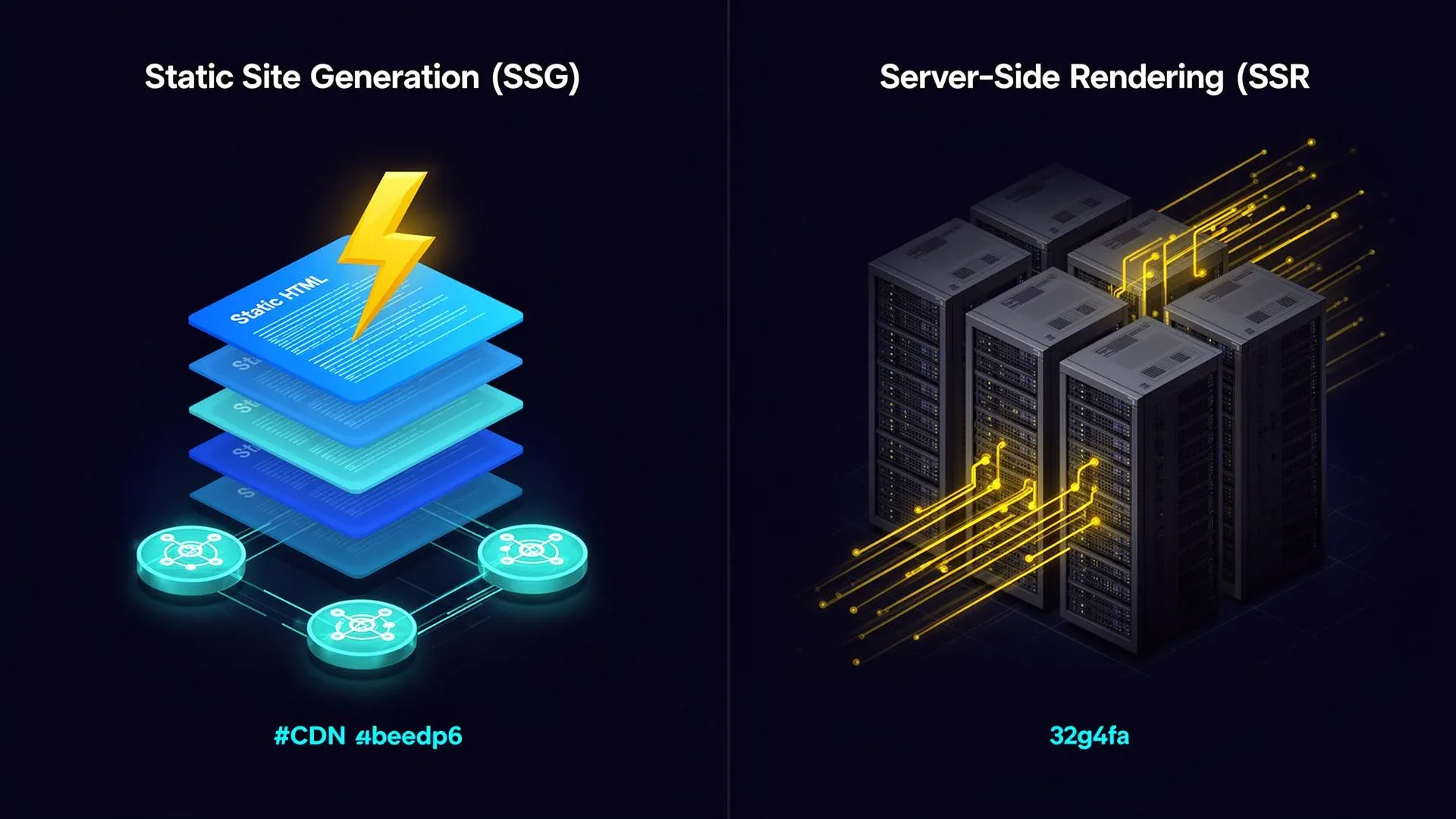
SSR or Pre-Rendering? What We Evaluated for Mykeythai vs. Our Default Approach
Lovable now ships real SSR via TanStack Start. We checked for Mykeythai whether to switch – and why our pre-rendering ap…
Read more
Vibe Coding & SEO: Why AI-Generated Apps Stay Invisible – And How We Fix It
Lovable, Bolt, v0 – Vibe Coding tools produce SPAs that Google can't see. Our playbook makes them SEO-ready: SSG, Schema…
Read more
Google Search Console for Vibe Coding Projects: Setup, Debugging & Indexing
Your Lovable app is live on Vercel – but Google isn't indexing anything? How to set up Search Console, debug crawling is…
Read more