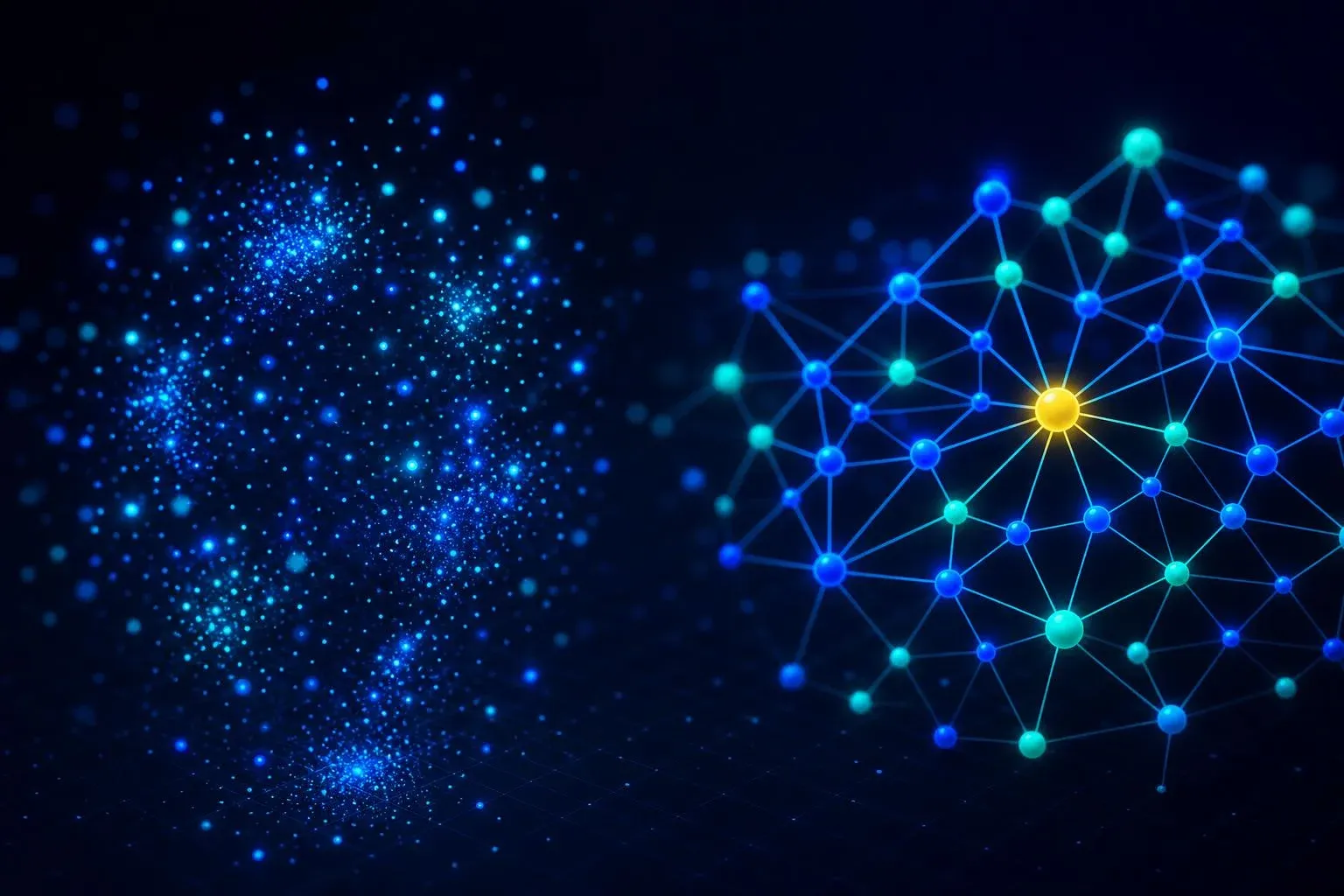
GraphRAG vs. Vector RAG – when similarity stops being enough

TL;DR: „Vector RAG finds similar text. GraphRAG finds answers that require multiple hops across entities and relationships. The moment your questions contain the word 'and' — 'which customers of X have Y and Z' — vector is done."
— Till FreitagWhat this is about
Vector RAG became the default for "chat with your documents" in 2024. In 2025 Microsoft Research released GraphRAG and reframed an old problem: what do you do when the answer isn't in a single text passage but has to be assembled from many?
This article shows where vector RAG works, where it fails, and what GraphRAG does differently.
Where vector RAG shines
Vector RAG has one clear strength: semantic similarity. You ask "how does our refund process work?", the system finds the three paragraphs that describe it, the LLM phrases a clean answer.
The setup is simple:
Document → chunking → embedding → vector store
                                       ↓
Question → embedding → top-k nearest neighbors → LLM answer
As long as the answer lives in one place and the query sits near it in embedding space, vector RAG is fast, cheap, and good enough.
Where vector RAG breaks
The moment a question relates multiple entities, things get tough. Three classic failure modes:
1. Multi-hop questions
"Which customers of account manager Anna opened tickets about feature X in the last 12 months?"
That's a join across Anna → Customers → Tickets → Feature. None of the source documents contain it as a single coherent passage. Vector RAG retrieves at best three loosely related chunks; the LLM hallucinates the rest.
2. Global summaries
"What are the three most common complaint topics across all 4,000 support tickets?"
Vector RAG pulls 10 similar tickets. It knows nothing about the other 3,990. The answer is statistically worthless.
3. Reasoning across sources
"How did OpenAI's strategy change between 2023 and 2026?"
Requires aggregation across many documents plus a time axis. Vector RAG has no concept of "time" or "subject development."
What GraphRAG does differently
GraphRAG inserts an additional layer between sources and retrieval: a knowledge graph extracted automatically from the documents.
Documents
   ↓
Entity & relationship extraction (LLM)
   ↓
Knowledge graph (nodes + edges + communities)
   ↓
Community summaries (pre-generated)
   ↓
Hybrid retrieval:
   - Local query  → subgraph traversal + vector
   - Global query → community summaries
   ↓
LLM answer with sources
Two mechanics matter:
- Community detection: the graph is partitioned into clusters of related entities (Leiden algorithm). Each cluster gets a pre-generated summary. Global queries hit those summaries instead of 4,000 individual documents.
- Subgraph traversal: local queries first locate the relevant entity, then traverse its neighborhood, then pull original chunks. Deterministic, not probabilistic.
Direct comparison
| Vector RAG | GraphRAG | |
|---|---|---|
| Setup effort | low | high (extraction pipeline) |
| Index cost | cheap | expensive (LLM calls per doc) |
| Retrieval cost | very cheap | medium |
| Single-hop answers | excellent | excellent |
| Multi-hop answers | poor | excellent |
| Global summaries | not possible | native |
| Explainability | "these 5 chunks" | "this path through the graph" |
| Updates | trivial (re-embed) | complex (graph updates) |
Mini code: GraphRAG with LlamaIndex
from llama_index.core import KnowledgeGraphIndex, SimpleDirectoryReader
from llama_index.graph_stores.neo4j import Neo4jGraphStore
from llama_index.llms.openai import OpenAI

# 1. Load sources
docs = SimpleDirectoryReader("./docs").load_data()

# 2. Extract + store graph
graph_store = Neo4jGraphStore(
    username="neo4j", password="...", url="bolt://localhost:7687",
)
index = KnowledgeGraphIndex.from_documents(
    docs,
    graph_store=graph_store,
    llm=OpenAI(model="gpt-4.1"),
    max_triplets_per_chunk=15,
    include_embeddings=True,
)

# 3. Hybrid query
query_engine = index.as_query_engine(
    include_text=True,
    response_mode="tree_summarize",
)
print(query_engine.query(
    "Which customers with contract value > 100k have open tickets about feature X?"
))
That script runs on 100 documents in under an hour and costs between 5 and 30 USD in extraction depending on model choice.
When GraphRAG, when not?
GraphRAG is worth it if:
- Your users regularly ask multi-hop questions with "and", "across", "per"
- You need global visibility into a corpus (themes, trends, clusters)
- You have compliance requirements on answer provenance
- Your source documents reference each other (contracts, tickets, emails)
Stick with vector RAG if:
- 90% of your questions are "where does it say this?"
- Your data is a flat stack of similar articles (FAQs, blog posts, manuals)
- You have < 200 documents — graph overhead isn't worth it
- No one on the team wants to maintain an extraction pipeline
Hybrid is the honest answer
In practice every serious setup combines both:
- Vector for verbatim lookup and long-tail questions
- Graph for structured multi-hop answers and global views
This hybrid architecture shows up in every other enterprise AI project we're building right now — and it's the main reason we offer knowledge graphs as a service.
Conclusion
Vector RAG isn't "wrong," it's just bounded. Anyone building an AI system that does more than retrieve text won't get past GraphRAG. The good news: thanks to modern LLMs the extraction pipeline is feasible today — two years ago it was a research topic.
When you hit the multi-hop wall the first time, don't optimize the vector store. The problem is the data model, not the embeddings.
Related reading:
- What is a knowledge graph? – the foundation GraphRAG builds on
- Entity extraction with LLMs – how your documents turn into the graph
- Neo4j vs. Kuzu vs. Memgraph – which graph DB for which setup
- AI isn't the bottleneck, context is – why data modeling is the real AI problem
Related Articles

Entity extraction with LLMs – from document to knowledge graph
How does a knowledge graph actually get its entities? With LLMs in four steps: chunking, extraction, deduplication, reso…
Read more
What Is a Knowledge Graph – and Why Is Everyone Talking About It?
Knowledge graphs are suddenly everywhere – from Google to Palantir to every other AI agent startup. What's behind the hy…
Read more
Neo4j vs. Kuzu vs. Memgraph – which graph DB for which AI setup?
Three graph databases, three very different profiles. Neo4j is the industry standard, Kuzu the fast embedded newcomer, M…
Read more
Ponytail: The Best Code Is the Code You Never Wrote
A dev built Ponytail because his AI agents wrote 500 lines for a 5-line problem. The result: 80-94% less code, 47-77% ch…
Read more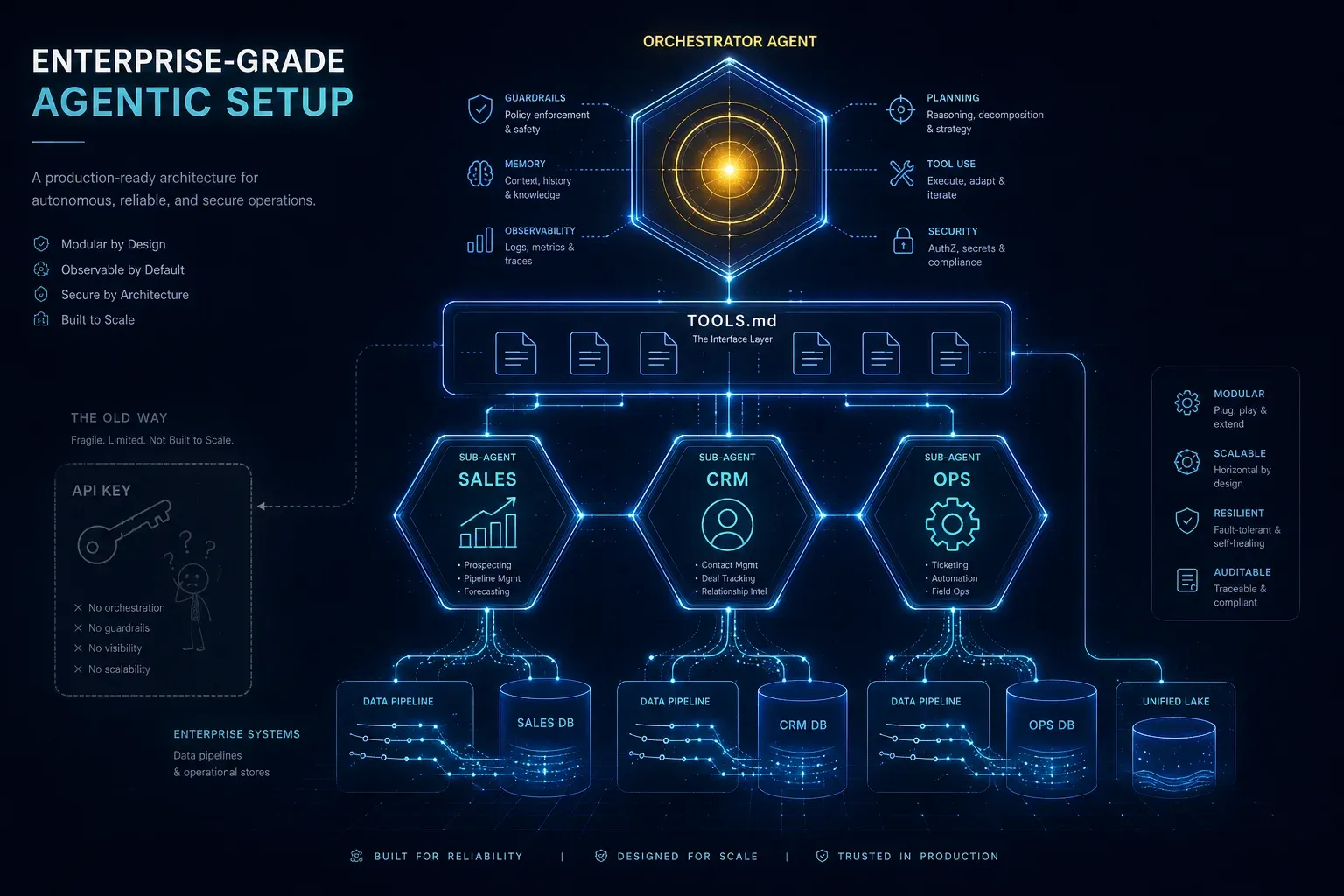
Enterprise-Grade Agentic Setup: Why an API Key Is Not an AI Strategy
An API key on your website is child's play. An agentic setup with specialised sub-agents, TOOLS.md, clean system prompts…
Read more
Claude Managed Agents vs. LangGraph vs. CrewAI: Agent Runtimes for Production Compared
Three paths to production agents: Anthropic's hosted runtime, LangGraph's graph orchestration, or CrewAI's role-based te…
Read more
Claude Managed Agents: Anthropic's Play to Own the Agent Runtime
Anthropic launches Managed Agents in public beta – a hosted runtime that decouples the 'brain' from the 'hands.' No more…
Read more
Agent Skills Are Becoming an Industry Standard: What Teams Need to Know
Agent Skills are reusable capabilities for AI agents – and they're becoming the new standard. What sets them apart from …
Read more
AutoClaw: Z.ai's Agent That Doesn't Chat – It Works
AutoClaw is Z.ai's agent layer – not a chatbot, but an AI partner that actually executes tasks. What it does, how it tea…
Read more