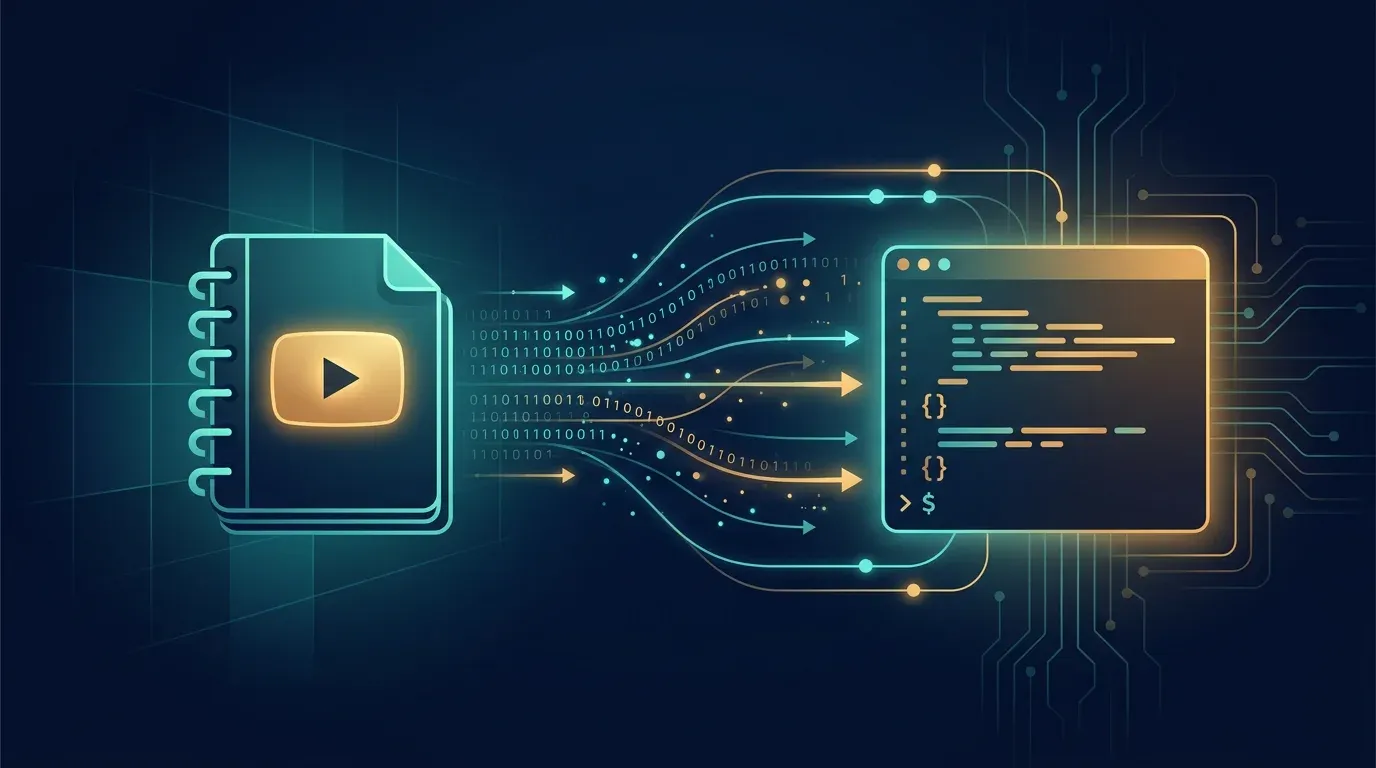
Notebooks in Gemini: Google Merges NotebookLM Into the Gemini App

TL;DR: „NotebookLM is now built directly into Gemini. Notebooks sync bidirectionally between both apps – a real upgrade for knowledge work, once it reaches the EU."
— Till FreitagWhat Happened?
On April 8, 2026, Google announced Notebooks in Gemini – a direct integration of NotebookLM into the Gemini app. Instead of using two separate tools, notebooks now sync bidirectionally between Gemini and NotebookLM.
Watch the official announcement video from Google: Notebooks in Gemini – YouTube
What Notebooks in Gemini Can Do
Personal Knowledge Bases
At their core, notebooks are personal knowledge bases that span across Google products. You can:
- Organise chats by topic – move past Gemini conversations into notebooks
- Set custom instructions per notebook – give Gemini context without repeating yourself
- Add files – PDFs, documents, and other sources directly as context
Sync Between Gemini and NotebookLM
The real killer feature: Every source you add in one app automatically appears in the other. This means:
- Create a notebook in Gemini → sources are instantly available in NotebookLM
- Generate a Video Overview in NotebookLM → continue working with it in Gemini
- Access Cinematic Video Overviews, infographics, and other NotebookLM features even if you started in Gemini
More Sources Based on Subscription
The number of usable sources per notebook depends on your subscription plan. Google AI Ultra users get the largest quota.
Availability: EU Has to Wait
The rollout started on April 8, 2026 for:
- ✅ Google AI Ultra, Pro, and Plus subscribers
- ✅ Web version (desktop)
- ⏳ Mobile coming in the next few weeks
- ⏳ European rollout expected in the coming days
- ⏳ Free users to follow later
- ❌ Not available for users under 18, Workspace, and Education accounts
Critical Assessment
What This Actually Changes
The integration solves a real usability problem: until now, you had to switch between NotebookLM and Gemini, manually copy content, and rebuild context each time. That friction is now gone.
For knowledge workers – students, researchers, content teams – this is a significant upgrade. One notebook per project, all sources in one place, and the full power of both Gemini (reasoning, web search, code) and NotebookLM (source analysis, audio overviews, infographics).
What This Doesn't Solve
- Data privacy remains unclear: Your sources live on Google servers. For sensitive enterprise data, this remains a concern – especially in the EU
- Vendor lock-in intensifies: The more you invest in Google Notebooks, the harder it becomes to switch
- No API integration: Notebooks are (still) a pure consumer feature. The programmatic interface for automated workflows is missing
- Subscription dependency: The most compelling features are locked behind paid plans
What This Means for Our NotebookLM + Claude Code Workflow
In our article NotebookLM + Claude Code, we described NotebookLM as a preprocessing layer for Claude Code. This architecture remains relevant – with a twist:
Notebooks in Gemini make NotebookLM even more powerful as a source manager. But the actual execution layer – structured outputs, code generation, workflow automation – remains Claude Code's strength. Google is trying to cover both with Gemini, but for complex, multi-step content pipelines, the NotebookLM + Claude Code combination is still superior.
Conclusion: Good Step, But Not a Game Changer
Notebooks in Gemini are a logical and overdue step. The bidirectional sync between Gemini and NotebookLM eliminates real friction in knowledge work workflows. For EU users: a few more days of patience.
The real test will be whether Google opens this feature for business and enterprise users – with data privacy guarantees that meet European standards. Until then, it remains a strong consumer tool worth watching.
Related Articles
NotebookLM 3.5: From Preprocessor to Agentic Research Partner
Google upgraded NotebookLM to Gemini 3.5, added a secure cloud computer for autonomous web research, and plugged in Anti…
Read moreNotebookLM + Claude Code: How to Give Your AI Access to YouTube
Claude Code can't access YouTube and burns tokens on large source volumes. The fix: use NotebookLM as an intelligent sou…
Read more
Google's $185 Billion Bet: How Gemini 3.1 Pro, Vertex AI, and the Largest Infrastructure Offensive in Tech History Are Reshaping the AI Race
Alphabet is investing up to $185 billion in AI infrastructure – more than the GDP of 140 countries. Gemini 3.1 Pro doubl…
Read more
Antigravity in Practice: Multi-Agent Pipelines for Mid-Market Clients
Antigravity moves multi-agent pipelines from lab toy to production tool. A hands-on architecture walkthrough from active…
Read more
Gemma 4 12B Coder: Local Code Generation Becomes the Default
Google ships the Gemma 4 12B Coder — the specialized coding variant of the Gemma 4 stack. 12B parameters in GGUF format,…
Read more
Gemma 4: Frontier Intelligence Goes Laptop-Sized – The Hype Is Real
Google's Gemma 4 delivers GPT-4 level intelligence in 14 GB. 85 tokens per second on consumer hardware, 256K context, na…
Read more
Microsoft Reinvents SharePoint – With AI at Its Core
Microsoft announces a completely redesigned SharePoint with AI as a core feature. Preview has been running since March, …
Read more
Gumloop Review 2026: AI Agents and Workflows Without Code
Gumloop combines AI agents with visual workflow automation – completely no-code. Here's what the platform can do, what i…
Read more
Why We Switched from ChatGPT to Claude – and What We Learned About LLMs Along the Way
We worked with ChatGPT for 18 months – then switched to Claude. Here's our honest comparison of all major LLMs and why C…
Read more