
Getting Started with Lovable – Your First React App in 30 Minutes


TL;DR: „No coding skills required. Describe what you want – Lovable builds you a real React app with database and auth."
— Till FreitagWhat is Lovable?
Lovable is an AI-powered development platform that lets you create full-fledged web applications using natural language. No code editor, no terminal commands – just describe what you need, and Lovable generates a production-ready React application with a Supabase backend.
The result is not website-builder output – it's real, clean TypeScript code that you can export and self-host at any time.
What We'll Build in 30 Minutes
In this tutorial, we'll create a simple task manager (to-do app) with the following features:
- Create, check off, and delete tasks
- Data stored in a database
- Responsive design for desktop and mobile
- User authentication (login/signup)
Prerequisites
- A Lovable account (free to sign up)
- A browser – that's all you need
Step 1: Create a Project (2 Minutes)
- Open lovable.dev and log in
- Click "New Project"
- Give your project a name, e.g., "My To-Do App"
- You'll land in the Lovable Editor – chat on the left, live preview on the right
💡 Tip: Lovable automatically creates a React + Vite + Tailwind CSS project. No configuration needed.
Step 2: Your First Prompt (5 Minutes)
Type in the chat:
Create a modern to-do app with the following features:
- An input field to add new tasks
- Each task has a checkbox to mark it as done
- Completed tasks are shown with strikethrough text
- A delete button per task
- Modern, clean design with rounded cards
Lovable generates the complete code and you see the result instantly in the live preview. Within seconds, you have a functional app.
Step 3: Customize the Design (5 Minutes)
The app works – but maybe you want to tweak the design. Simply write:
Change the color scheme to a dark theme with a blue accent.
Add a heading "My Tasks" and show the number of open tasks.
Lovable understands natural language and adjusts the code accordingly. You can also click on elements in the preview and describe what should change.
Work Iteratively
This is Lovable's strength: you work iteratively. Each instruction builds on the previous one. You don't need to describe everything perfectly in the first prompt – refine step by step.
Step 4: Enable the Database (8 Minutes)
So far, the data only lives in browser memory. To make it persistent, enable Lovable Cloud:
- Click the Cloud icon in the sidebar
- Enable Lovable Cloud – this automatically provisions a database
Then type in the chat:
Store the tasks in the database instead of local storage.
Create a table "todos" with fields: id, title, completed, created_at.
Lovable creates the database table and connects the app automatically. Your data now persists even after a browser refresh.
Step 5: Add Login (8 Minutes)
Now let's add user authentication so each user sees their own tasks:
Add user authentication:
- Login and signup page with email and password
- Only logged-in users can see their own tasks
- Add a logout button in the navigation
Lovable sets up auth via Lovable Cloud, creates the necessary policies, and wires everything together. You now have a fully functional full-stack app with a database and user management.
Step 6: Publish (2 Minutes)
Your app is ready – time to go live:
- Click "Publish" in the top right
- Lovable gives you a public URL
- Share the link – done!
Alternatively, you can export the code via GitHub and self-host.
What You've Learned
In 30 minutes, you've:
- ✅ Created a React app from scratch
- ✅ Iteratively customized the design
- ✅ Connected a database
- ✅ Implemented user authentication
- ✅ Published the app
Without writing a single line of code yourself.
Next Steps
Now that you know the basics, you can experiment further:
- API integrations: Connect external services like Stripe for payments or SendGrid for emails
- Complex data models: Create relationships between tables (e.g., Projects → Tasks → Comments)
- Team features: Add real-time collaboration or role-based access control
- Custom domains: Connect your own domain for a professional appearance
Who is Lovable For?
| Audience | Use Case |
|---|---|
| Founders & Startups | MVPs and prototypes in hours, not weeks |
| Designers | Interactive prototypes instead of static mockups |
| Developers | Skip boilerplate, get to the core faster |
| Enterprises | Internal tools and dashboards without an IT department |
Want to dive deeper? Check out our Lovable tool page for a detailed comparison with WordPress, Webflow, and traditional development.
Conclusion
Lovable democratizes software development. You don't need to know React, TypeScript, or SQL – you just need to describe what you need. The platform translates your ideas into production-ready applications.
The best way to understand Lovable is to try it yourself. Create your first project now →
Related Articles

The Best Lovable Resources – Your Ultimate Guide 2026
All essential Lovable resources in one place: official docs, community, YouTube tutorials, pricing, and our best guides …
Read more
Base44 vs. Lovable 2026 – An Honest Comparison
Base44 and Lovable both promise prompt-to-app magic – but they take very different approaches. We compare code ownership…
Read more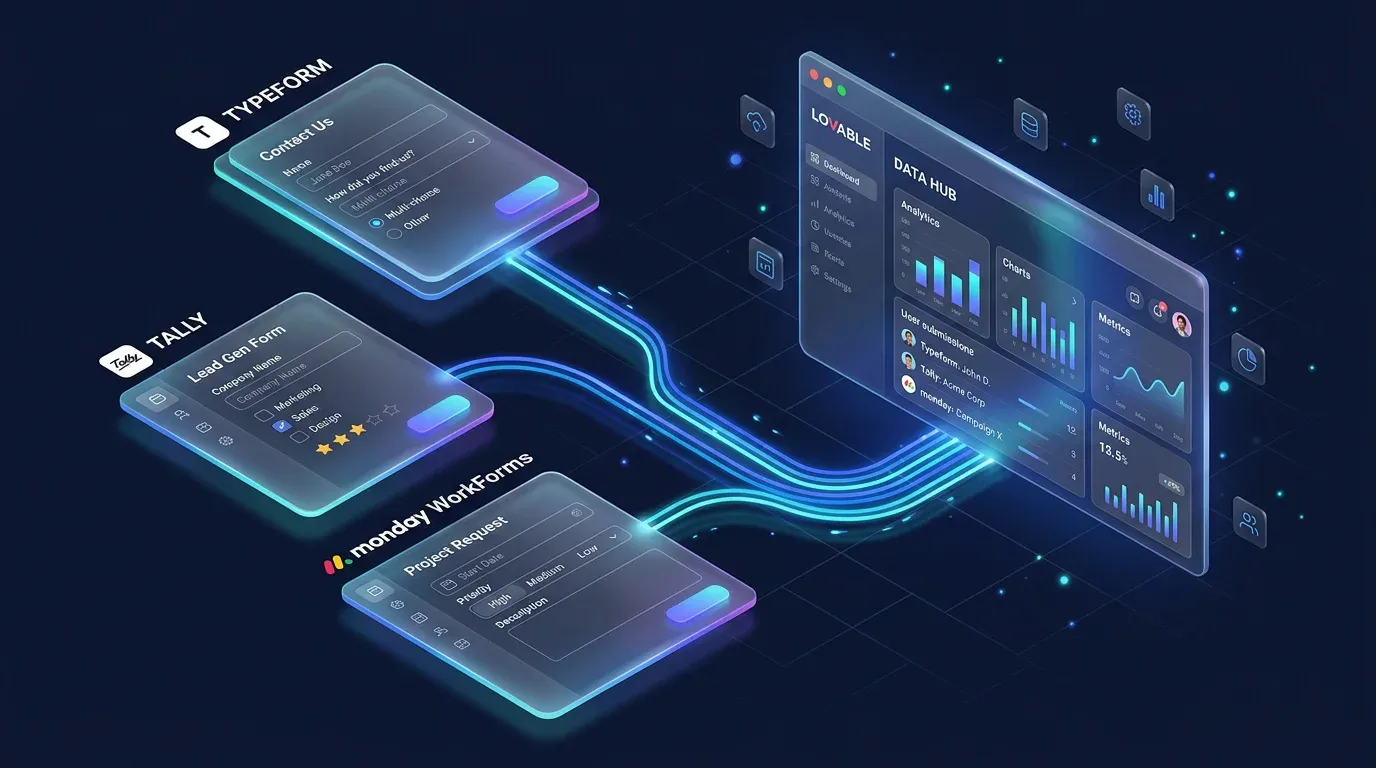
Form Tools for Lovable Projects: Typeform, Tally & monday WorkForms Compared
Part 1 of the Lovable Forms series: which SaaS form tool fits your Lovable project? Tally, Typeform & monday WorkForms c…
Read more
Setting Up Google Login in Lovable – SSO & Auth Step by Step
How to set up Google Sign-In for your Lovable project – from Google Cloud Console to a working login page. Complete guid…
Read more
The Vibe Coding Stack 2026: Lovable, Supabase, Resend – And What's Still Missing
This is the tech stack we use to build full-stack apps in 2026 – without a traditional dev team. Three core tools, two f…
Read more
Contact Forms in Lovable – Best Practices for Professional Forms
Part 3 of the Lovable Forms series: production-ready best practices for contact forms in Lovable – validation, GDPR, spa…
Read more
Lovable in Practice: From Prompt to Production App
We use Lovable daily in our agency work. An honest field report: features, workflows, strengths, weaknesses – and how we…
Read more
No-Code vs. Custom Development – When Is Each the Right Choice? (2026)
No-code, vibe coding, or custom development? We break down when each approach makes sense – with real examples and a dec…
Read more Deep Dive
Lovable Feature Roundup: What actually mattered in May and June 2026
Subagents, native Claude MCP, the Preview Toolbar, Publish-from-chat, slow-query analysis in Lovable Cloud: in six weeks…
Read more