
Microsoft Copilot 2026: The Complete Guide – Features, Pricing, and Honest Assessment

TL;DR: „Microsoft Copilot is a full agent platform in 2026. Strong in the M365 ecosystem, expensive for SMBs, unrivaled for enterprise. Here's everything you need to know."
— Till FreitagIn 30 Seconds
Microsoft Copilot is no longer the chatbot that appeared in Office apps in 2023. In 2026, it's an agent platform that answers emails, prepares meetings, analyzes data, and orchestrates workflows – across all M365 apps. This guide explains what Copilot can do, what it costs, and whether it's worth it for your team.
The Evolution: From Chatbot to Agent
Microsoft developed Copilot in three "Waves":
| Phase | Period | What Happened |
|---|---|---|
| Wave 1 | 2023–2024 | Chat assistant in Office apps. Responds to prompts, generates text and summaries. |
| Wave 2 | 2025 | Copilot Studio, Custom Agents, first automations in individual apps. |
| Wave 3 | 2026 | Copilot Cowork: Autonomous, cross-app agents. Agent 365 as management platform. |
The jump from Wave 2 to Wave 3 is the critical one: Copilot no longer just reacts – it acts autonomously.
What Can Copilot Do in 2026?
Copilot in M365 Apps
The core integration most people know:
| App | What Copilot Does |
|---|---|
| Word | Create, rewrite, summarize documents. Adjust tone. Enrich with company data. |
| Excel | Generate formulas, analyze data, create pivot tables, Python code for complex analysis. |
| PowerPoint | Create presentations from briefings, redesign slides, generate speaker notes. |
| Outlook | Summarize emails, suggest replies, coordinate appointments, prioritize inbox. |
| Teams | Meeting summaries, extract action items, summarize messages, catch-up on missed meetings. |
| OneNote | Structure notes, extract to-dos, summarize meeting notes. |
Copilot Cowork (Wave 3)
The flagship feature of 2026 – powered by Anthropic's Claude:
- Autonomous workflows: "Prepare the board meeting" → Copilot gathers data, creates presentation, sends invitations, coordinates prep meetings
- Cross-app: One agent orchestrates Word, Excel, PowerPoint, Outlook, and Teams simultaneously
- WorkIQ: Microsoft's intelligence layer that understands enterprise context
- Enterprise Data Protection: Data stays in the tenant, no training on customer data
Copilot Studio
The low-code platform for custom agents:
- Build custom agents without code – via drag-and-drop
- Connect enterprise data sources (SharePoint, Dataverse, external APIs)
- Agent 365 (GA since May 2026): Central management of all agents in the organization
- Multi-model: Access to GPT-4o, Claude, and additional models
Microsoft 365 Chat
The central entry point:
- Search across all M365 data: Emails, documents, chats, calendar
- Context awareness: Knows which projects you're working on
- Web grounding: Can incorporate current information from the internet
- Business Chat: Combines internal and external data for responses
Pricing: What Does Copilot Cost in 2026?
Pricing has become more complex in 2026 – here's the overview:
Plans Compared
| Plan | Price | What's Included |
|---|---|---|
| Microsoft 365 Personal/Family | from $6.99/month | Copilot in consumer apps, limited usage |
| Copilot Pro | $20/month | Priority access to GPT-4o, Copilot in desktop apps, extended image generation |
| Microsoft 365 Copilot (Business) | $30/user/month | Copilot in all M365 business apps, Enterprise Data Protection |
| Agent 365 | $15/user/month | Custom agents via Copilot Studio, agent management |
| E7 Suite | $99/user/month | Everything: Copilot + Agent 365 + Security + Compliance + Analytics |
Hidden Costs
What Microsoft doesn't advertise prominently:
- M365 license prerequisite: Copilot Business requires a Business Standard ($12.50) or E3/E5 license
- Actual cost per user: $42.50–$57/month (M365 + Copilot)
- Agent 365 add-on: Additional $15/user/month for custom agents
- E7 all-in: $99/month sounds steep, but cheaper than individual components
- Rollout requirement: Copilot Business must be licensed for at least 300 seats (Enterprise Agreement)
Cost Comparison with Alternatives
| Solution | Monthly Cost (per User) | What You Get |
|---|---|---|
| Copilot Business | ~$42.50 (incl. M365) | Full M365 integration, enterprise-grade |
| ChatGPT Team | $25 | Chat + Canvas, no Office integration |
| Claude Team | $25 | Chat + Artifacts, no Office integration |
| Google Gemini for Workspace | $20 (add-on) | Integration in Google Workspace |
| OpenClaw (Self-Hosted) | $0 + infrastructure | Open source, full control, but watch API costs |
Strengths: Where Copilot Shines
1. Unmatched M365 Integration
No other AI tool has such deep access to the Microsoft ecosystem. Copilot knows your emails, documents, calendar, Teams chats, and SharePoint data. That's a massive context advantage.
2. Enterprise Data Protection
Data stays in the Microsoft tenant. No training on customer data. Compliance with GDPR, SOC 2, ISO 27001. For regulated industries (finance, healthcare, government), this is a dealbreaker.
3. Copilot Studio
The ability to build custom agents via low-code and manage them centrally through Agent 365 is a gamechanger for IT departments. No other provider has a comparable enterprise agent platform.
4. Multi-Model Strategy
Since the Claude deal, Copilot is no longer tied to OpenAI. Customers can choose between GPT-4o, Claude, and other models – model lock-in is over.
5. Scale
400+ million M365 users can use Copilot immediately. No onboarding, no tool switch, no new app to learn.
Weaknesses: Where Copilot Disappoints
1. Price-Value for SMBs
$30/user/month on top of the M365 license is $300/month extra for a 10-person team. If only 3 people use it intensively, you're paying for 7 licenses gathering dust. The 300-seat minimum in Enterprise Agreement makes it worse.
2. Quality Is Inconsistent
The truth: Copilot in Excel is significantly weaker than in Word or Outlook. Python-in-Excel is powerful but complex. PowerPoint generation often produces generic results. Quality varies drastically between apps.
3. Vendor Lock-in
Copilot only works in the Microsoft ecosystem. If you use Google Workspace, you get nothing. If you run hybrid setups (Slack instead of Teams, Notion instead of SharePoint), you only get a fraction of the value.
4. Data Quality Dependency
Copilot is only as good as the data in the tenant. If SharePoint is a mess of outdated documents, Copilot delivers outdated or contradictory answers. Garbage in, garbage out – now with AI confidence.
5. No Local Deployment
For organizations with strict data residency requirements (government, defense, certain healthcare scenarios), Copilot remains a cloud solution. Those who need full GDPR control need self-hosting alternatives.
6. Customization Limits
Copilot Studio is powerful for standard workflows. But for complex, domain-specific agents with custom tooling, you hit limits quickly. Frameworks like OpenClaw or NanoClaw offer more flexibility.
Who Should Use Copilot?
✅ Yes – if you:
- Are all-in on M365 (Word, Excel, PowerPoint, Outlook, Teams, SharePoint)
- Have 50+ employees and can spread license costs across enough users
- Regulated industry: Financial services, healthcare, government – where Enterprise Data Protection is mandatory
- Have an IT department: Rollout, governance, and Copilot Studio require dedicated resources
- Knowledge workers dominate: Teams with lots of email, documents, and meetings benefit most
❌ No – if you:
- Have under 20 employees and the budget is better invested in targeted tools
- Use Google Workspace: Gemini for Workspace is the better choice
- Are a developer team: For code tasks, Claude Code, Cursor, or OpenClaw are better
- Need maximum control: Self-hosted agents via OpenClaw or NanoClaw give you full data sovereignty
- Run hybrid tooling: Slack + Notion + Linear instead of Teams + SharePoint + Planner → Copilot adds little value
🤔 Maybe – if you:
- Use M365 but are small: Copilot Pro ($20/month) as individual license can be worth it for power users
- Plan a pilot: Start with 10 licenses for the team with the most email/meeting volume
- Evaluate Agent 365: The custom agent builder is promising but still young
Our Assessment
Microsoft Copilot is the most complete enterprise AI product on the market in 2026. No competitor has comparable integration into a productivity ecosystem with 400+ million users.
But "complete" doesn't mean "right for everyone." The strength – deep M365 integration – is simultaneously the biggest limitation. If you're not all-in on Microsoft, you pay more for Copilot than it delivers.
Our recommendation by scenario:
| Scenario | Recommendation |
|---|---|
| Enterprise (500+ seats, M365) | Copilot Business + Agent 365 – unrivaled |
| Mid-market (50–500, M365) | Copilot Business Pilot – test 10-20 licenses, then scale |
| Startup / SMB (under 50) | Copilot Pro for power users, rest with ChatGPT/Claude |
| Developer team | Claude Code + OpenClaw – better code tools, more control |
| Privacy-first | OpenClaw Self-Hosted – full GDPR control |
| Google Workspace | Gemini for Workspace – Copilot adds nothing here |
Conclusion
Microsoft Copilot is no longer a chatbot – it's an agent platform with the potential to fundamentally change how knowledge workers operate. But only if three conditions are met:
- You're in the M365 ecosystem (otherwise you lack the context)
- Your data is clean (otherwise AI just produces garbage faster)
- You've adjusted your incentive structures (otherwise reclaimed capacity becomes new bureaucracy)
When all three align, Copilot 2026 is the most powerful productivity tool Microsoft has ever built.
Evaluating Copilot for your organization? Talk to us – we help with strategy, pilot setup, and integration into existing workflows.
More on this topic: Copilot Cowork: Microsoft Bets on Claude · AI ROI & Incentive Structures · Token Economics: The New Oil · OpenClaw Self-Hosting Guide
Related Articles

Microsoft Reinvents SharePoint – With AI at Its Core
Microsoft announces a completely redesigned SharePoint with AI as a core feature. Preview has been running since March, …
Read more
Copilot Cowork: Microsoft Bets on Claude – and What It Means for OpenAI
Microsoft launches Copilot Cowork – powered by Anthropic's Claude. 400M+ users get an autonomous agent for emails, calen…
Read more
Microsoft Scout Runs on OpenClaw – Not „OpenClaw-like", It Is the Gateway
Microsoft just showed off a new Copilot agent called Scout at Build. The tech bubble calls it „OpenClaw-like" – in reali…
Read more
GitHub Uses Your Copilot Data for AI Training – What This Means Strategically for Microsoft
Starting April 24, 2026, GitHub will use Copilot interaction data for AI model training unless you opt out. Here's what'…
Read more
Claude Code Out of Pro: The End of the All-You-Can-Eat Era for Coding Agents
Anthropic is removing Claude Code from the Pro plan. Cursor already moved to token-based pricing. Codex is likely next. …
Read more
OpenClaw Pricing Shock: How to Avoid the $500 Bill
Anthropic just killed third-party tool coverage under Claude subscriptions. If you're running OpenClaw without prep, you…
Read more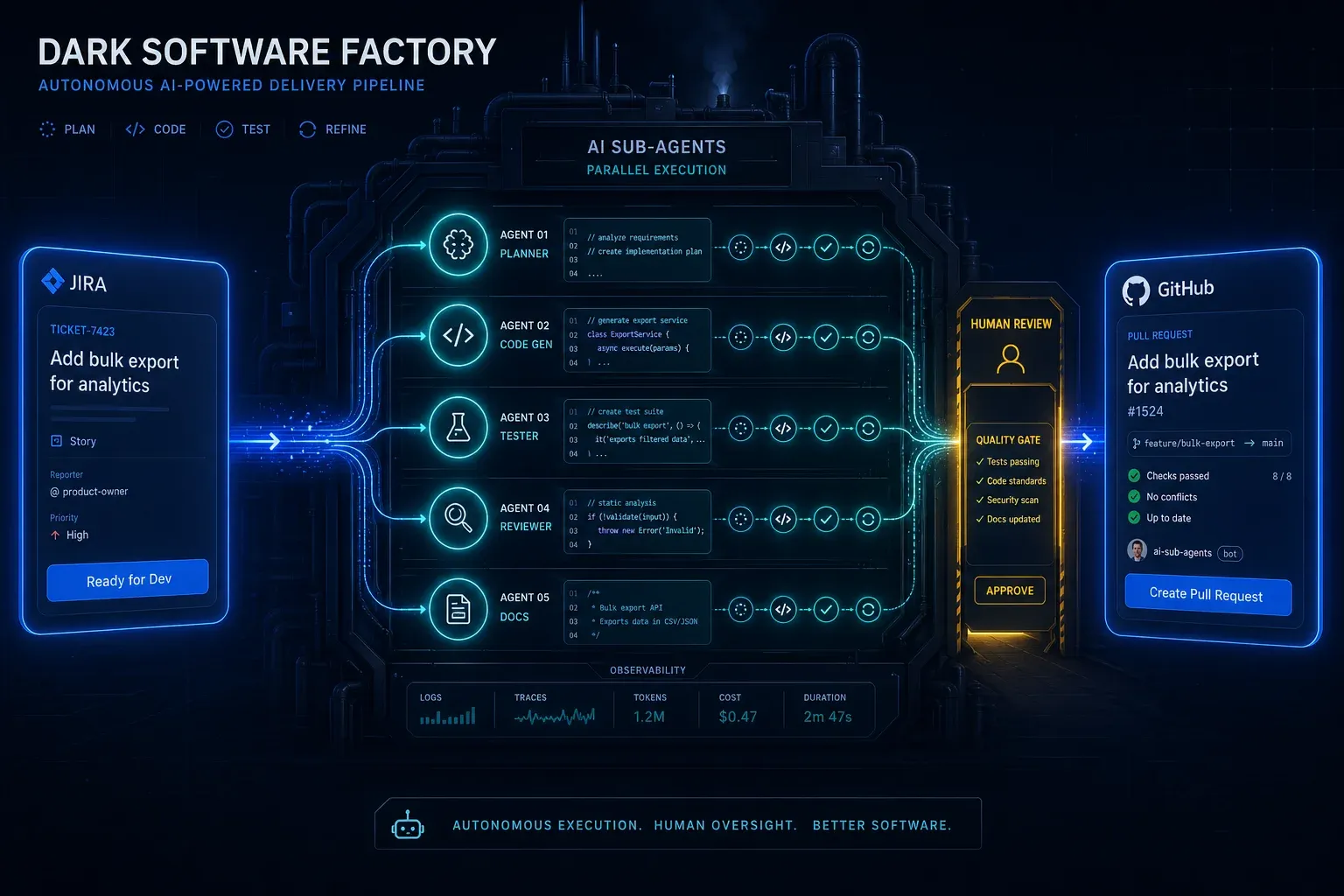
AI Agentic First at Groupon: What Ales Drabek's Dark Software Factory Teaches Us
Ales Drabek, CTIO at Groupon, runs two patterns in production: Dark Software Factory and Speedboats. What that reveals a…
Read more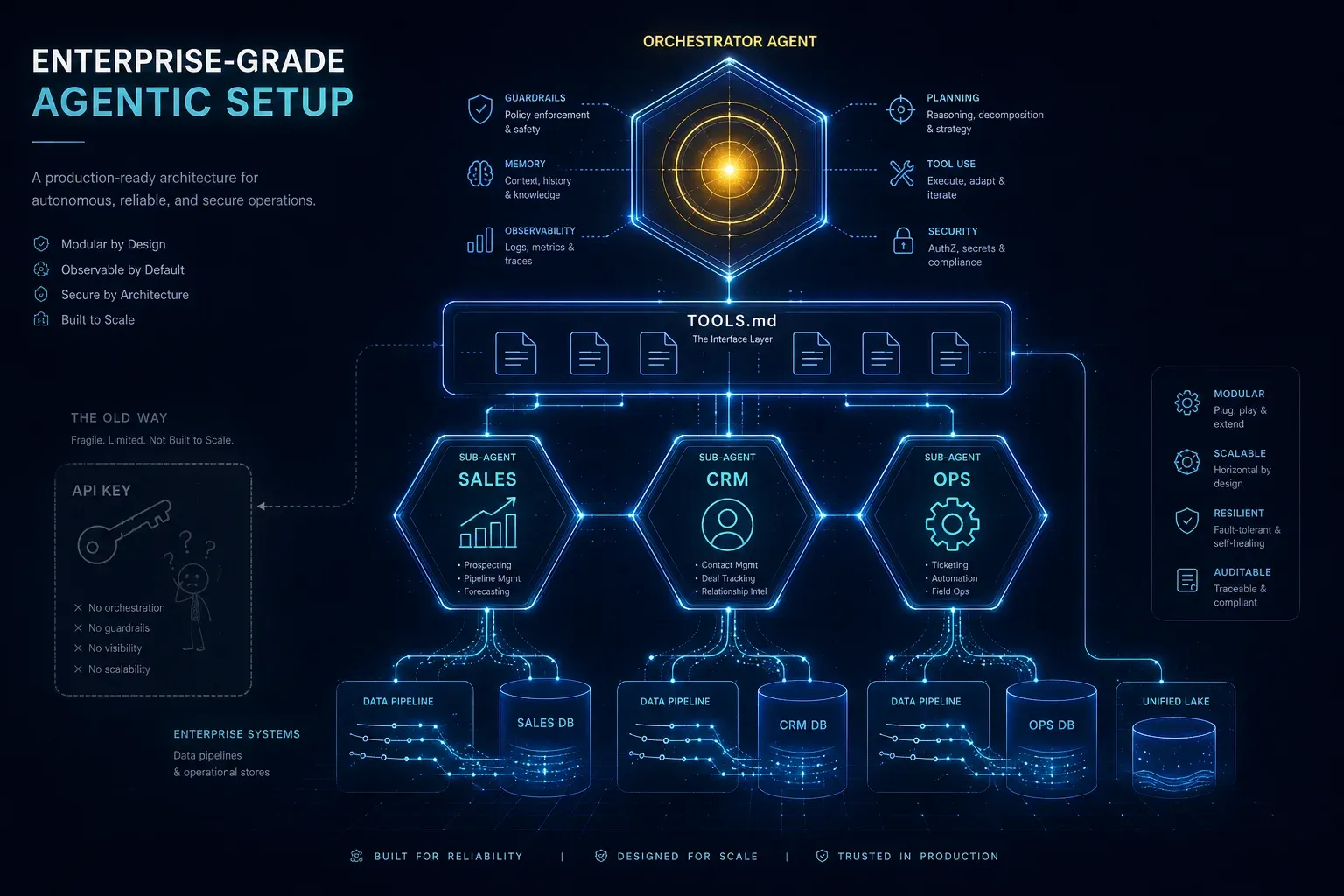
Enterprise-Grade Agentic Setup: Why an API Key Is Not an AI Strategy
An API key on your website is child's play. An agentic setup with specialised sub-agents, TOOLS.md, clean system prompts…
Read more
Claude Opus 4.7 Is Here: What Premium Teams Need to Know About the Tokenizer, xhigh, and Spend Controls
Anthropic just released Claude Opus 4.7. Same price as 4.6, but noticeably better at coding, agents, and visual output. …
Read more