
Vibe Coding for Teams: Workflows, Governance & Best Practices

TL;DR: „One developer with vibe coding is 10x more productive. A team without governance using vibe coding is 10x more chaotic. The rules make the difference."
— Till FreitagThe Challenge: Vibe Coding Scales – But So Does Chaos
Individual developers love vibe coding. They prompt, iterate, deploy – and by the end of the day, there's a working app. But what happens when a whole team works this way?
Without clear structures, you get:
- 🔀 Duplication: Three people build the same feature in different tools
- 🔓 Security gaps: AI-generated code deployed without review
- 📦 Dependency chaos: Incompatible tech stacks within one organisation
- 🗂️ Knowledge loss: Nobody understands why the code looks the way it does
We've worked with dozens of teams introducing vibe coding – successfully and less so. Here are the patterns that work.
1. The Tool Matrix: Who Uses What?
Not every team member needs the same tool. Best practice: A clear mapping of roles to tools.
| Role | Primary Tool | Secondary | Why |
|---|---|---|---|
| Founder/PM | Lovable | v0 | Quick prototypes, no coding skills needed |
| Frontend Dev | Cursor | Claude Code | Full control over existing codebases |
| Backend Dev | Claude Code | Cursor | Multi-file refactoring, terminal workflows |
| Designer | v0 | Lovable | UI components, design-to-code |
| QA/DevOps | Claude Code | – | Automated tests, CI/CD pipelines |
For a detailed comparison of all tools, check our Vibe Coding Tools Comparison.
2. The Team Vibe Coding Workflow
Phase 1: Prototype (1–2 days)
Tool: Lovable or Bolt Who: Founder, PM, or designer Output: Working prototype with basic UI
Prompt example:
"Build a dashboard for our sales team with a pipeline view,
contact list, and activity feed. Use shadcn/ui components."
Phase 2: Validation (1 day)
Tool: Lovable (Visual Edits) Who: Stakeholders, design team Output: Validated UI/UX, clear requirements
- Stakeholders test the prototype directly in the browser
- Feedback is turned into specific prompts
- Visual Edits for quick colour and text changes (saves credits)
Phase 3: Production-Ready (3–5 days)
Tool: Cursor or Claude Code Who: Developers Output: Tested, reviewed code in Git
- Export code from Lovable to GitHub
- Architecture review and refactoring
- Security audit (auth, RLS, API keys)
- Write tests and set up CI/CD
Important: This phase is not optional. We explain why in MVP to Production.
Phase 4: Iteration (ongoing)
Tool: Mix of all Who: Entire team Output: Continuous improvements
- New features: Lovable prototype → dev review → merge
- Bug fixes: Claude Code or Cursor directly in the codebase
- UI tweaks: v0 for components, then integrate into codebase
3. Governance: 7 Rules for Team Vibe Coding
Rule 1: No Unreviewed AI Code in Production
Every piece of AI-generated code goes through a pull request review, just like human-written code. No exceptions.
Rule 2: One Git Repository, One Tech Stack
Teams agree on one tech stack (e.g. React + Vite + Tailwind + Supabase). No parallel experiments with Vue in Lovable and Svelte in Bolt.
Rule 3: Prompts Are Documentation
Good prompts are better than no documentation. Teams maintain a prompt log – either in the Lovable chat history or in a shared document.
Rule 4: Security Review Before Every Deploy
AI-generated code has typical vulnerabilities:
- Missing Row-Level Security (RLS)
- API keys in the frontend
- Unvalidated user inputs
- Overly permissive CORS settings
A security checklist before every deploy is mandatory.
Rule 5: Budget Your Credits
Teams set a monthly credit budget per person or project. This prevents uncontrolled costs and forces more deliberate prompting. More on credits in our Lovable Pricing Guide.
Rule 6: Share Knowledge, Don't Hoard It
Weekly 15-minute standups on the topic: "What did I build with AI this week? What worked, what didn't?" This accelerates the entire team's learning curve.
Rule 7: Define Boundaries
Not everything should be vibe-coded. Teams define clear boundaries:
| ✅ Vibe Coding OK | ❌ Better Done Traditionally |
|---|---|
| Prototypes & MVPs | Payment infrastructure |
| Internal tools | Medical software |
| Landing pages | Compliance-critical systems |
| Admin dashboards | Cryptography |
| API integrations | Real-time trading systems |
4. Metrics: How to Measure Success
Teams that successfully introduce vibe coding track these KPIs:
| Metric | Before | With Vibe Coding | Improvement |
|---|---|---|---|
| Time to Prototype | 2–4 weeks | 1–3 days | 5–10x |
| Iterations per Sprint | 3–5 | 10–20 | 3–4x |
| Dev Cost per MVP | €10,000–50,000 | €500–2,000 | 10–25x |
| Time to First Deploy | 4–8 weeks | 1–2 days | 20–30x |
Caveat: These metrics apply to the prototype phase. Production-ready code still requires professional development.
5. Common Mistakes (and How to Avoid Them)
❌ "Everyone uses whatever they want"
→ Result: 5 different frameworks, no reusability ✅ Solution: Standardised tech stack, tool matrix (see above)
❌ "AI code is good enough for production"
→ Result: Security incidents, performance issues, tech debt ✅ Solution: Mandatory code review, security checklist
❌ "We don't need documentation, the code explains itself"
→ Result: Onboarding takes weeks, knowledge gets lost ✅ Solution: Prompt logs, Architecture Decision Records (ADRs)
❌ "Vibe coding replaces our dev team"
→ Result: Quality drops, frustration rises ✅ Solution: Vibe coding makes devs more productive – it doesn't replace them. More: What Is Vibe Coding?
6. The Rollout Plan: Introduce Vibe Coding in 4 Weeks
| Week | Focus | Activities |
|---|---|---|
| 1 | Awareness | Workshop: explore tools, build first prototype |
| 2 | Pilot project | Implement a real (non-critical) project with vibe coding |
| 3 | Governance | Define tool matrix, security checklist, prompt guidelines |
| 4 | Scale | Document learnings, roll out to additional teams |
Conclusion: Team Vibe Coding Works – With Structure
The technology is mature. The tools are here. What holds most teams back isn't the AI – it's missing processes. Those who think about governance, workflows, and best practices from the start will be dramatically faster and more productive with vibe coding.
Those who try it without structure will mainly produce one thing: technical debt.
Want to introduce vibe coding to your team in a structured way? In our workshop, we'll show you in one day how to go from tools to governance to your first pilot project – tailored to your stack and organisation.
Related Articles
AI Readiness Check: Why 90% of Companies Aren't Ready for AI – And How You Fix That in One Day
Most companies talk about AI – but almost none know where they actually stand. An AI Readiness Check reveals in one day …
Read more
Autonomous AI Agents in Business: Opportunities, Risks & Governance
Gartner says 40% of agentic AI projects will be cancelled by 2027. Not because of the tech – because of missing governan…
Read more
The Vibe Coding Explosion: 138 Tools – and Why Only 7 Categories Matter
138+ vibe coding tools on the market – and more every week. We sort the chaos into 7 categories and analyze which ones w…
Read more
Why We're Hiring Germany's First Vibe Coder
We're looking for Germany's First Vibe Coder. Not a marketing gag – the logical consequence of how we build software in …
Read more Deep Dive
Is SaaS Dead? monday.com CEO on Vibe Coding, Agents and the Future of Enterprise Software
monday.com is under massive pressure – stock down 60% from IPO, Vibe Coding as a threat, AI agents as disruption. CEO Er…
Read more
Ponytail: The Best Code Is the Code You Never Wrote
A dev built Ponytail because his AI agents wrote 500 lines for a 5-line problem. The result: 80-94% less code, 47-77% ch…
Read more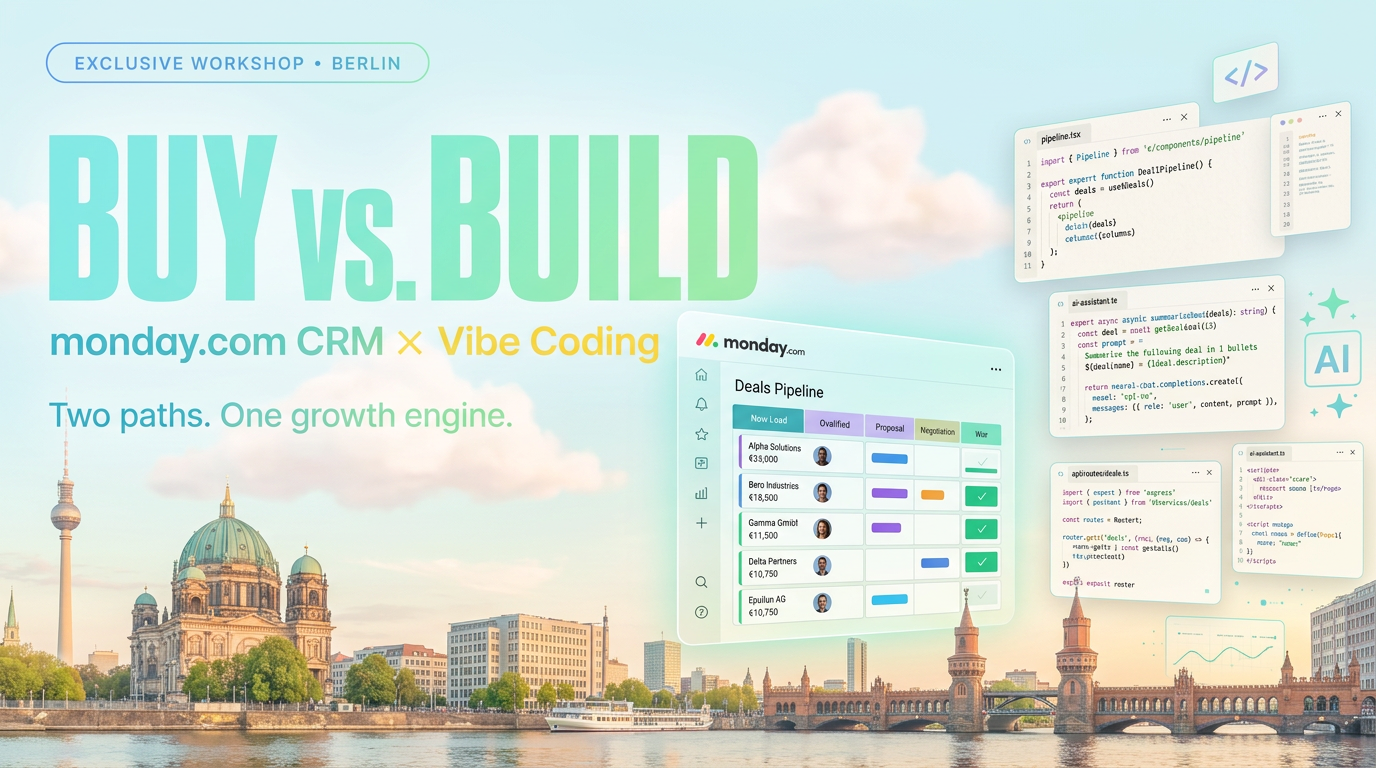
Revenue Royale Recap: How monday CRM's 5 New AI Capabilities Map the Future GTM Stack
Recap of the workshop by Alena Zidek (monday.com) and Malte Lensch (Till Freitag) in the Social Hub of Revenue Royale 20…
Read more
Microsoft Scout Runs on OpenClaw – Not „OpenClaw-like", It Is the Gateway
Microsoft just showed off a new Copilot agent called Scout at Build. The tech bubble calls it „OpenClaw-like" – in reali…
Read more
Revenue Royale Berlin: Our Table with monday.com – Plus a Workshop on the Same Day
On June 11 we're co-hosting a table with monday.com at Revenue Royale in Berlin – and delivering the 'Buy vs. Build' wor…
Read more