

TL;DR: „No-Code Agent Development means building AI agents that act autonomously – without writing code. Sounds like magic, but it's really just architecture."
— Till FreitagAgents Are Not Chatbots
Before we talk about no-code, let's clear up what an agent actually is. Most people confuse agents with chatbots – and that confusion costs real money.
A chatbot answers questions. You type something in, it spits something out. Done.
An agent acts. It gets a goal, breaks it into steps, uses tools, makes decisions, and delivers a result. The difference is like asking for directions at a train station versus having a travel agent book your entire trip.
Agents can:
- Research data and summarize findings
- Draft and send emails based on context
- Create CRM entries from conversations
- Analyze documents and suggest next steps
- Trigger workflows across your tool stack
The key difference: they do this autonomously. You define the goal, the agent figures out the path.
What Does No-Code Mean Here?
No-Code Agent Development means you build these agents through visual interfaces instead of Python scripts.
Instead of:
agent = Agent(
    tools=[search, email, crm],
    model="claude-3.5",
    instructions="Research leads and create CRM entries"
)
You drag blocks together, configure triggers, and connect tools via point-and-click. The logic is identical – the barrier to entry isn't.
The Three Building Blocks
Every no-code agent consists of three core components:
- Trigger – What kicks off the agent? (New form submission, incoming email, schedule, webhook)
- Logic – What should it do? (LLM prompt, conditions, loops, tool calls)
- Actions – Where does the result go? (Update CRM, send Slack message, write to database)
What Tools Are Out There?
The market is exploding. Here are the most relevant platforms:
For Business Teams
| Tool | Strength | Price |
|---|---|---|
| make.com | Visual workflow builder with LLM modules | From $9/month |
| Zapier Central | Agent layer on Zapier's ecosystem | Included in Zapier |
| monday.com AI | Agents built into work management | Included in plan |
For More Technical Teams
| Tool | Strength | Price |
|---|---|---|
| n8n | Open-source, self-hostable, extremely flexible | Free (self-hosted) |
| Relevance AI | Specialized in agent teams and multi-step flows | From $19/month |
| Flowise | Open-source LangChain in the browser | Free |
For Developers (Low-Code)
| Tool | Strength | Price |
|---|---|---|
| LangGraph Studio | Visual graph builder for LangChain | Free |
| CrewAI | Multi-agent orchestration | Open Source |
| Dify | All-in-one LLM app platform | Free tier |
Real Example: Lead Qualification Without Code
A concrete use case we've built for clients:
Goal: Automatically qualify new contact requests and log them in the CRM.
Setup with make.com:
- Trigger: New form submitted on the website
- Agent step: Claude analyzes the inquiry – industry, company size, urgency
- Decision: Lead score above or below threshold?
- Action A (high score): Create CRM deal, send calendar invite
- Action B (low score): Start nurture email sequence
Time invested: four hours. Zero lines of code. Running reliably for months.
Where No-Code Agent Development Hits Its Limits
Let's be honest. No-code agents aren't the answer to everything:
Complexity
Past a certain point, visual workflows become harder to read than code. If your agent needs 15 branches, 8 tools, and error handling at every step – write code.
Performance
No-code platforms add overhead. For time-critical applications (sub-500ms response times), you need your own infrastructure.
Data Privacy
Your data flows through third-party servers. For sensitive data (health, finance, personal information), self-hosting or a custom solution is often mandatory.
Cost at Scale
No-code is cheap to start. At 10,000 agent runs per day, it gets more expensive than a custom solution.
When No-Code, When Code?
| Scenario | Recommendation |
|---|---|
| Internal workflow, <100 runs/day | ✅ No-Code |
| Validating a prototype | ✅ No-Code |
| Customer-facing product with SLA | ⚠️ Low-Code or Code |
| Multi-agent system with memory | ⚠️ Low-Code |
| Realtime, high load | ❌ Code |
| Regulated industry | ❌ Code (self-hosted) |
Our Approach
We almost always start no-code. The reason is simple: speed.
An agent that's running in four hours and solves 80% of the problem is more valuable than one that's perfect in four weeks. And most of the time, 80% is enough.
When it's not, we migrate. From make.com to n8n (self-hosted). From n8n to custom code. The architecture stays the same – only the implementation changes.
That's the part most people miss: No-code isn't a destination. It's a starting point. The fastest way to find out whether your agent idea even works – before you invest weeks in custom development.
Bottom Line
No-Code Agent Development democratizes what only AI engineers could do two years ago: building autonomous AI systems.
Is it perfect? No. Is it right for every use case? Definitely not. But for most business processes – lead qualification, content creation, data analysis, internal automation – it's the fastest and most pragmatic path forward.
The question is no longer "Can we use AI agents?" It's "Which process do we automate first?"
Want to figure out which processes are best suited for automation? In a free intro call, we'll look at where AI agents can give you the biggest leverage – no-code or custom.
Related Articles
Make vs. Claude Code vs. OpenClaw – Picking the Right Orchestration Layer (2026)
Make.com, Claude Code, or OpenClaw? Three tools, three layers of the stack. Here's when to pick which orchestration tool…
Read more
Gumloop Review 2026: AI Agents and Workflows Without Code
Gumloop combines AI agents with visual workflow automation – completely no-code. Here's what the platform can do, what i…
Read more
HyperAgent Review 2026: The Agent Platform for Teams Ready to Scale AI
HyperAgent promises the complete platform for AGI-level agents – learnable skills, fleet management, A/B testing. How do…
Read more
Manus AI Review 2026: What the Autonomous AI Agent Actually Delivers – and Where It Falls Short
Manus AI promises autonomous task execution – code, research, data analysis, all without babysitting. We tested the AI a…
Read more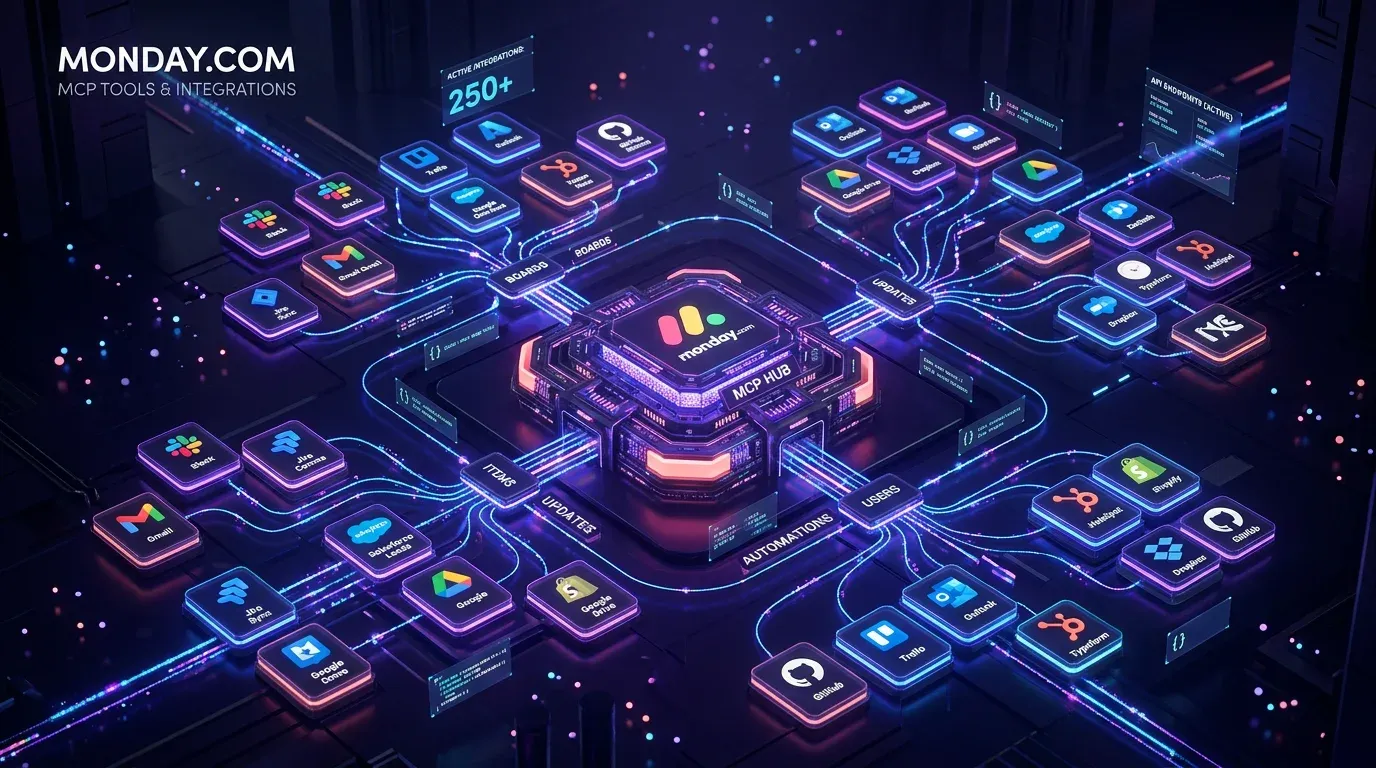
monday.com MCP: All Available Tools and Integrations Overview
monday.com offers two powerful MCP servers – Platform MCP and Apps MCP – plus native integrations for Claude, Cursor, Ch…
Read more
monday Vibe Apps – Build Custom Mini-Applications Without Code (2026 Guide)
monday Vibe Apps let anyone build custom mini-applications using natural language prompts – no code, directly within mon…
Read more
The 5 Building Blocks of an AI Agent – What's Really Under the Hood
Anthropic, AWS, and Google have published their agent frameworks. But what does an AI agent actually need? 5 building bl…
Read more
Git for Marketing Teams – Why Your AI Stack Needs Version Control
Your marketing team runs AI agents, prompts, and automations? Then you need Git. A practical guide for moving from Googl…
Read more
Autonomous AI Agents in Business: Opportunities, Risks & Governance
Gartner says 40% of agentic AI projects will be cancelled by 2027. Not because of the tech – because of missing governan…
Read more