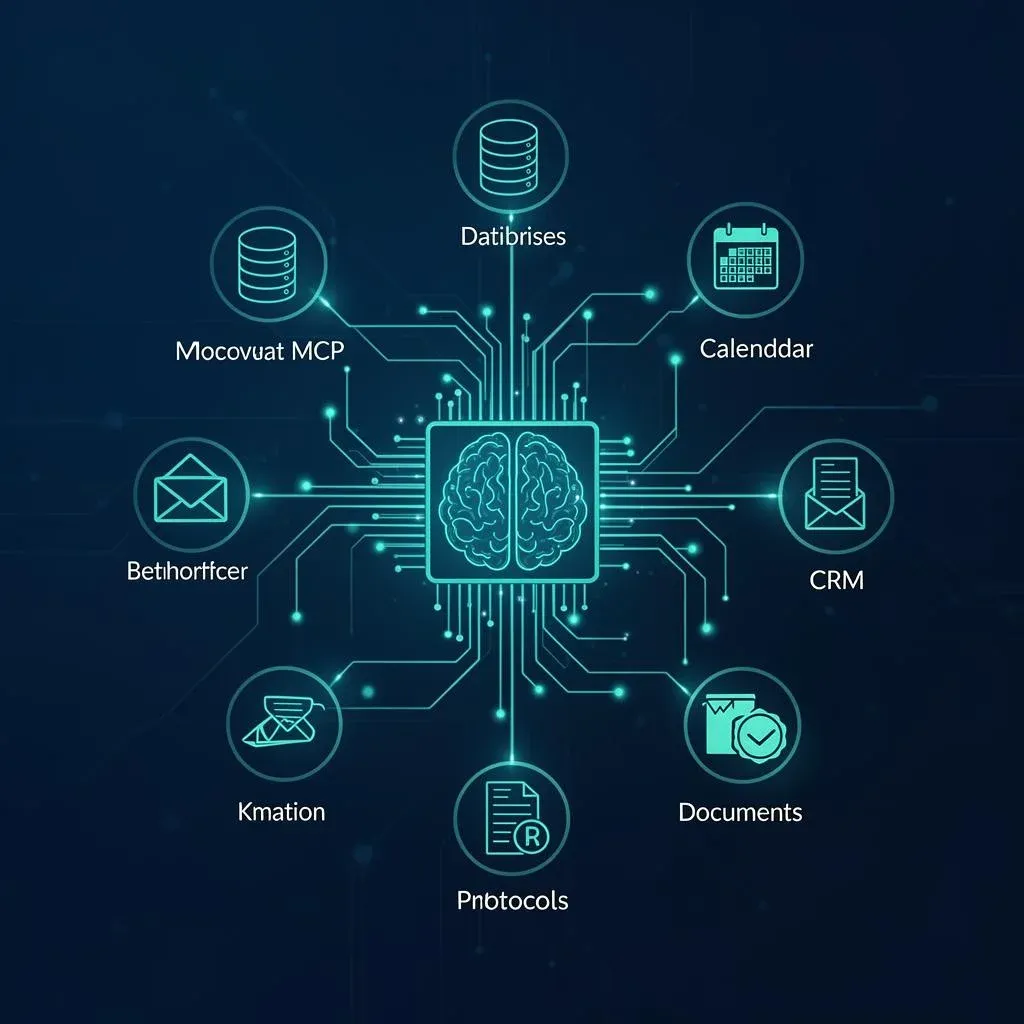
MCP for Beginners: Everything You Need to Know About the Model Context Protocol

TL;DR: „MCP is USB-C for AI: an open standard that connects any AI model to any tool – without custom code for every integration."
— Till FreitagWhat Is MCP – and Why Is Everyone Talking About It?
Imagine buying a new smartphone. It has USB-C – and instantly works with every charger, every monitor, every hard drive. No adapter, no proprietary cable, no workarounds.
MCP is USB-C for AI.
The Model Context Protocol (MCP) is an open standard that connects AI models with external data sources and tools. Instead of every AI application needing a custom integration for every tool, there's now a single, unified protocol.
MCP was initiated by Anthropic (the makers of Claude) – and is already supported by Google, Microsoft, OpenAI, and dozens of tool providers.
The Problem MCP Solves
Without MCP, the world looks like this:
ChatGPT → custom API → Slack
ChatGPT → custom API → Google Drive
ChatGPT → custom API → CRM
Claude  → custom API → Slack
Claude  → custom API → Google Drive
Claude  → custom API → CRM
6 individual integrations – and that's only for 2 AI models and 3 tools. In reality, there are hundreds.
With MCP:
ChatGPT ─┐
Claude   ─┤── MCP ──┬── Slack
Gemini   ─┘         ├── Google Drive
                     └── CRM
One protocol, universal compatibility. Every AI model speaks MCP, every tool offers an MCP server – done.
How Does MCP Work Technically?
MCP follows a simple client-server architecture:
| Component | Role | Example |
|---|---|---|
| MCP Host | The application you use | Claude Desktop, VS Code, your own tool |
| MCP Client | Establishes the connection | Built into the host |
| MCP Server | Provides data & functions | Slack server, CRM server, filesystem server |
What an MCP Server Can Offer
An MCP server can provide three types of capabilities:
- Tools – Actions the AI can execute (send email, update data, start a search)
- Resources – Data the AI can read (documents, database records, files)
- Prompts – Pre-built prompt templates for recurring tasks
A Concrete Example
You open Claude and say:
"Find all open support tickets with priority 'High' and create a summary for the team meeting."
What happens behind the scenes:
- Claude recognizes: "I need access to the ticket system"
- The MCP client in the host connects to the ticket system MCP server
- The server returns the relevant tickets (Resource)
- Claude analyzes and summarizes
- Optionally: Claude uses a Slack MCP server tool to post a message in the team channel
No code. No export. No copy-paste.
Why MCP Is a Game-Changer
1. Goodbye N×M Problem
Previously, every AI provider had to build a custom integration for every tool. With 10 AI models and 100 tools, that's potentially 1,000 integrations. With MCP, every tool needs just one MCP server and every AI model needs just one MCP client. That's 110 instead of 1,000 implementations.
2. Open, Not Proprietary
MCP is an open standard – no vendor lock-in. If you build an MCP server for your CRM today, it works with Claude, ChatGPT, Gemini, and every future model.
3. Security Built In
MCP has a clear permission model:
- Users decide which servers to connect
- Each server has defined capabilities (no wildcard access)
- Confirmation dialogs before critical actions (deleting data, sending emails)
- Local execution possible – data doesn't have to go to the cloud
4. Context Awareness
This is the real breakthrough: AI models get context from your actual data sources. Instead of "Write me an email" (generic), it becomes "Write a follow-up email to the customer based on their last support ticket and the open proposal in our CRM" (context-rich).
MCP in Practice: What Already Works Today
Claude Desktop
Anthropic's desktop app was the first MCP host. You can connect local MCP servers and give Claude access to your filesystem, databases, or APIs.
Development Environments
- VS Code (via GitHub Copilot) supports MCP servers
- Cursor, Windsurf, and other AI IDEs use MCP for tool access
- Lovable uses MCP connectors for Notion, Linear, Jira, and more
Available MCP Servers
The community is growing rapidly. Some examples:
| Category | MCP Servers |
|---|---|
| Productivity | Google Drive, Notion, Confluence, Obsidian |
| Development | GitHub, GitLab, Sentry, PostgreSQL |
| Communication | Slack, Discord, Email |
| CRM & Sales | Salesforce, HubSpot, monday CRM |
| Project Management | Linear, Jira, monday.com, Asana |
| Filesystem | Local files, S3, Google Cloud Storage |
You can find a current overview with hundreds of servers at mcp.so and glama.ai/mcp/servers.
Use Case: monday CRM + Claude + PandaDoc
A concrete example we implement for clients:
Scenario: A sales team uses monday CRM for pipeline management and PandaDoc for proposals.
Without MCP:
- Open deal in monday CRM → manually copy customer data
- Open PandaDoc → create new proposal → paste data
- Send proposal → manually update status in monday
- Create follow-up reminder in calendar
With Claude + MCP:
"The Acme Corp deal is ready. Create a proposal for the Enterprise package, send it, and schedule a follow-up in 5 days."
Claude connects via MCP to monday CRM (deal data, contact person, terms), creates the proposal through the PandaDoc MCP server with the right data, sends it, and logs the follow-up as an activity in monday.
Result: 15 minutes of manual work → 30 seconds. And sales can focus on what matters: customer relationships.
💡 This is exactly the kind of workflow we set up for our clients. Whether monday CRM, PandaDoc, Slack, or your custom stack – we'll help you understand how MCP can transform your processes.
MCP vs. Previous Approaches
| Approach | Advantage | Disadvantage |
|---|---|---|
| Custom APIs | Full control | Separate for each AI×tool combo |
| Plugins (e.g. ChatGPT) | Easy for end users | Platform lock-in |
| Function Calling | Flexible | No standard, every provider different |
| MCP | Universal, open, standardized | Still young, not all tools on board yet |
Why There's No Way Around MCP
The Industry Has Committed
- Anthropic initiated MCP and released it as open source
- Google DeepMind supports MCP in Gemini
- OpenAI announced MCP support for ChatGPT and the Agents SDK
- Microsoft integrates MCP into Copilot Studio and VS Code
- Salesforce, Atlassian, Notion, and dozens more are building MCP servers
When all major players support a standard, it becomes the de facto standard.
AI Without Context Is Useless
The best language model in the world is worth little if it can only access training data. MCP solves this problem fundamentally: AI gets real-time access to your data and tools.
The Network Effect
The more MCP servers exist, the more valuable every MCP-capable client becomes – and vice versa. We're at the beginning of a network effect that accelerates itself.
Composable AI Becomes the Standard
The future belongs to composable AI systems: you choose your model, your tools, and your interface – all connected via MCP. No monolithic system, but a modular ecosystem.
What You Should Do Now
As a Business
- Audit your tool landscape: Which of your tools already offer MCP servers?
- Start a pilot project: Connect Claude Desktop with 2–3 internal data sources and test the productivity gain
- Develop a strategy: Plan which internal systems should be exposed as MCP servers
As a Developer
- Read the MCP specification: spec.modelcontextprotocol.io
- Build your first MCP server: The SDKs (TypeScript, Python) make getting started easy
- Wrap existing APIs: Almost any REST API can be served as an MCP server
As an End User
- Install Claude Desktop and experiment with a local MCP server
- Identify workflows that would benefit from AI-tool integration
- Prefer tools that have or are announcing MCP support
Conclusion: MCP Is the Infrastructure of the AI Future
MCP isn't just another protocol. It's the missing layer between AI models and the real world. Just as HTTP enabled the web, MCP will enable the next generation of AI applications.
The standard is open, the big players are on board, and the ecosystem is growing exponentially. Those who invest in MCP today – whether as users, developers, or businesses – are ready for a future where AI doesn't just talk, but acts.
MCP is not a trend. It's infrastructure.
Related Articles
 Deep Dive
Next-Gen CRM: Why monday CRM Belongs – and Why the Future Interface Is a Chat
The CRM of the future isn't a dashboard – it's a chat. Why monday CRM belongs to the next generation and how MCP is revo…
Read more
PewDiePie's Odysseus: The real question isn't AI sovereignty – it's the AI workplace
PewDiePie's open-source project Odysseus hit 30,000 GitHub stars in 48 hours. The more interesting question behind it: w…
Read more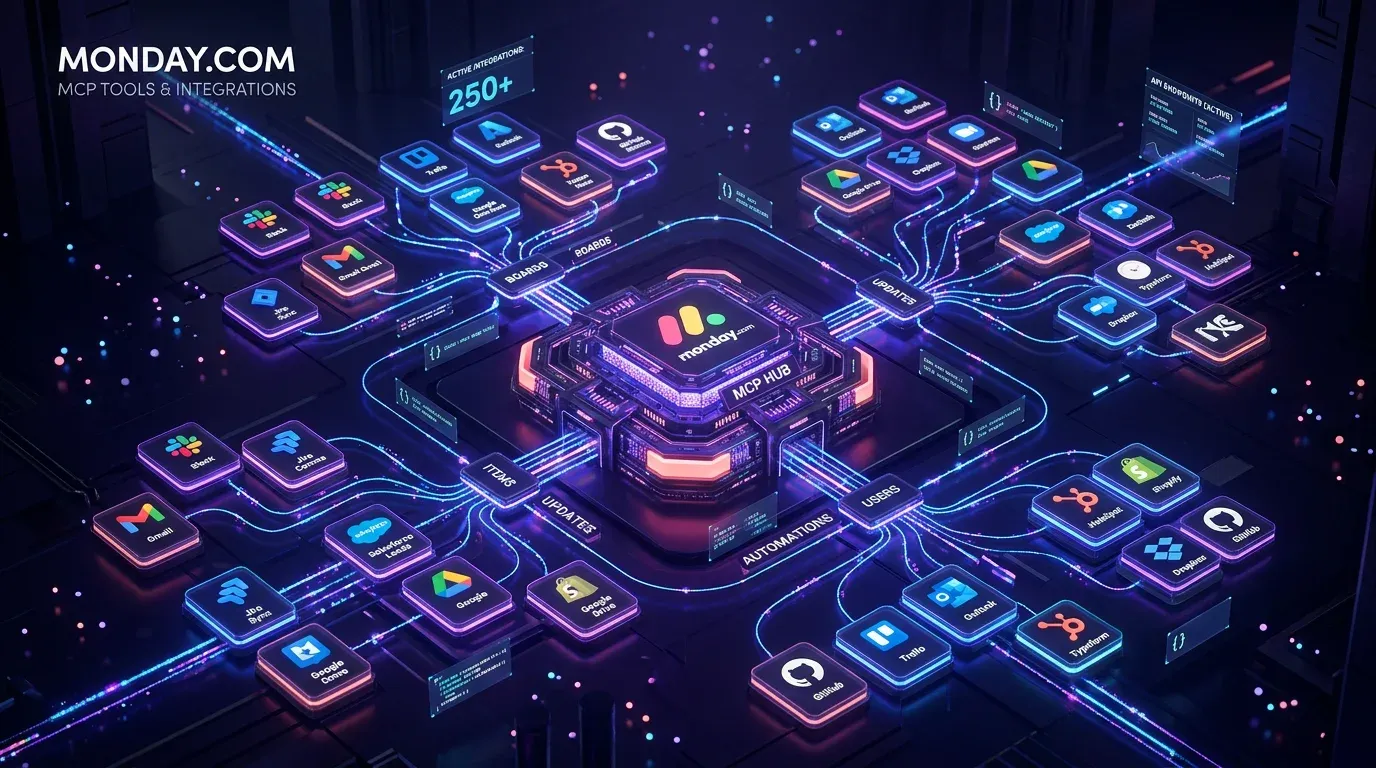
monday.com MCP: All Available Tools and Integrations Overview
monday.com offers two powerful MCP servers – Platform MCP and Apps MCP – plus native integrations for Claude, Cursor, Ch…
Read more
superglue.ai – The AI-Native Integration Platform That Finally Connects Enterprise Systems
superglue.ai replaces brittle SQL scripts and cron jobs with AI-powered enterprise integrations. Open source, Y Combinat…
Read more
Claude Managed Agents: Anthropic's Play to Own the Agent Runtime
Anthropic launches Managed Agents in public beta – a hosted runtime that decouples the 'brain' from the 'hands.' No more…
Read moreWhy We Switched from ChatGPT to Claude – and What We Learned About LLMs Along the Way
We worked with ChatGPT for 18 months – then switched to Claude. Here's our honest comparison of all major LLMs and why C…
Read more
monday Dev: Why It's the Most Underrated Dev Tool of 2026
Agile out of the box, MCP-ready, and the cheapest enterprise pricing on the market: why monday Dev is becoming a serious…
Read more Deep Dive
Claude Sonnet 5: Agentic AI Goes Mainstream
Anthropic ships Claude Sonnet 5 – a Sonnet model that gets close to Opus 4.8 performance at a fraction of the price. Aug…
Read more
Is Local AI Killing the AI-SaaS Startups? An Honest View From the Engine Room
Meetily takes meeting notes fully locally. Qwen runs on a laptop. RTX Spark hits notebooks in 2026. Are all the AI-wrapp…
Read more