
monday.com Training: Everything You Need to Know (Workshop Formats, Process & Tips)


TL;DR: „A good monday.com training saves weeks of trial & error – and determines whether your team actually uses the tool or just pays for the license."
— Till FreitagWhy monday.com Training Makes All the Difference
The license is purchased, the boards are set up – but only 20-30% of the team actually uses monday.com actively. The rest continues working with Excel, email, or the old system. Sound familiar?
The problem is rarely the tool. It's about how it's introduced. Without structured training, you end up with a patchwork of individual workarounds – and nobody uses the truly powerful features.
The 3 Biggest Mistakes in monday.com Rollouts
1. YouTube Instead of Strategy
Self-learning sounds efficient but leads to 50 different ways of working across the team. Everyone builds their boards differently, uses different views, and understands automations differently. The result: chaos instead of productivity.
2. One-Time Training Without Follow-up
A single 2-hour session isn't enough. Without repetition and reinforcement, most participants forget 80% of what they learned within two weeks.
3. Generic Demos Instead of Real Use Cases
Standard training shows generic demo boards that have nothing to do with your actual work. The result: participants can't transfer what they learned to their real tasks.
What Workshop Formats Are Available?
Beginner Workshop (3–4 hours)
Ideal for teams just getting started with monday.com:
- Navigation & Basics – Workspaces, boards, groups, items
- Views & Filters – The right view for every use case
- First Automations – Notifications, status changes, assignments
- Best Practices – Naming conventions, board structure, hygiene
Power User Training (4–6 hours)
For teams ready to level up:
- Complex Automations – Multi-step automations, conditions, custom recipes
- Dashboard Design – Widgets, filters, cross-board reporting
- Formulas & Connections – Mirror columns, formulas, dependencies
- Integrations – Slack, email, Google Drive, Make and more
Admin Training (1 day)
For internal monday.com champions and admins:
- Account Governance – Workspace structure, naming, archiving
- Permission Model – Who can do what? Board owners, viewers, members
- Scalable Structures – How to grow from 10 to 500 users
- Troubleshooting – The most common problems and their solutions
Use Case Workshop (custom)
Together we build your specific use case live:
- CRM & Sales Pipeline
- Project Management & Portfolio Tracking
- HR Onboarding & Recruiting
- Marketing Campaigns & Content Planning
- IT Service Management & Incident Tracking
On-site or Remote?
| Format | Advantages | Ideal for |
|---|---|---|
| On-site Workshop | Direct interaction, team dynamics, immediate implementation | Co-located teams, kick-offs |
| Remote Workshop | Flexible, no travel costs, breakout rooms | Distributed teams, international companies |
| Hybrid | Best of both worlds | Companies with multiple locations |
All formats are equally effective – we adapt the methodology to each format.
How a Training Session Works
1. Needs Analysis (30 minutes)
In a short kick-off we clarify:
- Which roles and teams are being trained?
- What prior knowledge exists?
- What specific learning goals do you have?
2. Curriculum Design (1–2 days)
Based on your needs analysis, we create a tailored curriculum. We use your actual boards and processes as the foundation – no generic demos.
3. Hands-on Workshop
The workshop itself is interactive and practical:
- Live demos with real scenarios
- Exercises in breakout groups
- Immediate implementation on your own board
- Real-time Q&A
4. Follow-up (2 weeks)
After the workshop, we continue to support you:
- Q&A session two weeks after training
- Handout with tips, shortcuts, and best practices
- Video recording for review
- Champions program – we identify and train internal multipliers
How Much Does monday.com Training Cost?
Costs depend on format, number of participants, and scope. As a guideline:
- Beginner Workshop – from €1,500 for up to 15 participants
- Power User Training – from €2,500 for up to 15 participants
- Admin Training – from €3,000 for up to 10 participants
- Use Case Workshop – custom quote
All prices are net and may include travel costs for on-site sessions.
Why Not Just Self-Learn?
| Self-Learning | Professional Training |
|---|---|
| 50 different ways of working | One consistent best-practice structure |
| Weeks of trial & error | Immediately productive with proven methods |
| Generic YouTube videos | Tailored to your processes |
| Knowledge stays with individuals | Champions program for sustainable adoption |
| No point of contact for questions | Follow-up support included |
Conclusion: An Investment That Pays Off in Weeks
Professional monday.com training isn't an expense – it's an investment in your team's productivity. The alternative (months of trial and error, low adoption, frustrated employees) ends up costing significantly more.
Your next step:
Related Articles
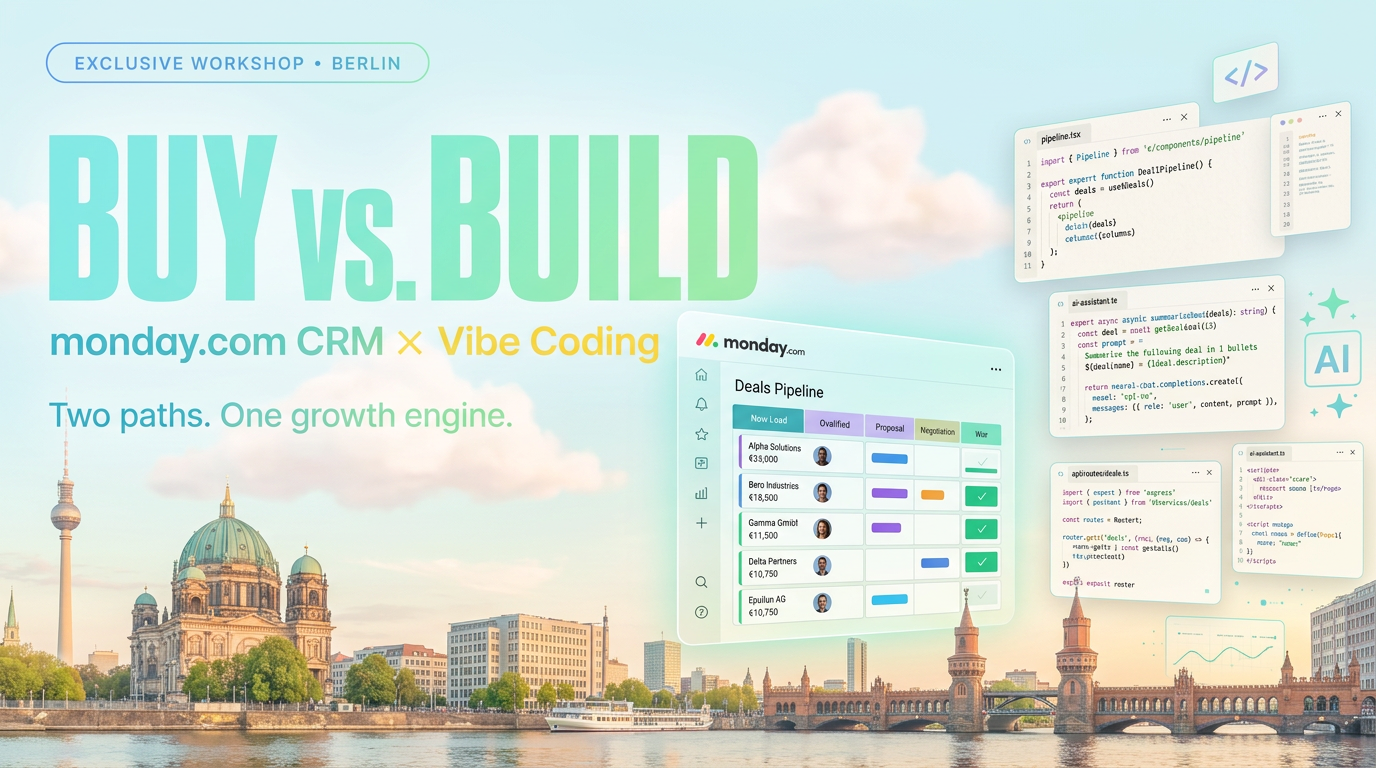
Revenue Royale Recap: How monday CRM's 5 New AI Capabilities Map the Future GTM Stack
Recap of the workshop by Alena Zidek (monday.com) and Malte Lensch (Till Freitag) in the Social Hub of Revenue Royale 20…
Read more
Revenue Royale Berlin: Our Table with monday.com – Plus a Workshop on the Same Day
On June 11 we're co-hosting a table with monday.com at Revenue Royale in Berlin – and delivering the 'Buy vs. Build' wor…
Read moreRevenue Royale Workshop: Buy vs. Build – Why Your Custom CRM Was a Mistake
On June 11, Alena Zidek (monday.com) and Malte Lensch (Till Freitag) deliver the 'Buy vs. Build' workshop at Revenue Roy…
Read more
Odoo vs. monday.com – ERP Suite or Work OS? (Honest 2026 Comparison)
Odoo or monday.com? We compare both platforms honestly – ERP suite vs. Work OS, data model, pricing, AI, and which syste…
Read more
Google's Agent Marketplace Goes Live – And monday.com Is Already Inside
Google just opened Gemini Enterprise to partner-built AI agents – and monday.com is one of the first in. What that means…
Read more
monday.com for Startups 2026: What's Left of the Startup Program – and How You Still Get Good Terms
The official monday.com Startup Program with 10 Pro seats for $2 no longer exists. What's still on the table: AI credit …
Read more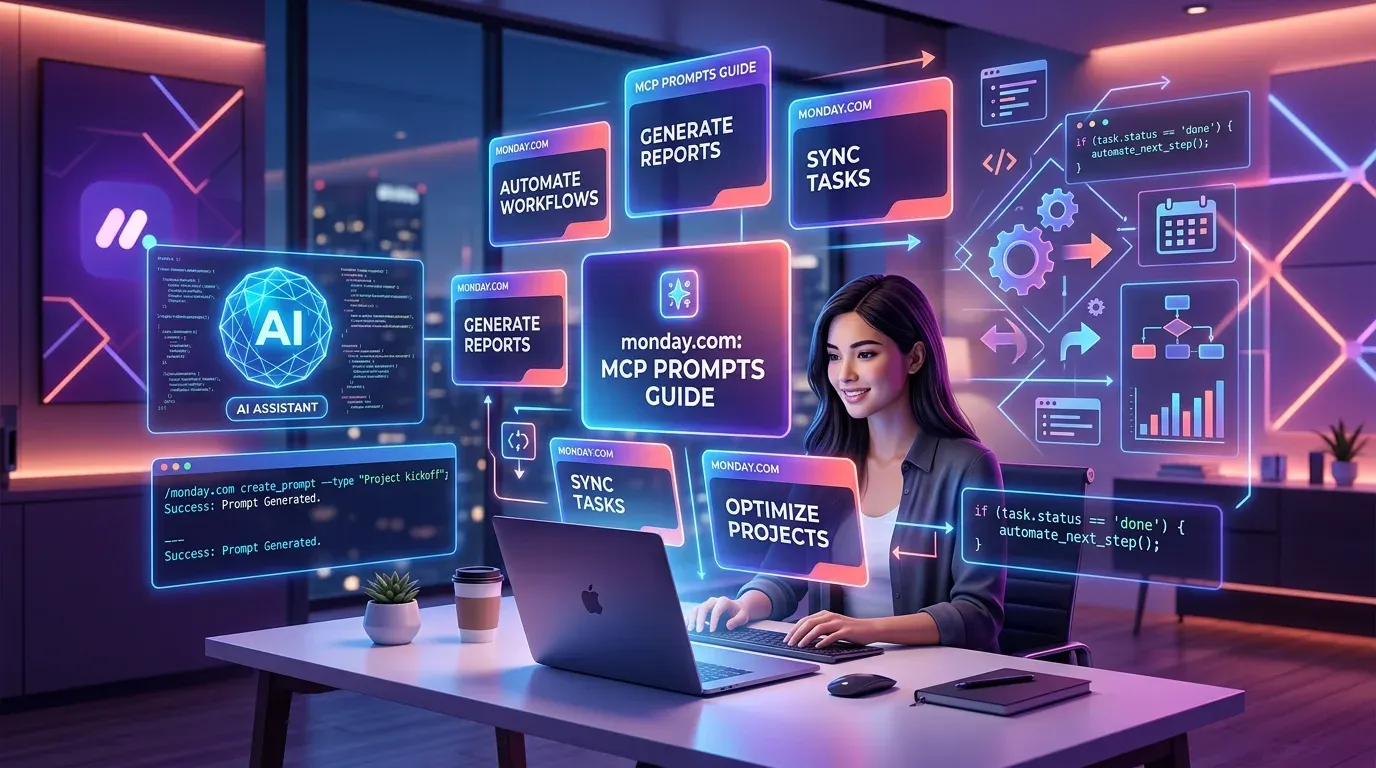
The 10 Best monday MCP Prompts for Your Daily Work
Copy-paste-ready prompts for Claude, Cursor, and ChatGPT – to control monday.com via natural language. From board creati…
Read more
monday.com MCP: All Available Tools and Integrations Overview
monday.com offers two powerful MCP servers – Platform MCP and Apps MCP – plus native integrations for Claude, Cursor, Ch…
Read more
monday.com Sidekick 3.0 Is Fully Released: Smarter AI Across the Entire Platform
monday.com rolls out Sidekick 3.0 to all customers – with massively expanded action coverage, cross-platform execution, …
Read more