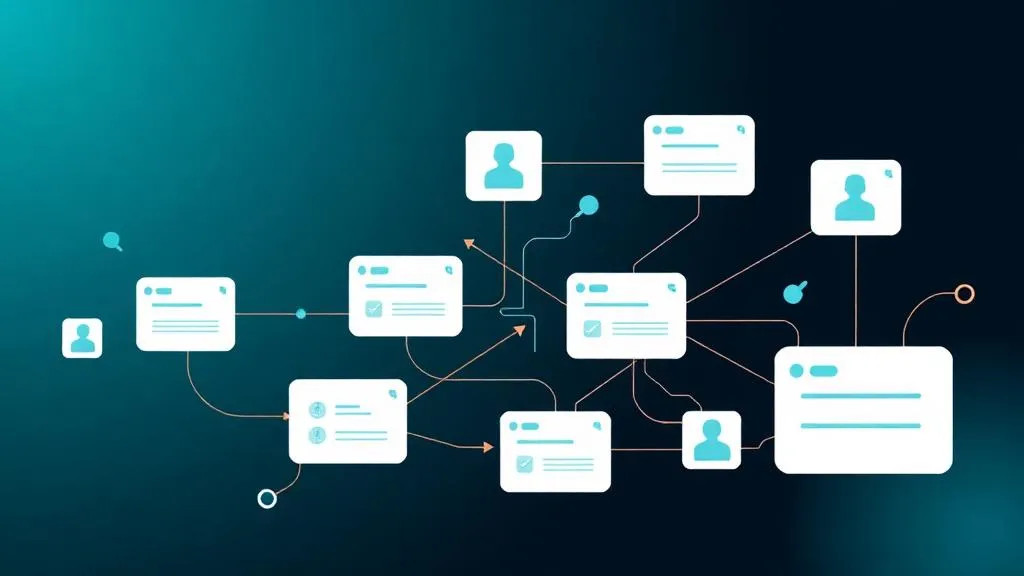
Collaboration in monday.com: How Teams Actually Work Together

TL;DR: „monday.com collaboration goes far beyond comment features: real-time updates on the work item, collaborative WorkDocs, granular guest access, and multi-board dashboards make sync meetings obsolete."
— Till FreitagWhy Most Teams Don't Really Collaborate
Teams today use an average of 6–8 tools for their daily work: Slack for chat, email for clients, Google Docs for writing, Jira for tickets, Asana for projects, Figma for design. The problem: each tool has its own context – and that context is lost with every switch.
Everyone knows the result:
- "Where was that document link again?"
- "Has anyone seen the client's feedback?"
- "Who approved the last version?"
- Sync meetings that only exist because nobody knows the current status
monday.com doesn't solve this with yet another chat tool, but with a different approach: communication happens on the work item – not next to it.
1. Updates: Communication in Context
What Are Updates?
Every item (task, project, deal, ticket) in monday.com has its own update feed. This isn't a comment field – it's a full communication channel with:
- Rich Text: Formatting, lists, code blocks
- @Mentions: Address people and teams directly
- File Attachments: Images, PDFs, videos directly on the item
- Emojis & Reactions: Quick feedback without replying
- Quotes: Reply to specific updates
Why This Is Better Than Slack or Email
| Channel | Problem | monday Updates |
|---|---|---|
| Slack | Context lost in chat stream | Update stays on item – retrievable forever |
| Who's in CC? Which version is current? | All stakeholders automatically see status | |
| Meeting | 30 min for 5 min of information | Update written in 30 seconds |
Real-World Example: Client Project
Item: "Website Redesign for Client X"

Update 1 (Designer): "First draft is ready 🎨" [Figma link attached]
Update 2 (Project Lead): @Client-X "Can you provide feedback by Friday?"
Update 3 (Client as Guest): "Looks great! Just make the headline bigger please."
Update 4 (Designer): "Done ✅" → Status automatically set to "Review"
Everything in one place. No email chain, no Slack thread, no sync meeting.
AI-Powered Updates
The AI Sidekick can automatically:
- Summarize: "Summarize all updates from the last 2 weeks"
- Generate: "Write a client status update based on board progress"
- Extract: "What action items emerge from the latest updates?"
2. WorkDocs: Collaborative Documents in Context
What Are WorkDocs?
WorkDocs are embedded documents directly in monday.com – no separate tool, no tab switching. They combine the best of Google Docs and Notion with the power of a Work OS.
Features
- Real-time collaboration: Multiple people editing simultaneously
- Rich content: Text, tables, checklists, code blocks, embeds
- Board widgets: Live data from monday.com boards embedded directly in the document
- @Mentions: Reference people and items
- Templates: Reusable templates for meeting notes, briefings, SOPs
- Version history: Change tracking with restore capability
The Key Differentiator: Board Widgets in Docs
The feature that sets WorkDocs apart from Google Docs: you can embed live data from your boards directly into a document.
Example – Monthly Client Report:
# Status Report February 2026

## Project Progress
[Board Widget: Project Board, View: Battery by Phase]

## Open Tasks
[Board Widget: Table, Filter: Status ≠ Done, sorted by Deadline]

## Upcoming Milestones
[Board Widget: Timeline, next 4 weeks]

## Notes
Free-text area for comments and next steps
Data updates live – the report is always current, no copy-paste needed.
When WorkDocs vs. Google Docs?
| Scenario | WorkDocs | Google Docs |
|---|---|---|
| Meeting notes with action items | ✅ Create items directly | ❌ Manual transfer |
| Project briefing with live data | ✅ Board widgets | ❌ Screenshots become outdated |
| External collaboration | ⚠️ Guest account needed | ✅ Link sharing |
| Complex formatting | ⚠️ Basics covered | ✅ Full word processing |
| SOPs with task templates | ✅ Template + automation | ❌ Separate tools |
3. Guest Access: Seamlessly Include External Users
How Does Guest Access Work?
Guests in monday.com are external users (clients, freelancers, agencies, partners) who can access specific boards – without access to the entire workspace.
Board Types for Guests
| Board Type | Visibility | Guests Allowed? |
|---|---|---|
| Main Board | All team members | ❌ |
| Shareable Board | Team + invited guests | ✅ |
| Private Board | Invited members only | ✅ |
What Guests Can and Cannot Do
| Action | Guests | Team Members |
|---|---|---|
| View items | ✅ (Shareable boards only) | ✅ (All boards) |
| Edit items | ✅ | ✅ |
| Write updates | ✅ | ✅ |
| Upload files | ✅ | ✅ |
| Create automations | ❌ | ✅ |
| View dashboards | ⚠️ Only if shared | ✅ |
| See other boards | ❌ | ✅ |
| Change workspace settings | ❌ | ✅ (Admins) |
Real-World Scenarios
Agency ↔ Client:
- Shareable board with campaign overview
- Client sees progress, gives feedback via updates
- Automation: "When client gives feedback → set status to 'Review'"
Company ↔ Freelancer:
- Freelancer gets access to task board
- Can check off tasks and upload files
- Sees only their tasks (filtered view)
Team ↔ Stakeholders:
- Board with executive summary
- Stakeholders see status without operational details
- Dashboard view with only relevant KPIs
Security
- Guests see only the boards they're invited to
- No access to workspace, other boards, or automations
- IP restriction and SSO for enterprise customers
- Audit log for all guest activities
4. Dashboards: The Shared Source of Truth
Why Dashboards Are Collaboration Tools
Dashboards aren't just reporting – they're alignment tools. When all stakeholders see the same data, there are fewer misunderstandings, fewer questions, and fewer "How far along are we?" meetings.
Multi-Board Dashboards
The killer feature: dashboards aggregate data from any number of boards into one view.
Example – Operations Dashboard:
| Widget | Data Source | Shows |
|---|---|---|
| Numbers | All project boards | Active Projects: 23 |
| Chart (Pie) | All project boards | Tasks by status |
| Battery | Per project board | Progress per project |
| Workload | All boards | Utilization per person |
| Timeline | Project boards | Gantt across all projects |
| Table | All boards, Filter: Overdue | Overdue tasks |
Dashboard Sharing
| Audience | Recommended Widgets | Frequency |
|---|---|---|
| C-Level | Numbers, Battery, Timeline | Weekly |
| Team Lead | Workload, Chart, Table | Daily |
| Client (Guest) | Battery, Timeline, Numbers | At milestones |
| Whole Team | Chart, Table, Workload | Standup replacement |
Dashboard as Standup Replacement
Many of our clients have replaced their daily standups with a dashboard:
- Open dashboard (30 seconds instead of 15-minute meeting)
- Check blocker widget: any blocked tasks?
- Check workload: anyone overloaded?
- Only if needed: quick sync
Result: ~60 hours saved per month for a 10-person team.
5. Additional Collaboration Features
Forms
Structured data capture from external or internal people – without board access:
- Client requests: Form on website → new item in board
- Bug reports: Internal form → automatically in dev board
- Onboarding checklists: New employee fills out form → tasks created
@Mentions & Notifications
- @Person: Direct notification
- @Team: Address entire team
- @Board: Notify all board members
- Notification settings individually configurable (instant, hourly, daily)
My Work
A personal dashboard for every user:
- All assigned tasks across all boards
- Due deadlines this week
- Unread updates and @mentions
- Quick actions: change status, update, complete
Mobile App
Full collaboration on the go:
- Read and write updates
- Change status
- Upload files (e.g., construction site photos)
- Push notifications for @mentions
monday.com Collaboration vs. Other Tools
| Feature | monday.com | Slack | Google Workspace | Notion | Asana |
|---|---|---|---|---|---|
| Updates on item | ✅ Native | ❌ Separate thread | ❌ Separate doc | ⚠️ Comments | ✅ |
| Real-time docs | ✅ WorkDocs | ❌ | ✅ Google Docs | ✅ | ❌ |
| Live data in docs | ✅ Board widgets | ❌ | ❌ | ❌ | ❌ |
| Guest access | ✅ Shareable boards | ✅ Channels | ✅ Sharing | ✅ Guests | ✅ Limited |
| Multi-board dashboards | ✅ 30+ widgets | ❌ | ❌ | ❌ | ⚠️ Reporting |
| Automations | ✅ 200+ | ⚠️ Workflows | ❌ | ❌ | ⚠️ Rules |
| Mobile app | ✅ Full | ✅ Chat | ✅ Docs | ⚠️ Limited | ✅ |
| AI assistance | ✅ Sidekick + Agents | ⚠️ Slack AI | ✅ Gemini | ✅ Notion AI | ✅ AI Studio |
Best Practices from 400+ Projects
1. Updates Instead of Emails
Rule: If it's about a task, it belongs as an update on the item – not in the inbox. Result: 40–60% fewer internal emails.
2. WorkDocs for Recurring Meetings
Create a WorkDoc template for your weeklies:
- Agenda (checklist)
- Board widget with open blockers
- Free text for notes
- Action items → create directly as items in the board
3. Dashboards as Default Start Page
Set the team dashboard as the default homepage in monday.com. This way every morning starts with the big picture instead of your own board.
4. Invite Guests Proactively
The earlier clients or stakeholders are in the board, the less reporting work you have. Transparency builds trust – and saves time.
5. Configure Notifications
Too many notifications → noise → everyone switches off. Configure consciously:
- Instant: @mentions and assigned tasks
- Daily: Board activity
- Off: Status changes by others
Want to set up collaboration in monday.com for your team? We're happy to help – book your free consultation.
Verwandte Artikel
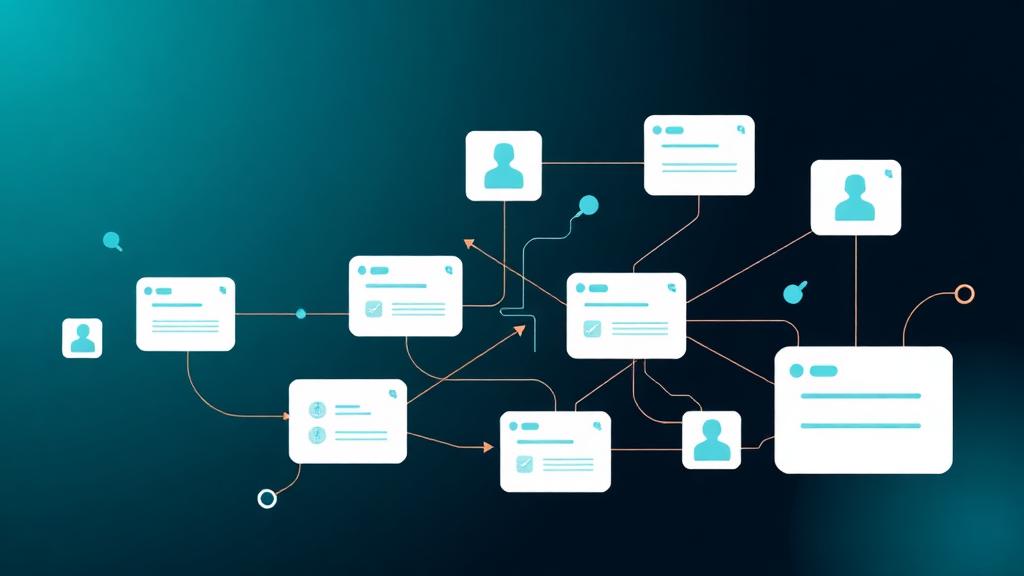 Deep Dive
monday Work Management: The Complete Guide 2026
monday Work Management is more than a PM tool – it's a Work OS with 8+ views, AI agents, 200+ automations, and dashboard…
Weiterlesen
Technology Isn't the Problem Anymore. Adoption Is.
Most digital transformations fail not because of bad tools – but because nobody uses them. Why change management matters…
Weiterlesen
Remote Teamwork with monday.com – How Distributed Teams Stay Productive (2026)
Remote work needs the right tools and processes. Here's how to set up monday.com for distributed teams – with AI assista…
Weiterlesen
monday Dev: Why It's the Most Underrated Dev Tool of 2026
Agile out of the box, MCP-ready, and the cheapest enterprise pricing on the market: why monday Dev is becoming a serious…
Weiterlesen
monday Vibe Pricing 2026 – The Big May 6 Update Explained
On May 6, 2026, monday.com fundamentally changed Vibe pricing: publishing is now bundled with the AI Credits add-on, eve…
Weiterlesen
monday Vibe Q1/2026: A Year's Backlog in One Quarter – The Biggest Update Since Launch
monday.com shipped an entire year's backlog for Vibe Apps in Q1/2026. 19+ features, 26 A/B tests, mobile support, Gmail/…
Weiterlesen
Senior-Only: Why We Don't Put Juniors on Client Projects
The classic consulting model sells senior partners and delivers junior analysts. At Till Freitag, everyone on your proje…
Weiterlesen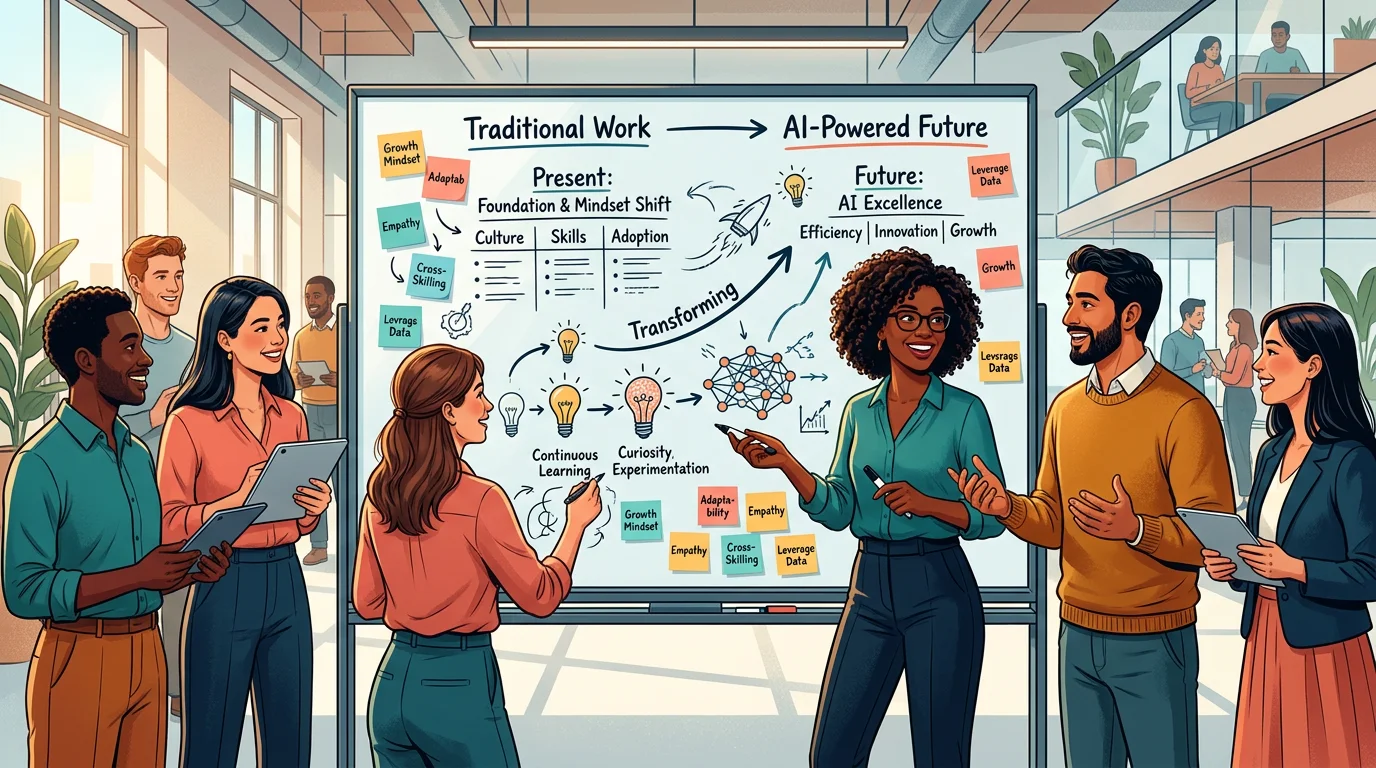
Culture & Mindset – How to Get Your Team Ready for the AI Era
Introducing AI tools is easy. Creating the culture for it is the real challenge. How to get your team ready for Working …
Weiterlesen
Account360 & Zero Update CRM: The Future of monday CRM (2026)
Account360 delivers the full customer view, Zero Update CRM eliminates manual data entry. How monday CRM is revolutioniz…
Weiterlesen