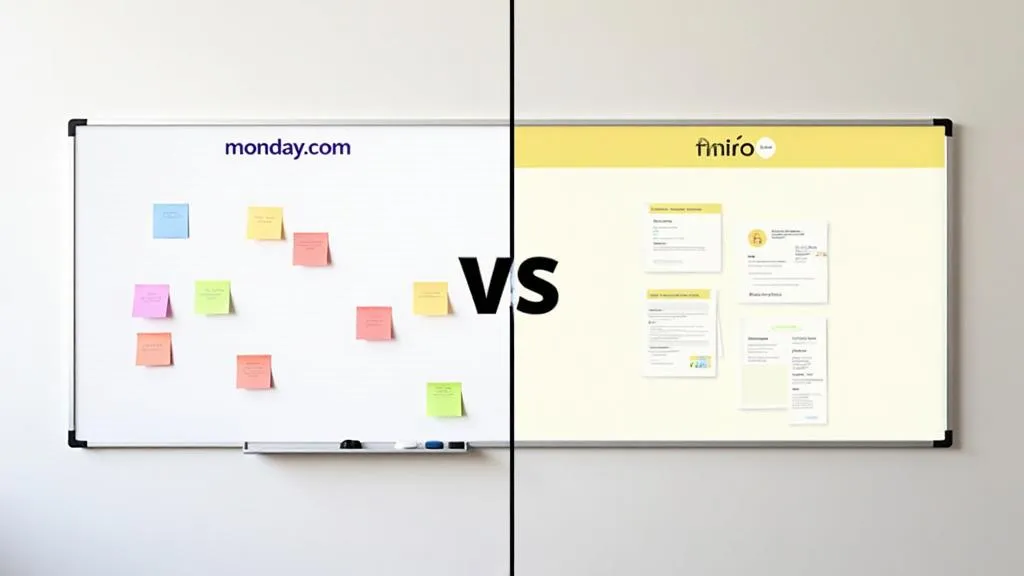

TL;DR: „Miro is the better whiteboard. WorkCanvas is the better whiteboard for monday.com teams."
— Till FreitagWhy This Comparison?
Whiteboarding tools are booming – and the question "Do we still need Miro?" comes up in every monday.com project. Since monday.com launched WorkCanvas as its own integrated whiteboard, it's worth taking an honest look: What can WorkCanvas really do – and where does Miro remain superior?
Spoiler: The answer isn't black and white.
What Is WorkCanvas?
WorkCanvas is the native whiteboard from monday.com. It lives directly inside the platform – no separate login, no extra tab. Elements on the canvas can be converted into monday.com items with a single click.
What Is Miro?
Miro is the market leader for digital whiteboards with over 60 million users. It offers a massive ecosystem of templates, integrations, and collaboration features – independent of any project management tool.
Detailed Feature Comparison
| Feature | WorkCanvas | Miro |
|---|---|---|
| Freehand Drawing | ✅ Solid | ✅ Very good |
| Sticky Notes | ✅ | ✅ |
| Shapes & Flowcharts | ✅ Basic shapes | ✅ Extensive |
| Templates | ✅ 250+ templates | ✅ Very extensive (2,500+) |
| Real-time Collaboration | ✅ | ✅ |
| Voting / Timer | ❌ | ✅ |
| Presentation Mode | ✅ | ✅ |
| Integrated Video Chat | ✅ (Pro) | ✅ (TalkTrack) |
| AI Features | ✅ Available | ✅ Miro AI (Clustering, Summarization) |
| monday.com Integration | ✅ Native | ⚠️ Via Marketplace app |
| Canvas → Board Items | ✅ Direct | ❌ Not possible |
| External Sharing | ✅ (Pro) | ✅ |
| Offline Use | ❌ | ⚠️ Limited |
Where WorkCanvas Wins
1. Seamless monday.com Integration
The killer feature: Convert sticky notes or shapes directly into monday.com items. No copy-paste, no context switching. Ideas flow from brainstorming straight into your sprint board.
2. Free Entry Point
WorkCanvas Freemium is available to all monday.com users at no cost. For basic brainstorming and visual collaboration, no extra subscription is needed. Only power users who need unlimited canvases or advanced features require the Pro add-on.
3. Simplicity
Fewer features also means: less distraction. For focused workshops within a monday.com workflow, WorkCanvas is faster to set up.
4. Unified User Management
No separate accounts, no double SSO configuration. Anyone with access to monday.com has access to WorkCanvas.
Where Miro Wins
1. Template Library
With over 2,500 community templates, Miro is unbeatable. From SAFe PI Planning to Customer Journey Maps to Wardley Maps – there's a template for almost every use case.
2. Advanced Collaboration
Voting, timers, breakout frames, TalkTrack – Miro is built for complex, facilitated workshops. Features like anonymous voting or timeboxing timers are completely missing from WorkCanvas.
3. AI Features
Miro AI can automatically cluster, summarize, and detect patterns in sticky notes. WorkCanvas offers only basic capabilities here (as of 2026).
4. Ecosystem & Integrations
Miro integrates with 100+ tools – Jira, Confluence, Figma, Slack, Notion, and more. If you don't work exclusively in monday.com, you benefit from Miro's breadth.
5. Canvas Size & Performance
Miro supports significantly larger boards with hundreds of elements without performance issues. With very extensive canvases, WorkCanvas hits its limits.
Pricing Comparison (as of 2026)
| WorkCanvas | Miro | |
|---|---|---|
| Free | ✅ Freemium (10 canvases, 25 elements/canvas) | ✅ 3 boards, unlimited members |
| Pro | $12/user/month (min. 3 seats) | – |
| Starter | – | $8/user/month |
| Business | – | $16/user/month |
| Enterprise | – | On request |
Key difference: WorkCanvas Freemium is available to all monday.com users at no cost. The Pro upgrade at $12/user/month removes limits (unlimited canvases & elements, video chat, premium templates, external sharing) and is purchased as a seat-based add-on. Miro is a standalone subscription independent of monday.com.
Calculation for a 20-person team (all editors):
- WorkCanvas Pro: $240/month ($2,880/year)
- Miro Business:
$320/month ($3,840/year)
Which One Is Right for You?
WorkCanvas is the right choice if:
- Your team works primarily in monday.com
- You use whiteboards for brainstorming, sprint planning, and visual collaboration
- You want one less subscription – WorkCanvas Freemium is free, Pro is affordable
- You need the direct Canvas → Board workflow
- You want to share canvases with external stakeholders without giving them full monday.com access
Miro is the right choice if:
- You work across multiple tools (Jira, Figma, Confluence…)
- You run complex, facilitated workshops with voting, timers, and breakout rooms (Design Thinking, PI Planning)
- You need Miro's massive template library (2,500+ vs. 250+)
- You rely heavily on AI-powered clustering and analysis of brainstorming results
Our Verdict
The gap between WorkCanvas and Miro has narrowed significantly. With 250+ templates, integrated video chat, AI features, and the ability to share canvases externally, WorkCanvas is no longer just a basic built-in whiteboard – it's a serious collaboration tool.
For monday.com teams, WorkCanvas is now the clear default choice. It's cheaper than Miro ($12 vs. $16/user/month), natively integrated, and covers the vast majority of whiteboard use cases. The direct Canvas → Board workflow alone saves hours of manual work.
Miro still wins on sheer breadth – more templates, more facilitation tools, more third-party integrations. If you run large-scale, cross-functional workshops with participants from different tool ecosystems, Miro remains the gold standard.
The honest recommendation: Start with WorkCanvas – the Freemium plan costs nothing, and Pro is competitively priced. Only add Miro if you genuinely need its facilitation depth or cross-tool ecosystem.
Verwandte Artikel

WorkCanvas: monday.com's Whiteboarding Solution at a Glance
WorkCanvas is the integrated whiteboard from monday.com – ideal for brainstorming, sprint planning, and process mapping.…
Weiterlesen
monday Dev vs. Linear – Who Wins the 2026 Dev Tool Showdown?
Linear is the new darling of the Hacker News crowd. monday Dev is the pragmatic all-rounder. We compare both tools hones…
Weiterlesen
monday docs: Everything About Workdocs – Features, Comparison & Best Practices
monday docs (Workdocs) are more than a text editor – they connect documentation directly with your work. We cover featur…
Weiterlesen
Insightly vs. monday CRM – Honest CRM Comparison 2026
Insightly or monday CRM? An honest comparison – features, pricing, project management integration and a clear recommenda…
Weiterlesen
Freshsales vs. monday CRM – Honest CRM Comparison 2026
Freshsales or monday CRM? We compare features, pricing, and AI capabilities – and show which CRM really fits your team i…
Weiterlesen
monday service vs. Freshservice – ITSM Comparison 2026
monday service or Freshservice? We compare features, pricing, and scalability – and show which tool really fits your tea…
Weiterlesen
monday CRM vs. Bigin by Zoho – CRM Comparison 2026
monday CRM or Bigin by Zoho? An honest comparison – features, pricing, scalability and which CRM is actually worth it in…
Weiterlesen
Zoho CRM vs. monday CRM – Honest CRM Comparison 2026
Zoho CRM or monday CRM? An honest comparison – features, pricing, ecosystem and a clear recommendation for 2026.…
Weiterlesen
Collaboration in monday.com: How Teams Actually Work Together
Updates, WorkDocs, guest access, dashboards, and AI – how monday.com turns asynchronous teamwork into real collaboration…
Weiterlesen