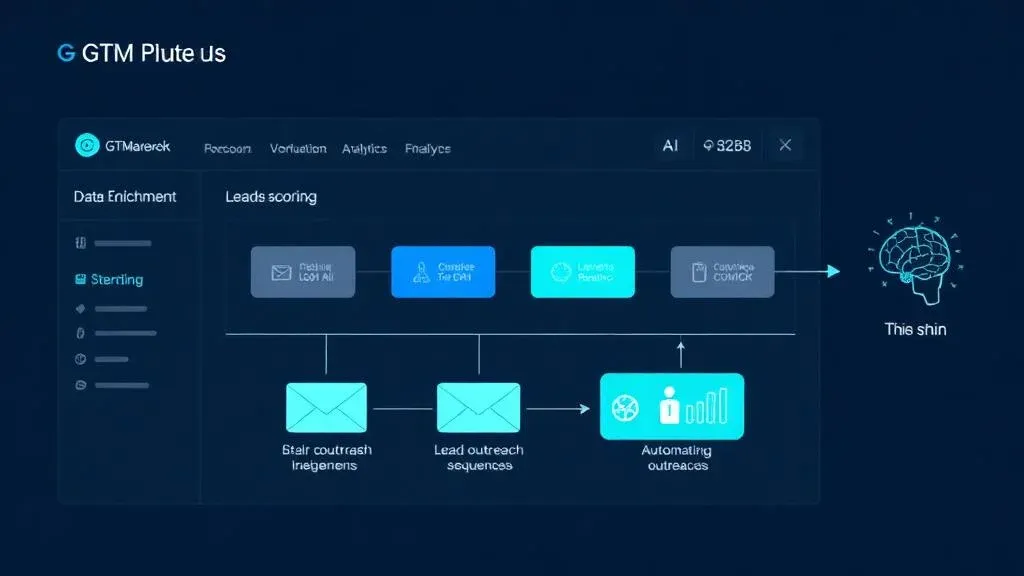
GTM Engineering: Was es ist, warum es Sales verändert und wie ihr startet

TL;DR: „GTM Engineering macht aus manueller Vertriebsrecherche automatisierte Pipelines – und aus kalten Leads warme Gespräche."
— Till FreitagWhat Is GTM Engineering?
GTM Engineering – short for Go-to-Market Engineering – is the technical discipline behind modern outbound sales. Instead of reps manually researching every lead, clicking through company websites, and sending generic emails, GTM Engineering builds automated workflows that handle all of this in seconds.
The term has established itself as a distinct discipline since 2024, driven by tools like Clay, Apollo, and the growing availability of AI APIs for personalization.
GTM Engineering vs. Traditional Sales
| Traditional | GTM Engineering | |
|---|---|---|
| Lead Research | Manual googling, LinkedIn browsing | Auto-enrichment with 10+ data sources |
| Qualification | Gut feeling + company size | AI scoring with fit + intent signals |
| Outreach | Individually written emails | Personalized sequences at scale |
| Follow-up | Calendar reminder (hopefully) | Automatic multichannel sequences |
| Reporting | "How many calls did you make?" | Pipeline velocity, conversion per segment |
The 4 Building Blocks of GTM Engineering
1. Define Your Ideal Customer Profile (ICP)
Before technology comes into play: Who do you actually want to reach? A good ICP goes beyond "companies with 50–500 employees":
- Firmographics: Industry, size, revenue, location
- Technographics: What tech stack do they use? (CRM, marketing tools, cloud provider)
- Trigger Events: Funding rounds, new hires, tool changes, management changes
- Pain Indicators: Job postings for specific roles, Glassdoor reviews
"The more precise your ICP, the better every building block after it works."
2. Lead Enrichment & Data Enhancement
The core piece: A single email address or company name becomes a complete lead profile – automatically.
What gets enriched:
- Company data (industry, headcount, revenue, technologies)
- Contact data (decision-makers, titles, LinkedIn profile, direct number)
- Signals (recent funding rounds, job postings, news)
- Social proof (mutual connections, event attendance)
Tools in the enrichment stack:
| Tool | Strength | Use Case |
|---|---|---|
| Clay | Waterfall enrichment (multiple sources in sequence) | Primary enrichment |
| Apollo | Contact data + sequences | B2B contacts |
| Clearbit | Company data + technographics | Account enrichment |
| LinkedIn Sales Navigator | Decision-maker mapping | High-value accounts |
| Make / n8n | Workflow orchestration | Connecting everything |
3. AI-Powered Lead Scoring
Not every lead is equally valuable. AI scoring prioritizes automatically:
Fit Score (0–100): How well does the lead match your ICP?
- Industry, size, tech stack, location
- Weighting based on your best customers
Intent Score (0–100): How ready to buy is the lead?
- Website visits, content downloads, event attendance
- Trigger events (funding, hiring, tool changes)
Result Matrix:
| High Fit | Low Fit | |
|---|---|---|
| High Intent | 🔥 Contact immediately | ⚡ Outreach sequence |
| Low Intent | 📧 Nurture campaign | ❄️ Don't prioritize |
4. Automated Outreach Sequences
The final building block: Personalized outreach that doesn't feel like spam – but runs automatically.
A typical sequence:
| Day | Channel | Action |
|---|---|---|
| Day 1 | Personalized first touch with pain-point reference | |
| Day 3 | Connection request with personal note | |
| Day 5 | Follow-up with relevant case study | |
| Day 8 | Engagement (like/comment on a post) | |
| Day 12 | Breakup email ("Last attempt") |
The secret to personalization:
Instead of {firstName}, I noticed that {company}..., GTM Engineering uses AI to create genuine personalization:
- Reference to a recent LinkedIn post by the prospect
- Mention of a specific industry challenge
- Reference to a recent trigger event
The result: Reply rates of 15–25% instead of 2–3%.
GTM Engineering in Practice: An Example
Scenario: A SaaS startup targeting mid-market customers in the DACH region.
Before (manual)
- SDR opens LinkedIn → searches for titles → 15 min per lead
- Manually research company data → another 10 min
- Write email → generic template → 5 min
- Follow-up? Forgotten or too late
Result: 15–20 personalized outreaches per day, 2% reply rate
After (GTM Engineering)
- Clay automatically pulls leads from LinkedIn Sales Navigator
- Enrichment: Company data, tech stack, funding via Clearbit + Apollo
- AI scoring prioritizes the top 20%
- AI generates personalized emails based on LinkedIn profile + trigger events
- Sequence runs automatically over 12 days
- Replies land directly in the CRM with full context
Result: 100+ personalized outreaches per day, 18% reply rate
When Is GTM Engineering Worth It?
GTM Engineering isn't the right approach for every company. It's especially valuable when:
- ✅ Your target market is clearly defined (not "everyone is a customer")
- ✅ You sell B2B with deal sizes above €5,000
- ✅ Your sales cycle takes 2+ weeks
- ✅ You want to scale without hiring proportionally more reps
- ✅ Your reps spend more than 30% of their time on research
It's less valuable when:
- ❌ You're purely inbound-driven and have enough pipeline
- ❌ Your product requires extensive explanation and only sells through demos
- ❌ Your target market is very small (<500 potential accounts)
The Right Stack to Get Started
You don't need everything at once. Start with the Minimum Viable GTM Stack:
| Phase | Tools | Budget/Month |
|---|---|---|
| Starter | Apollo + Make + monday CRM | ~$220 |
| Growth | Clay + Apollo + Lemlist + monday CRM | ~$550 |
| Scale | Clay + Apollo + Instantly + Clearbit + Custom AI | ~$1,100+ |
Common Mistakes When Starting GTM
- Tool-first thinking – Define your ICP first, then choose tools
- Over-personalizing – One good reference per email is enough. Three feels like stalking
- No warmup – New email domains need 2–3 weeks of warmup
- Ignoring compliance – Use GDPR-compliant data sources, respect opt-outs
- No iteration – A/B testing is mandatory: subject lines, CTAs, sequence length
Conclusion: GTM Engineering Is the Future of Outbound
The days when an SDR team generated pipeline through sheer volume of cold calls are over. GTM Engineering replaces volume with precision:
- Better data → more relevant outreach
- AI scoring → time for the right leads
- Automated sequences → consistent outreach without burnout
The result: Fewer reps generating more pipeline – with conversations that both sides find valuable.
Ready to upgrade your outbound sales with engineering? Let's build your GTM stack →
Related Articles
CRM-Teams entschlacken: Das 3-Schritte-Framework für 80 % weniger Aufwand
‚Wir haben zu viele Leute im CRM-Team, arbeiten ineffizient und mit AI passiert gar nichts.' – Diesen Satz hören wir ger…
Read more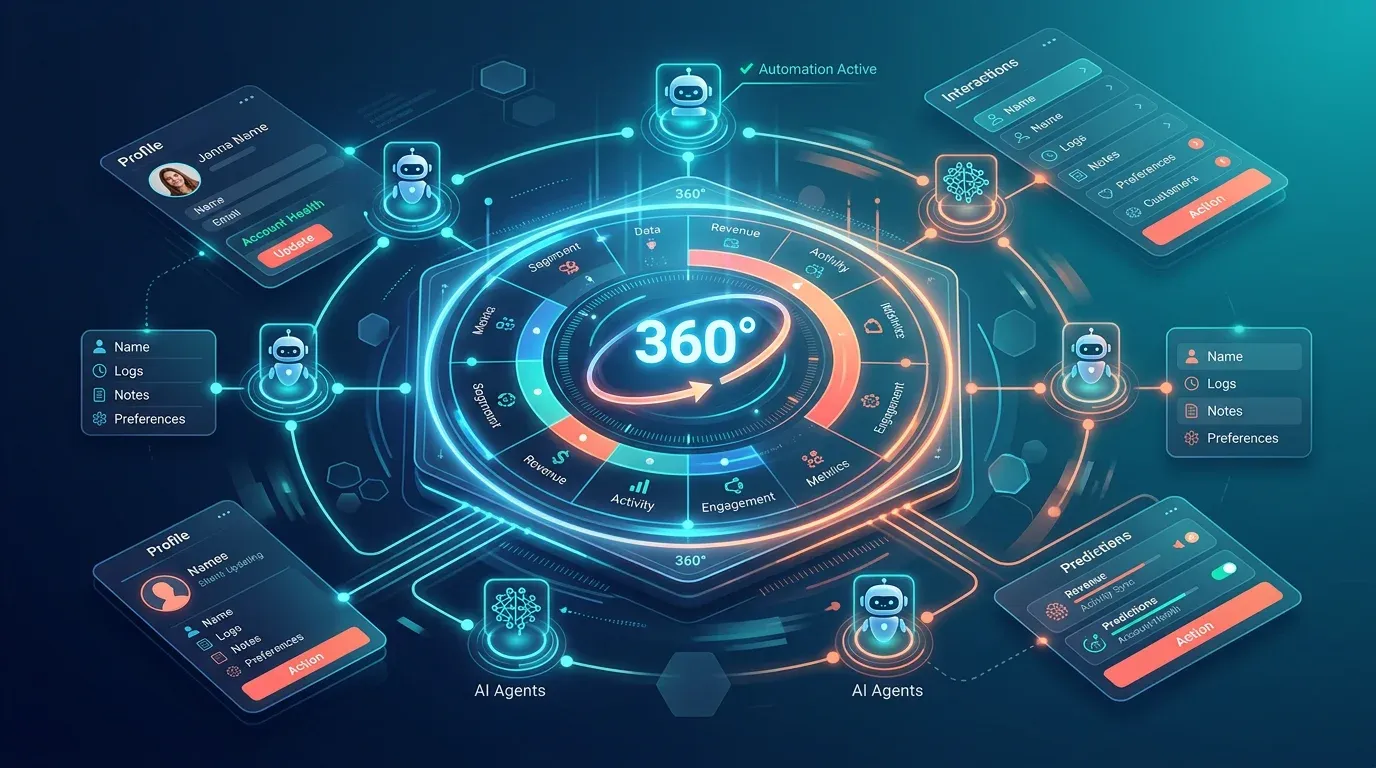
Account360 & Zero Update CRM: Die Zukunft von monday CRM (2026)
Account360 liefert die 360°-Kundensicht, Zero Update CRM eliminiert manuelle Datenpflege. So revolutioniert monday CRM d…
Read more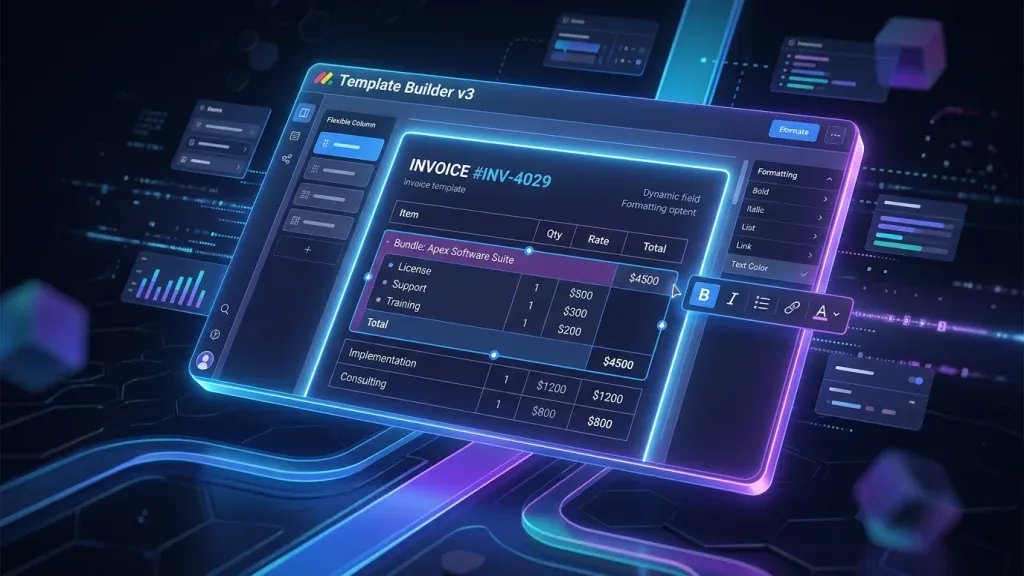
monday CRM Quotes & Invoices: Template Builder v3 macht Angebote endlich professionell
Der neue Template Builder v3 für Quotes & Invoices in monday CRM bringt WYSIWYG-Editing, persistentes Formatting und Pro…
Read more
Freshsales vs. monday CRM – Ehrlicher CRM-Vergleich 2026
Freshsales oder monday CRM? Wir vergleichen Features, Preise und KI-Funktionen – und zeigen, welches CRM 2026 wirklich z…
Read more
Web Scraping 2026: Klassisch vs. AI – und warum wir beides können
Web Scraping ist kein Nischenthema mehr. Ob klassisch mit Selektoren oder AI-gestützt mit LLMs – wir vergleichen beide A…
Read more
Close vs. monday CRM – CRM-Vergleich 2026
Close oder monday CRM? Wir vergleichen beide Systeme ehrlich – Features, Preise, Stärken und für wen sich welches Tool w…
Read moreHubSpot vs. monday CRM – Marketing-CRM-Vergleich 2026
HubSpot Sales Hub oder monday CRM? Wir vergleichen Plattformumfang, Automatisierung, Reporting und Preise 2026 – und zei…
Read morePipedrive vs. monday CRM – CRM-Vergleich 2026
Pipedrive oder monday CRM? Wir vergleichen beide CRM-Systeme 2026 – Features, Preise, Stärken und für wen sich welches T…
Read moreDeep DiveDie nächste Generation CRM: Warum monday CRM dazugehört – und das Interface der Zukunft ein Chat ist
Das CRM der Zukunft ist kein Dashboard – es ist ein Chat. Warum monday CRM zur nächsten Generation gehört und wie MCP da…
Read more