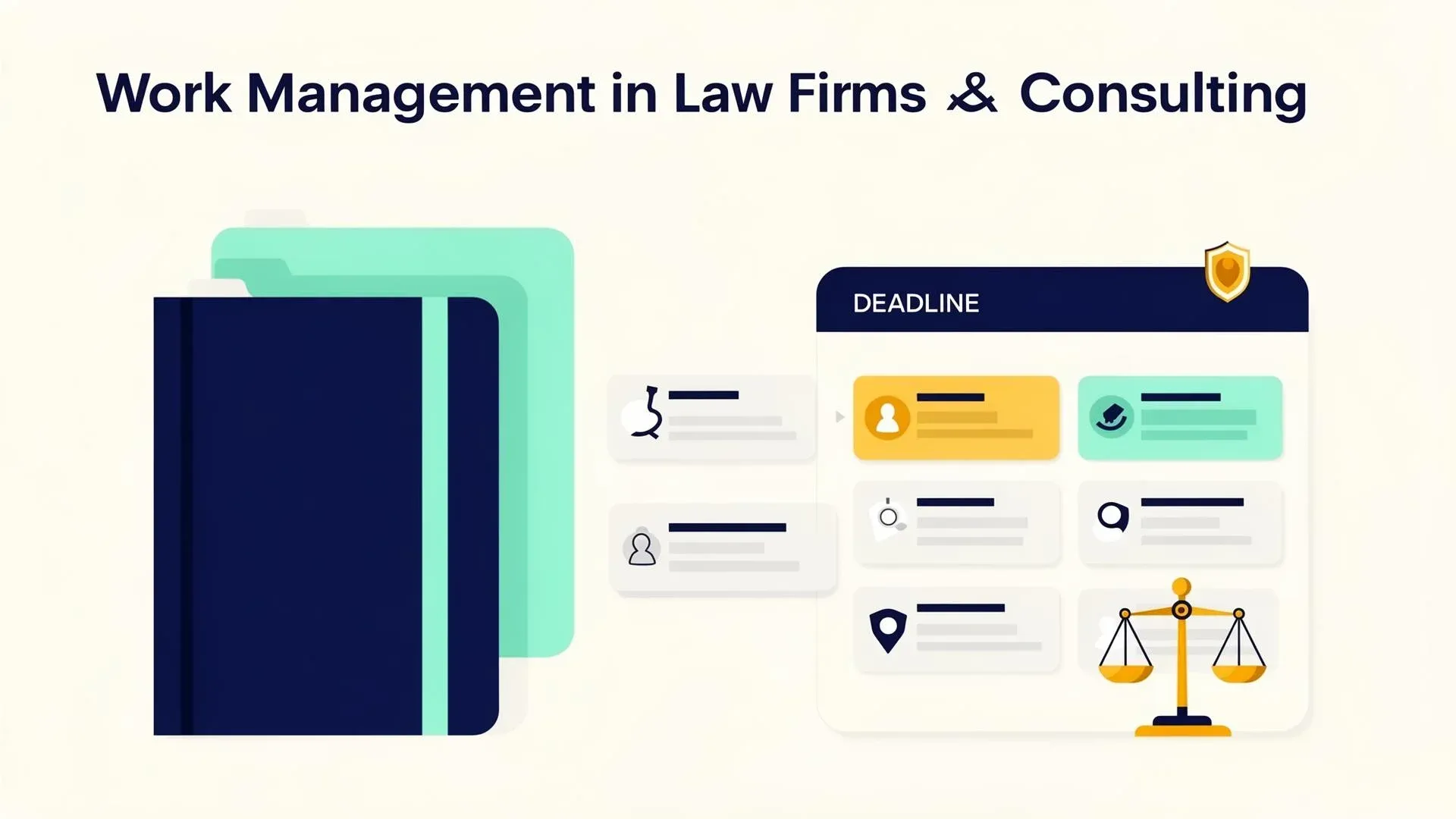
Work Management for Law Firms & Consulting: Clients, Cases, Deadlines

TL;DR: „Your clients pay you for expertise, not for administration. The less time you spend on admin, the more value you create."
— Till FreitagWhy Law Firms and Consulting Companies Have an Organization Problem
Law firms, tax advisors, and management consultancies share one thing: Their business model is built on knowledge and time. Every hour spent on administration is an hour not spent on clients.
Yet many professional services firms still work with a combination of Outlook, Excel, and industry-specific software that handles invoicing but doesn't manage projects. The result: Deadline management via calendar, client overview via Excel, knowledge management via "ask the partner."
The Five Biggest Time Wasters
1. Deadline Management as a High-Risk Issue
Missed deadlines can be existentially threatening for law firms. Tax appeal deadlines, court filing deadlines, regulatory reporting requirements – all often manually maintained in Outlook calendars. When a lawyer gets sick or leaves the firm, deadlines get lost.
2. Client Management Across Multiple Systems
Master data lives in the firm's system, current communication in Outlook, the project overview in Excel, and documents on the server. To know the current status of a case, three to four systems need to be opened.
3. Knowledge Management Doesn't Exist
A colleague handled a similar case two years ago – but how do you find that information? In most firms: you don't. Knowledge lives in individual people's heads and is lost when they leave the company.
4. Capacity Planning Is Guesswork
Who currently has capacity for a new client? Which consultant is overloaded? In most firms, this is resolved by asking around – which leads to some employees being permanently overloaded while others have downtime.
5. Reporting for Partners Is Manual
Revenue per partner, utilization per team, open cases per practice area – this information is compiled manually on a quarterly basis instead of being available in real time.
How monday.com Organizes Professional Services
Client Board as Central CRM
One board per practice area or consulting domain with all active clients:
- Client with contact details and responsible person
- Current Status (Initial meeting → Proposal → Active → Completed)
- Next Deadline with automatic reminder
- Fee Volume and billing status
- Documents and meeting notes
Deadline Management with Escalation Logic
A dedicated deadline board with multi-level alerts:
- 30 days before deadline: Reminder to the responsible lawyer/consultant
- 14 days before deadline: Reminder to the partner
- 7 days before deadline: Escalation to firm management
- Deadline passed: Immediate notification to all involved parties
Deadlines are never forgotten – regardless of who is sick, on vacation, or has left the firm.
Knowledge Database from Case Studies
Completed cases are archived in a structured format:
- Practice area / consulting topic
- Problem statement and solution
- Arguments / strategies used
- Outcome and lessons learned
New cases are checked against this database: "Have we done something like this before?" The answer takes seconds instead of days.
Capacity Planning and Utilization
A real-time overview shows:
- Utilization per person (target vs. actual hours)
- Available capacity for new clients
- Project pipeline with estimated effort
New cases are assigned based on data, not gut feeling.
Automations for Law Firms
- New client → Checklist: Power of attorney, initial meeting, create file, set up deadline monitoring
- Deadline approaching → Multi-level escalation: Automatic, reliable, person-independent
- Case completed → Knowledge archiving: Automatic prompt to document learnings
- Month-end → Partner report: Revenue, utilization, and pipeline automatically prepared
Data Privacy and Confidentiality
A valid concern: Client data is particularly sensitive. monday.com offers enterprise-grade security with:
- ISO 27001 and SOC 2 Type II certification
- Encryption in transit and at rest
- Granular permissions: Not every employee sees every case
- Audit trail: Who accessed what data, and when?
- EU data center available (Frankfurt)
Conclusion: More Time for What Matters
Law firms and consulting companies sell expertise and results. The less time flows into administration, searching, and coordination, the more value is created for clients – and the higher the profitability.
monday.com doesn't replace practice management software for tax interfaces or court communication. But it closes the gap between specialized software and daily project work – and that's exactly where the biggest efficiency gains happen.
Related Articles

The Cofounder Mindset: Why We Work Like Co-Founders – Not Vendors
Agencies deliver projects. We solve problems – with the same urgency as your co-founders. What that means in practice an…
Read more
Senior-Only: Why We Don't Put Juniors on Client Projects
The classic consulting model sells senior partners and delivers junior analysts. At Till Freitag, everyone on your proje…
Read more
Build > Advise: How We Deliver in 4 Weeks What Others Present in 4 Months
Strategy decks are legacy. We deliver working systems in 4 weeks – with AI-native development, real code instead of reco…
Read moreAnti-McKinsey: Why We're Flipping the Consulting Model
Till Freitag is the anti-McKinsey of the AI era. We build instead of advise, hire predominantly women, donate profits fr…
Read more
We're Not a Web Agency – And That's the Point
Looking for a web agency? You're in the wrong place. Looking for someone to solve your digital problem? You've found us.…
Read more
We Are the Anti-McKinsey for AI.
McKinsey sells you an AI strategy on 200 slides. We build it – in half the time, at a fraction of the cost. Why the futu…
Read more
NotebookLM 3.5: From Preprocessor to Agentic Research Partner
Google upgraded NotebookLM to Gemini 3.5, added a secure cloud computer for autonomous web research, and plugged in Anti…
Read moreNotebooks in Gemini: Google Merges NotebookLM Into the Gemini App
Google integrates NotebookLM directly into the Gemini app. What this means for workflows – and why EU users still have t…
Read moreNotebookLM + Claude Code: How to Give Your AI Access to YouTube
Claude Code can't access YouTube and burns tokens on large source volumes. The fix: use NotebookLM as an intelligent sou…
Read more