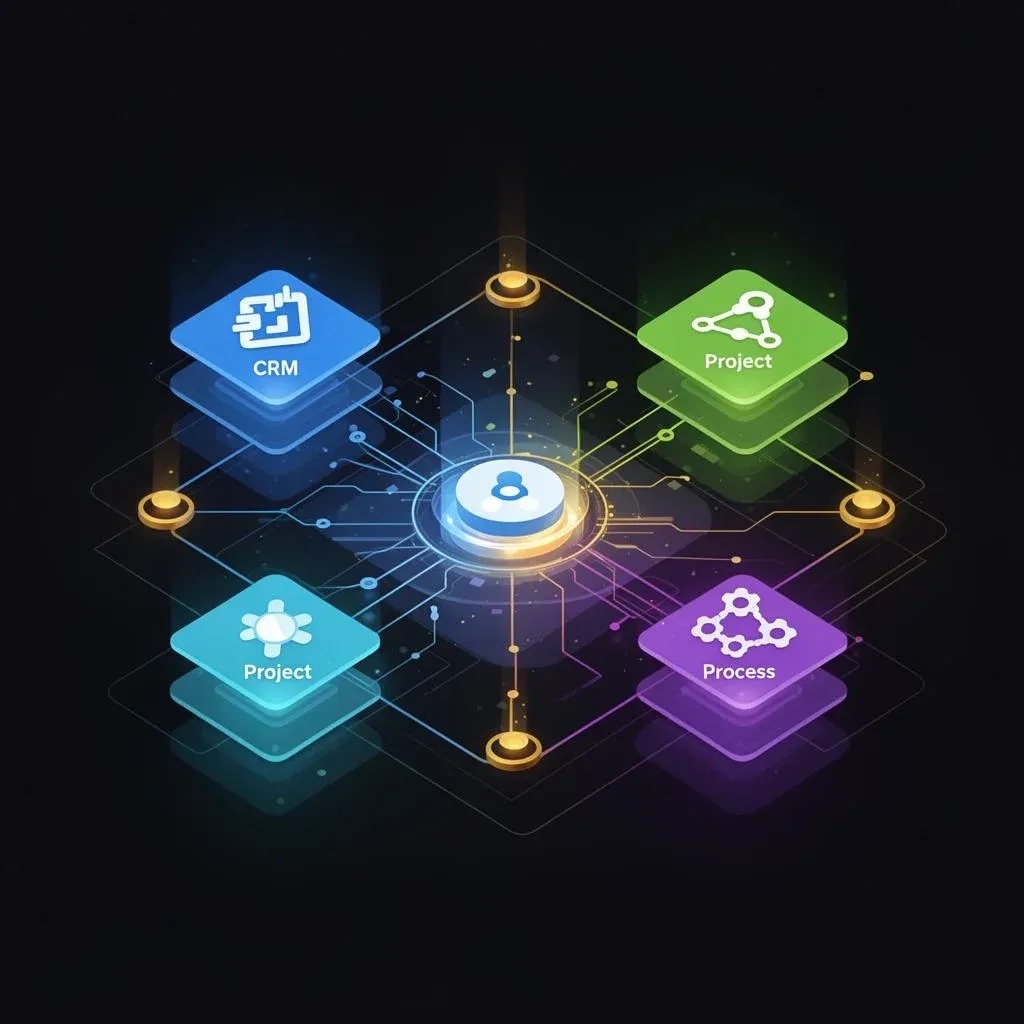
monday.com as Company OS: How We Run Projects, CRM, and Processes on One Platform

TL;DR: „One tool for everything sounds naive. But it's not – when you think of it as an operating system, not a project management tool."
— Till FreitagThe Problem: Tool Chaos as the Default
Most companies our size have a stack that looks like this:
- Project management: Asana or Jira
- CRM: Salesforce or HubSpot
- Docs: Notion or Confluence
- Communication: Slack + Email
- Reporting: Google Sheets or Looker
- Processes: documented somewhere in Notion, read by nobody
The result: 6+ tools, 6+ logins, 6+ places where information lives. Nobody knows exactly where anything is. Data gets copied manually. Context gets lost.
We decided against that.
Our Thesis: One Platform, Properly Configured, Beats 6 Specialist Tools
At Till Freitag, everything runs on monday.com. Not because it's the best CRM. Not because it's the best project management tool. But because it's the best operating system – a platform that adapts to our processes instead of forcing us into its mold.
What We Run on monday.com:
| Area | monday.com Product | What We Do With It |
|---|---|---|
| Project Management | Work Management | Client projects, sprints, task tracking |
| Sales & CRM | monday CRM | Pipeline, deals, contact management |
| Onboarding | Work Management | Checklists for new team members and clients |
| Processes & SOPs | monday docs | Living documentation, not dead wikis |
| Reporting | Dashboards | Real-time overview for team and management |
| Recruiting | Work Management | Application process from intake to onboarding |
Layer 1: Project Management – The Foundation
Every client project gets its own board. Sounds simple, and it is. The magic lies in standardization:
Our Board Architecture:
- Groups by phases: Discovery → Setup → Build → Launch → Support
- Status columns with clear definitions (not "In Progress" as a catch-all)
- People columns for accountability – every task has exactly one owner
- Time estimates for capacity planning
- Connected Boards to CRM – every project links to its deal
What We DON'T Do:
- No sub-items as primary work units (they get messy too fast)
- No 50-column monster boards (max 8-10 relevant columns)
- No board-per-client chaos – we use templates
The result: Anyone on the team opens monday.com and knows in 30 seconds where every project stands. Without asking.
Layer 2: CRM – Sales Without Salesforce
monday CRM isn't Salesforce. And that's exactly the point.
For a team our size, Salesforce is overkill – too complex, too expensive, too much admin overhead. monday CRM gives us:
- Pipeline management with clear stages and probabilities
- Automatic lead capture from website forms
- Email integration – communication right in the deal
- Link to project management – when a deal closes, a project board is automatically created
The Zero-Update Approach
Our goal: the CRM maintains itself as much as possible. We call it "Zero Update CRM" internally:
- Activities are auto-logged – emails, calls, meetings
- Deal stages update via automations based on activities
- Reminders only when truly needed – no "please update your CRM" spam
The result: ~30 minutes of CRM maintenance per week instead of hours.
Layer 3: Automations – The Invisible Backbone
The true power of monday.com as an OS lies in automations. Here are some of our most important ones:
Internal Automations:
- New deal → Slack notification to the team
- Status change → Automatic assignment of the next responsible person
- Deadline exceeded → Escalation to the project lead
- Project completed → Feedback form automatically sent
Middleware Connections (via Make):
- Website form → monday CRM – leads automatically land as deals
- Calendar event → Activity log in CRM
- monday status change → Slack update in project-specific channels
The Rule:
If you do something manually more than twice, automate it. If the automation has more than 3 steps, use Make as middleware.
Layer 4: Docs – Living Documentation
monday docs replaced Notion for us. Why?
- Context-adjacent: Docs live right in the board, not in a separate wiki
- Linked: A doc can reference items and vice versa
- Simple: No nested databases à la Notion – just documents
We use monday docs for:
- SOPs (Standard Operating Procedures) – how we do things
- Meeting notes – directly linked to the relevant project
- Onboarding guides – for new team members and clients
- Decision logs – why we decided what we decided
Layer 5: Dashboards – One View Replaces a Thousand Status Meetings
Dashboards are our replacement for most status meetings. We have three levels:
Team Dashboard
- Capacity utilization per person
- Open tasks by priority
- Upcoming deadlines this week
Project Dashboard
- Status of all active projects
- Budget vs. actual effort
- Risk indicators
Sales Dashboard
- Pipeline value by stage
- Win rate
- Forecast for the next 3 months
The philosophy: The best dashboard isn't the one with the most charts, but the one that accelerates decisions.
Why Not 6 Specialist Tools?
The obvious question: Isn't a specialist CRM tool better than monday CRM? Isn't Jira better for dev projects?
In theory: yes. In practice:
The Integration Tax
Every additional tool brings:
- Another login
- Another data source
- Another sync connection that can break
- Another onboarding effort for new team members
- Another place where information hides
The 80/20 Calculation
monday CRM covers 80% of our CRM needs. The missing 20% (e.g., advanced forecasting) weighs less than the integration tax that Salesforce would bring.
Our rule of thumb: As long as a monday.com product covers 80% of our requirements, we use it – and consciously accept the 20%.
The Limits – And How We Deal With Them
monday.com isn't a perfect tool. Here are the real limits:
- Complex formulas: For advanced calculations, we occasionally use external sheets
- Large data volumes: With 10,000+ items per board, things slow down – we archive regularly
- Custom integrations: For specific API connections, we need Make or custom code
- Real-time communication: That's what Slack is for – monday.com is async
The Role of AI in the Company OS
2025 is exciting because monday.com is investing heavily in AI:
- AI-powered automations: Natural language instead of if-then logic
- Smart summaries: Automatic summaries of board activities
- Predictive insights: Detecting project risks before they escalate
We increasingly see monday.com as a platform where AI agents work – not a passive tool operated by humans.
The operating system of the future is one where agents work on the same boards as your team. monday.com has the potential to become exactly that platform.
Conclusion: The OS Mindset
The most important shift isn't technical – it's mental:
Stop thinking of monday.com as a project management tool. Think of it as your operating system.
That means:
- Everything has a home – if it's not in monday.com, it doesn't exist
- Processes are boards – not documents nobody reads
- Automations are infrastructure – not nice-to-have
- Dashboards replace meetings – not supplement them
For a remote-distributed team across 7 countries, that's not a luxury. It's a survival requirement.
Related Articles
Insightly vs. monday CRM – Honest CRM Comparison 2026
Insightly or monday CRM? An honest comparison – features, pricing, project management integration and a clear recommenda…
Read more Deep Dive
monday Work Management: The Complete Guide 2026
monday Work Management is more than a PM tool – it's a Work OS with 8+ views, AI agents, 200+ automations, and dashboard…
Read more
Why Your Company Needs an OS, Not More SaaS
Mercury, Rippling, Stripe – they're all becoming compound startups. What happens when your company takes the same approa…
Read more
Lean CRM Teams: The 3-Step Framework for 80% Less Manual Work
'We have too many people in our CRM team, we work inefficiently, and we have nothing going on with AI.' That's the exact…
Read more
Remote Teamwork with monday.com – How Distributed Teams Stay Productive (2026)
Remote work needs the right tools and processes. Here's how to set up monday.com for distributed teams – with AI assista…
Read more
Odoo vs. monday.com – ERP Suite or Work OS? (Honest 2026 Comparison)
Odoo or monday.com? We compare both platforms honestly – ERP suite vs. Work OS, data model, pricing, AI, and which syste…
Read more
Revenue Royale Workshop: Buy vs. Build – Why Your Custom CRM Was a Mistake
On June 11, Alena Zidek (monday.com) and Malte Lensch (Till Freitag) deliver the 'Buy vs. Build' workshop at Revenue Roy…
Read more
The 10 Best monday MCP Prompts for Your Daily Work
Copy-paste-ready prompts for Claude, Cursor, and ChatGPT – to control monday.com via natural language. From board creati…
Read more
monday.com MCP: All Available Tools and Integrations Overview
monday.com offers two powerful MCP servers – Platform MCP and Apps MCP – plus native integrations for Claude, Cursor, Ch…
Read more