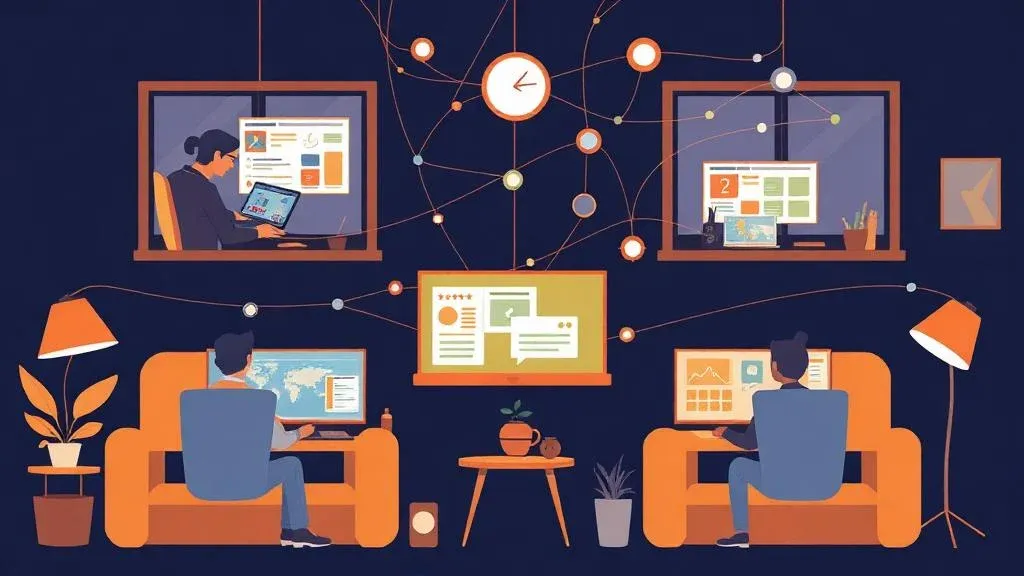
Remote Teamwork with monday.com – How Distributed Teams Stay Productive (2026)

TL;DR: „Remote work needs more than video calls – it needs a central platform with AI-powered communication that creates transparency and structure."
— Till FreitagRemote Work Isn't a Trend – It's the Standard
In 2026, over 70% of knowledge workers work at least partially remote or hybrid. The debate is over – the question is no longer whether, but how well distributed teams collaborate.
The biggest shift since 2025: AI assistants are taking over the routine work that used to slow remote teams down – from meeting summaries to status updates and automatic documentation.
6 Pillars of Productive Remote Work in 2026
1. A Central Work Hub
No more "it was in the email," "it was in Slack," or "somewhere in Google Drive." In monday.com, everything has a place: tasks, documents, discussions, updates.
New in 2026: monday.com Docs are now deeply integrated into boards – every item can have a linked Doc page that automatically provides context.
2. AI-Powered Asynchronous Communication
Not every question needs a meeting. monday.com updates and comments enable context-based communication – directly on the task, visible to everyone, searchable.
Game Changers in 2026:
- monday AI automatically summarizes long update threads
- AI-generated writing assistance for updates in multiple languages – ideal for international teams
- Smart Notifications prioritize which updates truly need your attention
3. Transparent Workloads
With the Workload view, you can see at a glance who's overloaded and who has capacity. This prevents burnout and bottlenecks – especially critical for teams across time zones.
4. Automated Routines
Automate recurring processes:
- Mondays: Automatic reminder for weekly planning
- Fridays: AI-generated status report to stakeholders
- At deadline: Escalation to team lead
- After every meeting: Automatic action items from meeting notes
For complex cross-tool automations, Make or n8n integrate seamlessly.
5. Dashboards Instead of Status Meetings
A well-configured dashboard replaces the daily standup. Everyone sees the status of all projects – without having to ask.
2026 Upgrade: monday AI can verbally summarize dashboard insights and proactively flag risks: "3 tasks are overdue by 5 days – all assigned to the same owner."
6. AI Meeting Assistants
The biggest time waste in remote teams: meetings without documented outcomes. In 2026, AI meeting assistants solve this problem:
- Granola – Local AI notetaker that runs on-device (GDPR-friendly)
- tl;dv – Automatic transcription and summaries for Zoom/Meet
- Fireflies – AI-powered meeting analysis with action item extraction
Learn more in our AI Meeting Assistants Comparison.
monday.com Remote Setup: Our Template
| Board | Purpose |
|---|---|
| Sprint Board | Current tasks with status, priority, owner |
| Team Hub | Contact info, working hours, time zones, availability |
| Meeting Notes | Minutes with automatic action items (AI-powered) |
| OKR Tracker | Quarterly goals with progress tracking |
| Knowledge Base | Documentation, SOPs, onboarding material |
| Async Updates | Weekly team updates instead of status meetings |
Tools That Complement monday.com
| Category | Tool | Why |
|---|---|---|
| Communication | Slack | Quick coordination, integrated with monday.com |
| Video | Zoom / Google Meet | For meetings (with AI notetaker) |
| Async Video | Loom | For asynchronous video updates and walkthroughs |
| Design | Figma | Real-time design collaboration |
| Docs | Google Workspace / Notion | For documents and collaborative writing |
| Automation | Make / n8n | Cross-tool workflows without code |
| AI Assistants | Claude / ChatGPT | Research, writing, code review |
4 Mistakes Remote Teams Still Make in 2026
- Too many meetings – Meetings are expensive. Use asynchronous updates where possible. A 30-minute meeting with 8 people costs 4 work hours.
- No clear ownership rules – Every task needs exactly one owner. "The team is responsible" means "nobody is responsible."
- Tool sprawl – Fewer tools, properly configured. A central Work OS plus 3–4 specialized tools is the optimal combination.
- Ignoring AI – Teams that still manually write meeting notes and compile status reports in 2026 are wasting hours per week.
Conclusion
Remote work works – when you create the right structures. In 2026, that means: a central work hub, AI-powered communication, and clear processes. monday.com provides the framework, AI assistants handle the routine work, and we help you with the setup.
Related Articles
Remote Leadership: How We Lead Distributed Teams at Till Freitag
100% remote, 7 countries, zero micromanagement. How we lead with async communication, monday.com, and radical trust to b…
Read more
AI in Project Management: Opportunities, Risks & Actionable Tips
How artificial intelligence makes your project management smarter – with concrete tips you can implement today.…
Read more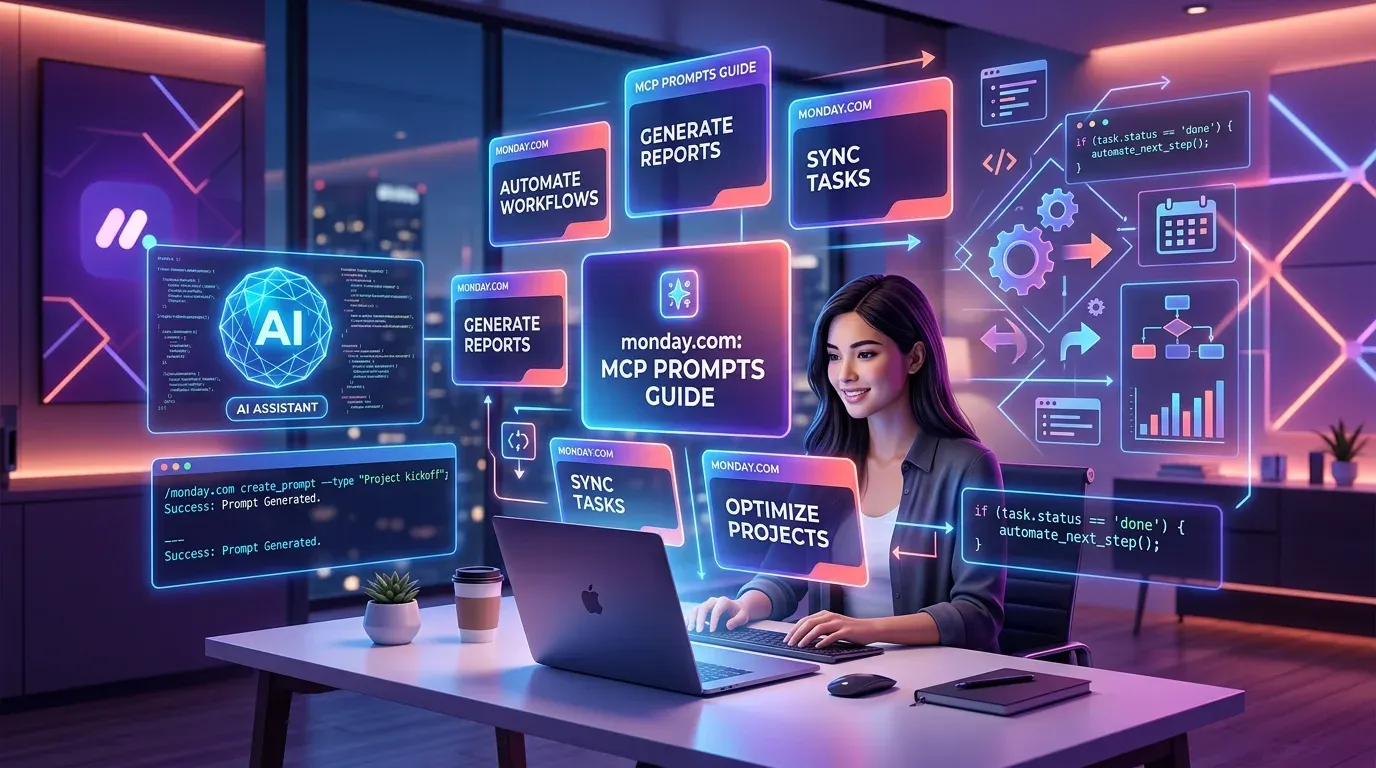
The 10 Best monday MCP Prompts for Your Daily Work
Copy-paste-ready prompts for Claude, Cursor, and ChatGPT – to control monday.com via natural language. From board creati…
Read more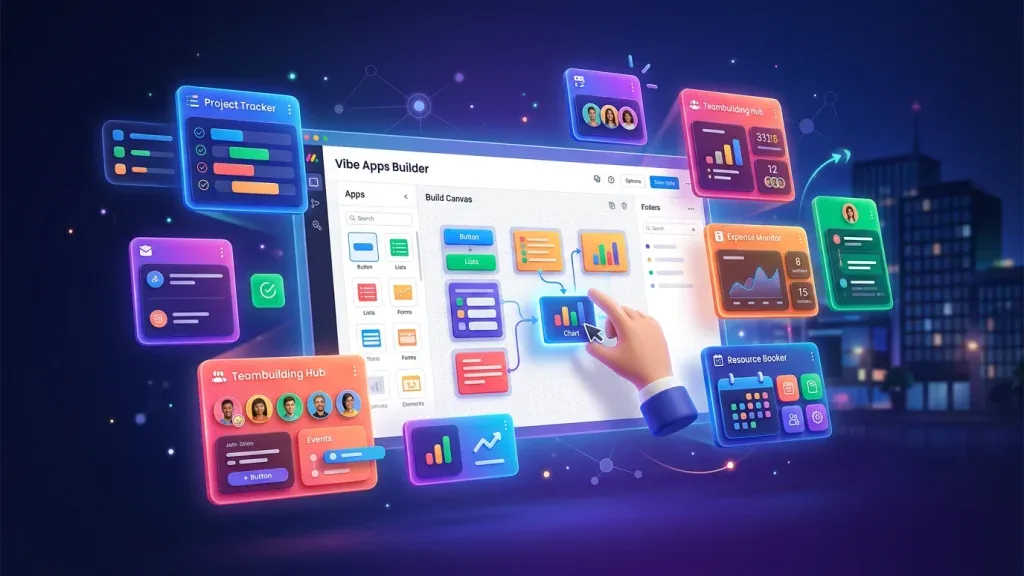
monday Vibe Q1/2026: A Year's Backlog in One Quarter – The Biggest Update Since Launch
monday.com shipped an entire year's backlog for Vibe Apps in Q1/2026. 19+ features, 26 A/B tests, mobile support, Gmail/…
Read moremonday Vibe Apps – Build Custom Mini-Applications Without Code (2026 Guide)
monday Vibe Apps let anyone build custom mini-applications using natural language prompts – no code, directly within mon…
Read more
Lovable Now Does More Than Build Apps – Documents, Data Analysis, Videos & More
Lovable is no longer just an app builder. The platform now analyzes data, creates pitch decks, generates videos and proc…
Read moreClickUp vs Asana vs monday.com – AI Features Compared (2026)
All three platforms now ship AI assistants, agents, and automation – but the approaches are radically different. Here's …
Read more
Collaboration in monday.com: How Teams Actually Work Together
Updates, WorkDocs, guest access, dashboards, and AI – how monday.com turns asynchronous teamwork into real collaboration…
Read more
Technology Isn't the Problem Anymore. Adoption Is.
Most digital transformations fail not because of bad tools – but because nobody uses them. Why change management matters…
Read more