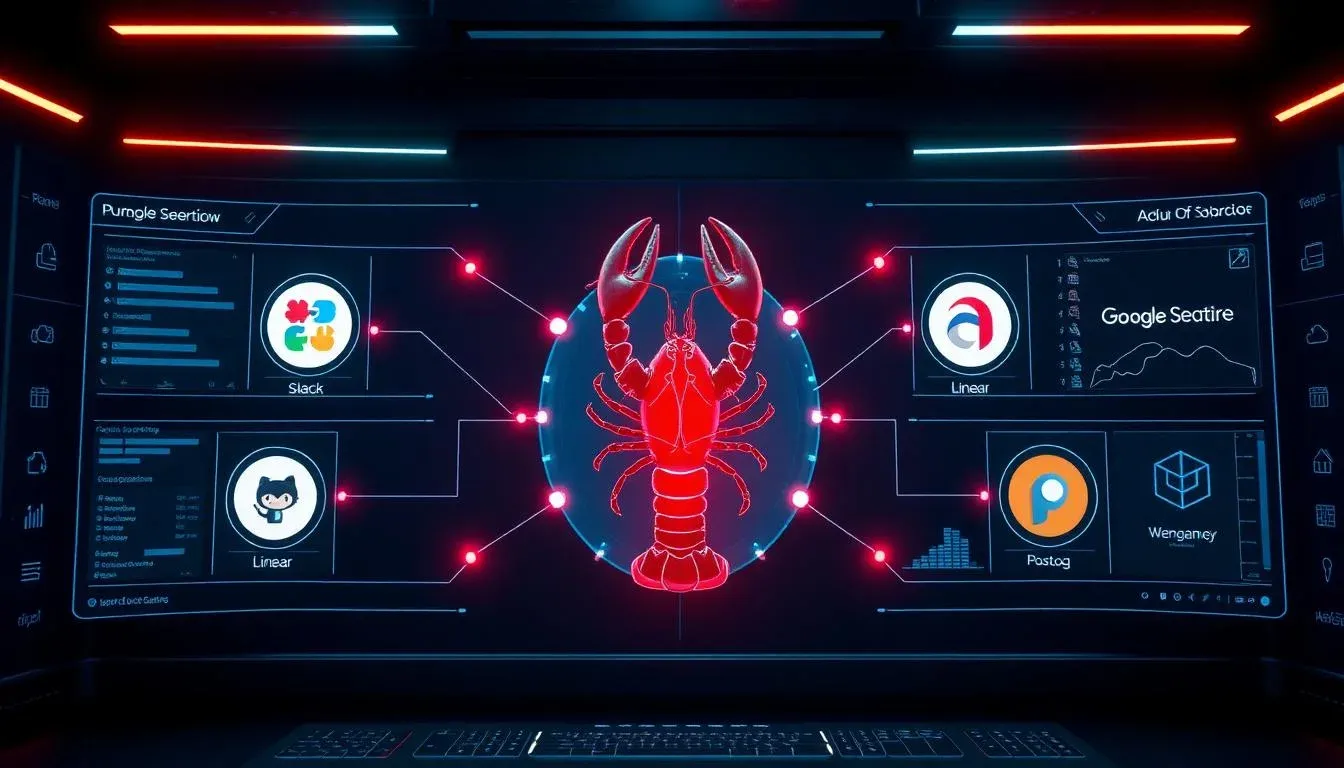

TL;DR: „The biggest challenge isn't the setup – it's teaching the agent that it can finish in 2 hours what a human plans over 4 weeks."
— Till FreitagAn AI agent that doesn't just answer – it delivers
We've been running an OpenClaw agent in production for weeks. Not as an experiment, not as a demo – as a real part of our workflow. And the results are surprising.
For anyone new to OpenClaw: it's an open-source AI agent framework, originally built by Peter Steinberger. Think of it as an automation engine with a brain – able to chain actions across tools, keep long-term memory, and evolve its own capabilities over time.
Interaction runs through Slack, Telegram, iMessage, or any web interface.
The stack: what our agent touches
Here's the full stack our agent runs on:
| Tool | Role in the system |
|---|---|
| OpenClaw | Agent framework on a VPS, reachable via Slack |
| monday.com | Not just task tracking – the agent's persistent memory and execution log |
| PostHog | Conversion monitoring the agent checks autonomously on its own schedule |
| Google Search Console + Ahrefs API | SEO research and performance data |
| GitHub | Autonomous content publishing |
| Moz | Rank-tracking API |
The crucial part: the agent doesn't just read these tools – it creates its own monday.com tasks, flags issues, and iterates based on live data. No human in the loop for routine cycles.
What a typical cycle looks like
1. Collect data
The agent independently checks PostHog dashboards, crawls Google Search Console for ranking changes, and pulls Ahrefs data for keyword opportunities.
2. Analyze & prioritize
Based on the data, the agent creates monday.com tasks – prioritized by impact. A typical output:
"Page /tools/monday-crm dropped to position 8 for 'monday CRM consulting'. Content update recommended. Competitor X published a new comparison article."
3. Execute
The agent writes content updates, opens pull requests on GitHub, and tracks the changes in monday.com. After deploy, the next cycle checks whether rankings improved.
4. Report
Weekly summaries land in Slack automatically – with metrics, closed tasks, and recommendations for next week.
The most surprising lesson: "AI Time"
Here's the lesson that surprised us most:
The biggest challenge isn't the technical setup. It's teaching an AI agent the concept of "AI Time."
Our agent produced a 4-week execution plan – that it could complete in 2 hours.
When you manage 1,500+ content pieces, this gap between human planning instincts and AI execution speed is something you have to actively design for. The agent thinks in human time because it was trained on human planning patterns. But it works in machine time.
What we adjusted
- Cap batch sizes: instead of optimizing 200 pages at once, the agent works in controlled batches of 20
- Cooldown periods: after each batch the agent waits for data feedback (rankings, traffic) before starting the next
- Human checkpoints: every 50 tasks there's a review point – not because the agent errs, but because priorities shift
monday.com as agent memory
The most interesting architecture decision: monday.com isn't just our project management tool – it's the agent's long-term memory.
Every action, decision, and data point is persisted as a monday.com item or update. Three benefits:
- Traceability: we can always see why the agent made a decision
- Context continuity: even after a restart the agent knows where it left off
- Human-agent collaboration: we can create monday.com tasks the agent picks up – and vice versa
PostHog: autonomous conversion monitoring
The agent doesn't just check rankings – it monitors conversions. When a landing page gets traffic but generates no inquiries, the agent files a task:
"/services/monday-consulting has 340 visits this week but 0 form submissions. Check CTA position and copy."
That's the point where automation turns into real business impact.
What we're building next
Our goal is a small fleet of specialized agents – each with one clearly defined function:
| Agent | Function |
|---|---|
| SEO agent | Content optimization, ranking monitoring, keyword research |
| Conversion agent | Landing page performance, A/B test proposals, CTA optimization |
| Outreach agent | Identify link-building opportunities, draft emails |
| Tech agent | Monitor Lighthouse scores, Core Web Vitals, broken links |
Humans do oversight, not execution. Early results are promising.
Lessons learned
What works well
- Routine cycles without human intervention: SEO monitoring, ranking checks, content audits
- Data-driven prioritization: the agent is better at prioritizing 1,500 pages than any human
- Consistency: the agent never forgets a follow-up, never skips a check
What still needs work
- Creative decisions: content strategy, tone, brand voice – still needs humans
- Edge cases: unexpected API changes or tool outages need manual intervention
- Stakeholder communication: the agent produces reports, but interpretation and team communication stay human
Setup: how to start
The basic stack can be set up in an afternoon:
- Install OpenClaw on a VPS (we use a Hetzner server)
- Enable Slack integration for communication
- Create a monday.com board as agent memory
- Configure API keys for PostHog, Google Search Console, Ahrefs/Moz
- GitHub token for autonomous publishing
curl -sSL https://openclaw.ai/install.sh | bash
openclaw config --channel slack --memory monday --llm claudeTip: start with a single use case (e.g. SEO monitoring only) before expanding scope. The agent scales more easily than your trust in it.
Verdict
Running OpenClaw in production is no longer a science fiction experiment – it's operational reality. The tech works. The real challenge is adapting human workflows to machine speed.
If you're exploring agentic AI infrastructure: happy to compare notes.
Want to set up your own OpenClaw agent? Talk to us – we help with setup, stack design, and the lessons no tutorial teaches you.
Related Articles
monday.com + OpenClaw: How monday.com Becomes the Brain of Your AI Agent
monday.com is more than a project management tool – it can serve as the long-term memory and execution log for an AI age…
Read more Deep Dive
What Is OpenClaw? The Open-Source AI Agent Overview
OpenClaw is an open-source AI agent that handles tasks autonomously – from emails to calendars. Self-hosted, GDPR-compli…
Read more
Make vs. Claude Code vs. OpenClaw – Picking the Right Orchestration Layer (2026)
Make.com, Claude Code, or OpenClaw? Three tools, three layers of the stack. Here's when to pick which orchestration tool…
Read moreOpenClaw Self-Hosting Guide: GDPR-Compliant in 30 Minutes
Self-host OpenClaw with Docker, persistent storage, and local LLMs via Ollama – fully GDPR-compliant because no data eve…
Read moreNanoClaw: The Lean Successor to OpenClaw – An AI Agent That Fits in Your Pocket
NanoClaw is the minimalist successor to OpenClaw – an AI agent that runs on a Raspberry Pi, is controllable via WhatsApp…
Read more Deep Dive
The Best OpenClaw Alternatives 2026 – from NanoClaw to NullClaw
OpenClaw has 200,000+ GitHub stars – but not everyone needs 430,000 lines of code. We compare 22 alternatives in mid-202…
Read more
Claude Code Is No Longer a Dev Tool – It's a GTM Layer
With Opus 4.6, Claude Code has fundamentally changed: from a developer tool to an autonomous Go-To-Market layer. What we…
Read more
OpenClaw Audit 2026: What's Left of All Those Promises?
OpenClaw was the hot new thing in 2024, a LinkedIn religion in 2025, and supposedly dead in 2026. A sober audit: what he…
Read moreCoding-Agent Layer 2026: OpenCode, Aider, Continue.dev & Co. Compared
Deep dive into the coding-agent layer: which OpenClaw coding rival fits which workflow? OpenCode, Aider, Continue.dev, S…
Read more