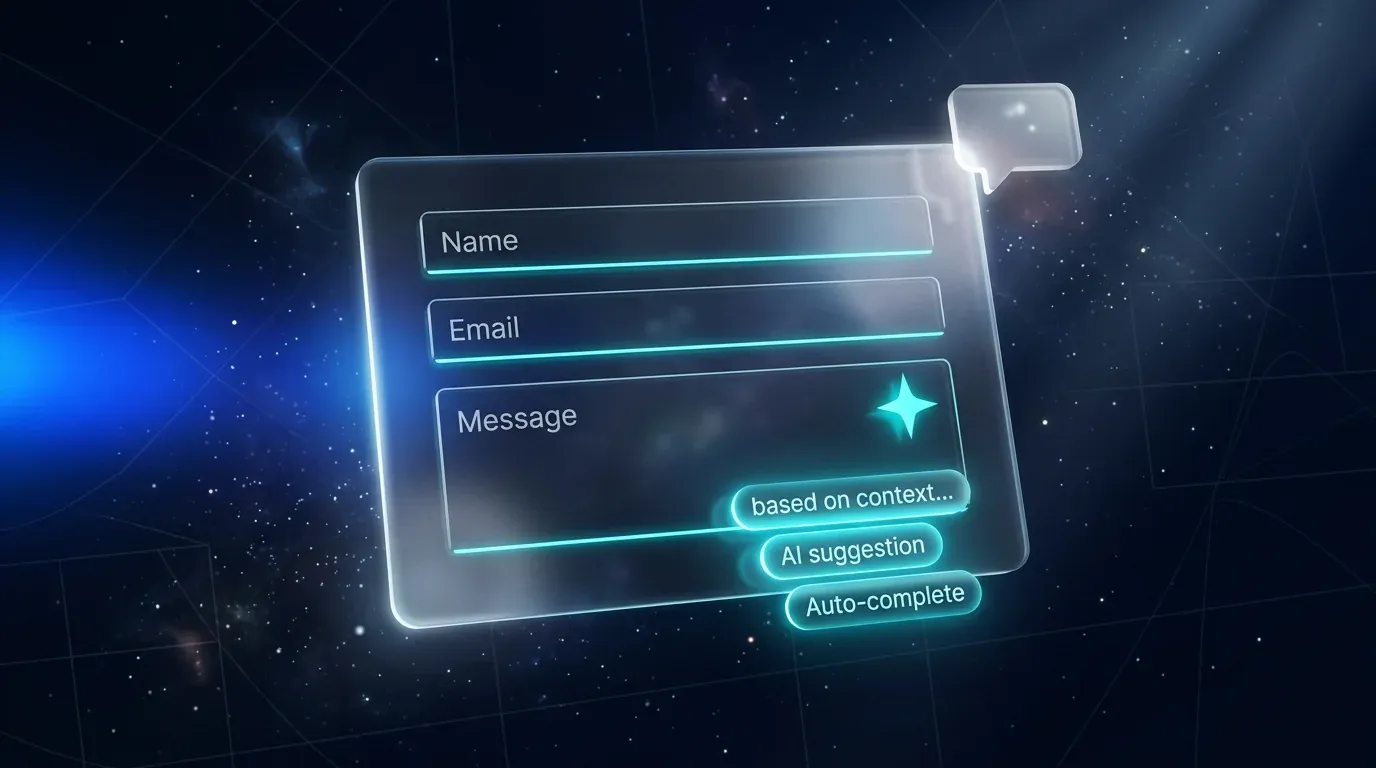
Smart Forms with AI in Lovable: Auto-Complete, AI Validation & Conversational Forms

TL;DR: „Three patterns to make any form smarter: AI auto-fills (auto-complete), AI checks plausibility (validation), and AI replaces the form entirely (conversational)."
— Till Freitag📌 Lovable Forms Series · Part 5 of 6
We built it custom in Part 2, made it production-ready in Part 3 and wired it to a CRM in Part 4. Now: let AI move into the form itself.
Smart Forms with AI in Lovable: Auto-Complete, AI Validation & Conversational Forms
Classic forms are dumb: you ask, the user types, you store. With the Lovable AI Gateway you turn the form into an active assistant – one that thinks along, fills in, validates, or replaces the form altogether with a chat interface.
In this part we walk through three concrete patterns with code you can drop into your Lovable project in 30 minutes.
Setup: Lovable AI Gateway
We use the Lovable AI Gateway – no OpenAI/Anthropic contract, no key rotation, full access to Gemini and GPT models. With Lovable Cloud enabled, LOVABLE_API_KEY is automatically available in every Edge Function.
Default model for all three patterns: google/gemini-3-flash-preview (fast, cheap, multimodal).
Pattern 1: AI Auto-Complete
Use case: the user types "Till Freitag Consulting" into a company field – the form auto-fills industry, approximate size, city.
Edge Function
// supabase/functions/enrich-company/index.ts
import { serve } from "https://deno.land/std@0.168.0/http/server.ts";
import { z } from "https://deno.land/x/zod@v3.22.4/mod.ts";

const corsHeaders = {
  "Access-Control-Allow-Origin": "*",
  "Access-Control-Allow-Headers": "authorization, x-client-info, apikey, content-type",
};

const Body = z.object({ company: z.string().trim().min(2).max(200) });

serve(async (req) => {
  if (req.method === "OPTIONS") return new Response(null, { headers: corsHeaders });

  const parsed = Body.safeParse(await req.json());
  if (!parsed.success) {
    return new Response(JSON.stringify({ error: "Invalid input" }), { status: 400, headers: corsHeaders });
  }

  const apiKey = Deno.env.get("LOVABLE_API_KEY");
  if (!apiKey) throw new Error("LOVABLE_API_KEY missing");

  const res = await fetch("https://ai.gateway.lovable.dev/v1/chat/completions", {
    method: "POST",
    headers: { Authorization: `Bearer ${apiKey}`, "Content-Type": "application/json" },
    body: JSON.stringify({
      model: "google/gemini-3-flash-preview",
      messages: [
        {
          role: "system",
          content: "You enrich company names with public business info. Return null fields if unsure. Never invent data.",
        },
        { role: "user", content: `Company: ${parsed.data.company}` },
      ],
      tools: [{
        type: "function",
        function: {
          name: "enrich",
          description: "Return enriched company info",
          parameters: {
            type: "object",
            properties: {
              industry: { type: "string", nullable: true },
              employees_estimate: { type: "string", enum: ["1-10","11-50","51-200","201-1000","1000+"], nullable: true },
              hq_city: { type: "string", nullable: true },
              confidence: { type: "string", enum: ["low","medium","high"] },
            },
            required: ["confidence"],
          },
        },
      }],
      tool_choice: { type: "function", function: { name: "enrich" } },
    }),
  });

  if (res.status === 429) return new Response(JSON.stringify({ error: "Rate limit" }), { status: 429, headers: corsHeaders });
  if (res.status === 402) return new Response(JSON.stringify({ error: "AI credits exhausted" }), { status: 402, headers: corsHeaders });

  const data = await res.json();
  const args = data.choices?.[0]?.message?.tool_calls?.[0]?.function?.arguments;
  const enrichment = args ? JSON.parse(args) : null;

  return new Response(JSON.stringify({ enrichment }), {
    headers: { ...corsHeaders, "Content-Type": "application/json" },
  });
});
Frontend with debounce
const [enrichment, setEnrichment] = useState<Enrichment | null>(null);
const company = useWatch({ control, name: "company" });
const debounced = useDebounce(company, 600);

useEffect(() => {
  if (!debounced || debounced.length < 3) return;
  supabase.functions.invoke("enrich-company", { body: { company: debounced } })
    .then(({ data }) => {
      if (data?.enrichment?.confidence !== "low") setEnrichment(data.enrichment);
    });
}, [debounced]);

// In JSX: pre-fill + "Suggested by AI" indicator
{enrichment && (
  <p className="text-xs text-muted-foreground flex items-center gap-1">
    ✨ Suggested by AI – <button onClick={applyEnrichment}>apply</button> or fill in manually
  </p>
)}
Critical UX rule: never auto-fill silently. The user must see what they're accepting.
Pattern 2: AI Validation (plausibility check)
Use case: in a support form the user picks category "Billing question" but writes "My login isn't working." AI detects the mismatch and gently suggests the right category.
// Same Edge Function pattern, different system prompt:
{
  role: "system",
  content: `You check whether a support message matches the chosen category.
            Return one of: match, mismatch, unclear. If mismatch, suggest a better category from: billing, login, bug, feature_request.`,
}
Frontend:
{validation?.result === "mismatch" && (
  <Alert variant="warning">
    This sounds more like <strong>{validation.suggested}</strong>. Submit anyway as "{currentCategory}"?
    <Button size="sm" onClick={() => setValue("category", validation.suggested)}>Yes, change it</Button>
  </Alert>
)}
This is friendly validation – non-blocking, just helpful. Conversion stays high, data quality goes up.
Pattern 3: Conversational Form
Use case: instead of 12 fields, a chat interface asks naturally ("How can I help?") and extracts the data in the background via tool calls.
Architecture
[Chat UI] ←→ [streaming Edge Function] ←→ [AI Gateway]
                       ↓
                [Tool call: save_lead]
                       ↓
                [Lovable Cloud DB]
The trick: AI gets a tool save_lead({name,email,topic,urgency}) and is told to first collect all fields, then call the tool.
const tools = [{
  type: "function",
  function: {
    name: "save_lead",
    description: "Call ONLY when name, email, topic and urgency are all known.",
    parameters: {
      type: "object",
      properties: {
        name: { type: "string" },
        email: { type: "string" },
        topic: { type: "string" },
        urgency: { type: "string", enum: ["low","medium","high"] },
      },
      required: ["name","email","topic","urgency"],
    },
  },
}];
System prompt:
You're Till's AI assistant. Friendly-collect name, email, request and urgency – max. 4 short questions. As soon as you have everything, call
save_leadand thank the user. Ask at most one question per message.
The user gets a short, natural chat. You get structured data – just like from a form.
💡 When does it make sense? B2B demo requests, onboarding wizards, support triage. When not? When the user is in a hurry (newsletter, checkout).
Cost & rate-limit awareness
All three patterns cost AI tokens. Rules of thumb:
| Pattern | Calls per submit | Risk |
|---|---|---|
| Auto-complete | 1–3 (debounced) | Medium – user types a lot |
| AI validation | 1 on submit | Low |
| Conversational | 5–15 (multi-turn) | High – long chat |
Abuse protection:
- Server-side rate limit (e.g. 10 calls/IP/hour)
- Hard limit per user session
- Honeypot field (see Part 3)
- Surface 402/429 from the gateway in your UI
Conclusion
AI in forms isn't "cool" – it's functional: auto-complete cuts typing, AI validation raises data quality, conversational forms boost conversion in complex use cases.
With the Lovable AI Gateway the entry barrier is minimal – no provider contract, no key rotation, no vendor lock-in. Start with Pattern 1, see after 50 submits whether it's worth it.
👉 Next in the series: Part 6 – File Uploads in Lovable Forms
👉 Back: Part 1 · Part 2 · Part 3 · Part 4
Want to take AI deeper into your product? Check out the AI Product Studio – we ship smart-form and agent workflows as a service.
Lovable Forms Series
0 of 6 read · 0%Six articles taking you from tool choice to AI-powered forms with file uploads.
- PART 1Unread
Form Tools Compared
Tally, Typeform & monday WorkForms – when SaaS is worth it.
Read - PART 2Unread
Custom Build in Lovable
React Hook Form + zod + Lovable Cloud – the DIY foundation.
Read - PART 3Unread
Production-Ready Best Practices
Validation, GDPR, spam protection, UX feedback.
Read - PART 4Unread
Connect to monday.com
GraphQL API, Edge Function, lead → item on the board.
Read - PART 5UnreadHere
Smart Forms with AI
Auto-complete, AI validation, conversational forms.
- PART 6Unread
File Uploads & Storage
Drag & drop, Supabase Storage, RLS, signed URLs.
Read
Reading progress is stored locally in your browser (localStorage).
Related Articles
Connect Forms to monday.com: Lead Form → Item via GraphQL API
Part 4 of the Lovable Forms series: how to write Lovable forms directly into monday boards – with GraphQL, an Edge Funct…
Read more
Form Tools for Lovable Projects: Typeform, Tally & monday WorkForms Compared
Part 1 of the Lovable Forms series: which SaaS form tool fits your Lovable project? Tally, Typeform & monday WorkForms c…
Read more
Contact Forms in Lovable – Best Practices for Professional Forms
Part 3 of the Lovable Forms series: production-ready best practices for contact forms in Lovable – validation, GDPR, spa…
Read more
File Uploads in Lovable Forms: Drag & Drop, Supabase Storage, RLS and Signed URLs
Part 6 of the Lovable Forms series: full setup for file uploads in Lovable forms – with react-dropzone, Supabase Storage…
Read more
Build Forms in Lovable: React Hook Form, zod & Lovable Cloud Step by Step
Part 2 of the Lovable Forms series: how to build forms directly in Lovable – with React Hook Form, zod, shadcn/ui and Lo…
Read more
Lovable Now Does More Than Build Apps – Documents, Data Analysis, Videos & More
Lovable is no longer just an app builder. The platform now analyzes data, creates pitch decks, generates videos and proc…
Read more
Setting Up Google Login in Lovable – SSO & Auth Step by Step
How to set up Google Sign-In for your Lovable project – from Google Cloud Console to a working login page. Complete guid…
Read more
The Best Lovable Resources – Your Ultimate Guide 2026
All essential Lovable resources in one place: official docs, community, YouTube tutorials, pricing, and our best guides …
Read more
We're Not a Web Agency – And That's the Point
Looking for a web agency? You're in the wrong place. Looking for someone to solve your digital problem? You've found us.…
Read more