
Build Forms in Lovable: React Hook Form, zod & Lovable Cloud Step by Step

📌 Lovable Forms Series · Part 2 of 6
This article shows how to build forms natively in Lovable – with full design control, custom logic and no SaaS fees. SaaS alternatives are covered in Part 1, best practices in Part 3. Next: Part 4 – monday integration, Part 5 – Smart Forms with AI, Part 6 – File Uploads.
Build Forms in Lovable: React Hook Form, zod & Lovable Cloud Step by Step
You know the SaaS options from Part 1 – but your use case breaks every template. Custom design, multi-step logic, GDPR requirements. This is exactly where Lovable shines: you build the form in vibe-coding style, with production-ready React code – and zero monthly SaaS costs.
In this part we'll show you why the custom path often pays off after the very first form, what the stack looks like (React Hook Form + zod + shadcn/ui + Lovable Cloud), and how a realistic example takes 10–15 minutes.
Quick Reminder: When SaaS Is Enough
Before you start coding, an honest reality check. Reach for a ready-made tool when …
- … it's a simple feedback form nobody really notices visually
- … you need a waitlist page in 10 minutes
- … you're capturing items inside monday.com (→ WorkForms)
The full comparison of the three big SaaS tools (Tally, Typeform, WorkForms) lives in Part 1 of the series.
But the moment one of these criteria matters, the custom path wins:
| Criterion | SaaS Tools | Custom in Lovable |
|---|---|---|
| Design freedom | Limited | ✅ Unlimited |
| Conditional logic | Basic to solid | ✅ Arbitrarily complex |
| GDPR compliant | ⚠️ Often US servers | ✅ Own infrastructure |
| Direct CRM/DB integration | Webhook + middleware | ✅ Direct in code |
| Recurring cost | From ~€25/month per tool | €0 SaaS fees* |
| A/B testing | ❌ | ✅ Freely implementable |
* Hosting (e.g. Vercel, Netlify) and database costs (e.g. Lovable Cloud) apply separately but are part of your infrastructure anyway.
The Custom Stack in Lovable
Lovable isn't form software – it's an AI-native development platform. You describe what you need, and Lovable generates clean React code using the de-facto standard stack:
- React Hook Form – performant form state management
- zod – TypeScript-first schema validation
- shadcn/ui – accessible UI components (Input, Select, Form)
- Lovable Cloud – database, auth, edge functions out of the box
You don't need to know any of these libraries – you describe the form, Lovable picks the building blocks. If you want to dive deeper, our contact form tutorial has every detail.
Advantage 1: Full Design Control
No "choose from 12 templates." You get exactly the design that matches your brand:
// Lovable generates clean React + Tailwind code
<form className="space-y-6 max-w-lg mx-auto">
  <div className="space-y-2">
    <Label htmlFor="company">Company</Label>
    <Input
      id="company"
      placeholder="Your company"
      className="border-primary/20 focus:border-primary"
    />
  </div>
  {/* Infinitely extensible – no template limits */}
</form>
Every detail – spacing, typography, focus states, error animations – follows your design system. Branded forms, no "Powered by" footer.
Advantage 2: Arbitrarily Complex Logic
Conditional logic in SaaS tools is always limited. In Lovable? You write (or have written) the exact logic:
// Multi-step form with branching
const [step, setStep] = useState(1);
const [formData, setFormData] = useState({});

// Dynamic routing based on answers
const nextStep = () => {
  if (formData.teamSize > 50) {
    setStep(3); // Enterprise flow
  } else {
    setStep(2); // Startup flow
  }
};
Branching, calculations, live lookups against external APIs, dependent fields, wizard flows – all in TypeScript, all version-controlled.
Advantage 3: Direct Backend Integration
No webhook hacking, no Zapier subscription. Lovable Cloud gives you database, auth, and API out of the box:
// Write directly to the database
const handleSubmit = async (data: FormData) => {
  const { error } = await supabase
    .from('inquiries')
    .insert({
      name: data.name,
      email: data.email,
      message: data.message,
      source: 'contact-form',
      created_at: new Date().toISOString(),
    });

  if (!error) {
    toast.success('Inquiry sent!');
  }
};
With an Edge Function, you fire off a confirmation email in the same operation – including lead routing, Slack notification or monday item creation.
Advantage 4: No Recurring SaaS Costs
A Typeform subscription costs from $25/month (~€23). Over 12 months, that's ~$300 – for a single form. Five forms on your site? You're already in four-digit territory per year. A form built in Lovable has no recurring SaaS fees.
Advantage 5: GDPR by Design
Your data lives on your infrastructure. No US third-party provider, no cookie banners for external embeds, no data processing agreements with form providers. For regulated industries or government projects, often the only viable setup.
Practical Example: Contact Form in 10 Minutes
Here's how fast a custom form works with Lovable:
- Prompt: "Create a contact form with name, email, phone (optional), message, and a dropdown for 'How did you hear about us?'"
- Lovable generates: Complete React form with validation (zod), toast notifications, and responsive design
- Backend: Lovable Cloud automatically stores inquiries in a database table (with RLS)
- Email notification: Edge Function sends you an email on new inquiries
Total time: 10–15 minutes. Recurring SaaS costs: €0.
👉 Detailed guide: Our guide on Contact Forms in Lovable shows the complete process including spam protection and honeypot fields.
Hybrid Approach: Best of Both Worlds
You don't have to pick a side. A smart hybrid combines speed and depth:
- Quick feedback forms: Tally (see Part 1)
- Customer surveys with premium UX: Typeform (see Part 1)
- Core app forms (contact, onboarding, ordering): Custom in Lovable
- Data routing: Make or n8n connects everything in the background
That keeps the effort per form proportionate – but for the business-critical pieces, you stay in full control.
Conclusion
Off-the-shelf form tools aren't bad – they're perfect for certain use cases (see Part 1). But as soon as you need custom design, complex logic, or GDPR compliance, it gets expensive and cumbersome.
Lovable fills exactly this gap: you get the speed of a SaaS tool with the flexibility of custom code. And the best part: you don't need a developer – just a clear vision of what your form should do.
Our recommendation:
- Start with Tally for quick, free forms (Part 1)
- Switch to Lovable once you hit design or logic limits (this article)
- Combine both with Make or n8n for maximum flexibility
👉 Next in the series: Part 1 · Part 3 – Best practices · Part 4 – monday integration · Part 5 – Smart Forms with AI · Part 6 – File Uploads
Need help deciding? Contact us – we'll analyze your use case and recommend the optimal solution.
Related Articles
 Deep Dive
Lovable Feature Roundup: What actually mattered in May and June 2026
Subagents, native Claude MCP, the Preview Toolbar, Publish-from-chat, slow-query analysis in Lovable Cloud: in six weeks…
Read more
Connect Forms to monday.com: Lead Form → Item via GraphQL API
Part 4 of the Lovable Forms series: how to write Lovable forms directly into monday boards – with GraphQL, an Edge Funct…
Read more
File Uploads in Lovable Forms: Drag & Drop, Supabase Storage, RLS and Signed URLs
Part 6 of the Lovable Forms series: full setup for file uploads in Lovable forms – with react-dropzone, Supabase Storage…
Read more
Smart Forms with AI in Lovable: Auto-Complete, AI Validation & Conversational Forms
Part 5 of the Lovable Forms series: how to upgrade forms with the Lovable AI Gateway – auto-complete, AI-driven validati…
Read more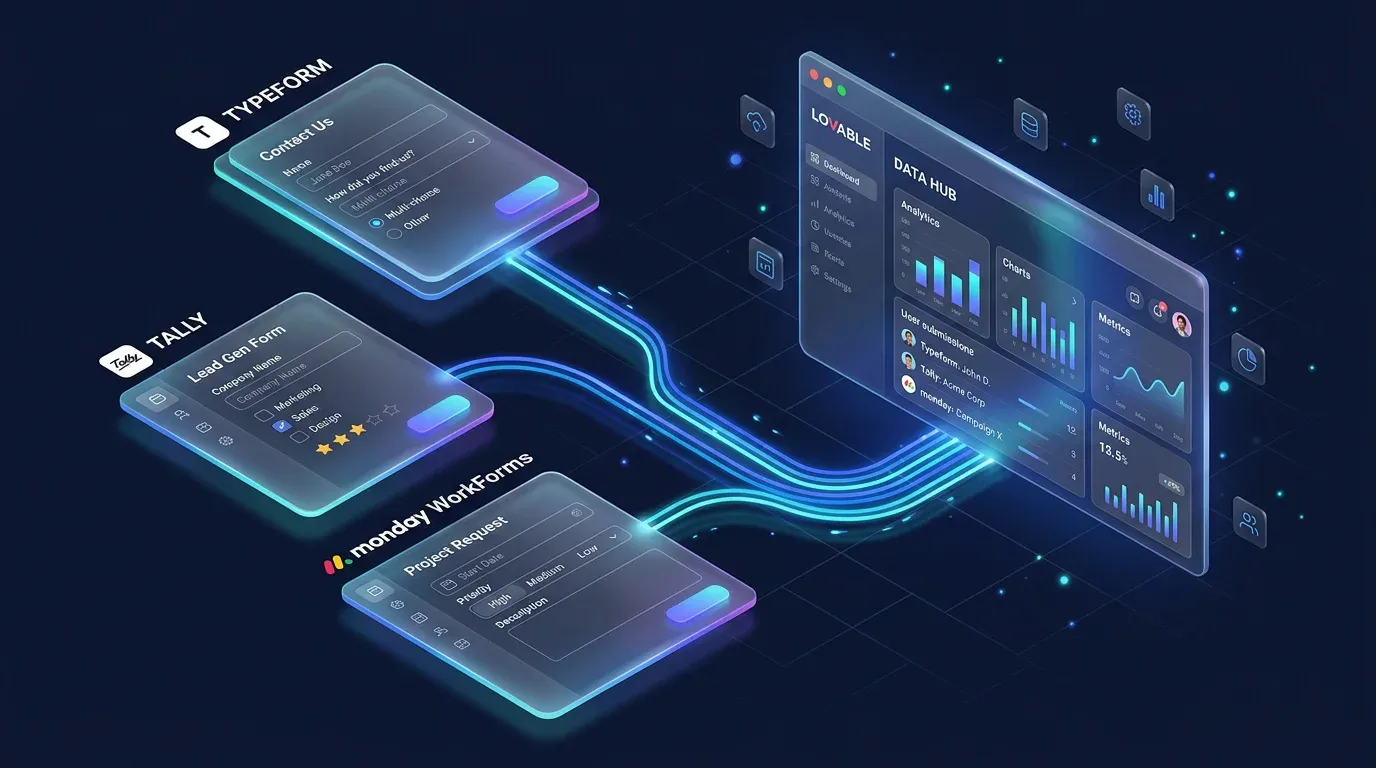
Form Tools for Lovable Projects: Typeform, Tally & monday WorkForms Compared
Part 1 of the Lovable Forms series: which SaaS form tool fits your Lovable project? Tally, Typeform & monday WorkForms c…
Read more
The Vibe Coding Stack 2026: Lovable, Supabase, Resend – And What's Still Missing
This is the tech stack we use to build full-stack apps in 2026 – without a traditional dev team. Three core tools, two f…
Read more
Build a SaaS Dashboard with Lovable: From Prompt to Production
A complete SaaS dashboard with charts, auth and database – built with Lovable in an afternoon. Step-by-step tutorial wit…
Read more
Contact Forms in Lovable – Best Practices for Professional Forms
Part 3 of the Lovable Forms series: production-ready best practices for contact forms in Lovable – validation, GDPR, spa…
Read more
Ponytail: The Best Code Is the Code You Never Wrote
A dev built Ponytail because his AI agents wrote 500 lines for a 5-line problem. The result: 80-94% less code, 47-77% ch…
Read more