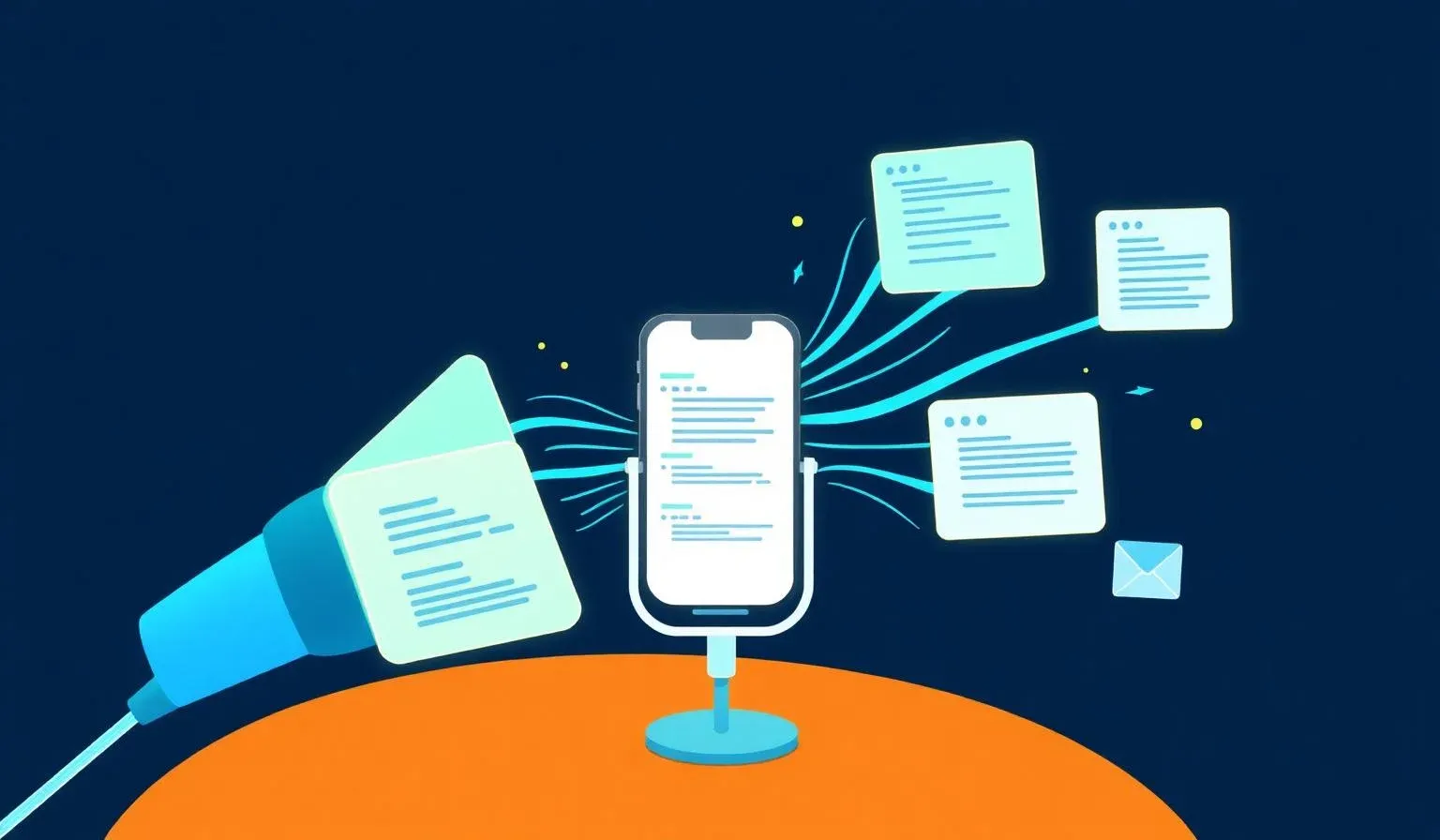

TL;DR: „WhisperFlow is dictation on a hotkey – works in any text field on macOS/Windows, cleans up filler words automatically, and is 3–4× faster than typing. Required stack for builders who prompt AI tools all day."
— Till FreitagWhy voice is becoming the default input
Anyone building with AI tools in 2025 writes more prompts than code. ChatGPT, Claude, Lovable, Cursor, Linear, Slack – every workflow is a stream of instructions, context, and reviews. Typing becomes the bottleneck.
Lovable Voice solves this inside the editor. But the moment you switch tabs, you're back on the keyboard. That's the gap WhisperFlow closes: a system-wide speech-to-text layer that works in any text field, no matter which app.
What WhisperFlow is
WhisperFlow runs as a background process on macOS and Windows. You press a hotkey (default: Fn or a modifier combo), speak, release – the transcribed text lands at the current cursor position. In any app. Lovable chat, Cursor composer, ChatGPT web window, Slack DM, mail, Notion, Google Doc.
Under the hood: Whisper-based models (OpenAI Whisper Large v3 and forks), either local or cloud. Accuracy in English and German is 95 %+ – including code-switching and technical terms.
The key difference vs. native dictation (macOS Dictation, Windows Voice Access):
- Cleanup is built in: WhisperFlow removes filler words ("um", "like"), fixes sentence structure, smooths out half-sentences.
- Custom vocabulary: You can register proper nouns, product names, acronyms so "Lovable Cloud" doesn't become "lovable cloud" or "loveable cloud."
- Context-aware prompting: Some plans accept an active hint ("I'm dictating a prompt for a code tool"), which boosts cleanup quality further.
Setup in 5 minutes
- Download & install: whisperflow.app → macOS DMG or Windows installer.
- Grant microphone permission, grant accessibility permission (so the text can be inserted into any app).
- Set a hotkey: Default is the Fn key. We usually use a double-modifier combo (e.g., double-tap right Option), because that doesn't collide with any tool.
- Pick languages: Enable English + German in parallel – WhisperFlow auto-detects and handles code-switching cleanly.
- Fill custom vocabulary: Company name, tool names, common people. For us:
Lovable,monday.com,Cal.com,Vibe Coding,Niclas,Malte. - Choose cleanup level: We recommend "Medium" – aggressive cleanup sometimes rewrites things you actually meant.
Optional: Enable the local model if you don't want audio leaving your machine. Runs smoothly on any M1+ Mac; on Windows you need a reasonably current GPU.
The builder workflow
Here's what a typical day looks like with WhisperFlow running:
Morning – prompt drafts
Lovable project open, press hotkey, speak:
"Build a comparison slider between Stripe and Paddle on the pricing page. Three columns – setup effort, payout frequency, EU tax handling. Below the table a FAQ with five items. Mobile stacks everything. Use the existing card and accordion components."
Release, prompt is in chat, build runs. Typing effort: zero.
Midday – stakeholder mail
Client asks for a status update, you go for a walk, reply by voice – straight into the mail client, clean copy. Three paragraphs in a minute, no correction pass needed.
Afternoon – Cursor / code review
Cursor composer open, language switches to English (models respond better to English prompts in code contexts):
"Refactor this hook so the polling interval is configurable via a prop, default 5000ms, and add a useEffect cleanup."
Works here too, because WhisperFlow inserts into the active text field, regardless of app.
Evening – Slack & Notion
Standup update in Slack, docs in Notion, LinkedIn post draft – all by voice, all without typing. The day feels noticeably shorter at the end.
Best-practice examples
1. Long context prompts
Voice beats keyboard whenever you want to deliver more than two sentences of context. Example:
"We have a landing page for a webinar. The hero currently only has a headline and a CTA. Turn it into a hero with speaker photo on the left, headline, date, location, CTA on the right, plus a small trust bar below with the three most important company logos. German date format, CTA text 'Save my seat'."
70 words in 12 seconds. Typed: over a minute, with typos.
2. Pair sessions
Stakeholder speaks aloud, you just nod and check that WhisperFlow inserted it correctly. Managing directors feel heard because their own words land in the system – not your translation of them.
3. Mobile + desktop hybrid
On the go you use the Grammarly mobile keyboard with speech-to-text, at the desk WhisperFlow. Both tools have built-in cleanup – the style of your texts stays consistent, regardless of which device they came from.
4. Dictate-replace instead of voice memo
When you take notes, speak them directly into the target doc (Notion, Apple Notes), instead of recording a voice memo and transcribing it later. Saves the entire cleanup loop.
When WhisperFlow is not the right tool
- Dictating code directly: If you need
bg-primary/10, type it. Voice will reliably guess wrong here. - Selectors, IDs, variable names: Same story – every
_, every camelCase becomes a coin flip. - Very short inputs: "yes", "ok", "thanks" – the hotkey isn't worth it.
- Sensitive audio content: If compliance forbids cloud transcription, enable the local model.
Rule of thumb (same as Lovable Voice): Concept → voice. Token → keyboard.
Pricing
WhisperFlow is freemium:
- Free: limited minutes per month, cloud transcription.
- Pro (~$15/month): unlimited, local model, custom vocabulary, team features.
For a builder spending hours in AI tools every day, Pro pays for itself in the first week. We internally count 30–60 minutes of time saved per day – worth more than most tool investments.
What this means for the stack
WhisperFlow is not a replacement for Lovable Voice, it's the complement outside the Lovable editor. Our current recommendation for the 2025 voice stack:
| Context | Tool |
|---|---|
| Lovable editor (web + mobile) | Lovable Voice (ElevenLabs Scribe, built in) |
| Everything else on desktop | WhisperFlow |
| On the go on smartphone | Grammarly mobile keyboard |
| Long voice memos to text | macOS Notes / Otter.ai for meetings |
Set this stack up and voice becomes the default input in every workflow. Typing turns into a specialist task – no longer the default.
Bottom line
Voice as an input channel is ready in 2025. Models are good enough, latency is low, cleanup works. WhisperFlow is the tool that brings voice from individual AI apps into every text field.
Anyone serious about Vibe Coding and AI-first workflows won't be able to skip it for long. The $15/month is one of the best tool investments we've made in 2025.
→ Lovable Voice Mode: prompt by microphone → Our Vibe Coding services → Lovable mobile app: what works, what doesn't
Related Articles
Lovable Voice Mode: Prompt by Microphone Instead of Typing
Lovable Voice has been GA since September 2025 – powered by ElevenLabs Scribe. When speaking beats typing, when it doesn…
Read more
Vibe Coding with Subagents: How We Parallelize Lovable Projects
Subagents in Lovable change how we approach large projects. A CTO view: what shifted in architecture, prompting and PR r…
Read more
Lovable Mobile App: Vibe Coding Straight From Your Phone
The Lovable mobile app is live – iOS and Android. Queue prompts on the go, get a push notification when the build is don…
Read more
Lovable Now Does More Than Build Apps – Documents, Data Analysis, Videos & More
Lovable is no longer just an app builder. The platform now analyzes data, creates pitch decks, generates videos and proc…
Read more
Lovable Model Routing: Why Output Quality Has Slipped for Builders
Lovable now routes chat requests across different models depending on the task. From a builder's perspective, output qua…
Read more
Hunter Alpha Unmasked: Not DeepSeek V4, but Xiaomi's MiMo-V2-Pro
Hunter Alpha wasn't DeepSeek V4 – it was Xiaomi's MiMo-V2-Pro. We correct our analysis, explain what happened, and look …
Read more
The Minds Behind Vibe Coding – 7 People Redefining Software Development
Vibe coding is no longer a trend – it's a movement. Meet the 7 most important people shaping it: from Andrej Karpathy to…
Read more
Hermes: TillClawn 🤡 Got a Brother – and It's Not a Parcel Service
Next to TillClawn 🤡, there's a second building block in our stack as of today: Hermes. Not a parcel service, not anothe…
Read more Deep Dive
Lovable Feature Roundup: What actually mattered in May and June 2026
Subagents, native Claude MCP, the Preview Toolbar, Publish-from-chat, slow-query analysis in Lovable Cloud: in six weeks…
Read more