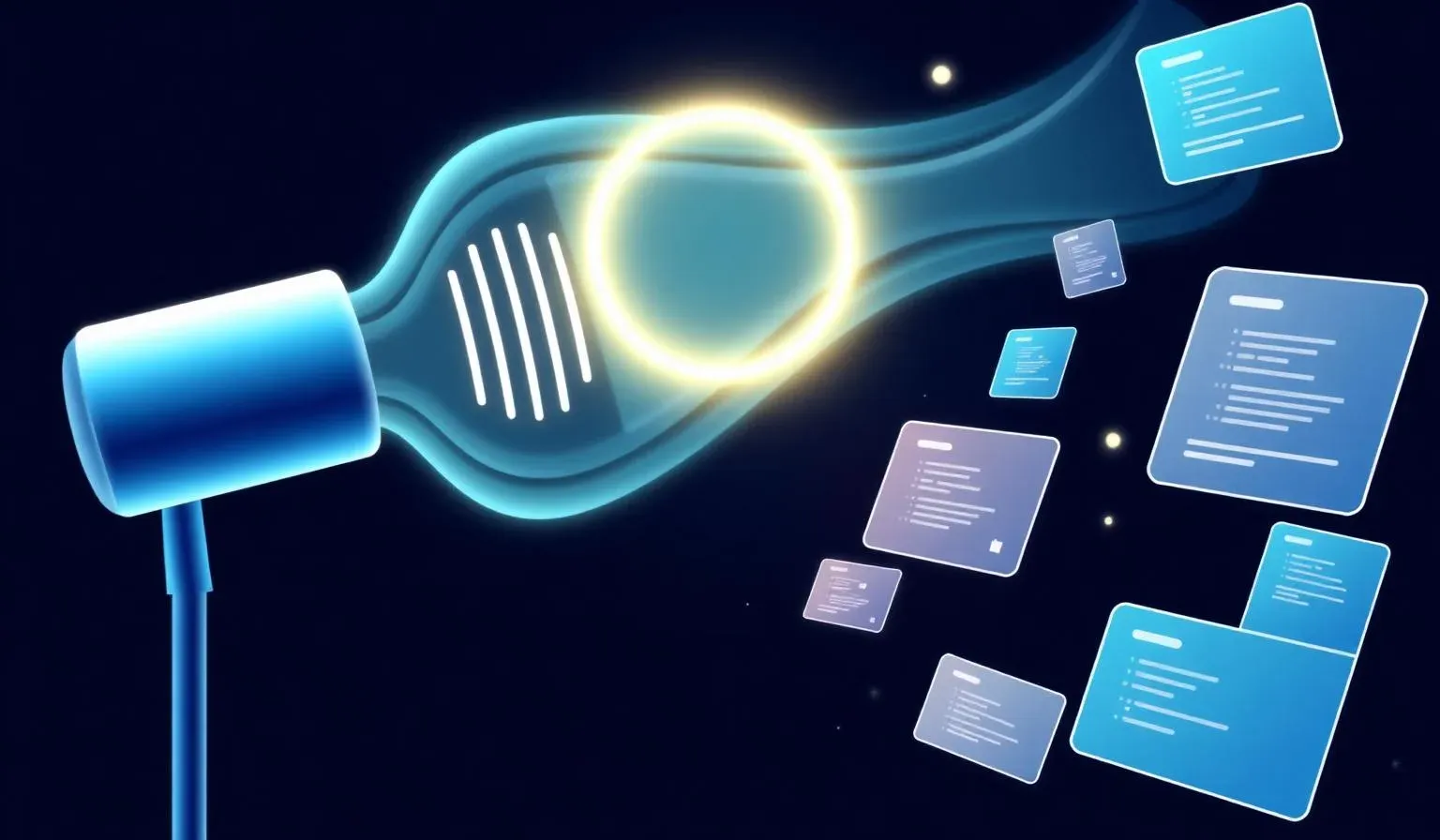
Lovable Voice Mode: Prompt by Microphone Instead of Typing

TL;DR: „Lovable Voice (ElevenLabs Scribe, 99+ languages) is a real speed boost on mobile and for long context prompts. For precise code edits, keep typing. Outside Lovable: WhisperFlow system-wide, Grammarly on the mobile keyboard."
— Till FreitagVoice has arrived in the editor
Lovable Voice has been GA since September 2025 – in the web app and in the mobile app. Instead of typing into the chat, you hold down the mic icon and speak. Transcription runs through ElevenLabs Scribe straight into the chat input, and the agent builds as usual.
Sounds like a small convenience feature. It isn't. Voice changes when and where you work on your Lovable projects.
What's under the hood
ElevenLabs Scribe is currently one of the best speech-to-text models on the market:
- 99+ languages – including German, with clean code-switching (e.g. German sentences with English technical terms)
- Very low latency – the transcript appears practically live
- Robust against background noise – café, car, walking all work
Lovable uses Scribe only for transcription. The actual build agent (Claude / GPT family) is unchanged – Voice is purely an input modality, not a new agent.
Where Voice clearly wins
1. Long, descriptive prompts
Typing gets tedious when you want to describe layout, components, and behaviour in one breath:
"Make the hero two-column, headline plus CTA on the left, a bento grid with three cards on the right – top card large with a product mockup, two smaller ones below with logo and quote. On mobile everything stacks, the bento becomes a horizontal scroller."
You speak that prompt in 15 seconds. Typing takes a minute – and you lose your train of thought on the way.
2. Mobile first
The Lovable mobile app shipped with Voice integrated from day one. The loop idea → voice prompt → build runs in the background → check preview suddenly works really well on a phone. In the car (as a passenger), on a walk, on the subway – chip away at the backlog without a laptop.
3. Pair sessions with non-technical stakeholders
Classic scenario: the managing director sits next to you, describes what she wants, you type. With Voice she just speaks it out, the prompt lands 1:1 in chat, and you only do the review. It saves a translation step – and the stakeholder feels heard because her words are in the system.
Where Voice gets in the way
Three situations where you should close the mic:
- Precise code edits – "In
Hero.tsxline 42, replacegap-4withgap-6" you don't speak, you type. - Bug fixes with selectors / IDs / classes – Voice quickly turns
bg-primary/10into "bg primary slash ten" and the model starts guessing. - Dictating code snippets – brackets, quotes, backticks: typing isn't just faster, it's the only reliable option.
Rule of thumb: Concept → Voice. Token → keyboard.
Alternatives outside Lovable
Voice isn't limited to the Lovable editor. Two tools we recommend when you want to speak instead of type system-wide:
WhisperFlow (desktop)
Runs in the background on macOS/Windows, maps a hotkey to dictation. Works in any text field – ChatGPT, Slack, Notion, Cursor, mail. Uses Whisper-based models, very accurate, local or cloud-selectable. Our default for long prompts in tools that don't have native voice.
Grammarly mobile keyboard
Underrated: the Grammarly keyboard on iOS/Android has built-in speech-to-text with cleanup. Unlike the native dictation feature, Grammarly cleans up filler words, sentence structure, and typos on the fly – no matter which app you're in. A lifesaver when you're firing off a Telegram or LinkedIn message on the go.
What this means in practice
- Install the mobile app if you haven't already. Voice plus Lovable Cloud turns your phone into a fully fledged build device.
- Voice-first for discovery & drafts – when you don't yet know what the component will look like, speak it. You phrase more freely than you type.
- Keyboard for refinement & debugging – the moment it gets into specific tokens, selectors, or code locations.
- Extend the stack: WhisperFlow on desktop, Grammarly on mobile – then you have voice input everywhere, not just in Lovable.
Bottom line
Voice isn't a gimmick anymore. With ElevenLabs Scribe in the background, transcription quality is at the point where speaking is genuinely faster for the right tasks – not just "cool". The builder's job: learn which prompts are voice tasks and which are keyboard tasks.
Anyone who builds in Lovable regularly and ignores the mic icon leaves 10–20 minutes on the table every day.
→ Our Lovable services → Lovable mobile app: what works, what doesn't → Lovable feature roundup June
Related Articles
WhisperFlow: Voice as a System-Wide Input Channel
WhisperFlow turns voice into a system-wide input channel – in Lovable, Cursor, ChatGPT, Slack, and every text field. Set…
Read more
Lovable Mobile App: Vibe Coding Straight From Your Phone
The Lovable mobile app is live – iOS and Android. Queue prompts on the go, get a push notification when the build is don…
Read more
Vibe Coding with Subagents: How We Parallelize Lovable Projects
Subagents in Lovable change how we approach large projects. A CTO view: what shifted in architecture, prompting and PR r…
Read more
Lovable Model Routing: Why Output Quality Has Slipped for Builders
Lovable now routes chat requests across different models depending on the task. From a builder's perspective, output qua…
Read more
The Minds Behind Vibe Coding – 7 People Redefining Software Development
Vibe coding is no longer a trend – it's a movement. Meet the 7 most important people shaping it: from Andrej Karpathy to…
Read more
Hermes: TillClawn 🤡 Got a Brother – and It's Not a Parcel Service
Next to TillClawn 🤡, there's a second building block in our stack as of today: Hermes. Not a parcel service, not anothe…
Read more
Agent Harness as a Category: Why the Harness Is the New Product
The harness — skills, sandbox, subagents, memory, channel routing — is the real product layer above the model. A map of …
Read more Deep Dive
Lovable Feature Roundup: What actually mattered in May and June 2026
Subagents, native Claude MCP, the Preview Toolbar, Publish-from-chat, slow-query analysis in Lovable Cloud: in six weeks…
Read more
Ponytail: The Best Code Is the Code You Never Wrote
A dev built Ponytail because his AI agents wrote 500 lines for a 5-line problem. The result: 80-94% less code, 47-77% ch…
Read more