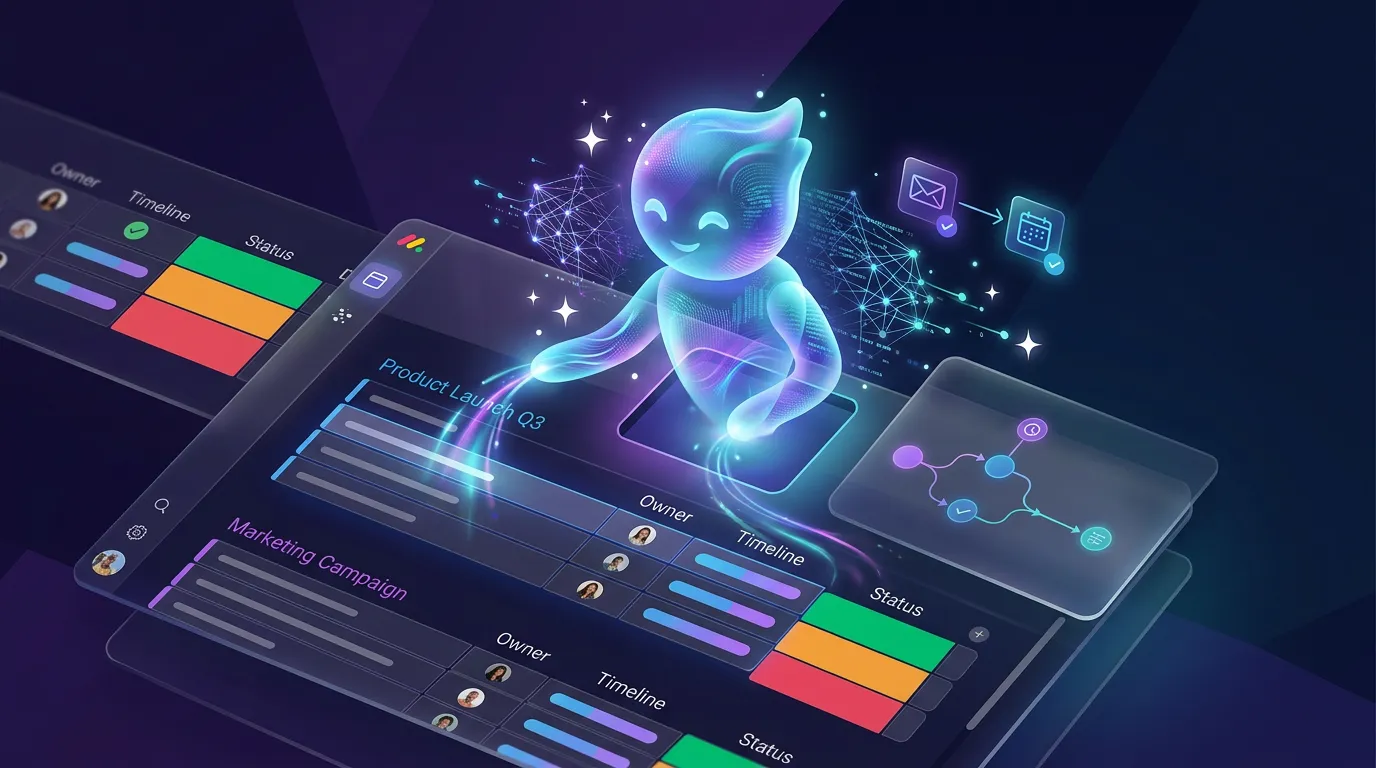
monday.com Sidekick 3.0 Is Fully Released: Smarter AI Across the Entire Platform

TL;DR: „Sidekick 3.0 can now execute any action connected via MCP or API – across boards, dashboards, workspaces, and docs. ~50% fewer errors, +50% increase in next-day usage."
— Till Freitag30-Second Version
monday.com has fully released Sidekick 3.0 to all customers (Standard+). The upgrade introduces an entirely new architecture that dynamically leverages platform tools – enabling virtually any action to be triggered through natural language.
The numbers: ~50% fewer errors, +15% higher platform return rate, +50% more Sidekick usage the next day.
What's New?
Expanded Action Coverage
Sidekick 3.0 can now execute any action connected via MCP or API. If a tool exists in the monday MCP catalog, Sidekick can trigger it.
New capabilities include:
- Create dashboards and widgets – directly via natural language
- Add sub-items and manage board structures – including connect-boards columns
- Move boards and folders across workspaces
- Read and interact with docs – including column interaction
- Manage notifications and activity logs
- Create boards from templates – via API fallback
Advanced Architecture Upgrade
The transition to a scalable system that dynamically uses platform tools is the real game-changer. Instead of hardcoded actions, Sidekick now contextually selects the right tool for each request – leveraging the same MCP infrastructure available to external AI agents.
Cross-Platform Execution
Actions can be triggered from any entry point – whether you're on a board, in a dashboard, in a workspace, or editing a doc. Sidekick understands the context and executes across the platform.
New Floating Entry Point
A floating Sidekick icon is being rolled out gradually, making access to the AI assistant even faster.
Why It Matters
Massive Gaps Closed
Previously, core functions like sub-items, dashboard creation, and workspace management were missing. These gaps are now closed – transforming Sidekick from a nice experiment into a productive tool.
Significantly More Reliable
~50% fewer errors sounds like marketing – but it's the decisive factor for adoption. An AI assistant that regularly fails won't be used. One that reliably delivers becomes a habit.
Early adopter data confirms this:
- +15% higher platform return rate – users come back more frequently
- +50% more Sidekick usage the next day – the assistant becomes routine
Foundation for AI Workflows
The new architecture isn't just built for today. It enables faster iteration and broader automation capabilities – the foundation for what monday.com positions as a Company OS.
What This Means for Teams
1. Onboarding Gets Easier
New users can ask Sidekick how to set up a board, create a dashboard, or organize items. This significantly lowers the barrier to entry.
2. Power Users Get Faster
Instead of navigating through menus, experienced users can trigger complex actions via natural language – moving boards, configuring dashboards, creating sub-items.
3. Admin Tasks Become Delegable
Workspace management, template creation, and board organization – tasks that were previously manual and time-consuming can now be handled through Sidekick.
Limitations
Transparency matters – Sidekick 3.0 isn't omnipotent:
- API fallback: Some actions use the API path instead of native integration – this can be slower or less precise in edge cases
- Skills in development: Certain advanced workflows (e.g., Sidekick in Resource Planner) depend on internal logic layers still being expanded
- Cross-product maturity varies: Not all monday.com products are evenly covered
Sidekick and MCP: Two Sides of the Same Coin
Sidekick 3.0 and the monday MCP ecosystem share the same infrastructure. The difference: Sidekick is the built-in AI within the platform, while MCP opens access for external AI agents like Claude, Cursor, and ChatGPT. Every new tool connected via MCP automatically becomes available to Sidekick – and vice versa.
For a complete list of all 30+ available MCP tools, see our monday MCP overview article.
Our Take
Sidekick 3.0 is the moment monday.com's AI assistant jumps from "nice to have" to "genuinely useful." The combination of expanded coverage, better reliability, and cross-platform capability makes a real difference.
What's particularly exciting: the MCP-based architecture. Every new tool connected via MCP becomes automatically available to Sidekick. This means capabilities grow with the ecosystem – without monday.com having to manually build each integration.
For teams already using monday.com as their central platform, a targeted Sidekick onboarding is worth it now. We help with setup and training.
Want to roll out Sidekick 3.0 strategically in your team? → Book a consultation
Availability
| Detail | Info |
|---|---|
| Tier | Standard and above |
| Rollout | Fully available to all customers |
| Floating Entry Point | Gradual rollout |
Further Reading
- monday.com MCP: All Available Tools and Integrations – complete tool reference
- Agentalent.ai: monday.com Launches the First Marketplace for Hiring AI Agents – the agent hiring strategy
- Company OS, Not More SaaS – why monday.com is becoming more than work management
Verwandte Artikel
The 10 Best monday MCP Prompts for Your Daily Work
Copy-paste-ready prompts for Claude, Cursor, and ChatGPT – to control monday.com via natural language. From board creati…
Weiterlesen
monday.com MCP: All Available Tools and Integrations Overview
monday.com offers two powerful MCP servers – Platform MCP and Apps MCP – plus native integrations for Claude, Cursor, Ch…
Weiterlesen
monday Vibe Apps – Build Custom Mini-Applications Without Code (2026 Guide)
monday Vibe Apps let anyone build custom mini-applications using natural language prompts – no code, directly within mon…
Weiterlesen
monday.com + OpenClaw: How monday.com Becomes the Brain of Your AI Agent
monday.com is more than a project management tool – it can serve as the long-term memory and execution log for an AI age…
Weiterlesen
monday AI 2026 – Sidekick, Vibe, Agents, MCP & Complete Feature Overview
monday.com has evolved into a true AI platform in 2026: Sidekick is out of beta, Vibe builds apps via prompt, and MCP op…
Weiterlesen
Why Your Company Needs an OS, Not More SaaS
Mercury, Rippling, Stripe – they're all becoming compound startups. What happens when your company takes the same approa…
Weiterlesen
Your Spreadsheet Can't Scale – Why Excel & Sheets Are Holding Your Team Back
Spreadsheets are the world's most popular tool – and the most common reason teams can't scale. A guest post by Georg Win…
Weiterlesen
ClickUp vs Asana vs monday.com – AI Features Compared (2026)
All three platforms now ship AI assistants, agents, and automation – but the approaches are radically different. Here's …
Weiterlesen Deep Dive
Syncing Items Across monday.com Boards – The Ultimate Guide
One item, multiple boards – not natively possible in monday.com. Here's every way to do it: from Mirror columns to Marke…
Weiterlesen