Workflow Automation Explained: How Teams Eliminate Repetitive Work

TL;DR: „Workflow automation connects tools, eliminates manual routines, and creates end-to-end processes. This foundational article explains the concepts, reviews the best tools, and helps you prioritize."
— Till FreitagWorkflow Automation – More Than Just "If-Then"
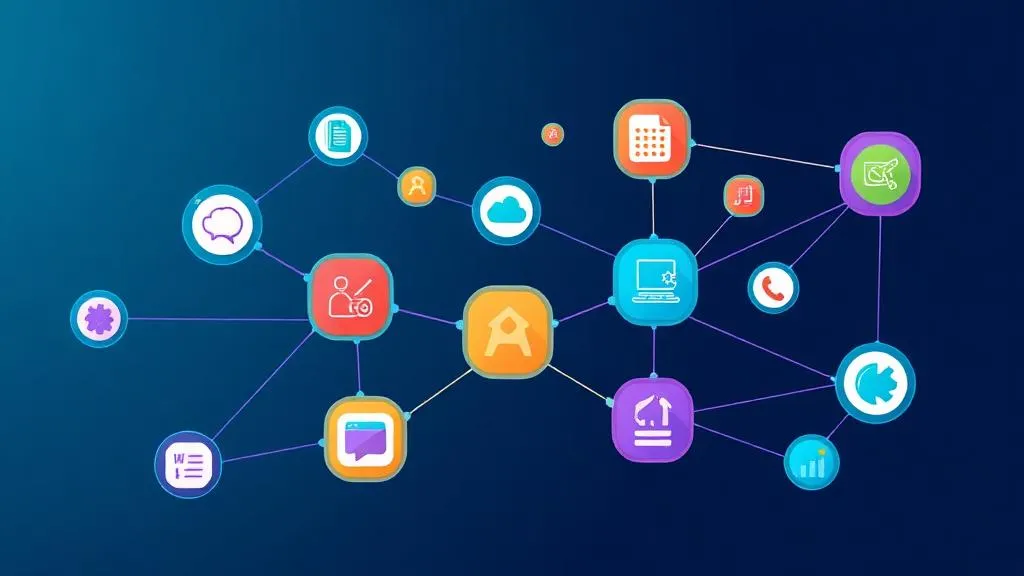
Many teams think of automation as simple rules: "When an email arrives, create a task." That's a good start – but it's not workflow automation. The difference matters: A simple automation reacts to a single event. Workflow automation orchestrates multi-step processes across multiple systems – from trigger through branching and transformations to the final result.
An automated workflow doesn't replace a single action – it replaces an entire process chain. The result: fewer errors, faster turnaround times, and teams that focus on value-creating work instead of copy-pasting between tools.
Why Workflow Automation Has Become Essential
The average organization uses 130+ SaaS tools (Productiv, 2024). Each of these tools generates data, notifications, and tasks – but they don't talk to each other. The consequence: employees become human middleware layers, manually transferring data from System A to System B.
According to McKinsey, 60% of all jobs can be at least 30% automated. Not through AI replacement, but by automating repetitive, rule-based subtasks. This is exactly where workflow automation comes in: it connects your existing tools into a seamless digital process.
The 5 Levels of Automation
Level 1: Simple Trigger Actions
One event triggers one action. Example: New contact in CRM → Send welcome email.
Typical tools: Zapier, native integrations in SaaS tools, IFTTT
Strengths: Quick to set up, no technical knowledge required Limitations: No error handling, no branching, no data transformation
Level 2: Multi-Step Workflows
Multiple actions chained in sequence. Example: Form submitted → Validate data → Create CRM entry → Send Slack notification → Create task in monday.com.
Typical tools: make.com, Zapier (Multi-Step), Power Automate
Strengths: Can map processes with 3–10 steps, visual builders Limitations: Limited error handling, linear logic
Level 3: Branched Workflows with Logic
Conditional branching, filters, and loops. Example: Lead score > 80 → Assign to sales team; Lead score < 40 → Start nurturing campaign; In between → Wait and re-score.
Typical tools: make.com (Router, Filter, Iterator), n8n (If/Switch Nodes)
Strengths: Real business logic can be mapped, error handling possible Limitations: Requires conceptual understanding of processes
Level 4: System Synchronization
Bidirectional data synchronization between systems in real-time or on schedule. Example: monday.com ↔ ERP: Order status, invoice data, and resource planning are kept in sync in both directions.
Typical tools: make.com, n8n, Workato, Custom Webhooks
Strengths: Single source of truth across system boundaries Limitations: Requires clear data modeling and conflict resolution
Level 5: Intelligent Automation with AI
AI models are embedded as decision nodes in workflows. Example: Incoming support ticket → AI classifies urgency and topic → Route to the right team → Generate response suggestion → Escalate on negative sentiment.
Typical tools: make.com + OpenAI module, n8n + AI Nodes, monday AI
Strengths: Non-rule-based decisions can be automated Limitations: Requires prompt engineering and quality control
The 6 Building Blocks of an Automated Workflow
1. Trigger
Every workflow starts with an event: a new record, a status change, a schedule, or an incoming webhook. The trigger determines when the workflow starts – making it the most critical component.
2. Data Transformation
Raw data from System A rarely fits 1:1 into System B. Fields need to be renamed, formats converted, values calculated, or records merged. Good middleware does this visually – without a single line of code.
3. Conditional Logic (Routers & Filters)
Not every record follows the same path. Filters sort out irrelevant data, routers branch the workflow based on conditions. This is what separates an automation from a real business process.
4. Actions (API Calls)
The workflow interacts with target systems: creating, updating, deleting, or retrieving records. Every action is an API call – but good tools abstract this into pre-built modules, so no API knowledge is needed.
5. Error Handling
What happens when an API timeout occurs? When a required field is empty? When the target system is unreachable? Professional workflows have fallback paths, retry logic, and notifications for error cases – otherwise automation quickly becomes a risk.
6. Monitoring & Logging
Automated processes are only as good as their monitoring. Execution logs show which workflows ran, which failed, and why. Dashboards and alerts make the difference between "it's running somehow" and "we have control."
Best Automation Tools Compared
make.com – The Visual Power User
make.com (formerly Integromat) is our primary automation platform. The visual Scenario Builder makes even complex workflows with branching, loops, and error handling tangible.
Strengths:
- Visual drag-and-drop builder with real data flow
- 1,800+ app integrations
- Router, Filter, Iterator, and Aggregator as native building blocks
- HTTP/Webhook modules for any API connection
- Excellent price-to-performance ratio
Ideal for: Teams that want to build complex, multi-step workflows without code.
n8n – Self-Hosted & Open Source
n8n is the open-source alternative for teams that need full control over their automation infrastructure – GDPR-compliant on their own servers.
Strengths:
- Self-hosting possible (full data control)
- 400+ integrations + Custom Code Nodes
- Native AI Nodes for LLM integration
- Fair-Code license, free self-hosted version
- Strong developer community
Ideal for: Tech-savvy teams with GDPR requirements and a desire for maximum control.
monday.com Automations – Native in the Work OS
monday.com offers 200+ no-code automations directly in the platform – without external middleware. For workflows within the monday.com ecosystem, this is the fastest path.
Strengths:
- No separate tool needed – everything in one platform
- 200+ pre-built recipes with 3-click setup
- Triggers on status changes, deadlines, column updates
- Integrations with Slack, Gmail, Outlook directly in automations
- monday AI for intelligent automations
Ideal for: Teams already using monday.com who want to automate internal workflows.
Comparison Table
| Criterion | make.com | n8n | monday.com native | Zapier |
|---|---|---|---|---|
| Complexity | High | High | Medium | Low |
| Visual Builder | ⭐⭐⭐⭐⭐ | ⭐⭐⭐⭐ | ⭐⭐⭐⭐ | ⭐⭐⭐ |
| Integrations | 1,800+ | 400+ | 200+ | 7,000+ |
| Error Handling | ✅ Comprehensive | ✅ Good | ⚠️ Limited | ⚠️ Limited |
| Self-Hosting | ❌ | ✅ | ❌ | ❌ |
| AI Integration | ✅ OpenAI Modules | ✅ Native AI Nodes | ✅ monday AI | ✅ AI Actions |
| Starting Price | €9/month | Free (Self-Hosted) | From €9/user/month | $19.99/month |
| Ideal for | Power users | Developers | monday teams | Beginners |
More details in our comparison: → Make vs. Zapier vs. n8n
When Do You Need Middleware?
Not every team needs make.com or n8n right away. Here's an orientation:
Native automations are sufficient when:
- Your workflows run within one system (e.g., monday.com internally)
- You have a maximum of 2–3 steps per workflow
- No complex data transformation is needed
- You run fewer than 5 active automations
Middleware becomes necessary when:
- You need to connect 3+ systems
- Workflows require conditional logic or branching
- You need to transform data (formats, fields, calculations)
- Error handling and monitoring are business-critical
- You run more than 10 active automations
More on this topic: → Why middleware becomes indispensable at a certain point
7 Workflows Every Team Should Automate
1. Lead-to-Customer Pipeline
Trigger: New form submitted Workflow: Create contact in CRM → Calculate lead score → If score > 70: Sales notification → Create follow-up task → After 3 days without response: Reminder
2. New Employee Onboarding
Trigger: New entry in HR board Workflow: Request email account → Assign Slack channels → Create onboarding checklist → Assign mentor → Schedule 30-60-90 day checkpoints
3. Invoicing & Payment Monitoring
Trigger: Project status set to "Completed" Workflow: Extract invoice data from project → Create invoice in accounting tool → Send PDF via email → Monitor payment receipt → On overdue: Escalation
4. Support Ticket Routing
Trigger: New support ticket Workflow: AI classification (topic + urgency) → Route to responsible team → Start SLA timer → On breach: Escalation to team lead
5. Content Publishing Pipeline
Trigger: Blog status set to "Approved" Workflow: Check formatting → SEO check → Prepare social media posts → Schedule publication → Performance tracking after 7 days
6. Inventory Management & Reordering
Trigger: Stock level below minimum Workflow: Compare supplier prices → Generate order → Obtain approval → Place order → Track delivery date
7. Project Reporting & Status Updates
Trigger: Weekly schedule (e.g., Friday 4:00 PM) Workflow: Aggregate KPIs from project boards → Update dashboard → Generate summary → Send to stakeholders via email/Slack
Common Automation Mistakes
1. Trying to automate everything at once
Start with one workflow that has the biggest impact. Refine it until it runs reliably. Then move to the next. Automation is an iterative process – not a big-bang project.
2. Ignoring error handling
A workflow without error handling is a ticking time bomb. Plan fallback paths, retry logic, and notifications from the start – especially for business-critical processes.
3. No documentation
In 6 months, nobody will remember why a workflow was built the way it is. Name scenarios meaningfully, comment complex logic, and maintain a central overview of all active automations.
4. Accepting manual steps
"We'll just do that part by hand" is the enemy of every automation. If a process contains a manual step, ask: Can a webhook, an approval step, or a scheduler handle this?
5. Neglecting security
Automated workflows often process sensitive data: customer data, financials, personnel records. Pay attention to encrypted connections, API key management, and access permissions – especially for GDPR-relevant processes.
Automation + Work Management = Productivity Multiplier
Workflow automation and Work Management are not separate disciplines – they are two sides of the same coin. Work Management organizes your work. Automation ensures that the routine parts of that work run without manual effort.
The strongest combination: monday.com as Work OS for central work organization + make.com or n8n as middleware for cross-system automation. This is the stack we use ourselves – and that we've successfully implemented in over 400 client projects.
| Discipline | Focus | Tool |
|---|---|---|
| Work Management | Tasks, transparency, reporting | monday.com |
| Native Automation | Internal workflows | monday.com Automations |
| Middleware Automation | Cross-system workflows | make.com / n8n |
| AI Automation | Intelligent decisions | monday AI + make.com |
Conclusion: Automation Is Not a Luxury
Workflow automation isn't a nice-to-have for tech teams with too much time. It's the lever that makes small teams big and big teams fast. The difference between teams drowning in work and teams that scale isn't team size – it's how much repetitive work is still done manually.
Start small. One workflow. One concrete problem. And build from there – step by step, until your processes work for you instead of the other way around.
Want to know which workflows in your organization have the greatest automation potential? We analyze your processes and build the right automations – from strategy to implementation.
→ Learn more about make.com | → Book an automation consultation | → Make vs. Zapier vs. n8n comparison
Verwandte Artikel
 Deep Dive
Why You Can't Do Without Middleware Beyond a Certain Point
Native integrations only get you so far. Why middleware like make.com or n8n becomes the indispensable backbone of your …
Weiterlesenmake.com Automation – The Ultimate Guide (2026)
make.com is the most powerful visual automation platform. Learn how to build workflows without code – including a compar…
Weiterlesen
Gumloop Review 2026: AI Agents and Workflows Without Code
Gumloop combines AI agents with visual workflow automation – completely no-code. Here's what the platform can do, what i…
Weiterlesen
API Integration for SMBs – Connecting Systems Without the Chaos (Practical Guide)
APIs connect your tools into one system. We show how SMBs plan, implement, and maintain API integrations – with practica…
Weiterlesen
make.com Error Handling & Retry Strategies: Building Resilient Scenarios (2026)
Complex make.com scenarios fall over without proper error handling. Here's how to build error routes, retry logic, and c…
Weiterlesen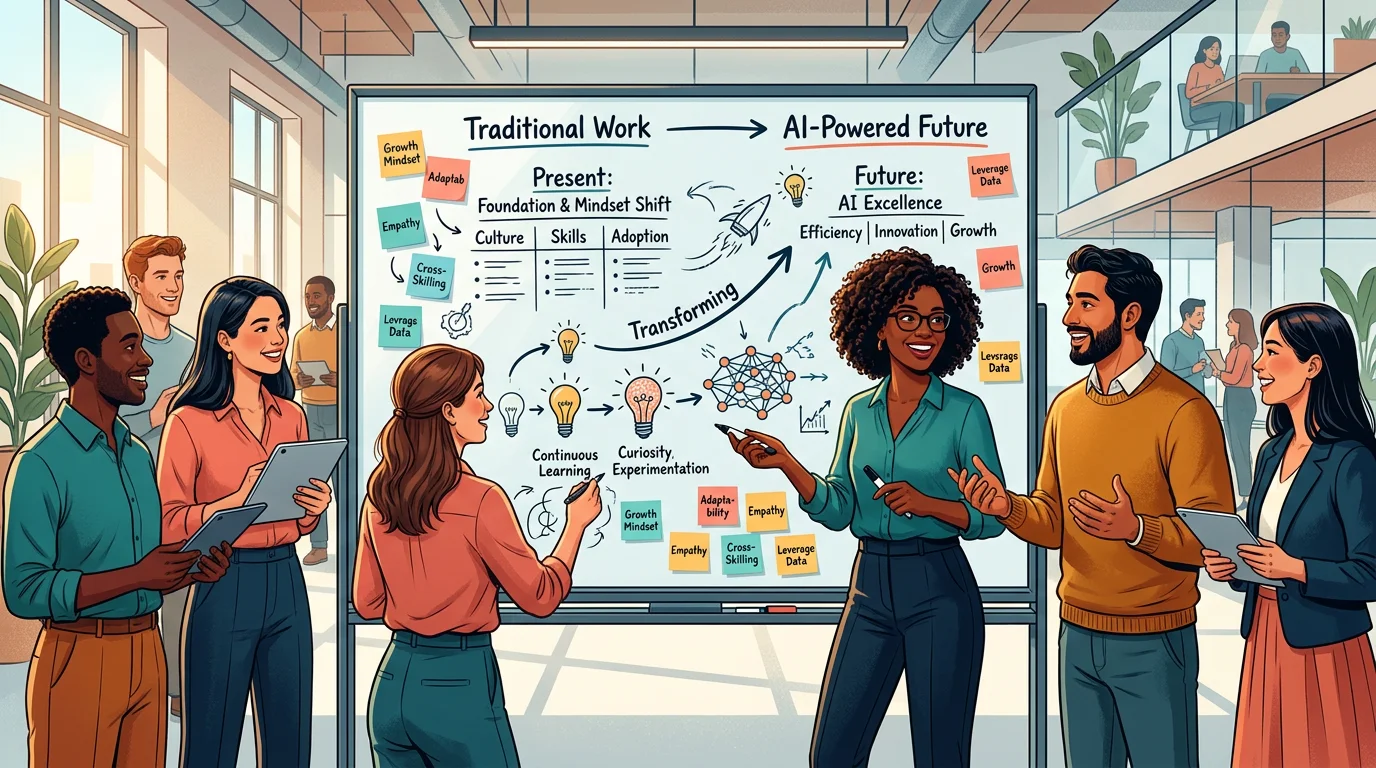
Rethinking Processes – How AI Fundamentally Transforms Your Workflows
AI doesn't just change individual tasks – it transforms entire processes. How to make your workflows ready for Working 2…
Weiterlesen
n8n Best Practices – 10 Rules for Production-Ready Workflows (2026)
Building n8n workflows is easy – running them in production is not. 10 proven best practices for error handling, structu…
Weiterlesen
Manus AI Review 2026: What the Autonomous AI Agent Actually Delivers – and Where It Falls Short
Manus AI promises autonomous task execution – code, research, data analysis, all without babysitting. We tested the AI a…
Weiterlesen
monday.com Workflows vs. Automations: What's the Difference – and When to Use Which?
monday.com has Automations AND Workflows – but what's the difference? This article explains when to use which tool and h…
Weiterlesen