make.com Automatisierung – Der ultimative Guide (2026)

TL;DR: „make.com ist die leistungsstärkste visuelle Automatisierungsplattform – 2026 mit AI-gestütztem Szenario-Building und über 2.000 Integrationen."
— Till FreitagWas ist make.com?
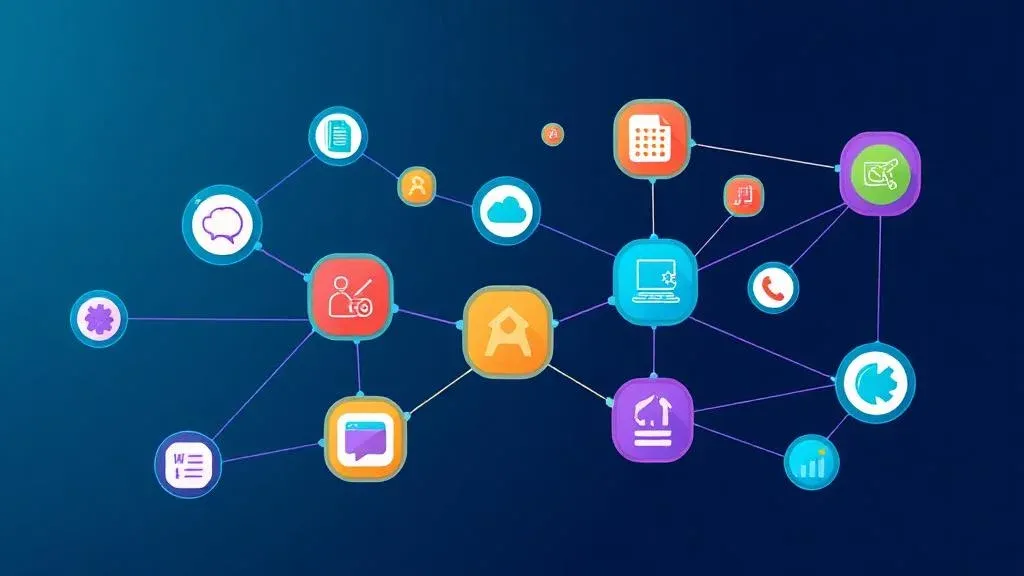
make.com (ehemals Integromat) ist eine visuelle Automatisierungsplattform, mit der du Apps verbinden und komplexe Workflows ohne Code erstellen kannst. 2026 stehen über 2.000 Integrationen zur Verfügung – von Google Workspace über Slack bis Shopify.
Anders als einfache Wenn-Dann-Tools bietet make.com einen visuellen Szenario-Builder, in dem du Datenflüsse per Drag-and-Drop orchestrierst. Das macht auch komplexe Multi-Branch-Logik verständlich und wartbar.
Was ist 2026 neu?
- AI Scenario Builder: Szenarien per natürlicher Sprache beschreiben und automatisch generieren lassen
- Enhanced Error Monitoring: Echtzeit-Dashboard mit Trend-Analyse für Szenario-Fehler
- Verbesserte API-Module: HTTP-Module mit AI-unterstützter Response-Mapping
- Team Workspaces: Bessere Zusammenarbeit mit Rollen und Berechtigungen
make.com vs. Zapier vs. n8n – der ehrliche Vergleich
| Feature | make.com | Zapier | n8n |
|---|---|---|---|
| Builder | Visueller Canvas | Lineare Schritte | Visueller Canvas |
| Branching | Multi-Branch nativ | Eingeschränkt (Paths) | Multi-Branch nativ |
| Error-Handling | Error-Routen, Retry, Breakpoints | Basis-Retry | Try/Catch nativ |
| Self-Hosting | ❌ | ❌ | ✅ |
| AI-Features | ✅ AI Scenario Builder | ✅ AI by Zapier | ⚠️ Community Nodes |
| Preis (10.000 Ops) | ~$29/Monat | ~$73/Monat | Kostenlos (self-hosted) |
| Datentransformation | Umfangreiche Filter & Funktionen | Begrenzt | Code-Nodes (JS/Python) |
| DSGVO | ✅ EU-Option | ⚠️ US | ✅ Self-hosted möglich |
Fazit: Zapier ist einfacher für simple 2-App-Verbindungen. make.com gewinnt bei Komplexität und Preis-Leistung. n8n ist die Open-Source-Alternative für technische Teams mit DSGVO-Anforderungen.
Ausführlicher Vergleich: make.com vs. Zapier vs. n8n | n8n Best Practices Guide
5 Use Cases, die wir täglich umsetzen
1. Lead-Erfassung automatisieren
Neue Leads aus Typeform → automatisch in monday.com CRM anlegen → Willkommens-E-Mail via Brevo → Slack-Benachrichtigung ans Sales-Team → CRM-Enrichment via Clay.
2. E-Commerce-Bestellungen synchronisieren
Shopify-Bestellung → Lagerbestand in Google Sheets aktualisieren → Rechnung in Billomat erstellen → Tracking-Info an Kunden senden.
3. HR-Onboarding
Neuer Mitarbeiter in Personio → Accounts in Google Workspace, Slack und monday.com anlegen → Onboarding-Checklist erstellen → Willkommensnachricht senden.
4. Content-Pipeline mit AI
Neuer Blogpost → AI generiert Social-Media-Posts für LinkedIn und Instagram → in Buffer einplanen → Performance-Daten zurück ins monday.com Board.
5. Support-Ticket-Routing
monday Service Ticket eingeht → AI-basierte Kategorisierung → automatische Zuweisung ans richtige Team → Eskalation bei hoher Priorität → SLA-Tracking im Dashboard.
Best Practices für make.com Szenarien
- Modular denken – Teile komplexe Szenarien in Sub-Szenarien auf
- Error-Handling einbauen – Immer Error-Routen definieren, nie blind vertrauen
- Filter nutzen – Nur relevante Daten weiterleiten, spart Operationen
- Dokumentieren – Szenarien mit Notes und Labels versehen
- Testen – Jeden Branch einzeln testen, bevor das Szenario live geht
- Versionierung – Szenarien regelmäßig als Blueprint exportieren
Tieferer Einstieg: Für produktionsreife Szenarien lies unbedingt unseren Guide zu Error Handling & Retry-Strategien, das passende Monitoring & Observability Setup mit Datadog & Better Stack und unseren Security & Secrets-Management Guide.
Wichtig: monday.com V2 API Migration
Falls du make.com mit monday.com nutzt: Die V1 API von monday.com wird ab 1. Mai 2026 nicht mehr unterstützt. Make hat dafür den Module Migrator entwickelt – ein kostenloses Tool, das deine Szenarien automatisch auf V2 migriert.
→ Zum vollständigen Migration Guide
Warum wir Certified Partner sind
Als make.com Certified Partner designen, bauen und optimieren wir Automatisierungen für Unternehmen im DACH-Raum. Ob einfacher Workflow oder komplexe Multi-System-Integration – wir kennen die Plattform in- und auswendig.
Make Mastery Series
0 von 6 gelesen · 0%Sechs Artikel, die dich von ersten Szenarien zu produktionsreifen, sicheren und performanten Automatisierungen bringen.
- TEIL 1UngelesenHier
make.com Automatisierung – Der ultimative Guide
Einstieg, Vergleich mit Zapier & n8n, 5 Use Cases.
- TEIL 2Ungelesen
Error Handling & Retry-Strategien
Resume, Rollback, Commit, Break – inkl. interaktivem Decision Tree.
Lesen - TEIL 3Ungelesen
Monitoring & Observability
Native Dashboards + Better Stack Heartbeats + Datadog Deep Dive.
Lesen - TEIL 4Ungelesen
Module Migrator: monday.com V1 → V2
Pflichtmigration vor 1. Mai 2026 – Schritt-für-Schritt-Anleitung.
Lesen - TEIL 5Ungelesen
Security & Secrets-Management
Connections, Webhooks, IP-Whitelisting & Vault-Patterns für Produktiv-Setups.
Lesen - TEIL 6Ungelesen
Performance & Operations-Optimierung
Bundle-Size, Filter-Reihenfolge, Aggregatoren & Sub-Szenarien – 40–70 % weniger Ops.
Lesen
Lesefortschritt wird lokal in deinem Browser gespeichert (localStorage).
Verwandte Artikel
Deep DiveWarum du ab einem gewissen Punkt nicht ohne Middleware auskommst
Native Integrationen reichen irgendwann nicht mehr. Warum Middleware wie make.com oder n8n zum unverzichtbaren Rückgrat …
WeiterlesenDeep DiveWorkflow-Automatisierung erklärt: Wie Teams repetitive Arbeit eliminieren
Workflow-Automatisierung vs. einfache Automatisierung: Was steckt dahinter, warum sie unverzichtbar ist und wie make.com…
WeiterlesenMake.com vs. Zapier vs. n8n – Automatisierungstools im Vergleich 2026
Make.com, Zapier oder n8n? Wir vergleichen die drei beliebtesten Automatisierungsplattformen 2026 – Preise, Features, St…
Weiterlesen
No-Code Agent Development – Was ist das eigentlich?
KI-Agenten ohne Code bauen? No-Code Agent Development macht genau das möglich. Wir erklären, was dahintersteckt, welche …
Weiterlesen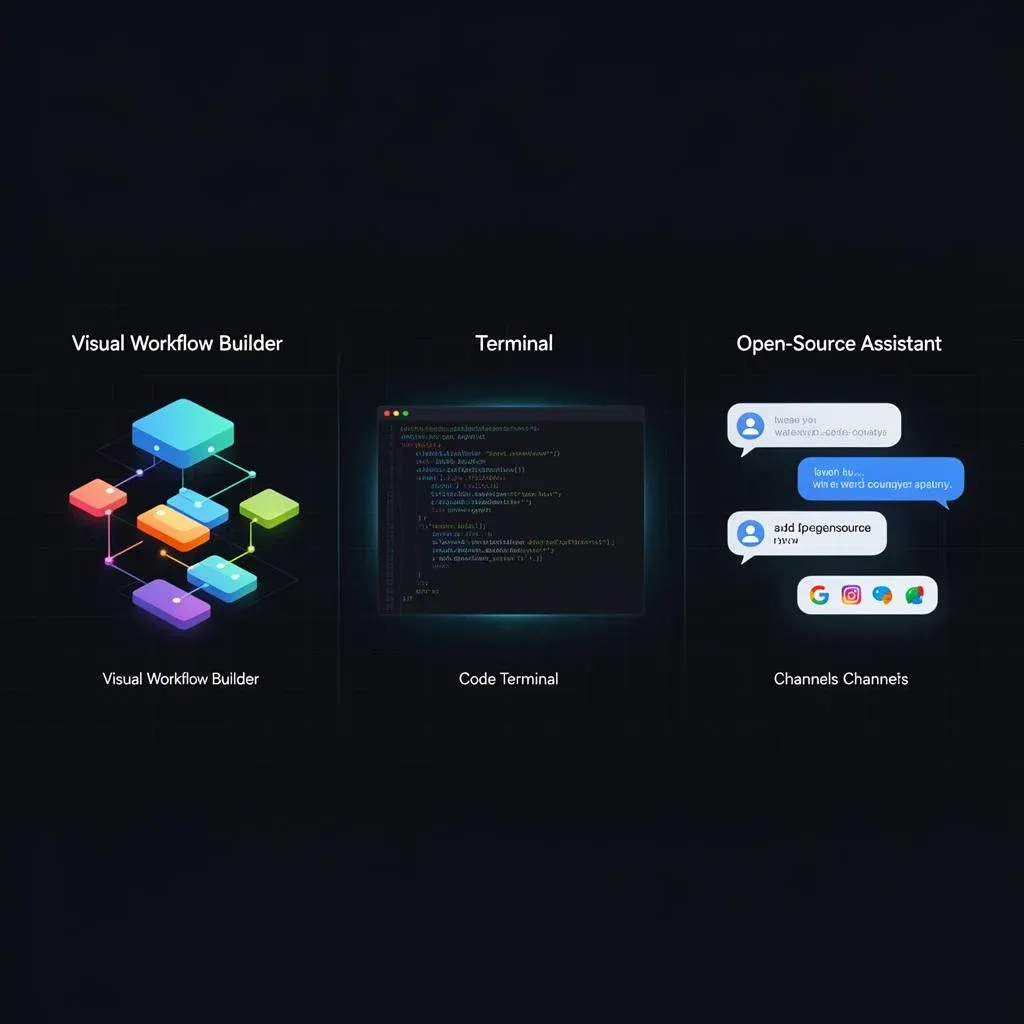
Make vs. Claude Code vs. OpenClaw – Orchestrierung richtig wählen (2026)
Make.com, Claude Code oder OpenClaw? Drei Tools, drei Schichten im Stack. Wir zeigen, wann welches Orchestrierungstool d…
Weiterlesen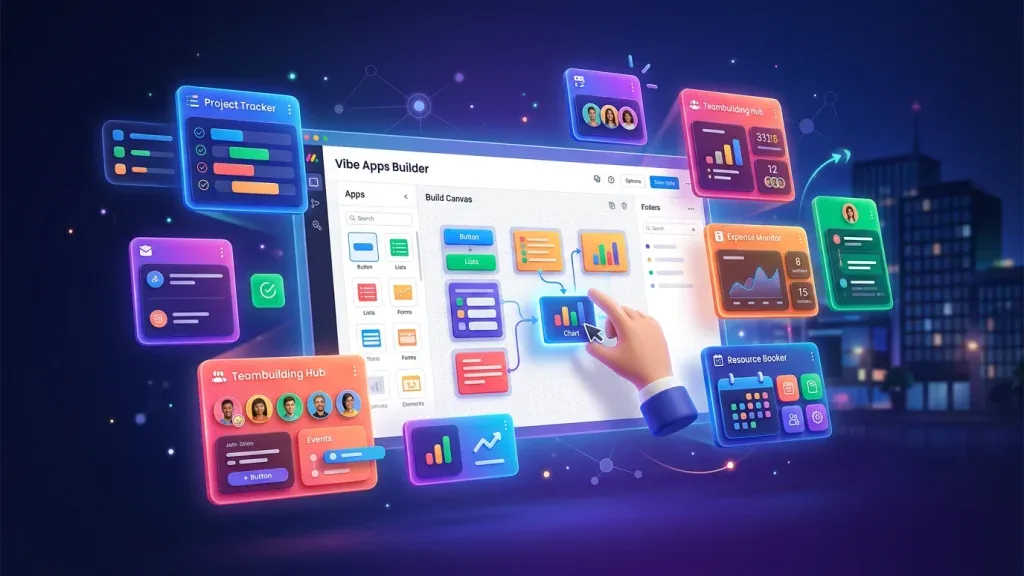
monday Vibe Apps – Eigene Mini-Anwendungen ohne Code bauen (2026 Guide)
monday Vibe Apps ermöglichen es jedem, eigene Mini-Anwendungen per Prompt zu bauen – ohne Code, direkt in monday.com. So…
Weiterlesen
n8n Best Practices – 10 Regeln für produktionsreife Workflows (2026)
n8n-Workflows bauen ist einfach – sie produktionsreif zu betreiben nicht. 10 erprobte Best Practices für Fehlerbehandlun…
Weiterlesen
Datenimport in monday.com – 4 Wege, deine Daten sauber reinzubekommen
Excel-Upload, API, Middleware oder automatisierte Skripte – wir vergleichen die 4 Wege, Daten in monday.com zu importier…
Weiterlesen
Web Scraping 2026: Klassisch vs. AI – und warum wir beides können
Web Scraping ist kein Nischenthema mehr. Ob klassisch mit Selektoren oder AI-gestützt mit LLMs – wir vergleichen beide A…
Weiterlesen