
TL;DR: „If monday.com doesn't feel right, it's usually not the tool – it's the setup."
— Till FreitagThis article is part of our Own Your Monday campaign – for everyone who wants to get more out of their monday.com setup.
You've rolled out monday.com. The boards are set up, the team is working with it. Things are running. But... not quite smoothly. Sound familiar?
You're not alone. We see the same patterns at nearly every client – and the same untapped potential.
1. Your Team Works Around the Tool
The most obvious sign: People track tasks in Excel, send status updates via Slack or email, and the monday.com board is... decorative.
Why this happens: The setup doesn't match the real workflow. Too many columns, unclear naming conventions, no clear structure → the team works around it.
What helps: A board audit focused on actual work processes. Less is more – often 5-6 columns are enough instead of 15.
2. Copy-Paste Is Your Daily Companion
You manually create the same items every week? You copy data between boards? You update statuses in three different views?
Why this happens: Automations were never set up – or they didn't work properly and were eventually turned off.
What helps: A targeted automation sprint. monday.com automations + make.com cover 90% of repetitive tasks.
3. Your Dashboards Lie (or Say Nothing)
You have dashboards, but nobody looks at them. Or worse: the numbers are wrong because the underlying boards are inconsistently maintained.
Why this happens: Dashboards were built once and never adjusted. Or they're based on data that the team doesn't consistently maintain.
What helps: Rethink dashboards – starting from the question "What do I really need to know?" Then ensure data quality in the boards.
4. Automations? You Tried That Once.
You tested the automations feature, created a few "When status changes to X, notify Y" rules. But real power automation? Not happening.
Why this happens: Native monday.com automations are good for basics, but complex workflows need make.com or custom integrations. The know-how is often missing in the team.
What helps: An automation workshop where we identify and automate your top 5 time wasters.
5. You Know There's More Potential
The most subtle sign. You see what other companies are doing with monday.com. You read about CRM features, campaign management, custom apps. But your setup still looks like 2021.
Why this happens: Daily operations eat up strategic development time. No wonder – when you're simultaneously admin, user, and decision-maker.
What helps: That's exactly what Own Your Monday is for. We take the strategic work off your hands and bring your setup to the level it deserves.
What Now?
If you recognize yourself in 2-3 of these points, that's not a disaster – it's an opportunity. Most monday.com setups use less than 30% of their potential.
Our offer: A free 30-minute intro call where we look together at where your biggest room for improvement lies.
More about the campaign: Own Your Monday – Audit, Optimization, Automation
Related Articles
Odoo vs. monday.com – ERP Suite or Work OS? (Honest 2026 Comparison)
Odoo or monday.com? We compare both platforms honestly – ERP suite vs. Work OS, data model, pricing, AI, and which syste…
Read more
Revenue Royale Recap: How monday CRM's 5 New AI Capabilities Map the Future GTM Stack
Recap of the workshop by Alena Zidek (monday.com) and Malte Lensch (Till Freitag) in the Social Hub of Revenue Royale 20…
Read more
Google's Agent Marketplace Goes Live – And monday.com Is Already Inside
Google just opened Gemini Enterprise to partner-built AI agents – and monday.com is one of the first in. What that means…
Read more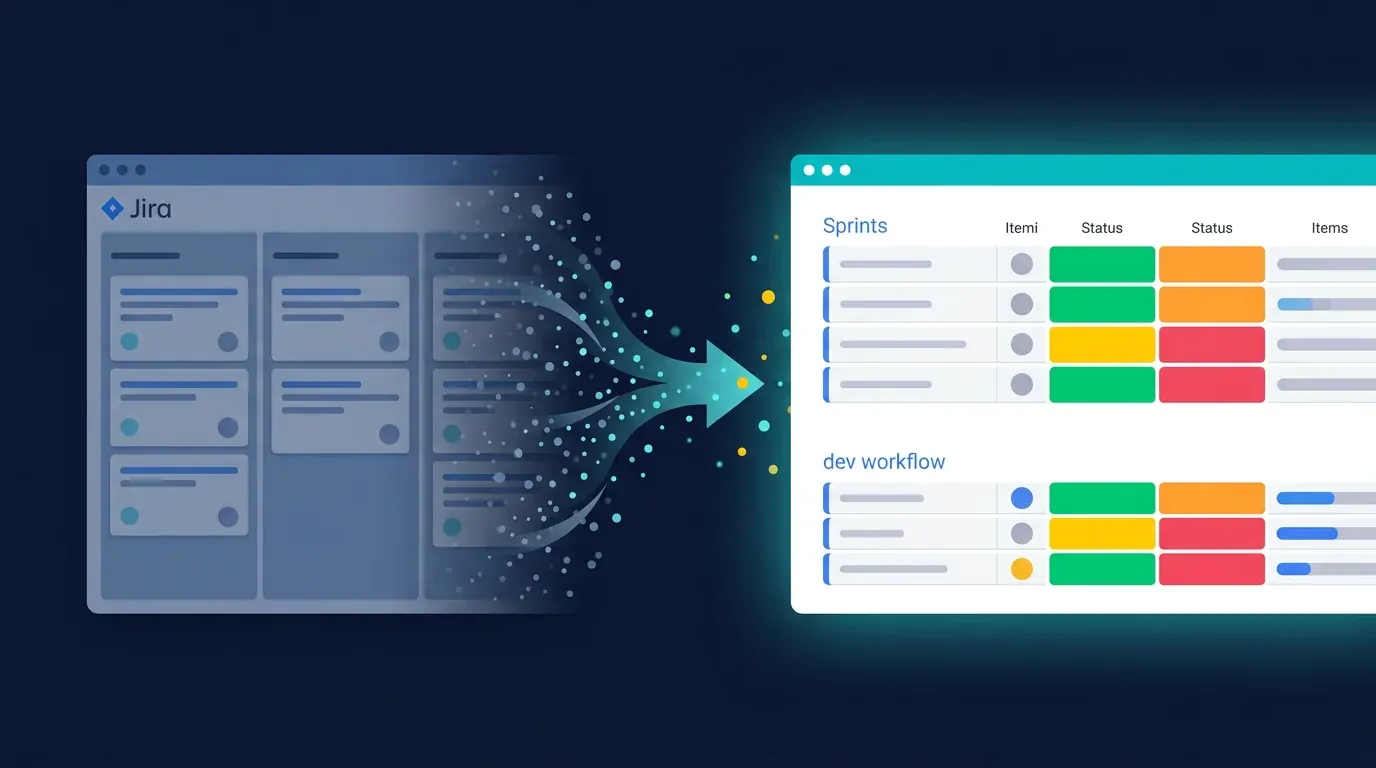
Migrating from Jira to monday Dev – the 2026 Step-by-Step Guide
The complete migration playbook from Jira to monday Dev: preparation, data mapping, cutover, best practices – including …
Read more
monday Dev vs. Linear – Who Wins the 2026 Dev Tool Showdown?
Linear is the new darling of the Hacker News crowd. monday Dev is the pragmatic all-rounder. We compare both tools hones…
Read more
Sprint Planning with monday Dev – the 2026 Deep Dive
How to make sprint planning with monday Dev actually productive: concrete board setups, role model for Scrum & Kanban, e…
Read more
monday Dev: Why It's the Most Underrated Dev Tool of 2026
Agile out of the box, MCP-ready, and the cheapest enterprise pricing on the market: why monday Dev is becoming a serious…
Read more
Revenue Royale Berlin: Our Table with monday.com – Plus a Workshop on the Same Day
On June 11 we're co-hosting a table with monday.com at Revenue Royale in Berlin – and delivering the 'Buy vs. Build' wor…
Read moreRevenue Royale Workshop: Buy vs. Build – Why Your Custom CRM Was a Mistake
On June 11, Alena Zidek (monday.com) and Malte Lensch (Till Freitag) deliver the 'Buy vs. Build' workshop at Revenue Roy…
Read more