
Agent Skills werden Industrie-Standard: Was Teams jetzt wissen müssen

TL;DR: „Agent Skills sind strukturierte, wiederverwendbare Anweisungen für KI-Agenten. Sie ergänzen MCP (Tool-Zugriff) um Verhaltens- und Workflow-Wissen – und werden 2025/2026 zum Industriestandard."
— Till FreitagAgent Skills – die neue Standardisierung für KI-Agenten
Wer heute mit KI-Agenten arbeitet, kennt das Problem: Jede Session startet bei Null. Man erklärt dieselben Konventionen, beschreibt die Deployment-Pipeline, erinnert an Commit-Formate. Agent Skills lösen genau dieses Problem – und werden dabei zum neuen Industriestandard.
Was sind Agent Skills?
Ein Agent Skill ist ein Ordner mit einer SKILL.md-Datei, die strukturierte Anweisungen enthält, die ein KI-Agent lesen und befolgen kann. Statt Wissen über Kontext und Workflows in jeden Prompt zu packen, definiert ein Skill einmalig:
- Wann der Agent den Skill aktivieren soll (Trigger)
- Wie er vorgehen soll (Workflow-Schritte)
- Was er dabei beachten muss (Konventionen, Constraints)
Beispiel: Ein Deployment-Skill
# Deployment Skill
## Trigger
Wenn der Nutzer "deploy" oder "release" erwähnt
## Schritte
1. Tests ausführen
2. Build erstellen
3. Changelog generieren
4. PR erstellen mit Label "release"
## Regeln
- Nie direkt auf main pushen
- Immer semantic versioning verwenden
Das Ergebnis: Der Agent weiß, wie Deployments in deinem Team ablaufen – ohne dass du es jedes Mal erklären musst.
Agent Skills vs. MCP – zwei Seiten derselben Medaille
Die KI-Agent-Architektur hat sich Ende 2025 um zwei Säulen herum stabilisiert:
| Agent Skills | MCP (Model Context Protocol) | |
|---|---|---|
| Was | Verhaltens- und Workflow-Wissen | Tool- und Datenzugriff |
| Fokus | Wie der Agent arbeitet | Womit der Agent arbeitet |
| Format | Markdown-Dateien (SKILL.md) | Client-Server-Protokoll |
| Beispiel | "Erstelle PRs immer mit Tests" | "Greife auf die Datenbank zu" |
| Analogie | Schulung eines neuen Mitarbeiters | Werkzeugkasten bereitstellen |
Die Kernunterscheidung: MCP gibt dem Agenten Werkzeuge (Datenbankzugriff, API-Calls, Dateisystem). Skills geben ihm Wissen darüber, wie er diese Werkzeuge einsetzen soll.
Beide Standards sind komplementär, nicht konkurrierend. Ein Agent braucht sowohl Tools (MCP) als auch Workflows (Skills), um effektiv zu arbeiten.
Wer nutzt Agent Skills bereits?
Agent Skills sind kein Nischenthema mehr. Die wichtigsten Plattformen unterstützen sie bereits:
Claude & Claude Code
Anthropic hat Skills als natives Konzept in Claude Code integriert. Über CLAUDE.md-Dateien und projektspezifische Skills kann der Agent Teamkonventionen, Code-Standards und Workflow-Muster dauerhaft lernen.
Cursor
Cursor unterscheidet zwischen Rules (.cursor/rules/) für globale Einstellungen und Skills für aufgabenspezifische Workflows. Skills können automatisch aktiviert werden, wenn bestimmte Dateitypen oder Projektstrukturen erkannt werden.
ChatGPT & OpenAI Codex
OpenAI unterstützt ähnliche Konzepte über Custom Instructions und projektspezifische Kontextdateien, die als Skill-Layer fungieren.
Replit
Replits Agent-System nutzt .replit-Konfigurationen und projektspezifische Anweisungen, die dem Skill-Konzept folgen.
Notion AI
Notion integriert agentenbasierte Workflows, bei denen Skills in Form von Workspace-spezifischen Regeln und Templates definiert werden.
Gumloop & Automatisierungs-Plattformen
No-Code-Plattformen wie Gumloop adaptieren das Skill-Konzept für visuelle Workflow-Builder – jeder Baustein wird zum Agent Skill.
Warum werden Skills zum Standard?
1. Wiederverwendbarkeit
Ein einmal definierter Skill funktioniert in jeder Session, bei jedem Teammitglied, über Monate hinweg. Kein Copy-Paste von Prompts mehr.
2. Teamkonsistenz
Wenn der Agent dieselben Skills hat, arbeiten alle Teammitglieder nach denselben Standards – ohne Abstimmungsmeetings.
3. Versionierbarkeit
Skills sind Dateien im Repository. Sie werden mit Git versioniert, in Code Reviews geprüft und mit dem Projekt weiterentwickelt.
4. Composability
Skills können kombiniert werden: Ein "Testing"-Skill + ein "Deployment"-Skill + ein "Documentation"-Skill ergeben einen kompletten CI/CD-Workflow.
5. Portabilität
Da Skills auf Markdown basieren, sind sie zwischen verschiedenen Agenten und Plattformen übertragbar – heute Cursor, morgen Claude Code.
Agent Skills in der Praxis: Drei Beispiele
Code-Review Skill
Der Agent prüft automatisch auf Team-Konventionen, Sicherheitsmuster und Performance-Anti-Patterns – bevor ein Mensch den PR sieht.
Onboarding Skill
Neue Teammitglieder bekommen einen Agenten, der das Projekt kennt: Architektur-Entscheidungen, Naming-Konventionen, Deployment-Prozesse.
Incident Response Skill
Bei Alerts analysiert der Agent Logs, korreliert mit Recent Deployments und schlägt Rollback-Schritte vor – in Sekunden statt Minuten.
So startest du mit Agent Skills
- Identifiziere repetitive Workflows – Was erklärst du dem Agenten immer wieder?
- Erstelle eine SKILL.md – Dokumentiere Trigger, Schritte und Regeln
- Teste iterativ – Verfeinere den Skill basierend auf Agent-Verhalten
- Teile mit dem Team – Committet Skills ins Repository
- Kombiniere mit MCP – Stelle sicher, dass der Agent auch die nötigen Tools hat
Fazit: Skills + MCP = der komplette Agent
Agent Skills sind die fehlende Hälfte der KI-Agent-Architektur. Während MCP dem Agenten Werkzeuge gibt, geben Skills ihm das Wissen, diese Werkzeuge richtig einzusetzen. Zusammen bilden sie den Standard, auf dem die nächste Generation von Entwickler-Workflows aufbaut.
Teams, die heute in Skills investieren, bauen sich einen kumulativen Wissensvorsprung auf – jeder Skill macht den Agenten besser, und bessere Agenten machen das Team produktiver.
→ Mehr über Agentic Engineering erfahren
Weiterlesen: Trillions of Agents – Was Aaron Levies These für den Mittelstand bedeutet
Verwandte Artikel
Railway + Claude Code: Deployment per Prompt – wie die Integration funktioniert
Was ist Railway – und warum ist die Plattform plötzlich der heimliche Favorit für AI-First-Teams? Ein Blick auf das Clau…
Weiterlesen
Ponytail: Warum der beste Code der Code ist, den du nie geschrieben hast
Ein Dev hat Ponytail gebaut – weil seine AI-Agenten 500 Zeilen für ein 5-Zeilen-Problem schrieben. Das Ergebnis: 80-94% …
Weiterlesen
monday.com öffnet die Türen für KI-Agenten: Was hinter agents-signup steckt
monday.com hat einen eigenen Signup-Flow für KI-Agenten gebaut – mit HATCHA, MCP und Instant API Key. Warum das mehr ist…
Weiterlesen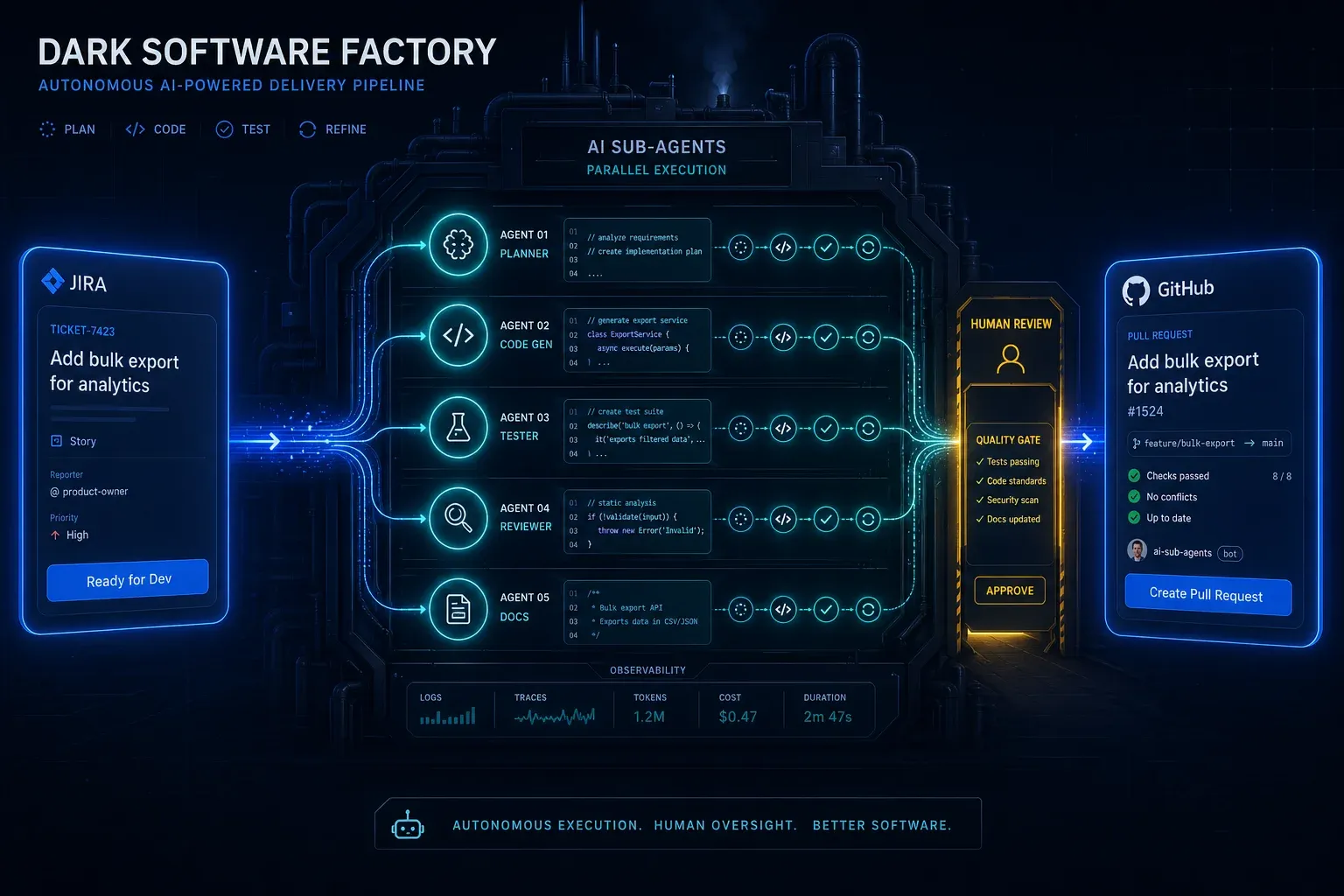
AI Agentic First bei Groupon: Was Ales Drabeks Dark Software Factory uns lehrt
Ales Drabek, CTIO bei Groupon, hat zwei Patterns in Production: Dark Software Factory und Speedboats. Was das über AI Ag…
Weiterlesen
Claude Managed Agents: Anthropics Griff nach der Agent-Runtime
Anthropic launcht Managed Agents in der Public Beta – eine gehostete Runtime, die das 'Gehirn' von den 'Händen' entkoppe…
Weiterlesen
Lovable Skills: Wiederholungen werden zu wiederverwendbaren Playbooks
Lovable hat Skills ausgerollt – das Anthropic-Format für wiederverwendbare Agent-Anweisungen. Was Skills sind, wie sie s…
Weiterlesen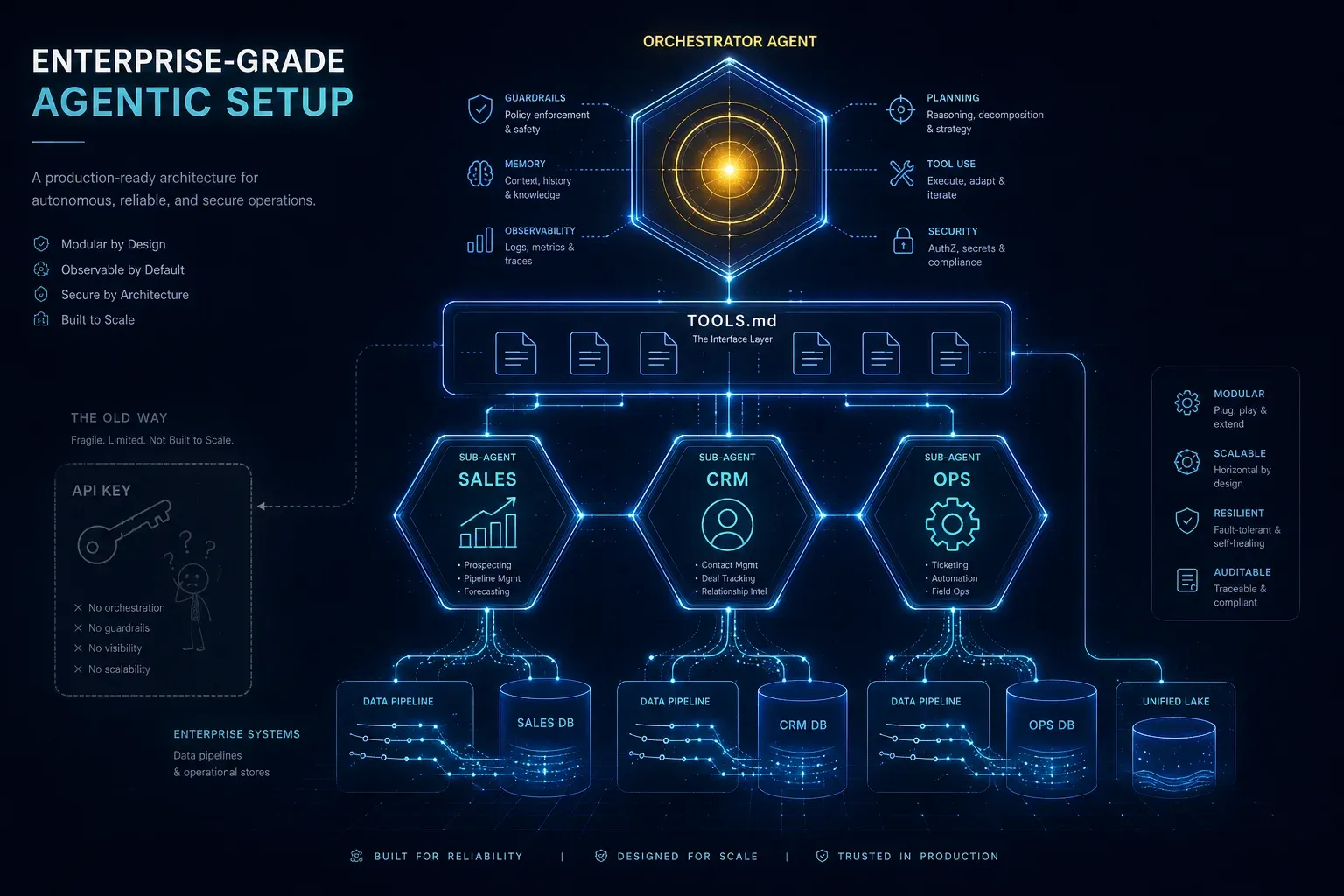
Enterprise-Grade Agentic Setup: Warum ein API-Key keine KI-Strategie ist
Ein API-Key in deiner Website ist Spielzeug. Ein agentisches Setup mit spezialisierten Sub-Agents, TOOLS.md, sauberen Sy…
Weiterlesen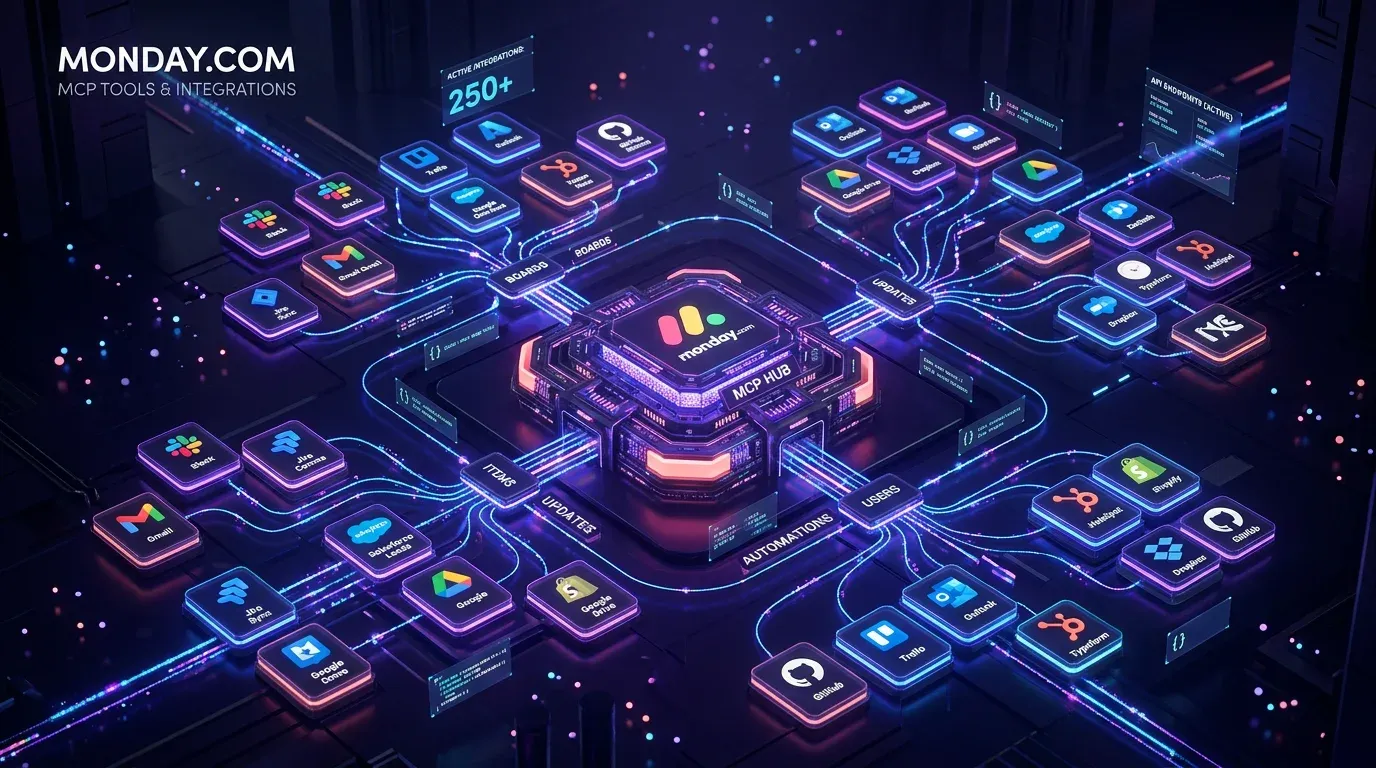
monday.com MCP: Alle verfügbaren Tools und Integrationen im Überblick
monday.com bietet mit dem Platform MCP und dem Apps MCP zwei leistungsstarke MCP-Server – plus native Integrationen für …
Weiterlesen
Claude Code ist kein Dev-Tool mehr – es ist ein GTM-Layer
Mit Opus 4.6 hat sich Claude Code fundamental verändert: Vom Entwickler-Werkzeug zum autonomen Go-To-Market-Layer. Was w…
Weiterlesen