LangGraph vs. CrewAI vs. AutoGen: Welches Multi-Agent-Framework 2026?


TL;DR: „LangGraph für Kontroll-Freaks, CrewAI für schnelle Shipper, AutoGen für Research-Pipelines. Wähle basierend darauf, wie viel Kontrolle du über die Agenten-Koordination brauchst."
— Till FreitagDrei Frameworks, drei Denkmodelle
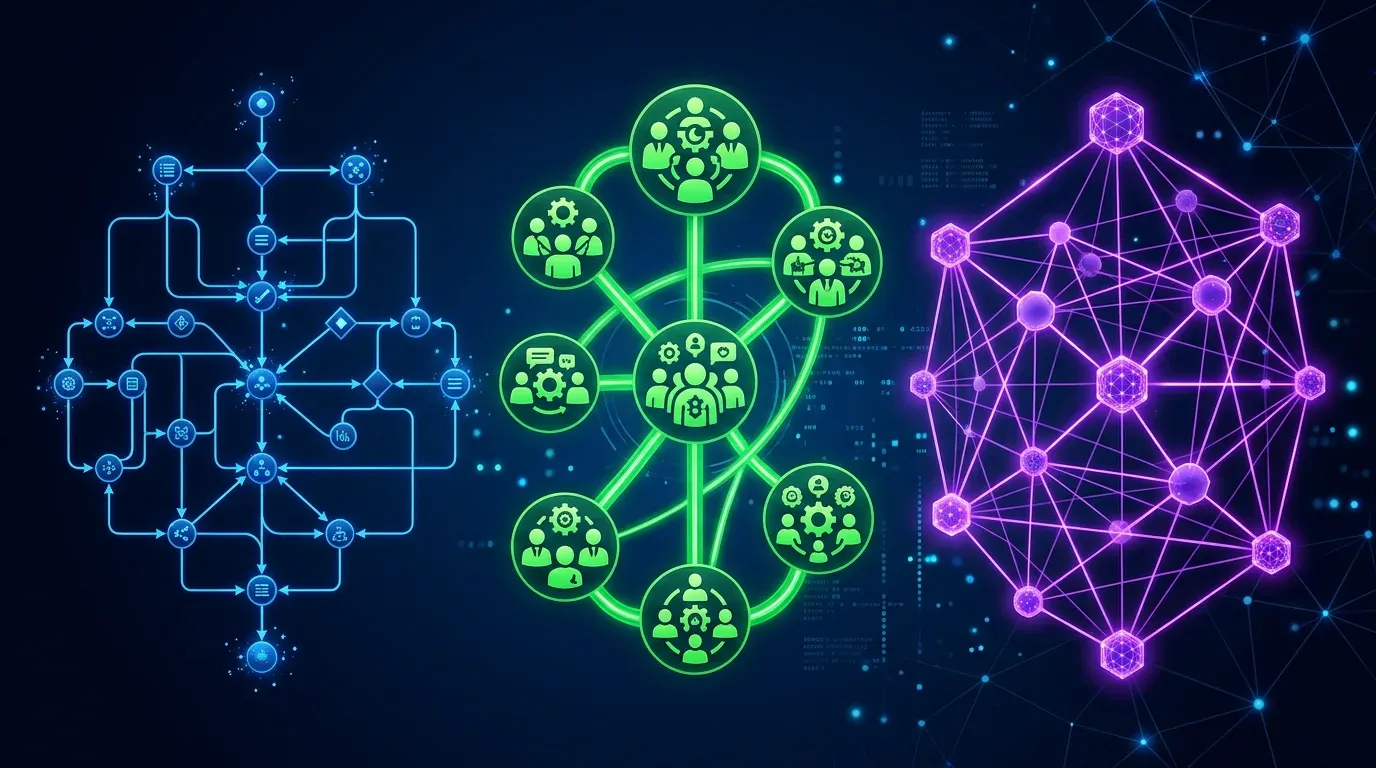
Jedes AI-Agent-Framework behauptet, "production-ready" und "flexibel" zu sein. Aber LangGraph, CrewAI und AutoGen sind grundlegend verschiedene Tools, die unterschiedliche Engineering-Probleme lösen:
| Framework | Denkmodell | Kern-Abstraktion | Stell dir vor… |
|---|---|---|---|
| LangGraph | State Machine | Graph aus Nodes + Edges | Ein Flowchart, das du debuggen kannst |
| CrewAI | Spezialisten-Team | Agenten mit Rollen + Tasks | Ein Projektteam mit Manager |
| AutoGen | Konversations-Protokoll | Agenten, die chatten | Ein Gruppenchat, der Arbeit produziert |
Die falsche Wahl kostet Wochen Refactoring. Dieser Guide hilft dir, direkt richtig zu wählen.
Dieselbe Aufgabe, drei Implementierungen
Wir bauen dasselbe in allen drei: Eine Research-Pipeline, die (1) Daten sammelt, (2) analysiert und (3) einen Report schreibt.
CrewAI: "Stell ein Team zusammen"
from crewai import Agent, Task, Crew, Process

researcher = Agent(
    role="Senior Research Analyst",
    goal="Umfassende Daten zu {topic} finden",
    backstory="Du bist ein Veteran-Analyst mit 15 Jahren Erfahrung.",
    tools=[web_search, pdf_reader],
    llm="claude-sonnet-4"
)

analyst = Agent(
    role="Data Analyst",
    goal="Rohdaten in umsetzbare Insights verwandeln",
    tools=[calculator, chart_generator],
    llm="gpt-4o"
)

crew = Crew(
    agents=[researcher, analyst, writer],
    tasks=[research_task, analysis_task, writing_task],
    process=Process.sequential,
    memory=True
)

result = crew.kickoff(inputs={"topic": "Agent Frameworks 2026"})
Was auffällt: Es liest sich wie eine Stellenausschreibung. Definiere, wer jeder Agent ist, was er tut – CrewAI übernimmt Delegation und Memory.
LangGraph: "Zeichne das Flowchart"
from langgraph.graph import StateGraph, END

class ResearchState(TypedDict):
    topic: str
    raw_data: list[str]
    analysis: str
    report: str
    iteration: int

def research_node(state):
    data = web_search.invoke(state["topic"])
    return {"raw_data": data, "iteration": state["iteration"] + 1}

def quality_check(state) -> str:
    if state["iteration"] < 3 and "insufficient" in state["analysis"]:
        return "research"  # Zurück zum Start
    return "write"

graph = StateGraph(ResearchState)
graph.add_node("research", research_node)
graph.add_node("analyze", analyze_node)
graph.add_node("write", write_node)
graph.add_conditional_edges("analyze", quality_check, {
    "research": "research",
    "write": "write"
})
app = graph.compile(checkpointer=MemorySaver())
Was auffällt: Es liest sich wie eine State Machine. Jeder Übergang ist explizit. Du definierst, wann geloopt, wann gebrancht, wann gestoppt wird.
AutoGen: "Starte eine Konversation"
from autogen import ConversableAgent, GroupChat, GroupChatManager

researcher = ConversableAgent(
    name="Researcher",
    system_message="Du recherchierst Themen gründlich.",
    llm_config={"model": "claude-sonnet-4"},
)

group_chat = GroupChat(
    agents=[researcher, analyst, writer],
    messages=[],
    max_round=10,
    speaker_selection_method="auto"  # LLM entscheidet
)

manager = GroupChatManager(groupchat=group_chat)
researcher.initiate_chat(manager, message="Recherchiere Agent Frameworks 2026")
Was auffällt: Es liest sich wie ein Chat-Protokoll. Agenten sind Teilnehmer einer Konversation. Der Manager entscheidet, wer als nächstes spricht.
Der ehrliche Vergleich
| Dimension | LangGraph | CrewAI | AutoGen |
|---|---|---|---|
| Philosophie | Explizite Kontrolle | Rollenbasierte Teams | Konversationelle Emergenz |
| Lernkurve | Steil (Graphentheorie) | Niedrig (intuitive API) | Mittel (Konversationsmuster) |
| Debugging | ⭐⭐⭐⭐⭐ (LangSmith, Replay) | ⭐⭐⭐ (Logs, CrewAI+) | ⭐⭐ (Konversations-Traces) |
| Determinismus | Hoch (explizite Edges) | Mittel (Delegation variiert) | Niedrig (LLM-gesteuerte Reihenfolge) |
| Time to Prototype | Stunden | Minuten | 30–60 Minuten |
| Production Readiness | ⭐⭐⭐⭐⭐ | ⭐⭐⭐⭐ | ⭐⭐⭐ |
| Community | Groß (LangChain) | Größte (Fortune 500) | Mittel (akademisch) |
| GitHub ⭐ | 8.000+ | 25.000+ | 38.000+ |
| Lizenz | MIT | Apache 2.0 | Apache 2.0 (AG2 Fork) |
| State Persistence | ✅ Checkpointing | ✅ Memory-System | ⚠️ Begrenzt |
| Human-in-the-Loop | ✅ Nativ | ✅ Via Tasks | ✅ UserProxyAgent |
| Streaming | ✅ Token-Level | ⚠️ Task-Level | ⚠️ Message-Level |
Performance-Benchmarks
Basierend auf realen Tests (gleiche Pipeline, gleiche Modelle, gleiche Hardware):
| Metrik | LangGraph | CrewAI | AutoGen |
|---|---|---|---|
| Setup-Zeit | ~2 Stunden | ~20 Min. | ~45 Min. |
| Ausführungszeit (5-Agent-Pipeline) | 45s | 62s | 78s |
| Token-Verbrauch | Niedrigster | Mittel | Höchster |
| Fehler-Recovery | Checkpoint Resume | Task-Retry | Konversation neu starten |
| Lines of Code | ~120 | ~40 | ~60 |
Entscheidungs-Framework
LangGraph wählen, wenn du…
- Deterministische Ausführung brauchst – jeder Pfad ist explizit
- Crash Recovery brauchst – von Checkpoints fortsetzen
- Komplexe Verzweigungen brauchst – Loops, Conditionals, parallele Pfade
- Time-Travel Debugging willst – durch State-History navigieren
- Bereits LangChain nutzt
CrewAI wählen, wenn du…
- Schnell prototypen willst – in Stunden shippen, nicht Tagen
- Rollenbasierte Koordination brauchst – natürliche Team-Metapher
- Knowledge-Integration brauchst – Docs, APIs, DBs an Agenten anhängen
- Enterprise-Features brauchst – SSO, RBAC, Audit-Logs
- Das größte Ökosystem willst (700+ Tools)
AutoGen wählen, wenn du…
- Open-ended Exploration brauchst – Agenten Lösungen entdecken lassen
- Code-Generierung + Ausführung brauchst – gesandboxte Code-Ausführung
- Research-Workflows baust – akademisch-iterative Analyse
- Im Microsoft/Azure-Ökosystem bist
Unsere Empfehlung
In unserer Agentic Engineering-Praxis nutzen wir:
| Use Case | Unsere Wahl | Warum |
|---|---|---|
| Kundenorientierte Agent-Pipelines | CrewAI | Schnelle Iteration, saubere API |
| Mission-critical Workflows | LangGraph | Deterministisch, debuggbar, wiederherstellbar |
| Research & Exploration | AutoGen | Konversationelle Discovery, Code-Ausführung |
| Parallele Datensammlung | Kimi K2.5 Swarm | 100 Agenten, zero Framework-Overhead |
Das Framework ist weniger wichtig als die Architektur. Wähle das Tool, das zum Denkmodell deines Teams passt – nicht das mit den meisten GitHub Stars.
→ Agent-Swarm-Architekturen: Kimi K2.5 vs. Airtable vs. CrewAI → Unsere Agentic Engineering Services → Open Source LLMs im Vergleich
Welches Framework passt zu dir?
Frage 1 von 3
Wie wichtig ist dir deterministischer Ablauf?
Verwandte Artikel

Agent-Swarm-Architekturen im Vergleich: Kimi K2.5 vs. Airtable HyperAgent vs. CrewAI
Drei grundlegend verschiedene Ansätze für Multi-Agent-AI: modell-native Schwärme, Plattform-Orchestrierung und Entwickle…
Weiterlesen
Claude Managed Agents vs. LangGraph vs. CrewAI: Agent-Runtimes für Production im Vergleich
Drei Wege, Production Agents zu deployen: Anthropics gehostete Runtime, LangGraphs Graph-Orchestrierung oder CrewAIs Rol…
Weiterlesen
Ponytail: Warum der beste Code der Code ist, den du nie geschrieben hast
Ein Dev hat Ponytail gebaut – weil seine AI-Agenten 500 Zeilen für ein 5-Zeilen-Problem schrieben. Das Ergebnis: 80-94% …
Weiterlesen
Multi-Agent-Layer 2026: AG2, LangGraph, SuperAGI & AWS Strands im Vergleich
Wenn ein Agent nicht reicht: AG2, LangGraph, SuperAGI und AWS Strands im Praxisvergleich. Welcher Multi-Agent-Stack pass…
Weiterlesen
Warum 🦞 das Erkennungszeichen der Agentic-AI-Bewegung wurde
Wie ein Krustentier zum Stammes-Emoji der Agentic-AI-Szene wurde – von Anthropic-Memes bis zu Bio-Twitter-Profilen volle…
Weiterlesen
Lovable Skills: Wiederholungen werden zu wiederverwendbaren Playbooks
Lovable hat Skills ausgerollt – das Anthropic-Format für wiederverwendbare Agent-Anweisungen. Was Skills sind, wie sie s…
Weiterlesen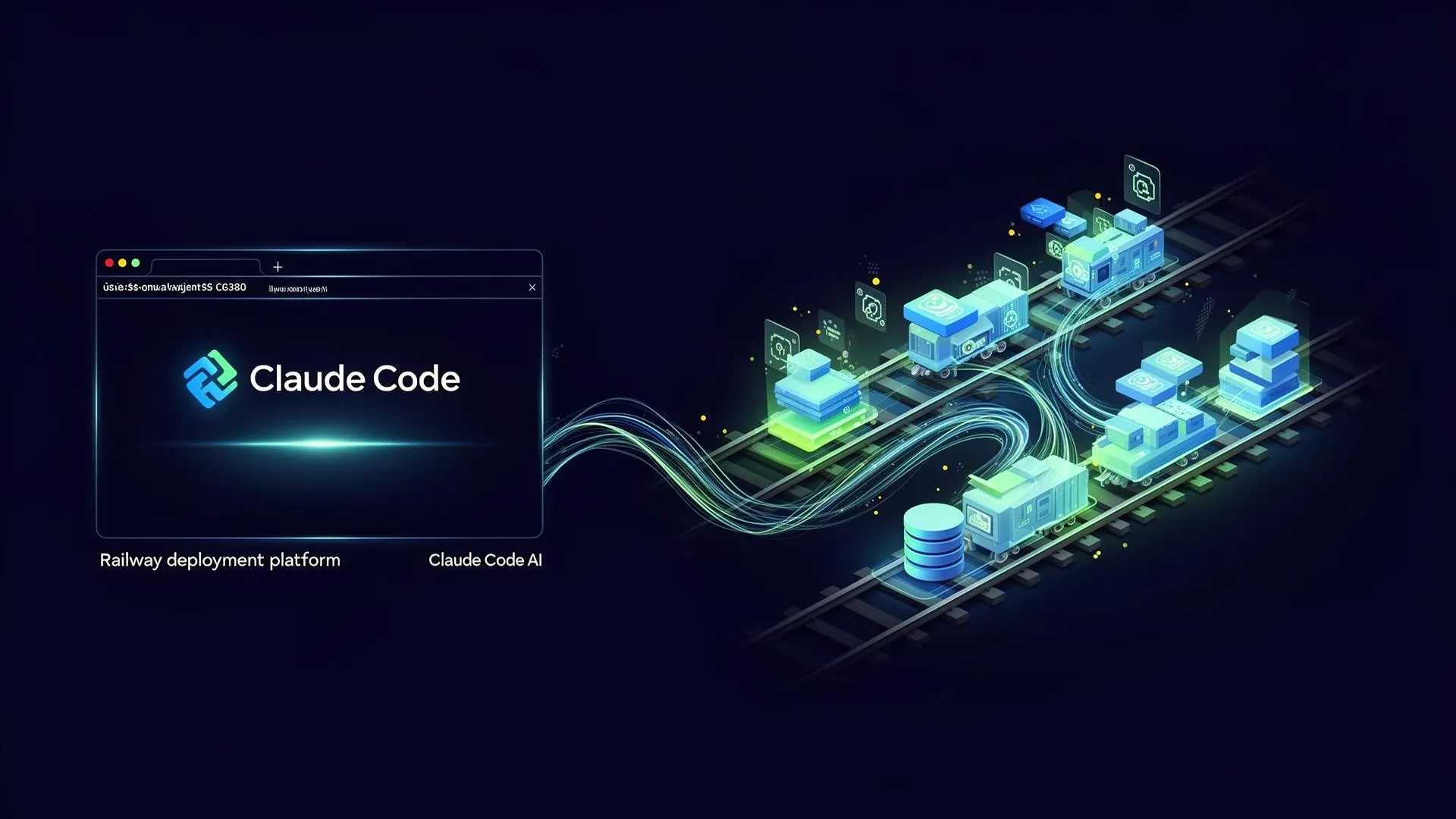
Railway + Claude Code: Deployment per Prompt – wie die Integration funktioniert
Was ist Railway – und warum ist die Plattform plötzlich der heimliche Favorit für AI-First-Teams? Ein Blick auf das Clau…
Weiterlesen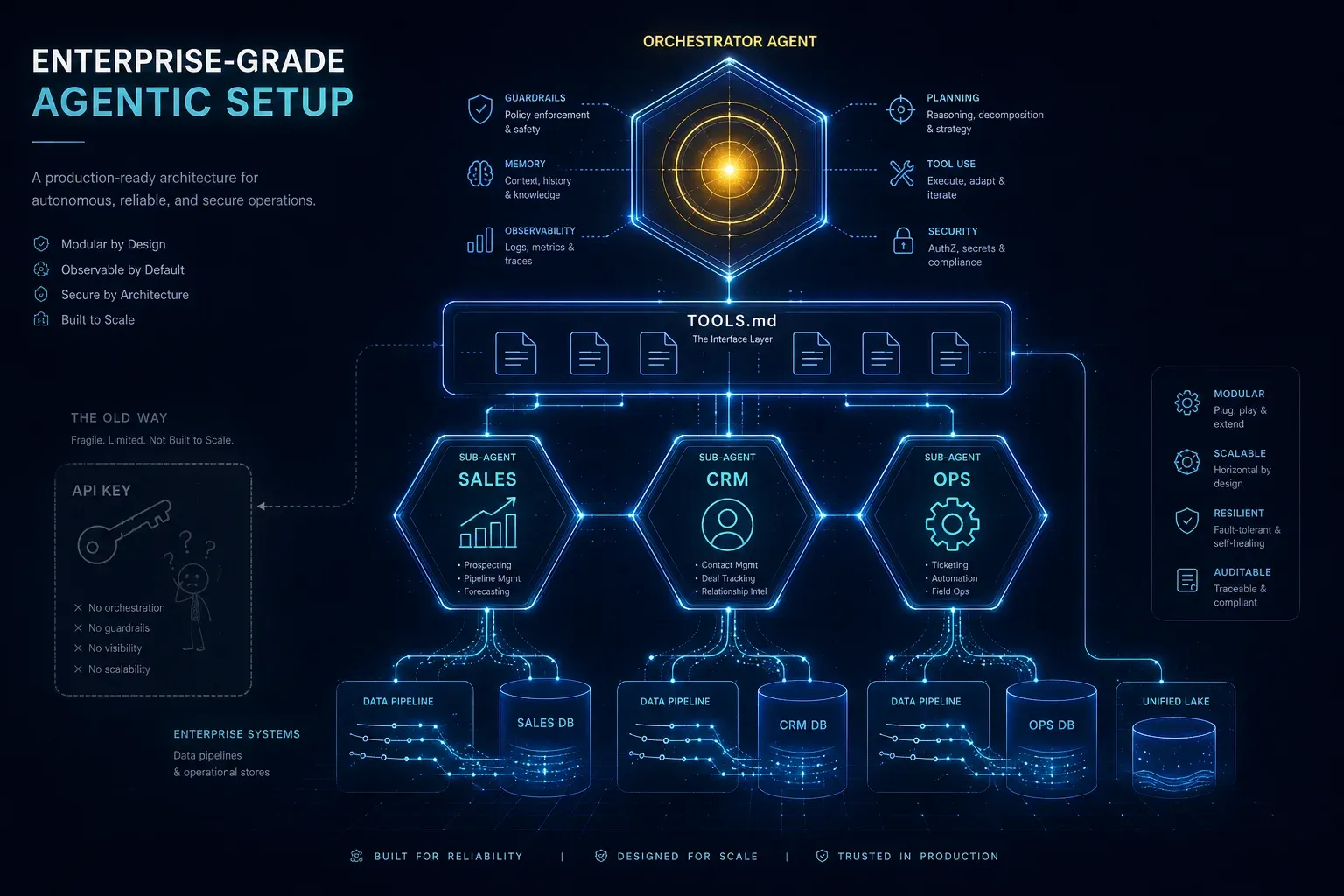
Enterprise-Grade Agentic Setup: Warum ein API-Key keine KI-Strategie ist
Ein API-Key in deiner Website ist Spielzeug. Ein agentisches Setup mit spezialisierten Sub-Agents, TOOLS.md, sauberen Sy…
Weiterlesen
Claude Code ist kein Dev-Tool mehr – es ist ein GTM-Layer
Mit Opus 4.6 hat sich Claude Code fundamental verändert: Vom Entwickler-Werkzeug zum autonomen Go-To-Market-Layer. Was w…
Weiterlesen