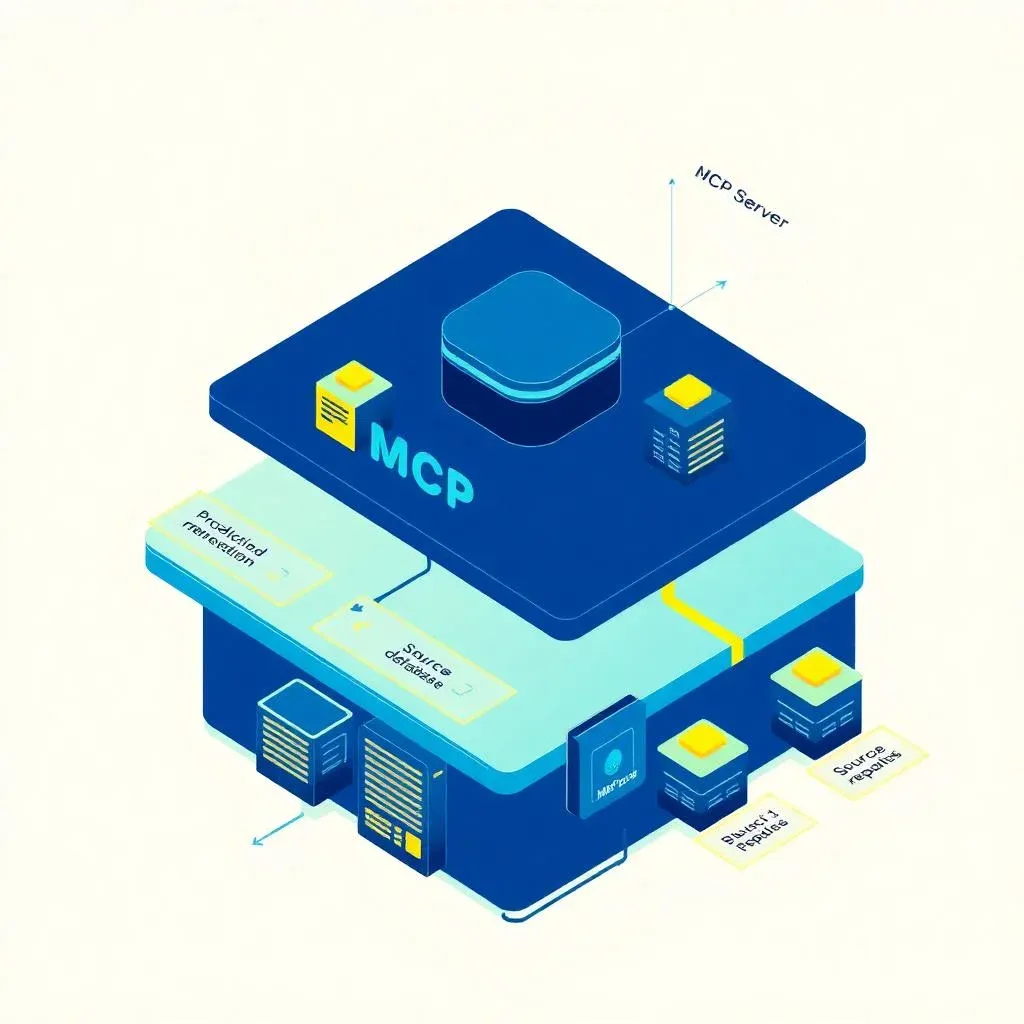
Building an MCP Server: From Prototype to Production Retrieval Layer


TL;DR: „The build guide gets you to a working MCP server. Production needs five extra layers: auth and permission model, retrieval strategy, caching, observability, and an update path for tool schemas. Here's the checklist we run on client projects."
— Till FreitagWhy this article exists
Till's step-by-step guide gets you to your first working MCP server. Niclas' publisher article shows why an MCP server is strategic for content businesses.
This article fills the gap in between: what has to happen for the prototype to become a layer you can hang your business off? I'm writing this from the CTO seat at Till Freitag — after six MCP server projects, three of which are now in production.
The five layers a prototype doesn't have
A good MCP prototype is 200 lines of TypeScript and a handful of tool definitions. A production-grade MCP server has five additional layers — none of them garnish, each its own small system.
1. Auth and permission model
The most common MVP mistake: a single API key that can do everything. In production you need:
- OAuth 2.1 with Dynamic Client Registration — so every Claude, Codex or Cursor workspace gets its own token
- Scoped tokens at the tool level: not every user can call every tool
- Tenant isolation — for multi-tenant SaaS, the tenant identifier belongs in every query, not in app code
- Audit log per tool call: who queried what, when, with which token
We usually use Supabase or Clerk as auth provider and write a thin middleware in the MCP server that validates incoming tokens and translates them into a permission context.
2. Retrieval strategy
This is where the server earns its name. A tool like search_documents is only as good as the layer beneath it:
- Hybrid search: BM25 plus vectors plus filters. Pure vector search is rarely enough.
- Re-ranking: Cohere Rerank or a small local model that narrows top-50 to top-5.
- Chunking strategy that fits the domain. Contracts chunk differently than product docs.
- Metadata filters as first-class citizens — date, source, confidentiality, language.
For most mid-market projects, pgvector (or Supabase Vector) plus Cohere Rerank plus a custom chunking pipeline is enough. Pinecone, Weaviate et al. only pay off at meaningful data volumes.
3. Caching
Agents are wasteful. They call the same tool multiple times in a row, often with slightly different arguments. Without a cache you'll notice on the LLM gateway bill.
- Request-level cache for identical tool calls (short TTL, e.g. 60 seconds)
- Embedding cache for recurring queries
- Negative cache for empty results, so expensive searches don't loop
Upstash Redis is our default — cheap, fast, edge-deployed.
4. Observability
When an agent gives weird answers, you want to see which tool calls it made, with what arguments, how long they took, what came back. Without that, you debug in the dark.
- Structured logs per tool call with trace ID
- Latency metrics per tool — agents give up on slow tools
- Token counting on the server side, not just client side
- Error tracking with Sentry or similar, with sampling
5. Update path for tool schemas
A tool's schema is an API — and APIs age. If you launch search_documents with three parameters today and need a fourth tomorrow, you have clients in the wild.
- Version tools explicitly (
search_documents_v2) instead of breaking schemas - Deprecation policy with a clear window
- Capabilities discovery designed so agents catch the change themselves
The architecture we currently recommend
For most mid-market clients, the stack looks like:
┌──────────────────────────────────────────────────────────┐
│  Claude / Codex / Cursor / Claude Cowork                 │
└─────────────────────────┬────────────────────────────────┘
                          │ MCP (HTTP/SSE)
                          ▼
┌──────────────────────────────────────────────────────────┐
│  MCP Server (TypeScript, Hono on Cloudflare Workers)     │
│  ├─ OAuth middleware (Supabase / Clerk)                  │
│  ├─ Tool router                                          │
│  ├─ Request cache (Upstash Redis)                        │
│  └─ Observability (Axiom / Logflare)                     │
└─────────────────────────┬────────────────────────────────┘
                          │
        ┌─────────────────┼─────────────────┐
        ▼                 ▼                 ▼
   Hybrid search     Source APIs       Vector store
   (pgvector +       (CRM, ERP,        (pgvector)
    BM25 + rerank)    DMS)
It's not the slickest architecture, but it's the cheapest one that holds up in production. Cloudflare Workers gives us sub-50ms edge latency across Europe, pgvector is plenty for most data sizes, Hono is small enough that the setup stands up in a day.
Anti-patterns we've seen more than once
- One huge
querytool that does everything. Agents can't handle it. Five well-scoped tools with unambiguous verbs work much better. - Copy-pasting tool descriptions from internal docs. Descriptions are prompts. Write them from the agent's perspective.
- Permissioning added later. It's 10x cheaper to nail the permission model before the first production call.
- No rate limiting. A looping agent can torch a cloud budget over a weekend.
Where time actually goes between prototype and production
In our projects, the rough split:
- 10% tool definitions and server skeleton
- 25% auth, OAuth flows, permission model
- 30% retrieval quality (chunking, ranking, evaluation)
- 15% caching, rate limiting, observability
- 20% iteration with real agents, tweaking tool schemas and descriptions
Anyone promising it in a week — look closely at the retrieval setup.
Build vs. don't build
Build when:
- You have proprietary data that is a differentiator
- Existing backends (REST, GraphQL, DB) need to be wrapped
- Tenant isolation and compliance requirements are high
Don't build when:
- A good official MCP server exists (monday, Notion, GitHub etc.) — use that as default
- The use case is read-only and public — a proxy on top of a search API is usually better
Bottom line
An MCP server is no longer a technical bet — the only question is how seriously you mean it. If it's meant to be a distribution channel (see Till's article), it needs to be production-ready. The five layers above are our mandatory checklist.
Working on an MCP server, or need one that survives more than the next two demos? Let's talk →
Related Articles
Agent Harness as a Category: Why the Harness Is the New Product
The harness — skills, sandbox, subagents, memory, channel routing — is the real product layer above the model. A map of …
Read more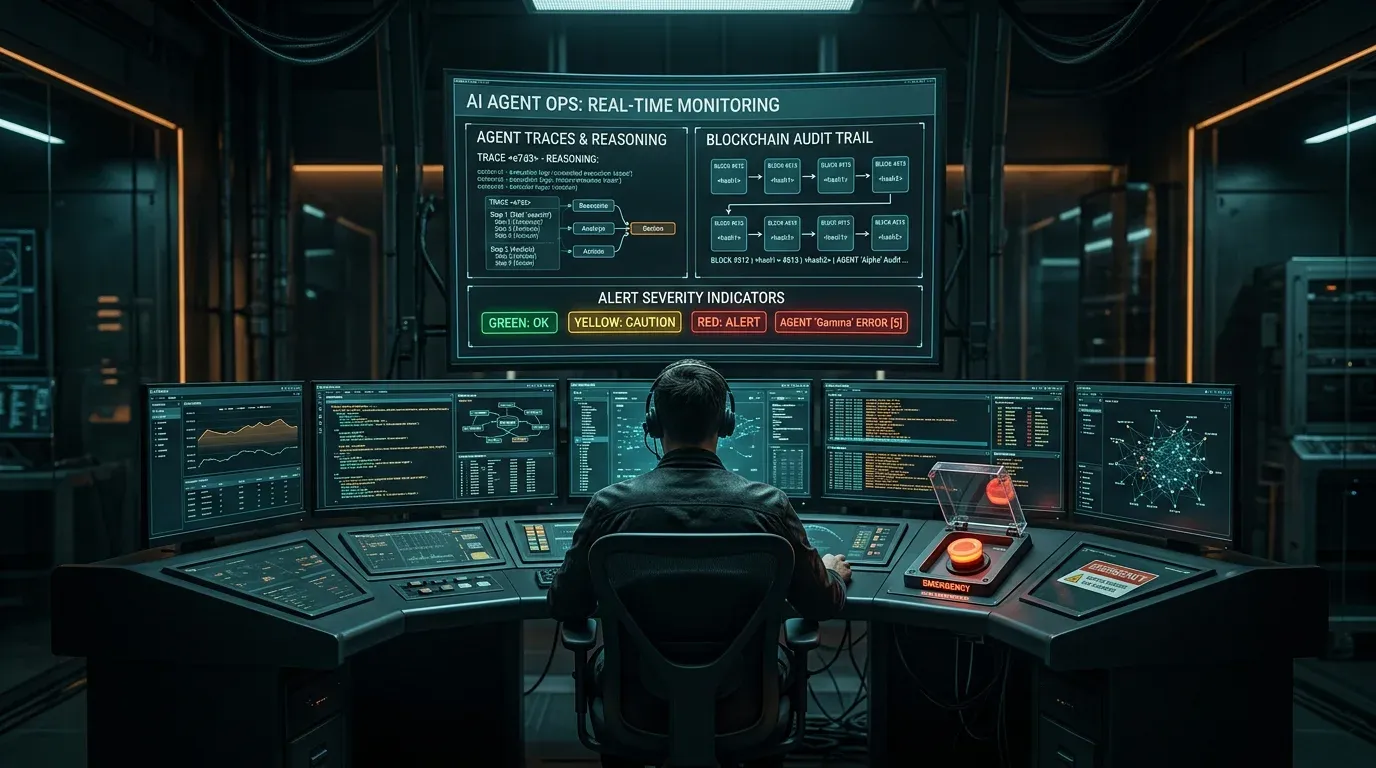
AI Agent Ops: How to Monitor, Audit, and Control Agents in Production
Governance is the strategy – Agent Ops is the execution. How to monitor autonomous AI agents in production, audit every …
Read more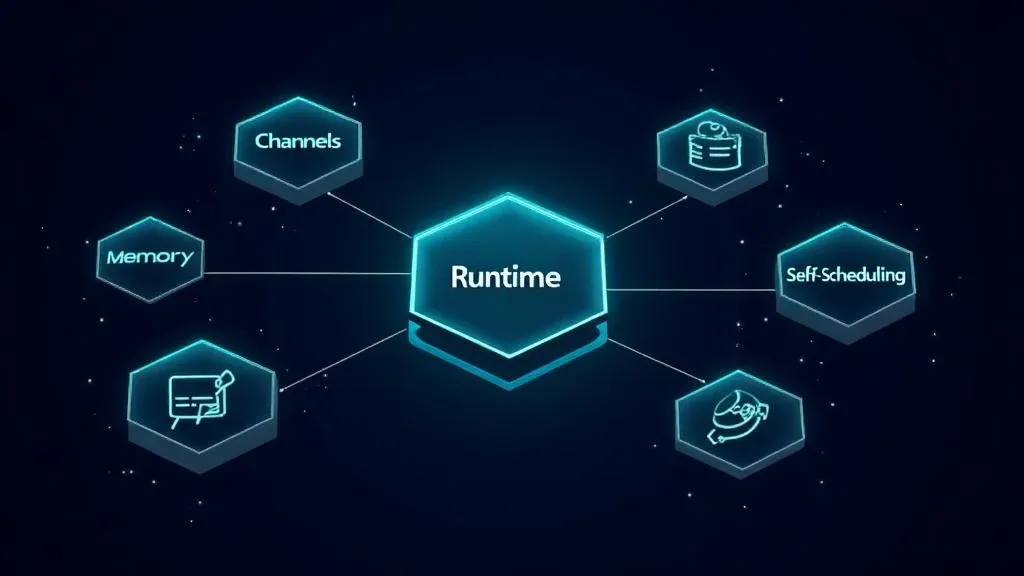
The 5 Building Blocks of an AI Agent – What's Really Under the Hood
Anthropic, AWS, and Google have published their agent frameworks. But what does an AI agent actually need? 5 building bl…
Read more
Agent Skills Are Becoming an Industry Standard: What Teams Need to Know
Agent Skills are reusable capabilities for AI agents – and they're becoming the new standard. What sets them apart from …
Read more Deep Dive
Lovable Feature Roundup: What actually mattered in May and June 2026
Subagents, native Claude MCP, the Preview Toolbar, Publish-from-chat, slow-query analysis in Lovable Cloud: in six weeks…
Read more
Professional Publishers Sit on the Most Valuable AI Asset – and Are Giving It Away
LLMs handle general knowledge. B2B runs on verified, curated domain expertise – which professional publishers have been …
Read more
PewDiePie's Odysseus: The real question isn't AI sovereignty – it's the AI workplace
PewDiePie's open-source project Odysseus hit 30,000 GitHub stars in 48 hours. The more interesting question behind it: w…
Read more
The 10 Best monday MCP Prompts for Your Daily Work
Copy-paste-ready prompts for Claude, Cursor, and ChatGPT – to control monday.com via natural language. From board creati…
Read more
monday.com MCP: All Available Tools and Integrations Overview
monday.com offers two powerful MCP servers – Platform MCP and Apps MCP – plus native integrations for Claude, Cursor, Ch…
Read more