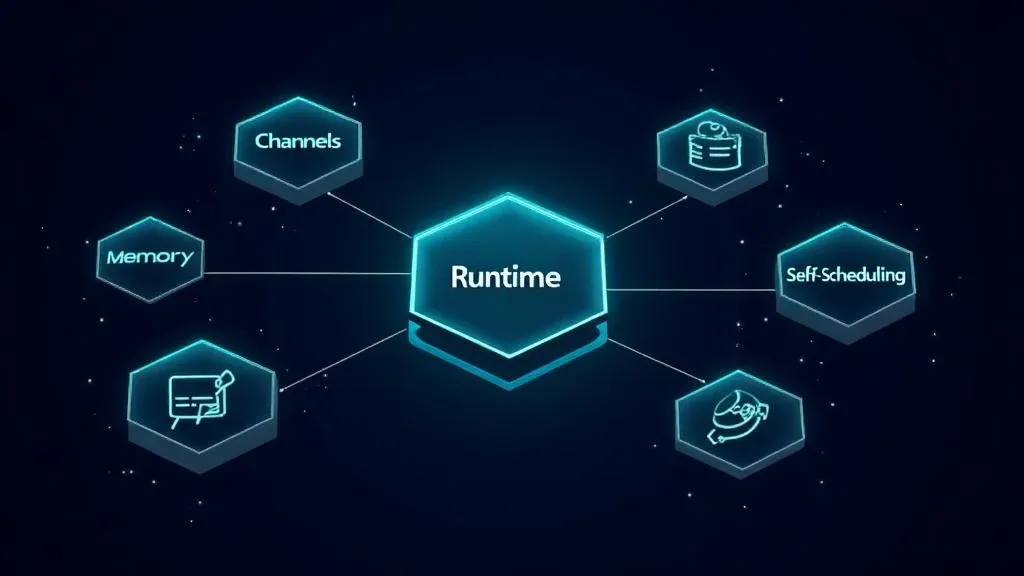
The 5 Building Blocks of an AI Agent – What's Really Under the Hood

TL;DR: „An agent is not a chatbot with plugins. It consists of five building blocks: Runtime, Channels, Memory, Tools, and Self-Scheduling. Understand these and you'll build better systems."
— Till FreitagIn 30 Seconds
Anthropic, AWS, Google, and Hugging Face have all published their blueprints for AI agents. All useful. All from enterprise or theoretical angles. If you want to understand what makes an agent tick – or build one yourself – you need something more applicable.
After studying 35+ projects, a clear mental model emerges: five core building blocks that define every AI agent.
Why Not Just Use a Framework?
Frameworks like LangChain, CrewAI, or AutoGen abstract a lot away. That's practical – until it isn't. Understanding the building blocks underneath lets you:
- Debug faster when the agent behaves unexpectedly
- Make architecture decisions that carry beyond the prototype phase
- Think framework-agnostic and pick the right tool for the job
The 5 Building Blocks
1. Runtime (The Brain)
The runtime is the reasoning loop: receive message → decide action → call tools → respond. But the loop alone isn't enough. The brain also needs a persistent identity: personality, guardrails, and safety rules.
| Aspect | Simple | Advanced |
|---|---|---|
| Model | Single LLM | Multi-model routing by task type |
| Control | Fixed system prompt | Dynamic prompt composition |
| Execution | Sequential | Sub-agents with parallel execution |
Practical insight: Most projects start with a single model and a solid system prompt. Multi-model routing pays off only when cost or latency becomes an issue – e.g., a fast model for triaging, a powerful one for complex analysis.
2. Channels (The Interfaces)
Channels determine how you reach your agent and how it gets back to you. Discord, Telegram, Slack, WhatsApp, Voice – each platform gets morphed into a unified message format. The brain never knows which platform it's talking to.
Sounds minimal, but the right channel strategy makes or breaks the entire user experience:
- Asynchronous channels (email, Slack) allow long processing times
- Synchronous channels (voice, chat) require sub-second responses
- Rich-media channels (WhatsApp, Discord) enable buttons, carousels, files
The most common mistake: Building an agent for chat and then wondering why it doesn't work over email or voice. Plan channel abstraction from day one.
3. Memory (The Mind)
Memory has at least two layers:
Long-term memory stores durable facts, knowledge graphs, and semantic relationships across conversations. Short-term memory is conversational state – the structure of a single interaction over time.
The critical distinction isn't between "has memory" and "doesn't." It's between:
| Level | Description |
|---|---|
| Storing | Conversations are saved and can be retrieved |
| Learning | Quality gates, confidence scoring, soft-archiving – the agent gets smarter with every interaction |
This is where the "personal" in "personal AI" comes from. An agent that remembers your preferences, adopts your vocabulary, and filters out irrelevant memories feels fundamentally different from one that just has a long chat history.
4. Tools (The Capabilities)
Tools define what the agent can actually do. Two schools of thought:
Minimal: The agent gets basic primitives and writes code for everything else. Fewer tools = smaller context = lower cost per turn.
Curated: A specialized set of capabilities – calling APIs, browsing the web, managing calendars, drafting emails, delegating tasks to sub-agents. More tools = faster execution, fewer workarounds.
Few tools             ←→          Many tools
├─ Smaller context                ├─ Faster execution
├─ Lower cost                     ├─ Fewer workarounds
├─ More flexibility               ├─ Better results
└─ Higher latency                 └─ More complex routing
Practical insight: Start with 3–5 well-defined tools. Each tool needs a crystal-clear description so the model knows when to use which. Vague tool descriptions are the most common cause of poor agent performance.
5. Self-Scheduling (The Autonomy)
Self-scheduling is what separates a chatbot from an assistant: acting without being prompted.
| Trigger Type | Example |
|---|---|
| Fixed schedules | Every morning, a summary of open tasks |
| Heartbeats | Check for new emails every 15 minutes |
| Events | Automatically gather context when a new Slack thread appears |
| Workflow engines | Multi-step processes with conditions and branches |
Without self-scheduling, an agent is just a better chatbot – it reacts but doesn't act. The combination of proactive action and knowing when to wait is what makes the difference.
Cross-Cutting Concerns
These five building blocks define what an agent is and what it can do. But there are cross-cutting concerns that span all five:
- Security: How do I protect the agent from prompt injection and misuse?
- Observability: How do I debug when the agent makes wrong decisions?
- Deployment: How do I reliably bring the agent to production?
- Model routing: How do I choose the right model for the right task?
- Cost management: How do I keep token costs under control?
These aren't a sixth building block – they're the infrastructure in which the five blocks live.
What Does This Mean in Practice?
For Teams Building an Agent
Walk through the five building blocks one by one:
- Runtime: Which model? One or multiple? What guardrails?
- Channels: Where do your users live? Which channels do you need on day one?
- Memory: What does the agent need to remember? How does it get better over time?
- Tools: What does the agent need to do? Start minimal or fully equipped?
- Self-Scheduling: Which actions should the agent perform proactively?
For Decision-Makers
The building blocks help you evaluate vendor offerings. When someone sells you an "AI agent," ask: How do they solve Runtime, Channels, Memory, Tools, and Self-Scheduling? Every gap is a risk.
For Developers
Use the building blocks as an architecture checklist. Whether you're using LangChain, CrewAI, or building something custom – the five blocks need to be covered. Implementation may vary, the concepts don't.
Conclusion
An AI agent is not a chatbot with plugins. It's a system of five clearly defined building blocks that need to work together. Understanding these blocks doesn't just help you build better agents – it helps you evaluate the limits and possibilities of existing solutions.
Three takeaways:
- Runtime + Memory are the core – this is where the agent's "intelligence" is decided
- Channels + Tools determine practical value – a brilliant agent without the right interfaces is useless
- Self-Scheduling is the differentiator – without proactive action, it remains a chatbot
→ Learn more about Agentic Engineering → Book an Agentic Engineering workshop
Related Articles
NemoClaw: NVIDIA's Privacy Router and What It Means for Agent Architecture
NVIDIA enters the Claw ecosystem with NemoClaw – and brings a concept that could reshape agent architecture: Privacy Rou…
Read more
Building a Privacy Router with OpenClaw: A Practical Guide with Code
Privacy Routing is the concept – but how do you build it? A practical guide with OpenClaw, a policy engine, and concrete…
Read more
Ponytail: The Best Code Is the Code You Never Wrote
A dev built Ponytail because his AI agents wrote 500 lines for a 5-line problem. The result: 80-94% less code, 47-77% ch…
Read more
Google's Agent Marketplace Goes Live – And monday.com Is Already Inside
Google just opened Gemini Enterprise to partner-built AI agents – and monday.com is one of the first in. What that means…
Read more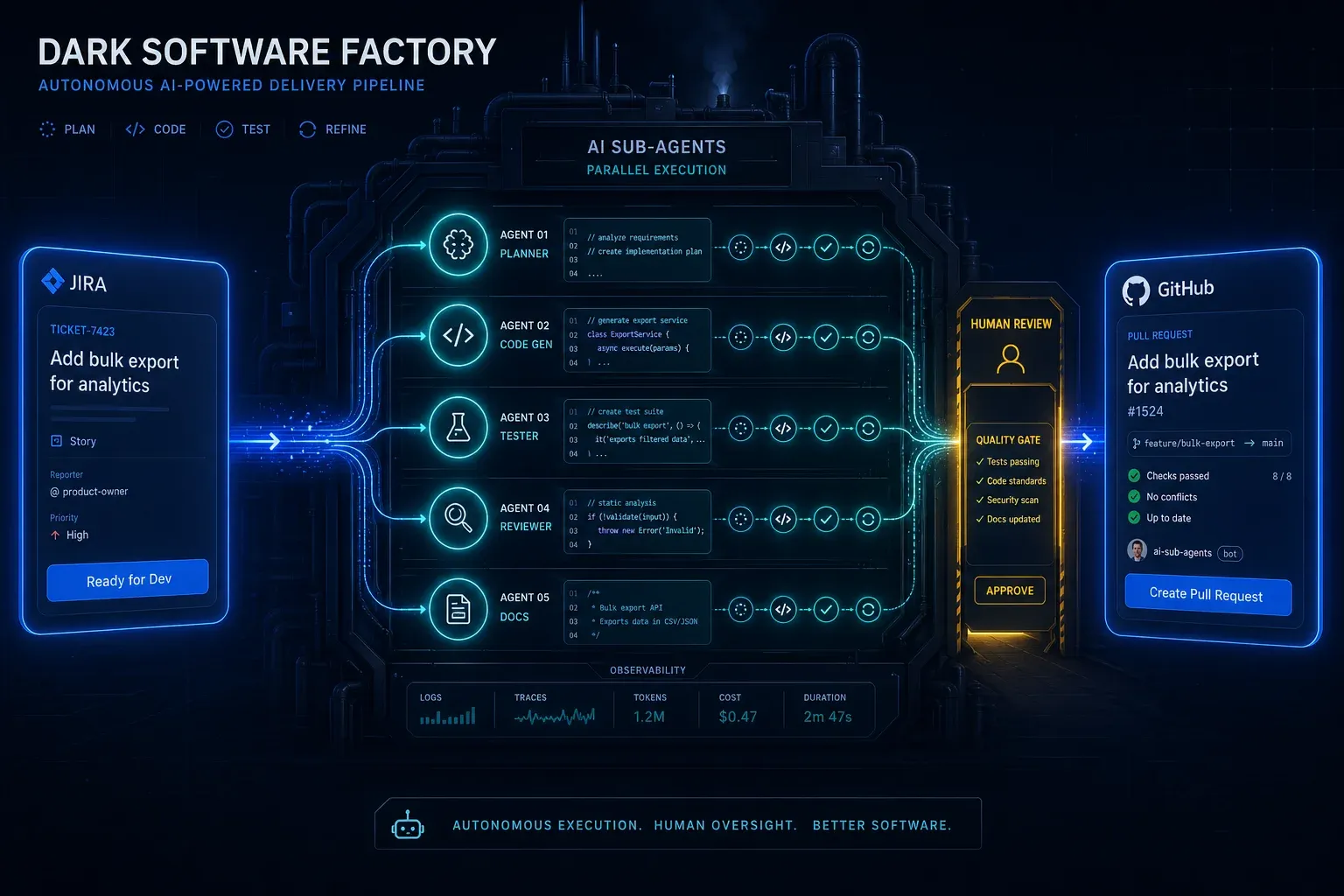
AI Agentic First at Groupon: What Ales Drabek's Dark Software Factory Teaches Us
Ales Drabek, CTIO at Groupon, runs two patterns in production: Dark Software Factory and Speedboats. What that reveals a…
Read more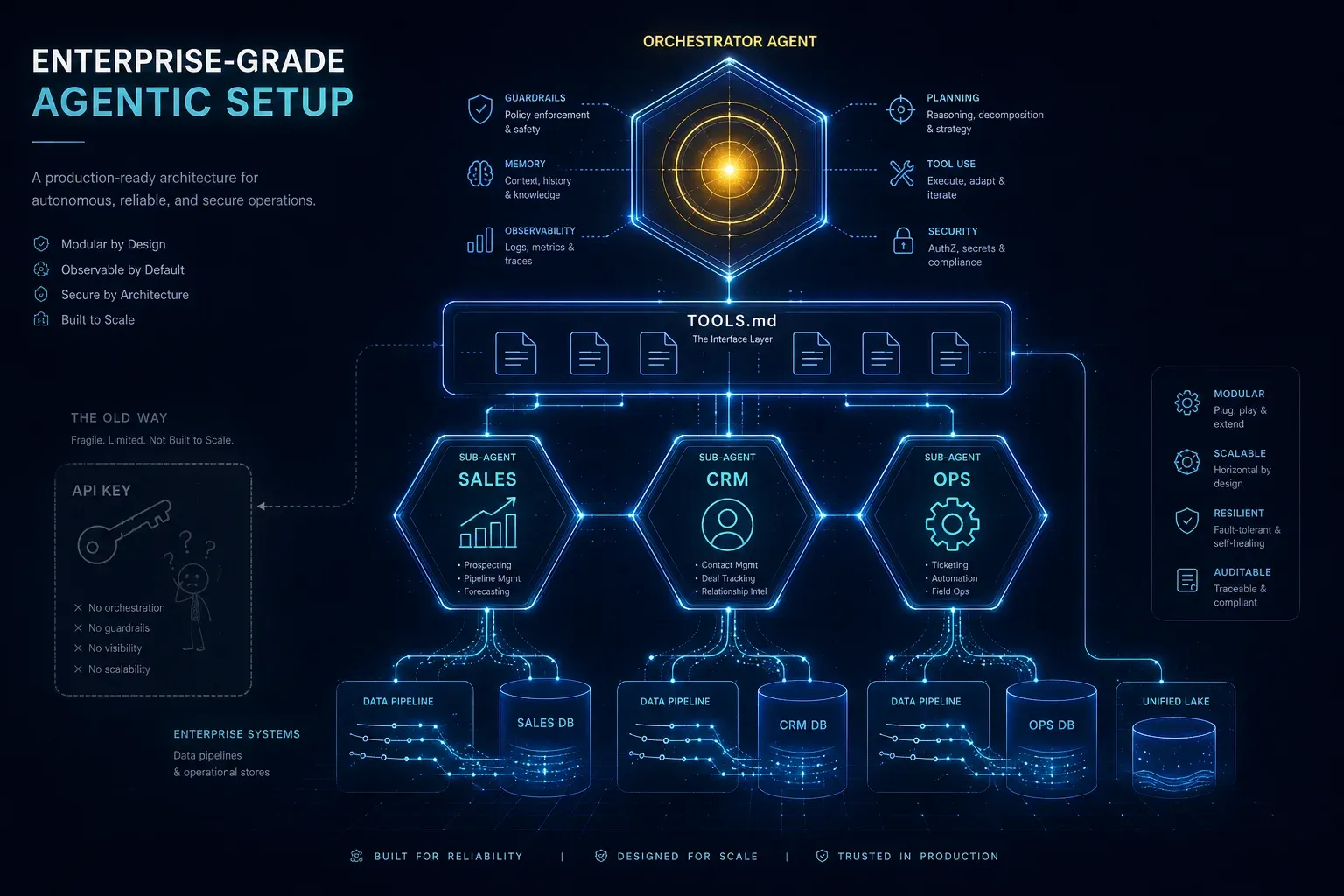
Enterprise-Grade Agentic Setup: Why an API Key Is Not an AI Strategy
An API key on your website is child's play. An agentic setup with specialised sub-agents, TOOLS.md, clean system prompts…
Read more
Globster: monday.com Enters the Personal AI Agent Game – on NVIDIA's NemoClaw
monday agent labs just launched Globster: personal AI agents built on OpenClaw, secured by NVIDIA's NemoClaw runtime. Wh…
Read more
Agentalent.ai: monday.com Launches the First Marketplace for Hiring AI Agents
monday.com launches Agentalent.ai – a marketplace where companies can 'hire' AI agents for real business roles. Here's w…
Read more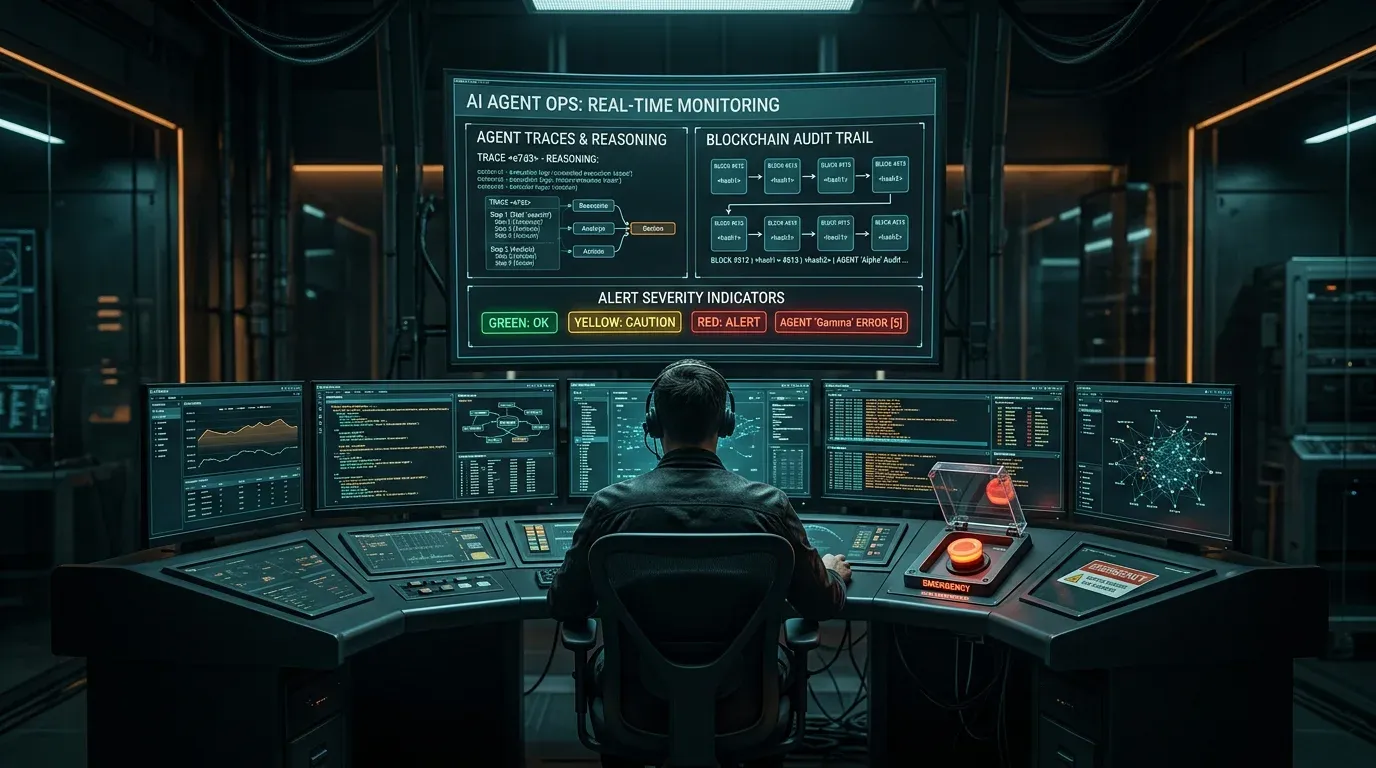
AI Agent Ops: How to Monitor, Audit, and Control Agents in Production
Governance is the strategy – Agent Ops is the execution. How to monitor autonomous AI agents in production, audit every …
Read more