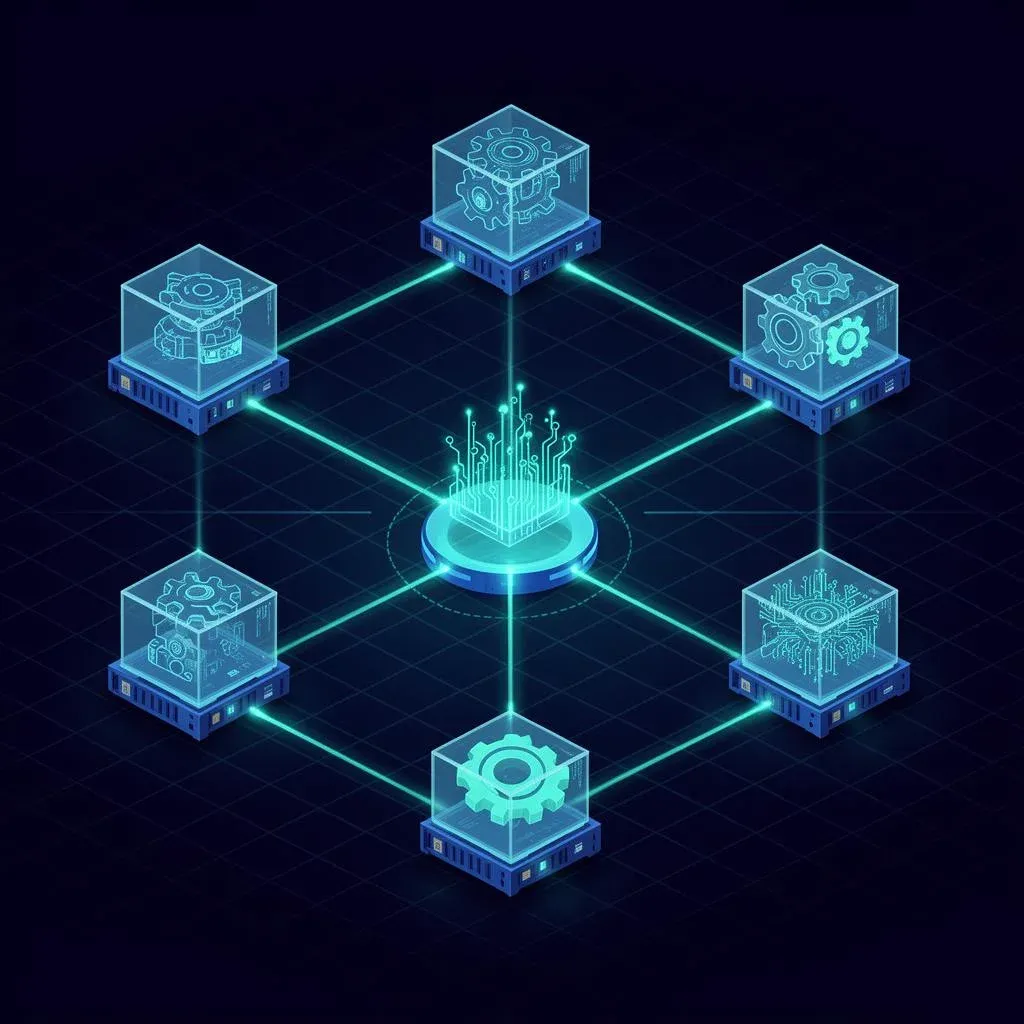
HyperAgent Field Notes #3: From a Single Role to a Fleet

TL;DR: „One role is a tool. Three roles are a system. The system needs: hand-off contracts, shared memory, concurrency limits, and a fleet owner. Otherwise every role doubles or blocks the others' work."
— Till FreitagField Notes series — We're part of the closed beta of HyperAgent. Field Notes #1 was about the first skill, Field Notes #2 about the jump to a deployable role. Today: multiple roles as a fleet.
In 30 Seconds
- Three roles, one outcome – the watchlist role got siblings: a briefing writer and a Slack responder.
- Hand-off contracts are what workflow tools don't have: explicit schemas between roles, not "the next one will figure it out".
- Shared memory is mandatory as soon as two roles need the same context. Otherwise you pay for every research twice.
- Concurrency limit at fleet level prevents trigger storms from killing your budget.
- There is a fleet owner, not just role owners. Otherwise nobody owns the whole.
Where we are
From Field Notes #2: the competitor-watchlist role runs every Monday autonomously with an 89% eval score. Slack posts arrive on time, budget holds, everyone happy.
Today we take the uncomfortable next step: we add two more roles and check whether the whole thing works as a system – or whether we end up with three roles each doing their own thing, none aware of the others.
Spoiler: variant two first, then variant one. That's exactly the lesson of day three.
The new fleet
We wanted to test whether HyperAgent delivers on the multi-agent promise. Setup:
| Role | Job | Trigger |
|---|---|---|
competitor-watchlist-scan | Scan + structured findings (from Field Notes #2) | Cron Mon 09:00 |
competitive-briefing-writer | Build a briefing doc from findings | Hand-off from role 1 |
slack-question-responder | Answer questions in the channel about findings | Slack mention @watchlist |
Three roles, one shared outcome: the team knows on Monday what's happening at competitors – and can ask follow-up questions in the channel.
Three roles ≠ three skills + multiplication
Naive plan: role 1 produces JSON, role 2 reads the JSON, role 3 answers questions with access to the JSON. Sounds simple.
In practice, the first attempt looked like this:
- Role 1 writes findings into a Slack channel as a formatted post.
- Role 2 is triggered, parses the Slack post, builds a briefing doc – but markdown parsing breaks for 3 out of 8 domains because role 1 renders the bullets slightly differently.
- Role 3 answers questions but has access only to the briefing doc, not the raw findings. When someone asks "what was the exact pricing change at X again?" – answer: ¯\(ツ)/¯.
This is the workflow-tool trap in its purest form. "We just connect the outputs" works for toy demos, not for a fleet that runs in prod without a babysitter.
Four building blocks of a fleet (vs. a role)
Out of the pain came four constructs that HyperAgent enforces for fleets:
1. Hand-off contracts – explicit schemas between roles
Instead of "role 1 posts, role 2 reads", we defined a typed hand-off:
handoff: watchlist-findings
producer: competitor-watchlist-scan
consumer: competitive-briefing-writer
schema:
  findings:
    - domain: string
      change_type: enum[blog, pricing, changelog, ui]
      summary: string (max 200 chars)
      evidence_url: url
      raw_diff_ref: storage-key
Sounds like boilerplate, but it's the difference between "works sometimes" and "works always". Role 2 can no longer "misparse the Slack post" because it doesn't see the Slack post anymore – it gets structured findings.
Bonus: HyperAgent validates the hand-off at runtime. If role 1 produces schema-breaking output, the trace flags it before role 2 starts.
2. Shared memory – one source of truth, three consumers
Second big insight here: all three roles need access to the same raw findings, not to an aggregated artifact.
Solution: role 1 writes findings into a shared memory namespace (watchlist/findings/{week}), role 2 builds the briefing from it, role 3 has read access for Q&A.
Result: when someone in the channel asks "what was the exact pricing change at X?", role 3 reads the raw_diff_ref directly from shared memory. One research, three consumers. Before that, we'd have repeated the research inside role 3 – with double token cost and possibly diverging answers.
3. Concurrency limit – the trigger-storm guard
First week live: someone tests @watchlist with five questions in quick succession. Role 3 fires five times in parallel. Each run pulls shared memory plus 2 tool calls. Fleet budget burns in 90 seconds.
Solution: concurrency limit at fleet level.
| Limit | Value | What happens |
|---|---|---|
| Max parallel runs total | 3 | Run 4 waits in the queue |
| Max parallel runs per role | 2 | Prevents one role from blocking the whole fleet |
| Queue timeout | 60 s | Beyond that → friendly "busy right now" reply instead of a timeout |
What manifested as a budget cap inside a single role in Field Notes #2 is a concurrency problem here. Different class of guardrail, same philosophy.
4. Fleet owner – someone who owns the architecture
In Field Notes #2 we had a role owner (marketing). That's no longer enough.
When three roles talk to each other, "why is the briefing empty today?" is a system question, not a role question. The answer can be:
- Role 1 didn't reach 3 domains (cookie-banner update at the competitor)
- Role 1 delivered, but the hand-off schema changed and role 2 rejects it
- Role 2 ran, but shared memory was empty due to cache eviction
- Role 3 is stuck in the queue because of the concurrency limit
A single role owner doesn't see this. So we added a fleet owner with access to the fleet dashboard (all roles, all hand-offs, all shared-memory reads/writes, all queue states).
For us: same person as the role owner of competitor-watchlist-scan, plus a second person from engineering as backup. Important: not "engineering owns the fleet because it's technical." Owner stays in the business unit, engineering is a sparring partner.
What we got after two weeks
After 14 days running the three-part fleet live:
- Eval score role 1 (findings): 91% (vs. 89% as a solo role – side effect of better outputs through schema enforcement)
- Eval score role 2 (briefing): 84% (main issue: briefings too long, we're shortening the system prompt)
- Eval score role 3 (Q&A): 88%
- Number of duplicate researches: 0 (vs. ~30% in the naive setup)
- Budget consumption: −18% vs. three isolated roles all doing everything three times
This is the point where "multiple agents" becomes a workforce.
Three takeaways from day three
1. Workflow tools can't do this – and that's okay
n8n / Zapier / Lindy can wire the three roles together, but hand-off contracts with schema validation, shared memory with audit log, and fleet-level concurrency limits are a different class of platform. Workflow tools connect outputs. Agent platforms coordinate roles. Both have their place.
2. A fleet isn't "more roles", it's "different architecture"
Whoever builds three solo roles and hopes it becomes a fleet will have duplicate research, inconsistent outputs, and uncontrollable budget within 2 weeks. A fleet has to be designed as a system – with hand-offs, memory, and concurrency.
3. Fleet owner is the most important role you never post a job ad for
Nobody applies to "fleet owner". But without that role every fleet dies after 6 weeks at the first symptom no one can attribute.
What's next
In Field Notes #4 we'll cover the transition from "works in beta" to "allowed near customer data" – prompt-injection defense, data classification, audit requirements. The unsexy, survival-critical side.
→ HyperAgent tool overview → Field Notes #1: setup & first skill → Field Notes #2: from skill to deployable role → HyperAgent full review → Agent swarm architectures compared → Agentic Engineering – how we partner with teams
Related Articles

HyperAgent Field Notes #2: From Skill to Deployable Role
The watchlist skill from Field Notes #1 becomes a real role: with Slack trigger, budget cap, and permission scope. This …
Read more
HyperAgent Field Notes #1: Setup, First Skill, and the Lesson from Day One
We are closed-beta partners at HyperAgent. First field note from the trenches: what happens in the first 60 minutes, whi…
Read more Deep Dive
HyperAgent Competitors 2026: Who plays in the same league – and why Globster looks suspiciously similar
HyperAgent isn't alone. Globster looks suspiciously similar in the interface, Manus goes the autonomous solo route, Lind…
Read more
HyperAgent Review 2026: The Agent Platform for Teams Ready to Scale AI
HyperAgent promises the complete platform for AGI-level agents – learnable skills, fleet management, A/B testing. How do…
Read more
Agent Swarm Architectures Compared: Kimi K2.5 vs. Airtable HyperAgent vs. CrewAI
Three fundamentally different approaches to multi-agent AI: model-native swarms, platform orchestration, and developer f…
Read more Deep Dive
Airtable Superagent: The First Multi-Agent System That Delivers Finished Work
Airtable launches Superagent – a multi-agent system that orchestrates specialized AI agents in parallel to deliver finis…
Read more
Make vs. Claude Code vs. OpenClaw – Picking the Right Orchestration Layer (2026)
Make.com, Claude Code, or OpenClaw? Three tools, three layers of the stack. Here's when to pick which orchestration tool…
Read more
Gumloop Review 2026: AI Agents and Workflows Without Code
Gumloop combines AI agents with visual workflow automation – completely no-code. Here's what the platform can do, what i…
Read more
Manus AI Review 2026: What the Autonomous AI Agent Actually Delivers – and Where It Falls Short
Manus AI promises autonomous task execution – code, research, data analysis, all without babysitting. We tested the AI a…
Read more