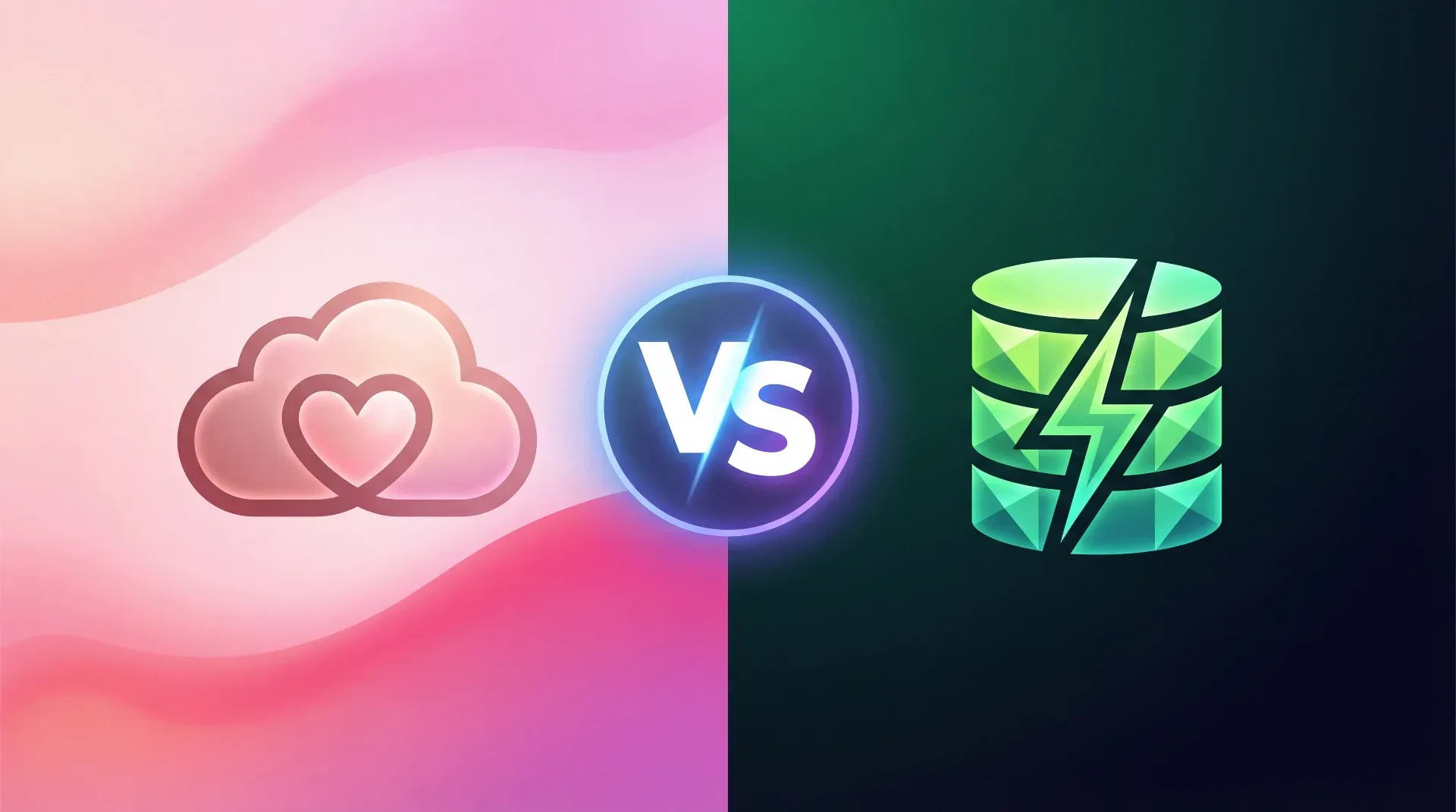
Lovable Cloud vs. Supabase – Why We (Almost) Always Use Supabase Directly


TL;DR: „Lovable Cloud is perfect for prototyping – but for production, your database should be in your hands. That's why we use dedicated Supabase projects."
— Till FreitagWhat Is Lovable Cloud?
Lovable Cloud is Lovable's integrated backend. With a single click, you get:
- PostgreSQL database – fully featured, relational, powerful
- Authentication – Email, Google, Apple Sign-In out of the box
- Edge Functions – serverless logic for payments, emails, APIs
- File Storage – images, documents, assets
- Secrets Management – securely manage API keys
The key detail: Lovable Cloud is built on Supabase under the hood. So you're not getting a proprietary black box, but a proven open-source backend – seamlessly integrated into the Lovable editor.
What Is Supabase?
Supabase is an open-source alternative to Firebase. It offers the same features as Lovable Cloud – database, auth, storage, Edge Functions – but as a standalone platform with full access to:
- Supabase Dashboard – SQL editor, logs, monitoring
- Direct PostgreSQL connection – for external tools and migrations
- Your own organization & projects – full control over billing and limits
- Community & ecosystem – hundreds of integrations, libraries, extensions
Lovable Cloud vs. Dedicated Supabase Project
Both options use the same technology. The difference lies in control and ownership:
| Criterion | Lovable Cloud | Dedicated Supabase Project |
|---|---|---|
| Setup | One click, instantly ready | Create project manually, connect keys |
| Database access | Via Lovable UI | Full Supabase Dashboard + SQL |
| Cost transparency | Usage-based via Lovable | Own Supabase billing, free tier available |
| Portability | Tied to Lovable | Project is yours, exportable anytime |
| Monitoring & logs | Limited | Full (logs, metrics, alerts) |
| Extensions | Not configurable | pg_vector, pg_cron, PostGIS and more |
| Backups | Lovable-managed | Custom backup strategy possible |
| Multi-project | One backend per Lovable project | Multiple apps on one Supabase project |
| Team access | Via Lovable Workspace | Own Supabase organization with roles |
Why We Use Supabase Directly
For client projects, we almost always choose a dedicated Supabase project over Lovable Cloud. Here's why:
1. Full Control Over the Database
With a dedicated Supabase project, we have direct PostgreSQL access. That means:
- SQL migrations versioned in Git
- Extensions like
pg_vectorfor AI search orpg_cronfor scheduled jobs - Foreign Data Wrappers for connections to external databases
- Row Level Security tested and debugged directly in the SQL editor
2. Independence From the Editor
Lovable is our preferred editor – but the database shouldn't be tied to any single tool. With a dedicated Supabase project, we can:
- Migrate the frontend to another host anytime (Vercel, Netlify, own server)
- Connect multiple frontends to the same backend
- Continue development locally (Supabase CLI)
3. Cost Transparency and Control
Supabase offers a generous free tier (500 MB database, 1 GB storage, 500K Edge Function invocations). For client projects, we can:
- Assign costs directly to the client (separate Supabase organization)
- Set billing alerts before limits are reached
- Scale compute resources independently
4. Better Debugging and Monitoring
The Supabase Dashboard provides:
- Real-time logs for Edge Functions, auth, and database
- Query performance monitoring
- API usage statistics
- Webhook logs for debugging integrations
This is invaluable when something goes wrong in production.
5. Team Workflows
In Supabase, we can:
- Use branching (preview databases for feature branches)
- Roll out migrations automatically
- Control access permissions granularly (developers, DevOps, project leads)
When Lovable Cloud Is the Better Choice
Lovable Cloud has clear strengths – and there are scenarios where it's the better option:
Prototyping and MVPs
When you want to validate an idea quickly, Lovable Cloud is unbeatable. One click, and you have a complete backend. No account setup, no key configuration, no context-switching between tools.
Solo Projects Without DevOps Needs
For personal projects or internal tools where you don't need migration, monitoring, or multi-team setup, Lovable Cloud is perfect.
Demos and Workshops
For client demos or workshops, we also use Lovable Cloud – because the speed is impressive and the focus stays on the product, not the infrastructure.
Our Workflow in Practice
Here's our typical process:
- Prototype in Lovable – using Lovable Cloud for fast iteration
- Validate with the client – gather feedback, prioritize features
- Migrate to dedicated Supabase project – export database schema, swap keys
- Production setup – monitoring, backups, harden RLS policies
- Handover – client gets their own Supabase organization
This workflow combines the speed of Lovable Cloud with the control of a dedicated Supabase project.
Migration: From Lovable Cloud to Dedicated Supabase
The migration is straightforward:
- Create a Supabase project at supabase.com
- Export schema from Lovable Cloud (SQL dump via the tables view)
- Import schema into the new Supabase project
- Update environment variables – swap
SUPABASE_URLandSUPABASE_ANON_KEYin Lovable - Migrate Edge Functions
- Test – auth flow, database queries, storage
💡 Tip: Plan the migration from the start. If you know the project is going to production, start with a dedicated Supabase project right away.
Conclusion
Lovable Cloud and a dedicated Supabase project aren't competitors – they're two stages of the same technology. Lovable Cloud is ideal for getting started quickly and prototyping. But once a project enters the production phase, the advantages of a dedicated Supabase project outweigh: control, portability, transparency, and team workflows.
Our recommendation: Start with Lovable Cloud, migrate to Supabase. That way, you get the best of both worlds.
Want to use Lovable and Supabase in your project? Get in touch – we'll help you with setup and migration.
Related Articles

File Uploads in Lovable Forms: Drag & Drop, Supabase Storage, RLS and Signed URLs
Part 6 of the Lovable Forms series: full setup for file uploads in Lovable forms – with react-dropzone, Supabase Storage…
Read more
Airtable vs. Supabase – Which One Fits When?
Airtable or Supabase? Both store data – but for completely different audiences. Here's when to pick which.…
Read more
Agent Harness as a Category: Why the Harness Is the New Product
The harness — skills, sandbox, subagents, memory, channel routing — is the real product layer above the model. A map of …
Read moreDo You Even Need a CMS When You Build with Lovable?
Lovable ships with a database, an editor, and Git integration. Do you even need a classic CMS on top? An honest decision…
Read more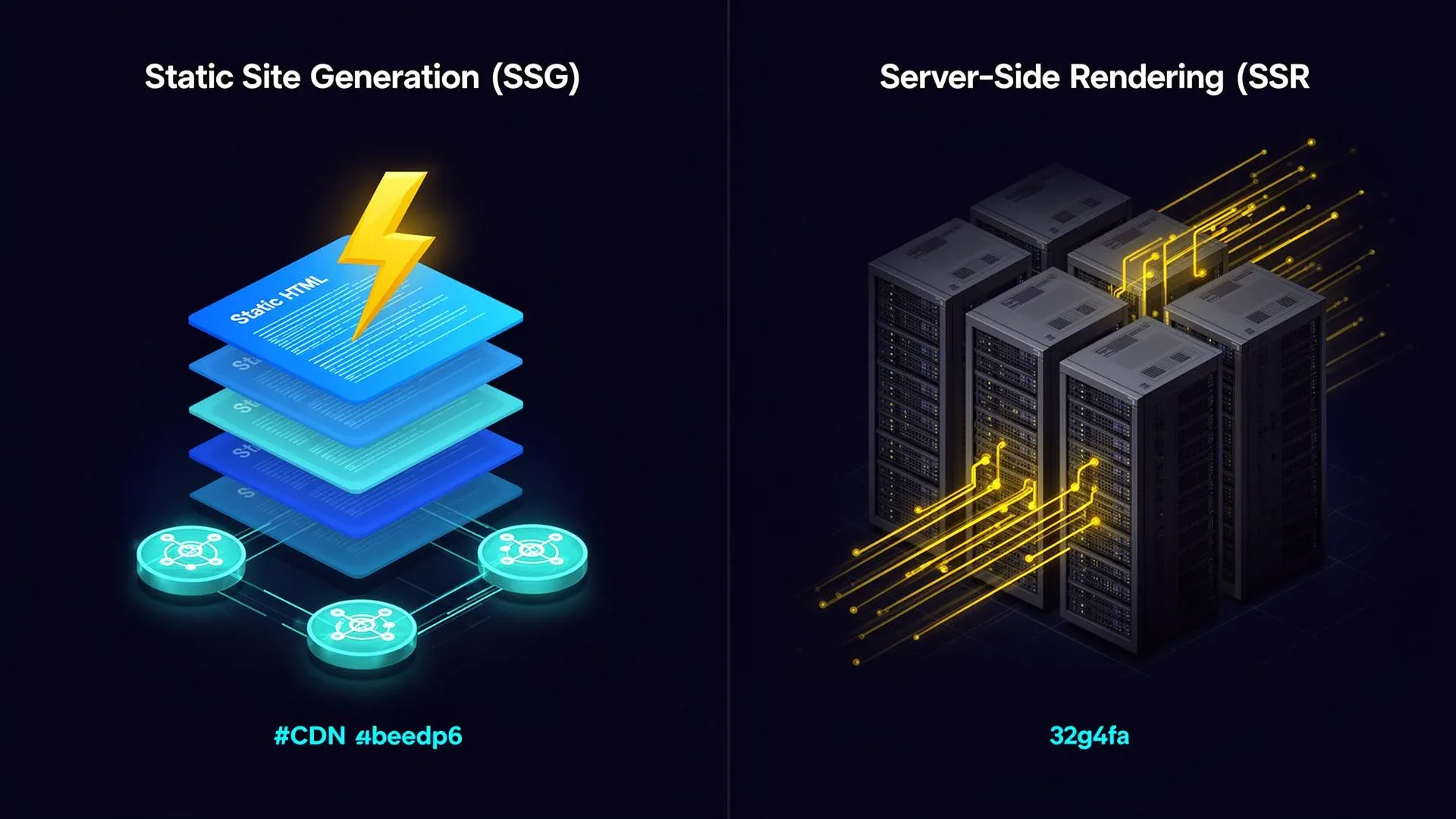
SSR or Pre-Rendering? What We Evaluated for Mykeythai vs. Our Default Approach
Lovable now ships real SSR via TanStack Start. We checked for Mykeythai whether to switch – and why our pre-rendering ap…
Read more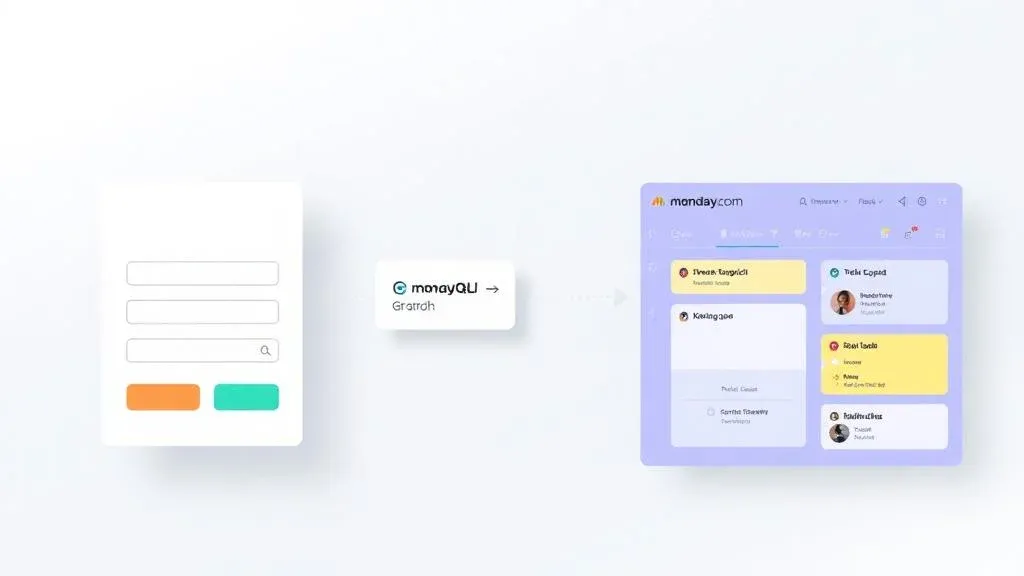
Connect Forms to monday.com: Lead Form → Item via GraphQL API
Part 4 of the Lovable Forms series: how to write Lovable forms directly into monday boards – with GraphQL, an Edge Funct…
Read more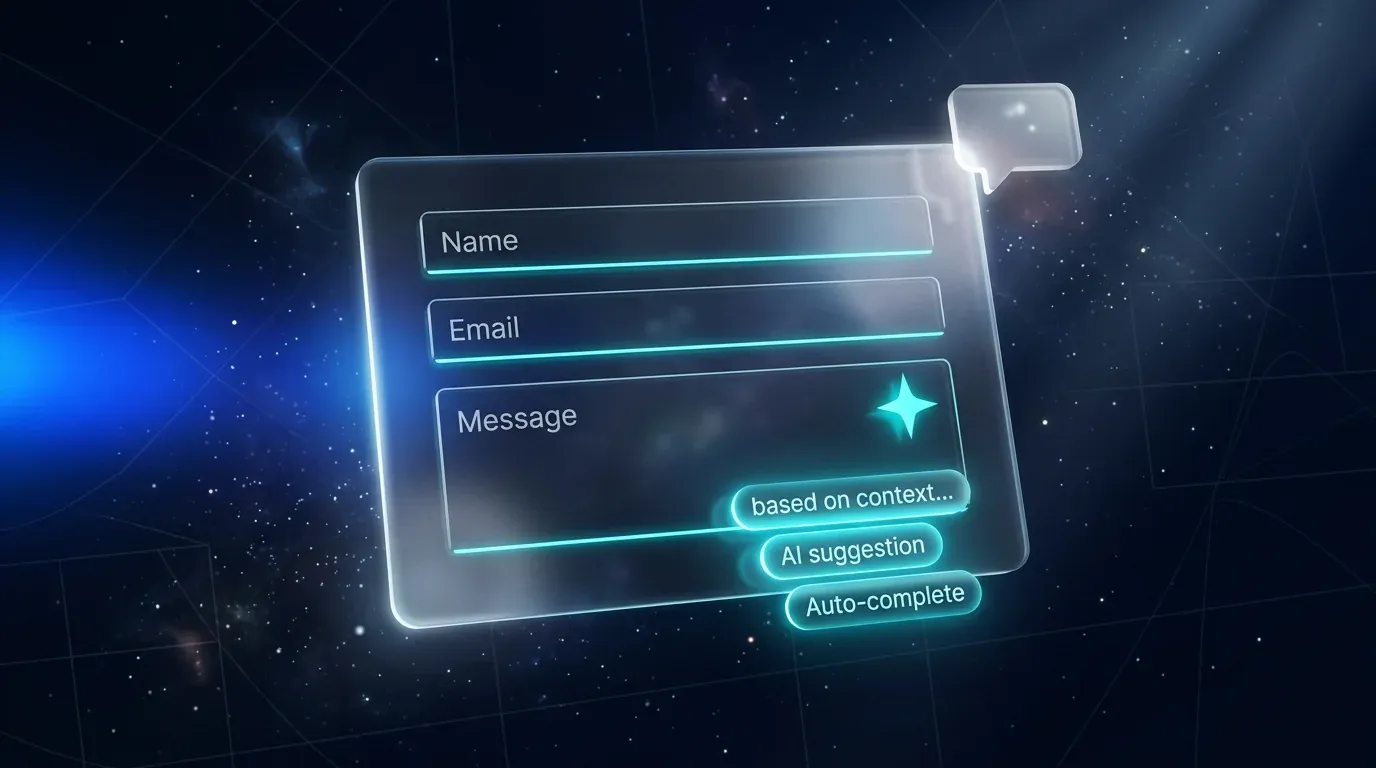
Smart Forms with AI in Lovable: Auto-Complete, AI Validation & Conversational Forms
Part 5 of the Lovable Forms series: how to upgrade forms with the Lovable AI Gateway – auto-complete, AI-driven validati…
Read more
Form Tools for Lovable Projects: Typeform, Tally & monday WorkForms Compared
Part 1 of the Lovable Forms series: which SaaS form tool fits your Lovable project? Tally, Typeform & monday WorkForms c…
Read more
Build Forms in Lovable: React Hook Form, zod & Lovable Cloud Step by Step
Part 2 of the Lovable Forms series: how to build forms directly in Lovable – with React Hook Form, zod, shadcn/ui and Lo…
Read more