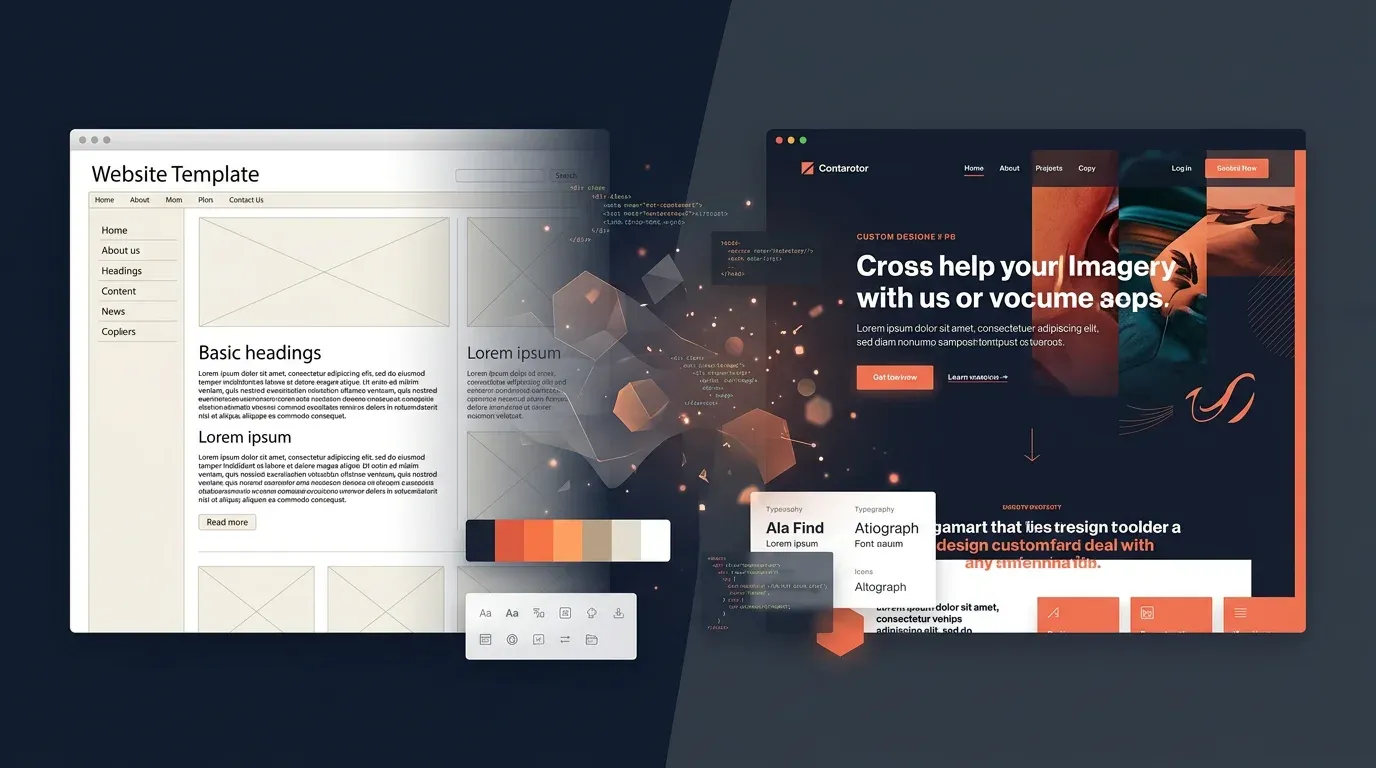
Redesign Series Part 4: Tech Stack – Why Lovable, Vite and Markdown Instead of WordPress


TL;DR: „WordPress out, Lovable in – sometimes you need to rethink your tech stack from the ground up."
— Till FreitagThis is Part 4 of our Redesign Series. Part 1: Why · Part 2: Strategy · Part 3: Design
The Elephant in the Room: WordPress
Let's be honest: WordPress is great. For millions of websites. Just not for ours anymore.
Our old setup was a classic WordPress theme with a dozen plugins. It worked – sort of. But with every update it became more fragile. A plugin conflict here, a security patch there, and suddenly you're spending more time on website maintenance than on actual business.
The real problem was different though: WordPress was limiting us, not enabling us. We wanted animations that feel natural. Layouts no page builder can produce. Interactions beyond "click here, accordion opens". And above all: speed.
The Decision for a New Stack
React + Vite: Fast, Modern, Flexible
We chose React as our UI framework and Vite as the build tool. Why?
- Component-based – every section, every element is reusable and testable in isolation
- Vite is incredibly fast – Hot Module Replacement in milliseconds, not seconds
- TypeScript – type safety prevents an entire class of bugs before they happen
- Ecosystem – Framer Motion for animations, TanStack Query for data, Tailwind for styling
For a consulting website, React might sound like overkill. It's not. Because our website doubles as our showroom. If we advise clients to build modern, we should do the same.
Tailwind CSS: Utility-First, Design-System-Ready
In Part 3 we talked about our design system. Tailwind CSS is the reason it works:
- Semantic tokens instead of magic numbers –
bg-primaryinstead ofbg-[#0d9488] - Dark mode with one click – CSS Custom Properties make it possible
- Consistency enforced – the spacing system doesn't allow arbitrary gaps
- No CSS bloat – only the classes we actually use end up in the bundle
Lovable: AI-First Development
This is where it gets interesting. We built the majority of this website with Lovable – an AI-first development tool that generates and iterates React applications.
Why Lovable instead of traditional development?
- Speed – a complete landing page in minutes instead of days
- Iteration – "Make the hero bigger, change the animation" as a prompt instead of a ticket
- Consistency – the AI understands the design system and applies it automatically
- Proof of concept – we advise on AI tools, so we use them ourselves
That doesn't mean Lovable did everything alone. There were areas where we fine-tuned manually – complex animations, SEO details, the content architecture. But the principle was: AI for the 80%, handwork for the 20%.
Markdown Instead of CMS: Content as Code
The most controversial decision – and the one that paid off the most.
How It Works
Every blog post is an .md file in the repository:
src/content/blog/
├── redesign-warum-vision-marke-alignment.md
├── redesign-strategie-positionierung.md
├── redesign-design-system.md
└── redesign-techstack-lovable-vite.md   ← this article
Each file has a frontmatter block with metadata (title, date, author, categories) and the actual content in Markdown below. At build time, Vite parses the files, renders Markdown to HTML, and makes everything available as static content.
Why This Is Better Than a CMS
| Aspect | WordPress/CMS | Markdown in Repo |
|---|---|---|
| Speed | API call per page view | Everything compiled at build |
| Versioning | Plugin or manual | Git – every change traceable |
| Deployment | FTP or plugin deploy | Push → auto-deploy |
| Security | Plugin updates, patches | No attack surface |
| Dependencies | Hosting, database, PHP | Just the repository |
| Backup | Extra plugin required | Git IS the backup |
The Custom Frontmatter Parser
Instead of pulling in a heavy YAML library, we wrote a minimal frontmatter parser. It handles scalars, lists, nested objects – everything we need for blog metadata, in under 130 lines of code.
// Minimal, but sufficient
const frontmatter = parseFrontmatter(rawMarkdown);
// → { title, slug, date, author: { name, slug }, categories, tags, ... }
Events as Content Type
A special feature: events aren't a separate entity but blog posts with additional frontmatter fields. A post with categories: [Events] and event_date automatically appears on the events page – with distinction between "Upcoming" and "Past".
One content type, one system, zero redundancy.
Deployment: From Push to Live
Deployment is refreshingly boring – and that's a good thing:
- Push code → Git repository
- Trigger build → Vite compiles everything to static HTML/JS/CSS
- Deploy → Vercel serves files from the edge
- Done → Available worldwide in under 30 seconds
No FTP, no database backup, no "Did anyone update the plugin?". Just push and forget.
Performance: The Numbers Speak
Switching from WordPress to our new stack improved performance dramatically:
- First Contentful Paint: From ~2.5s to under 1s
- Bundle Size: Under 300KB for the entire application
- Lighthouse Score: Consistently above 90 across all categories
- Time to Interactive: Under 1.5s on mobile
This isn't luck, it's architecture: no unnecessary JavaScript overhead, no plugin bloat, no database queries.
The Trade-Offs
Honesty matters. There are things that would be easier with WordPress:
- Non-technical editors can't just write in the browser – Markdown and Git are prerequisites
- No WYSIWYG editor – preview only via dev server or after deploy
- SEO plugins like Yoast are missing – SEO must be implemented manually
- Comments and forms require external services
For us as a technical team, these aren't disadvantages. For a marketing team with ten editors, this stack would be the wrong choice. Context matters.
The Learning: Eat Your Own Dog Food
The key takeaway from Part 4: Use the tools you recommend. We advise on AI-first, so we build AI-first. We recommend modern stacks, so we use modern stacks. We preach pragmatism, so we choose the stack that's pragmatic for us – not the one that theoretically does the most.
The result: a website that's fast, that we fully control, and that simultaneously demonstrates what's possible with the right tools.
Next article: Redesign Part 5 – Go-Live: The New Site and Our Direction for 2026
Previous article: Part 3 – Design: From Colour Palette to Design System
Verwandte Artikel

Cloudflare's Real Play – Why EmDash Isn't a CMS Product, It's an Infrastructure Trojan Horse
Cloudflare didn't launch a CMS. They laid the bait to establish D1, R2, and Workers as the default backend of the AI bui…
Weiterlesen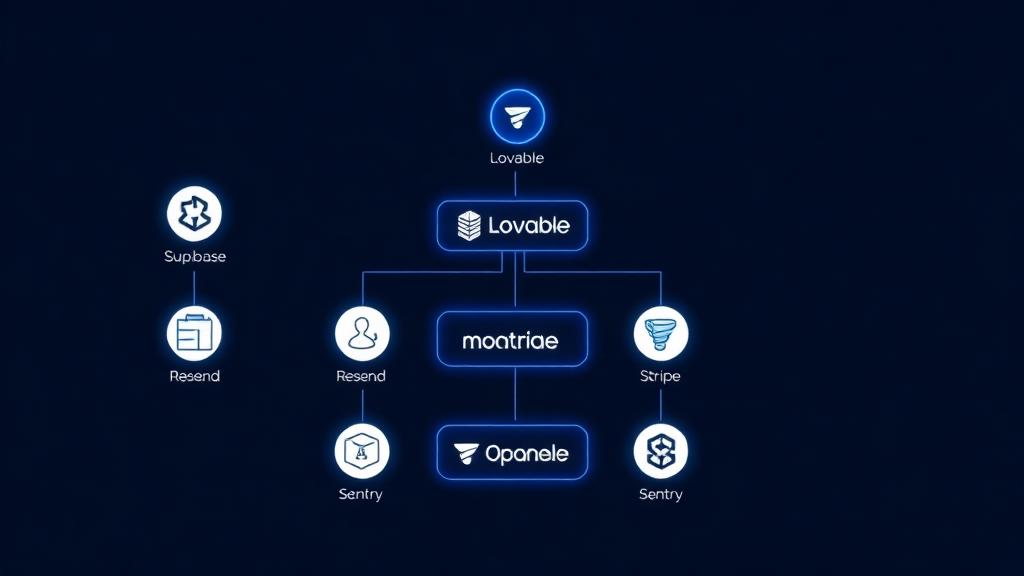
The Vibe Coding Stack 2026: Lovable, Supabase, Resend – And What's Still Missing
This is the tech stack we use to build full-stack apps in 2026 – without a traditional dev team. Three core tools, two f…
Weiterlesen
Base44 vs. Lovable 2026 – An Honest Comparison
Base44 and Lovable both promise prompt-to-app magic – but they take very different approaches. We compare code ownership…
Weiterlesen
Contact Forms in Lovable – Best Practices for Professional Forms
Part 3 of the Lovable Forms series: production-ready best practices for contact forms in Lovable – validation, GDPR, spa…
Weiterlesen
Getting Started with Lovable – Your First React App in 30 Minutes
Lovable makes full-stack development accessible: In this tutorial, you'll build your first React app step by step – no c…
Weiterlesen
Lovable in Practice: From Prompt to Production App
We use Lovable daily in our agency work. An honest field report: features, workflows, strengths, weaknesses – and how we…
Weiterlesen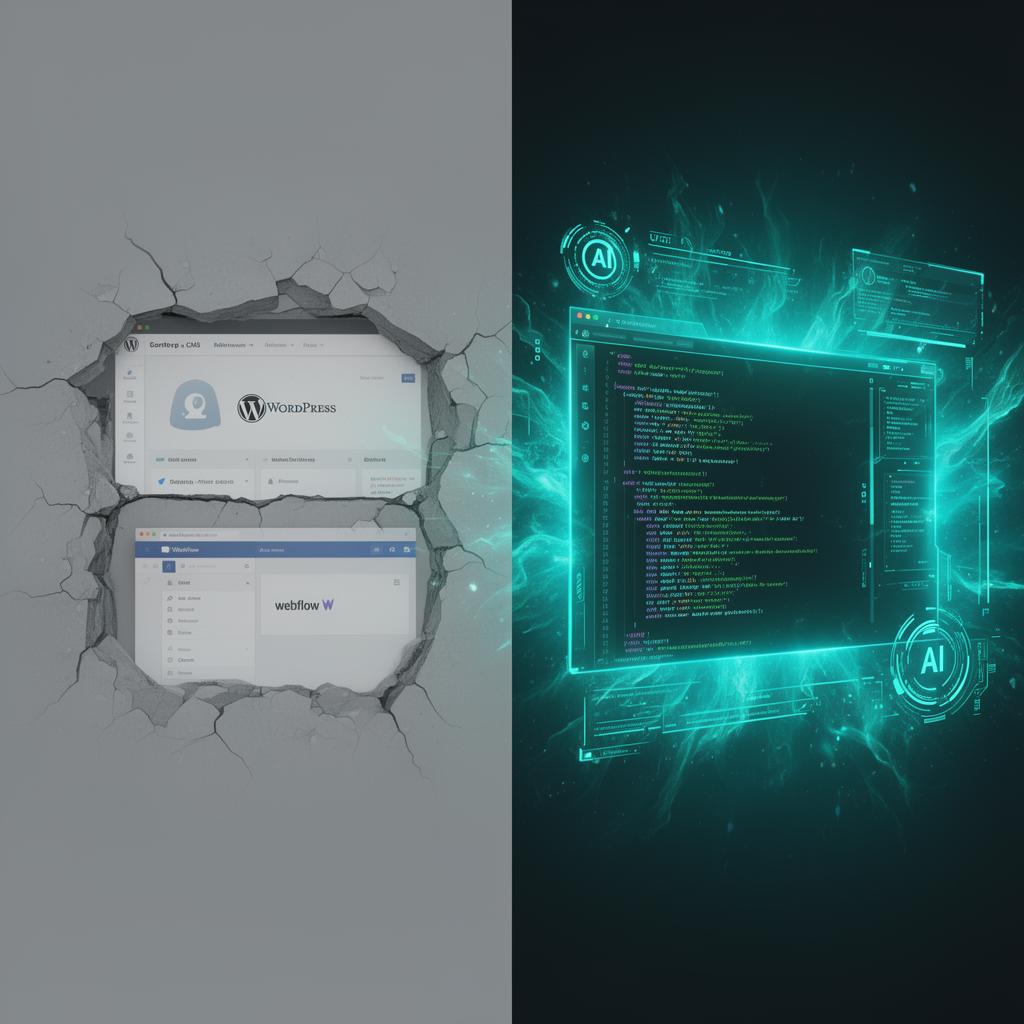
Why Nobody Will Use WordPress and Webflow in the Future
WordPress dominated for 20 years, Webflow was the designer's darling – but AI-native tools like Lovable are making both …
Weiterlesen
Redesign Series Part 3: Design – From Colour Palette to Design System
Turquoise, navy, yellow, Montserrat and glassmorphism – how a handful of colours and principles became a complete design…
Weiterlesen
Redesign Series Part 5: Go-Live – The New Site and Where We're Headed in 2026
The new website is live – and with it, a proper repositioning. monday.com, CRM, People & Processes, and Tech are our fou…
Weiterlesen