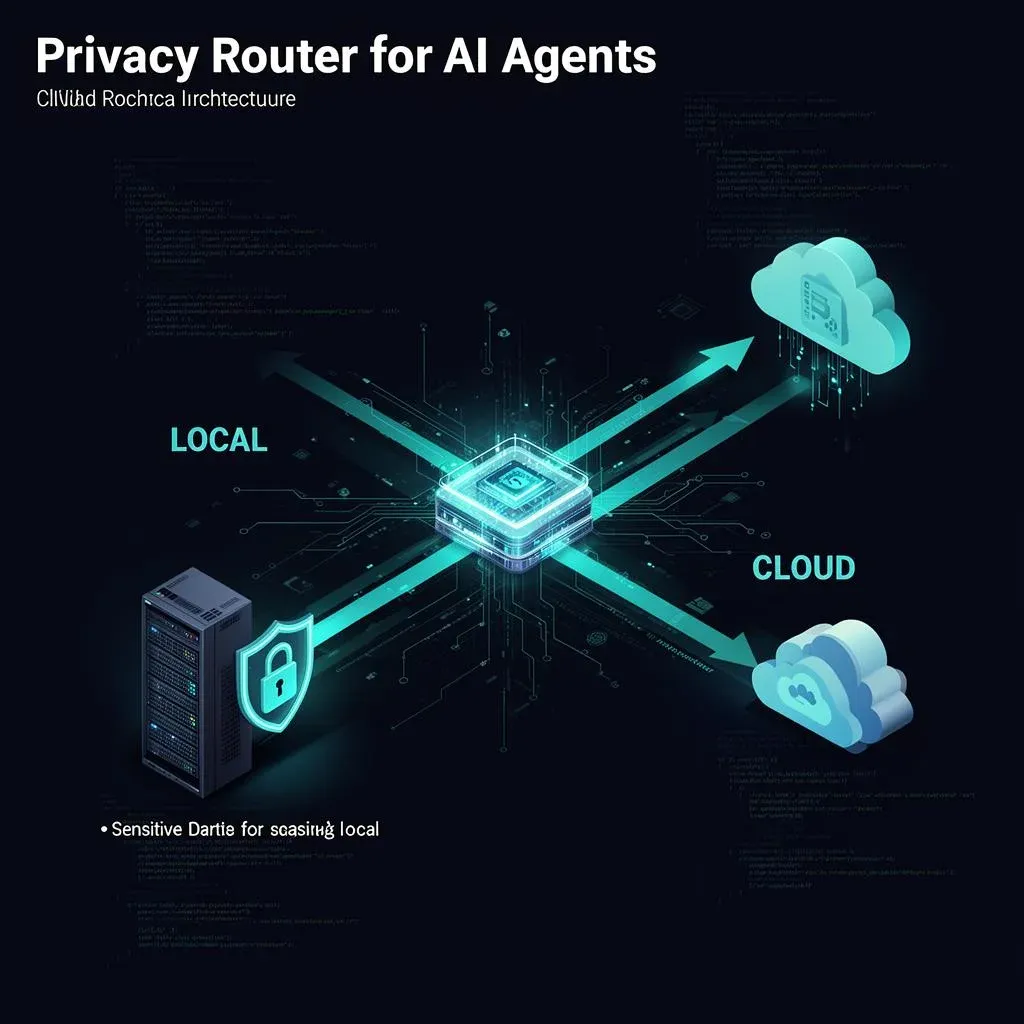
Building a Privacy Router with OpenClaw: A Practical Guide with Code

TL;DR: „A Privacy Router needs three things: a policy engine that classifies sensitivity, a local model path, and a cloud path. Here's how to build it with OpenClaw."
— Till FreitagIn 30 Seconds
The Privacy Router is a concept – NVIDIA presented it at GTC, but implementation details are still missing. This guide shows how to build it yourself with OpenClaw: a policy engine that classifies queries, and a router that keeps sensitive data local while sending everything else to the cloud.
What We're Building
A Privacy Router with three components:
User Query
  └── Policy Engine (classifies sensitivity)
       ├── SENSITIVE → local model (Nemotron / Llama / Qwen)
       └── NON_SENSITIVE → cloud frontier (Claude / GPT / Gemini)
Prerequisites:
- OpenClaw installed and configured
- A local model (via Ollama, vLLM, or similar)
- A cloud API key (OpenRouter, Anthropic, OpenAI, etc.)
Step 1: The Policy Engine
The policy engine is the core. It decides whether a query contains sensitive data – before it reaches a model. Critical: this decision is made by policy, not by the agent.
Rule-Based Approach
For starters, a rule-based classifier is enough. No ML, no overhead – just pattern matching:
from dataclasses import dataclass
from enum import Enum
import re

class Sensitivity(Enum):
    SENSITIVE = "sensitive"
    NON_SENSITIVE = "non_sensitive"

@dataclass
class PolicyRule:
    name: str
    patterns: list[str]
    sensitivity: Sensitivity

class PolicyEngine:
    def __init__(self, rules: list[PolicyRule]):
        self.rules = rules
        self._compiled = [
            (rule, [re.compile(p, re.IGNORECASE) for p in rule.patterns])
            for rule in rules
        ]

    def classify(self, text: str) -> Sensitivity:
        for rule, patterns in self._compiled:
            for pattern in patterns:
                if pattern.search(text):
                    return rule.sensitivity
        return Sensitivity.NON_SENSITIVE  # Default: non-sensitive
Defining Policies
Policies are declarative – no logic, just data:
PRIVACY_POLICIES = [
    PolicyRule(
        name="personal_data",
        patterns=[
            r"\b[A-Z][a-z]+ [A-Z][a-z]+\b",  # First and last name
            r"\b\d{3}-\d{2}-\d{4}\b",          # SSN pattern
            r"\b[A-Z]{2}\d{2}\s?\w{4,}\b",     # IBAN pattern
        ],
        sensitivity=Sensitivity.SENSITIVE,
    ),
    PolicyRule(
        name="health_data",
        patterns=[
            r"\b(diagnosis|patient|hospital|medication)\b",
            r"\b(blood pressure|allergy|therapy|medical record)\b",
        ],
        sensitivity=Sensitivity.SENSITIVE,
    ),
    PolicyRule(
        name="employee_data",
        patterns=[
            r"\b(salary|employee.?id|social.?security)\b",
            r"\b(termination|warning letter|performance review)\b",
        ],
        sensitivity=Sensitivity.SENSITIVE,
    ),
]

engine = PolicyEngine(PRIVACY_POLICIES)
Why Rule-Based and Not ML?
An ML classifier for sensitivity sounds more elegant – but it has drawbacks:
| Rule-Based | ML-Based | |
|---|---|---|
| Explainability | Every decision traceable | Black box |
| Compliance | Auditable | Hard to prove |
| False Negatives | Known and controllable | Unpredictable |
| Latency | ~0ms | ~10–50ms |
| Maintenance | Manual rule updates | Training data + model maintenance |
For most cases, rule-based is the better starting point. ML can be added as a second layer later.
Step 2: The Router
The router takes the policy engine's decision and forwards the query to the right model:
from openclaw import Agent, ModelConfig

class PrivacyRouter:
    def __init__(
        self,
        policy_engine: PolicyEngine,
        local_model: ModelConfig,
        cloud_model: ModelConfig,
    ):
        self.policy = policy_engine
        self.local_model = local_model
        self.cloud_model = cloud_model
        self._log: list[dict] = []

    def route(self, query: str) -> ModelConfig:
        sensitivity = self.policy.classify(query)

        selected = (
            self.local_model
            if sensitivity == Sensitivity.SENSITIVE
            else self.cloud_model
        )

        self._log.append({
            "query_hash": hash(query),  # Never log plaintext!
            "sensitivity": sensitivity.value,
            "model": selected.name,
        })

        return selected

    def get_audit_log(self) -> list[dict]:
        return self._log.copy()
Configuring Models
local = ModelConfig(
    name="nemotron-nano",
    endpoint="http://localhost:11434/v1",  # Ollama
    model_id="nemotron:3b",
    max_tokens=4096,
)

cloud = ModelConfig(
    name="claude-sonnet",
    endpoint="https://api.anthropic.com/v1",
    model_id="claude-sonnet-4-20250514",
    api_key="${ANTHROPIC_API_KEY}",  # From environment variable
    max_tokens=8192,
)

router = PrivacyRouter(
    policy_engine=engine,
    local_model=local,
    cloud_model=cloud,
)
Step 3: Agent Integration
The router is integrated as middleware into the OpenClaw agent. The agent doesn't know which model it's using – that's by design:
from openclaw import Agent, Tool

class PrivacyAwareAgent(Agent):
    def __init__(self, router: PrivacyRouter, tools: list[Tool]):
        self.router = router
        super().__init__(tools=tools)

    async def process(self, user_input: str) -> str:
        # 1. Policy decides routing
        model = self.router.route(user_input)

        # 2. Agent runs with chosen model
        response = await self.run(
            input=user_input,
            model=model,
        )

        return response.content

# Usage
agent = PrivacyAwareAgent(
    router=router,
    tools=[search_tool, calculator_tool, crm_tool],
)

# Sensitive query → local
result = await agent.process(
    "What is the current salary of John Smith?"
)

# General query → cloud
result = await agent.process(
    "Summarize the top 3 trends in project management"
)
Step 4: Audit Trail for Compliance
For regulatory compliance, you need a provable audit trail. When was what routed where – and why:
import json
from datetime import datetime

class AuditLogger:
    def __init__(self, storage_path: str):
        self.path = storage_path

    def log_routing_decision(
        self,
        query_hash: str,
        sensitivity: str,
        model_used: str,
        policy_rule_matched: str | None,
        timestamp: datetime | None = None,
    ):
        entry = {
            "timestamp": (timestamp or datetime.utcnow()).isoformat(),
            "query_hash": query_hash,  # Never log plaintext
            "sensitivity": sensitivity,
            "model": model_used,
            "policy_rule": policy_rule_matched,
            "routing_decision": (
                "local" if sensitivity == "sensitive" else "cloud"
            ),
        }

        with open(self.path, "a") as f:
            f.write(json.dumps(entry) + "\n")
Important: Never log the plaintext of the query – only a hash. Otherwise the audit trail itself becomes a privacy problem.
Step 5: Sandboxing the Local Path
The local path processes sensitive data – it needs stronger isolation than the cloud path:
from openclaw.sandbox import ContainerSandbox

# Tool calls on the local path run in containers
local_sandbox = ContainerSandbox(
    image="openclaw/tool-runner:latest",
    memory_limit="512m",
    cpu_limit=1.0,
    network="none",       # No network access
    read_only_fs=True,    # Read-only filesystem
    timeout_seconds=30,
)

# Cloud path needs less isolation
cloud_sandbox = ContainerSandbox(
    image="openclaw/tool-runner:latest",
    memory_limit="1g",
    cpu_limit=2.0,
    network="restricted",  # Outbound only, HTTPS only
    timeout_seconds=60,
)
Complete Setup
Everything together:
from openclaw import Agent, ModelConfig, Tool
from openclaw.sandbox import ContainerSandbox

# 1. Policy Engine
engine = PolicyEngine(PRIVACY_POLICIES)

# 2. Models
local = ModelConfig(name="nemotron-nano", ...)
cloud = ModelConfig(name="claude-sonnet", ...)

# 3. Router
router = PrivacyRouter(engine, local, cloud)

# 4. Sandboxes
local_sandbox = ContainerSandbox(network="none", ...)
cloud_sandbox = ContainerSandbox(network="restricted", ...)

# 5. Agent
agent = PrivacyAwareAgent(
    router=router,
    tools=[
        Tool("crm_lookup", sandbox=local_sandbox),
        Tool("web_search", sandbox=cloud_sandbox),
        Tool("calculator", sandbox=cloud_sandbox),
    ],
)

# 6. Audit
audit = AuditLogger("./audit/routing.jsonl")
Advanced Patterns
Multi-Level Routing
Not just binary (sensitive/non-sensitive), but with gradations:
class Sensitivity(Enum):
    CRITICAL = "critical"      # Local + Container + Kernel
    SENSITIVE = "sensitive"    # Local + Container
    INTERNAL = "internal"      # Local, no extra isolation
    PUBLIC = "public"          # Cloud allowed

class MultiLevelRouter(PrivacyRouter):
    def __init__(self, policy_engine, models: dict[Sensitivity, ModelConfig]):
        self.policy = policy_engine
        self.models = models

    def route(self, query: str) -> ModelConfig:
        level = self.policy.classify(query)
        return self.models[level]
Fallback Chains
What happens when the local model is unavailable?
class ResilientRouter(PrivacyRouter):
    async def route_with_fallback(self, query: str) -> ModelConfig:
        sensitivity = self.policy.classify(query)

        if sensitivity == Sensitivity.SENSITIVE:
            if await self._is_healthy(self.local_model):
                return self.local_model
            else:
                # Do NOT fall back to cloud! Fail instead.
                raise RuntimeError(
                    "Local model unavailable – "
                    "refusing to route sensitive data to cloud"
                )

        return self.cloud_model
Critical: A Privacy Router must never fall back to the cloud for sensitive data. Better to fail than to break privacy.
Common Mistakes
| Mistake | Why It's Problematic | Solution |
|---|---|---|
| Agent decides sensitivity | Agent can be manipulated (prompt injection) | Policy decides, not the agent |
| Cloud as fallback for sensitive data | Privacy violation | Fail instead of fallback |
| Plaintext in audit log | Log becomes a privacy problem itself | Only log hashes |
| Only regex patterns | Incomplete coverage | Review rules regularly + ML as 2nd layer |
| No sandboxing locally | Sensitive data without isolation | Container + kernel hardening |
Conclusion
A Privacy Router isn't rocket science – the basic version is built in 200 lines of code. The hard part isn't the technology, it's the policies: Which data is sensitive? How granular does classification need to be? How often do rules need updating?
Three takeaways:
- Start rule-based – ML classification can be added later, but rules are auditable
- Policy first, code second – Define the rules first, then the implementation
- Never fall back to cloud for sensitive data – Fail > Fallback
→ NemoClaw: Privacy Router Explained → Agent Sandboxing: Containers vs. WASM vs. Kernel → The 5 Building Blocks of an AI Agent → Get in touch
Related Articles
NemoClaw: NVIDIA's Privacy Router and What It Means for Agent Architecture
NVIDIA enters the Claw ecosystem with NemoClaw – and brings a concept that could reshape agent architecture: Privacy Rou…
Read more
Globster: monday.com Enters the Personal AI Agent Game – on NVIDIA's NemoClaw
monday agent labs just launched Globster: personal AI agents built on OpenClaw, secured by NVIDIA's NemoClaw runtime. Wh…
Read more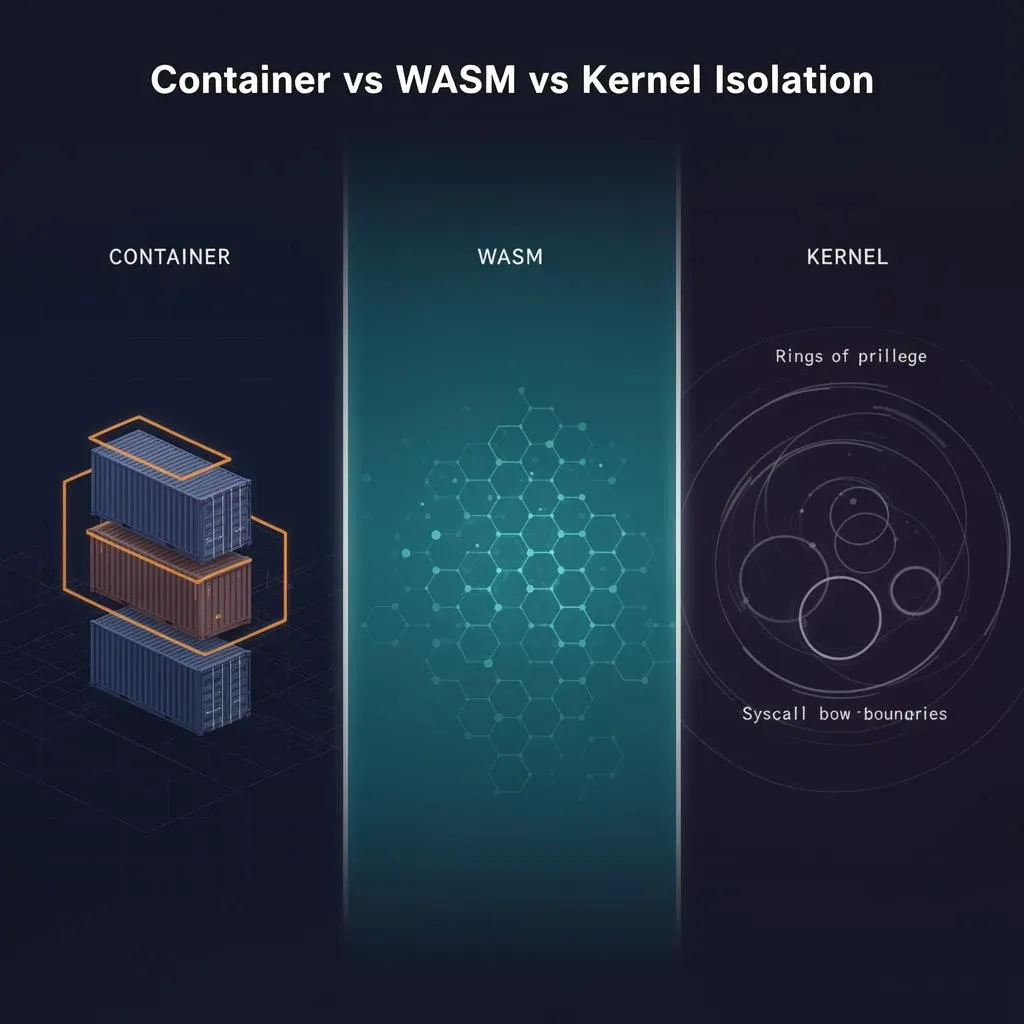
Agent Sandboxing: Containers vs. WASM vs. Kernel – Three Ways to Contain AI Agents
AI agents need isolation. But which kind? Containers, WASM, or kernel-level – three approaches compared with concrete tr…
Read more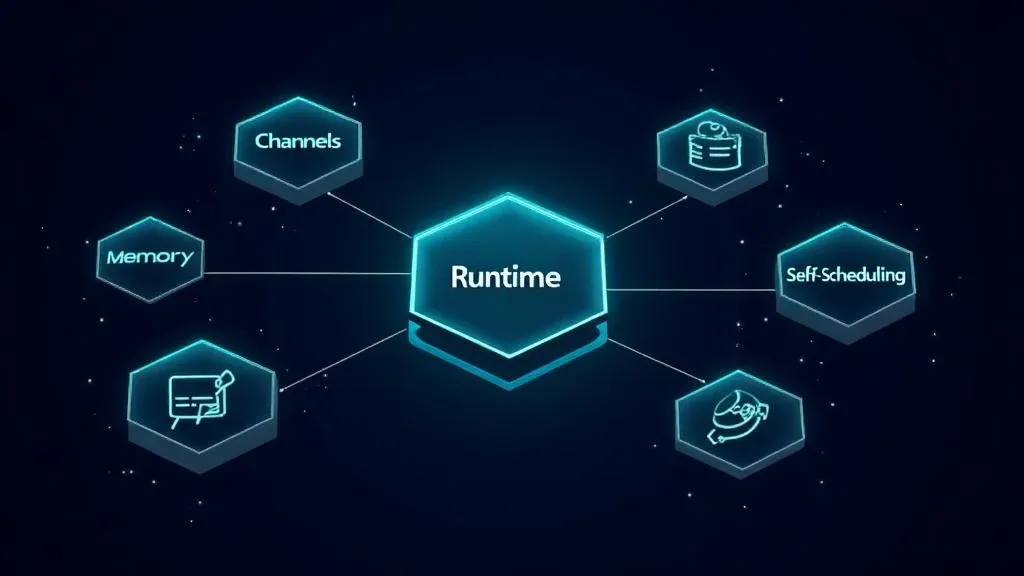
The 5 Building Blocks of an AI Agent – What's Really Under the Hood
Anthropic, AWS, and Google have published their agent frameworks. But what does an AI agent actually need? 5 building bl…
Read more
Ponytail: The Best Code Is the Code You Never Wrote
A dev built Ponytail because his AI agents wrote 500 lines for a 5-line problem. The result: 80-94% less code, 47-77% ch…
Read more
Google's Agent Marketplace Goes Live – And monday.com Is Already Inside
Google just opened Gemini Enterprise to partner-built AI agents – and monday.com is one of the first in. What that means…
Read more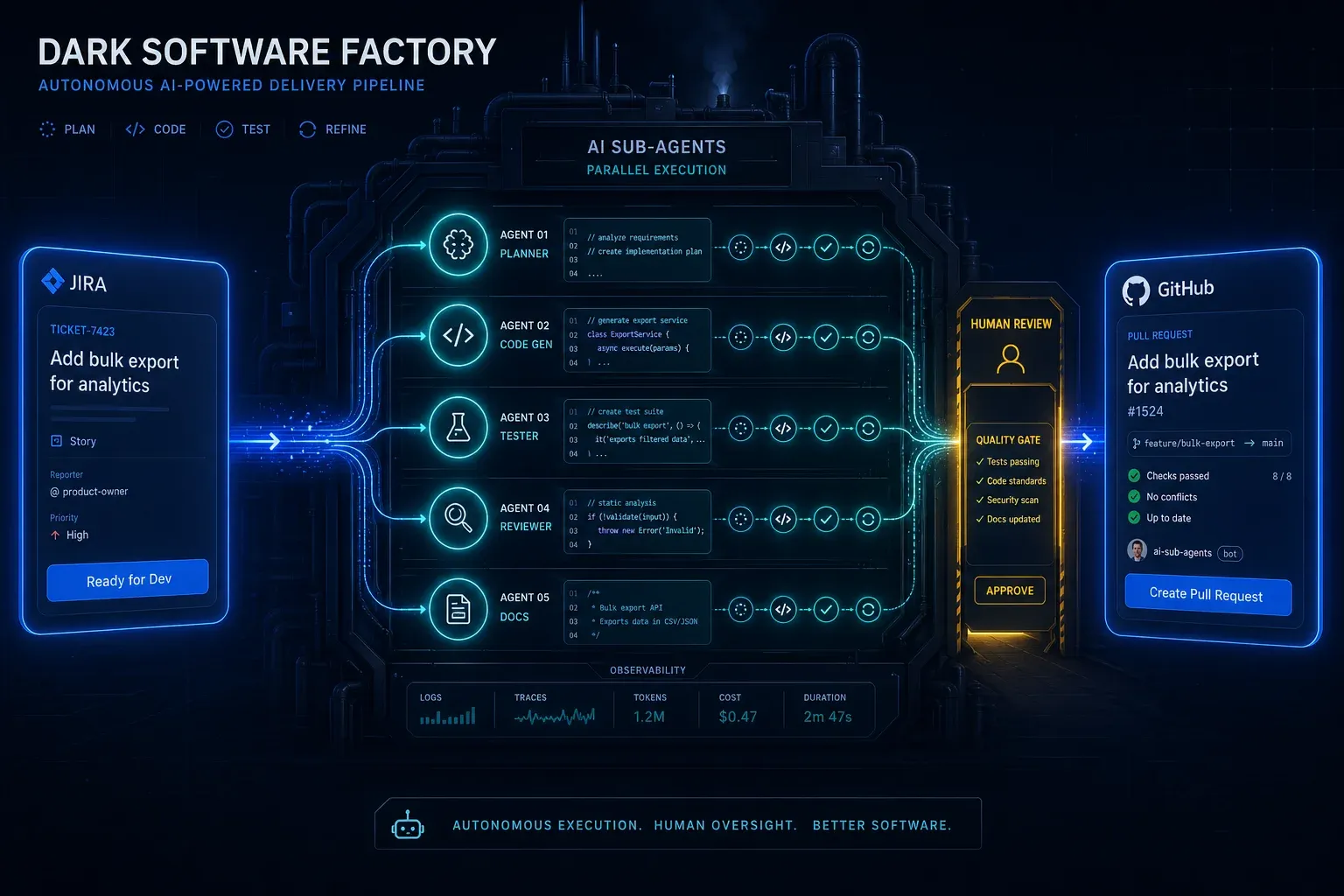
AI Agentic First at Groupon: What Ales Drabek's Dark Software Factory Teaches Us
Ales Drabek, CTIO at Groupon, runs two patterns in production: Dark Software Factory and Speedboats. What that reveals a…
Read more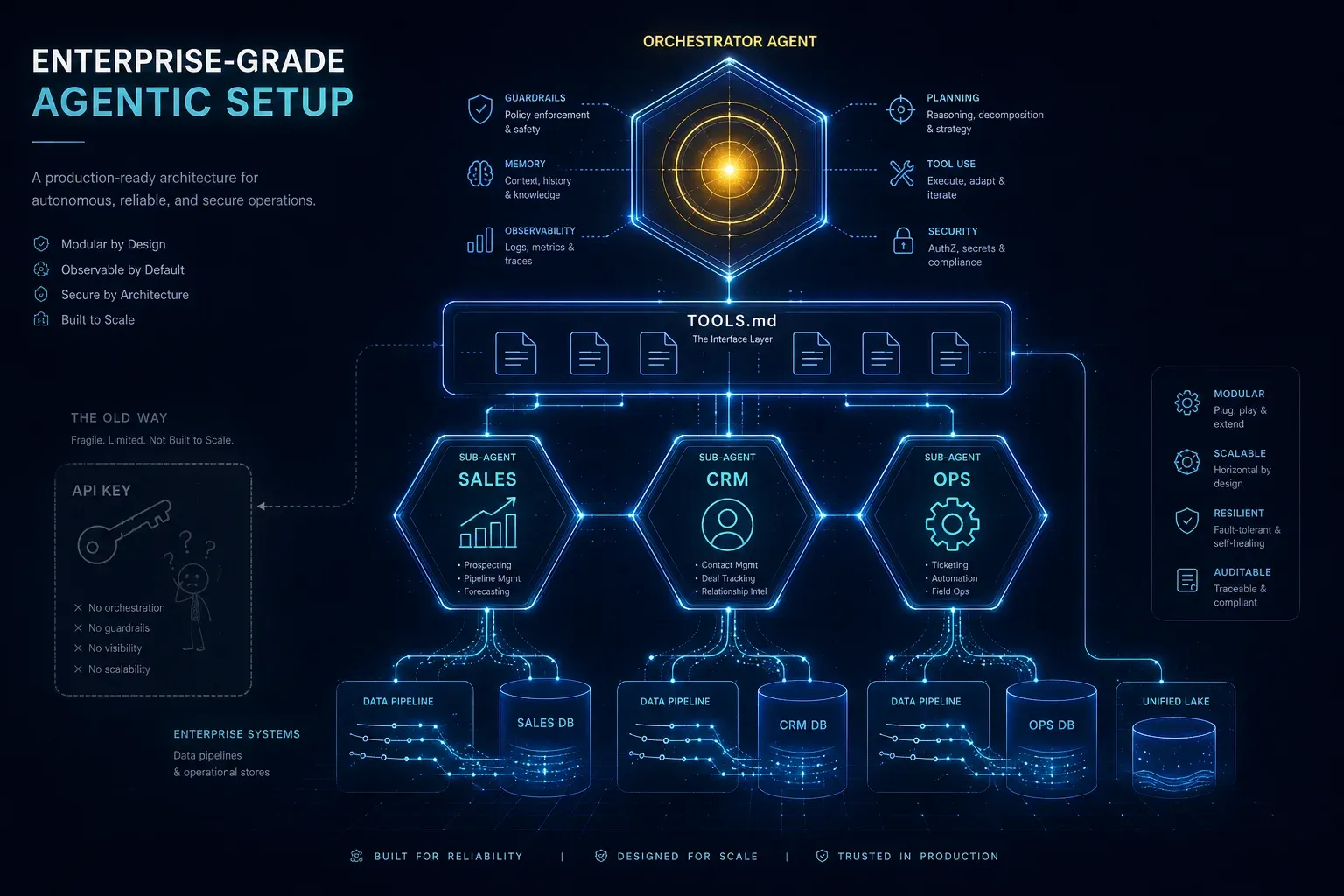
Enterprise-Grade Agentic Setup: Why an API Key Is Not an AI Strategy
An API key on your website is child's play. An agentic setup with specialised sub-agents, TOOLS.md, clean system prompts…
Read more
Agentalent.ai: monday.com Launches the First Marketplace for Hiring AI Agents
monday.com launches Agentalent.ai – a marketplace where companies can 'hire' AI agents for real business roles. Here's w…
Read more