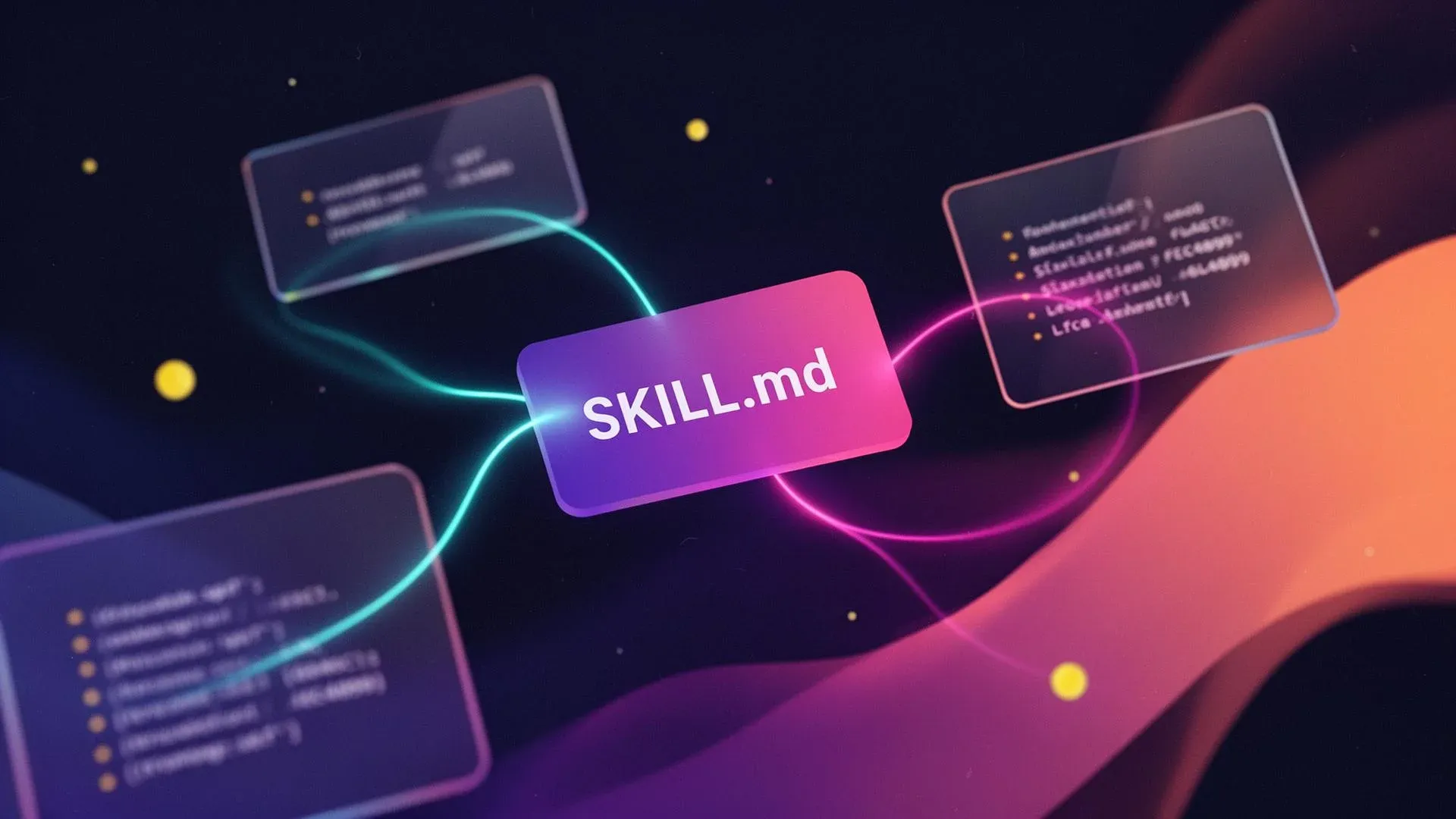
Lovable Skills: Repetition Turns Into Reusable Playbooks


TL;DR: „Skills are small Markdown playbooks Lovable loads automatically when a matching task shows up. They replace re-explaining your conventions every chat – and stack cleanly with Knowledge."
— Till FreitagLovable Just Shipped Skills – And It's More Than a Settings Update
Anthropic introduced the Skills format in late 2025. Within months, OpenAI, Cursor, and Claude Code picked it up. Now Lovable: Skills are live as of today. Anyone who builds in Lovable regularly knows the friction – every new chat starts at zero. Conventions, voice, deployment quirks: gone. Skills fix exactly that.
We called Agent Skills the next industry standard a few months back – it has now landed inside Lovable.
What a Skill Is – In One Sentence
A Skill is a folder with a SKILL.md file: reusable instructions Lovable loads automatically when the task fits. Not a script, not a bot, not a tool call. Just text the agent reads and follows.
design-system/
├── SKILL.md
├── colors.md
└── components-reference.md
The SKILL.md has three parts:
- Name – short, lowercase, hyphenated. What you type when invoking manually via
/skill-name. - Description – the most important part. Lovable decides based on the description alone whether to pull in a skill.
- Instructions – what you'd tell a new teammate. Bullets, prose, step-by-step – whatever lays it out clearly.
Supporting files (colors.md, components-reference.md) only load when the main skill links to them and Lovable actually needs the detail. That's how a skill stays long and detailed without being expensive on every run.
Skills ≠ Knowledge – The Pairing Matters
Lovable already has Workspace and Project Knowledge. The split is clean:
| Knowledge | Skills | |
|---|---|---|
| When active | Always | Only when the task matches |
| Content | Constants (coding standards, brand voice, product facts) | Playbooks (workflows, checklists, review modes) |
| Example | "We use TypeScript strict mode" | "When writing a landing page, then…" |
Knowledge is the background, Skills are the foreground tools. Combine both and you get an agent that knows its environment and knows how to approach concrete tasks.
This is also the clean line against MCP: MCP gives the agent tools (DB access, APIs); Skills give it the knowledge of how to use those tools. We explained the Skills-vs-MCP split in detail here.
How Skills Behave Inside a Workspace
Three mechanics matter:
- On-demand loading. Lovable doesn't load all skills upfront. 30 skills in a workspace don't fight each other – as long as every description is sharp.
- Multiple skills fire on the same task. A
design-systemskill plus alanding-page-copyskill stack cleanly – one shapes how it looks, the other shapes what it says. - Manual trigger via
/skill-name. When you know exactly which skill you want, you can force it. Caveat: forced skills run even when they don't fit.
The Description Is Everything
If you take one thing from this post: Lovable only reads the description when matching skills. Not the instructions, not the supporting files. A beautiful skill with a weak description simply doesn't exist for the agent.
Bad: "Helps with onboarding." – "Helps with" isn't a trigger; "onboarding" is ambiguous. Either never fires or constantly fires wrong.
Good: "Use when designing or improving the first-time user experience: signup flow, welcome screens, empty states, and the first session inside the product. Not for marketing pages aimed at people who haven't signed up yet."
Three ingredients: concrete trigger, named surfaces, explicit boundary ("Not for…"). That last third – when the skill should not fire – separates good from great descriptions.
Three Skills Almost Every Lovable Project Needs
1. design-system
Holds the project together visually. Palette, spacing, typography, component rules. Prevents the AI-default-blue gradients that instantly out a project as "made in Lovable."
2. fresh-eyes-review
Snaps Lovable out of "agreeable assistant" mode into "skeptical first-time visitor with other tabs open" mode. Brutal five-second test, unflinching trust gaps, honest "so what?" sections.
3. landing-page-copy
Enforces brand voice (banned buzzwords: synergy, leverage, unlock, seamless), structure (hero → 3 benefits → proof → 1 CTA), and "you" instead of "users."
You can also use the built-in /skill-creator or simply ask Lovable in chat to save something as a skill – it'll generate the SKILL.md for you.
Honest Caveats
Skills aren't magic:
- Bad skills make the agent worse. Vague content in a skill means vaguer output. Garbage in, garbage out.
- Skills don't replace prompting. "Build me a landing page" stays thin no matter how good the skill.
- Updates only apply to the next chat. Tweaking a skill mid-conversation does nothing – start fresh.
- Conflicts are scoping problems. When two skills disagree, the descriptions are usually too broad – not the rules too few.
- Skills go stale. What was right three months ago can quietly mislead Lovable today. Maintain them.
What This Means for Your Workflow
If you're doing Vibe Coding or Agentic Engineering with Lovable, Skills are the missing bridge between "I re-explain everything every chat" and "my workspace builds consistently." The first two or three good skills bring the biggest jump – after that, the system scales linearly with how many recurring workflows you off-load.
Concrete starting point for this week: Take the last thing you explained to Lovable three times in a row. That's your first skill.
Read next: Agent Skills Are Becoming an Industry Standard · Vibe Coding · Agentic Engineering
Frequently Asked Questions
Skills vs. Knowledge vs. MCP, why the description matters, and how to ship your first skill this week.
Related Articles

Ponytail: The Best Code Is the Code You Never Wrote
A dev built Ponytail because his AI agents wrote 500 lines for a 5-line problem. The result: 80-94% less code, 47-77% ch…
Read more
What Is Vibe Coding? Building Software with AI – Simply Explained
Vibe Coding is revolutionizing software development: describe what you want – AI writes the code. Everything about the t…
Read more Deep Dive
From GPT Engineer to Today: The Complete Lovable Journey in 6 Theses
From the GPT Engineer repo in June 2023, through the Lovable launch in late 2024, to Beyond Apps, Skills, Mobile, Vent T…
Read more
Lovable Subagents: Parallel Research, One Orchestrating Head Agent
Lovable introduces subagents: read-only helpers that explore your codebase and the web in parallel, each with its own co…
Read more
From SKILL.md to SkillOps: Scaling Agent Skills Across Teams
Writing one Skill is easy. Managing 50 across 5 teams? That's where SkillOps comes in – from governance and versioning t…
Read more
Agent Skills Are Becoming an Industry Standard: What Teams Need to Know
Agent Skills are reusable capabilities for AI agents – and they're becoming the new standard. What sets them apart from …
Read more
Skills Made Documentation Sexy: Why Developers Suddenly Love Writing Docs
Nobody likes writing docs. But Agent Skills changed the game: documentation is now executable knowledge – and suddenly e…
Read more
What Is Agentic Engineering? The Next Step Beyond Vibe Coding
Agentic Engineering goes beyond Vibe Coding: AI agents plan, decide, and implement autonomously. What this means for tea…
Read more
Agent Harness as a Category: Why the Harness Is the New Product
The harness — skills, sandbox, subagents, memory, channel routing — is the real product layer above the model. A map of …
Read more