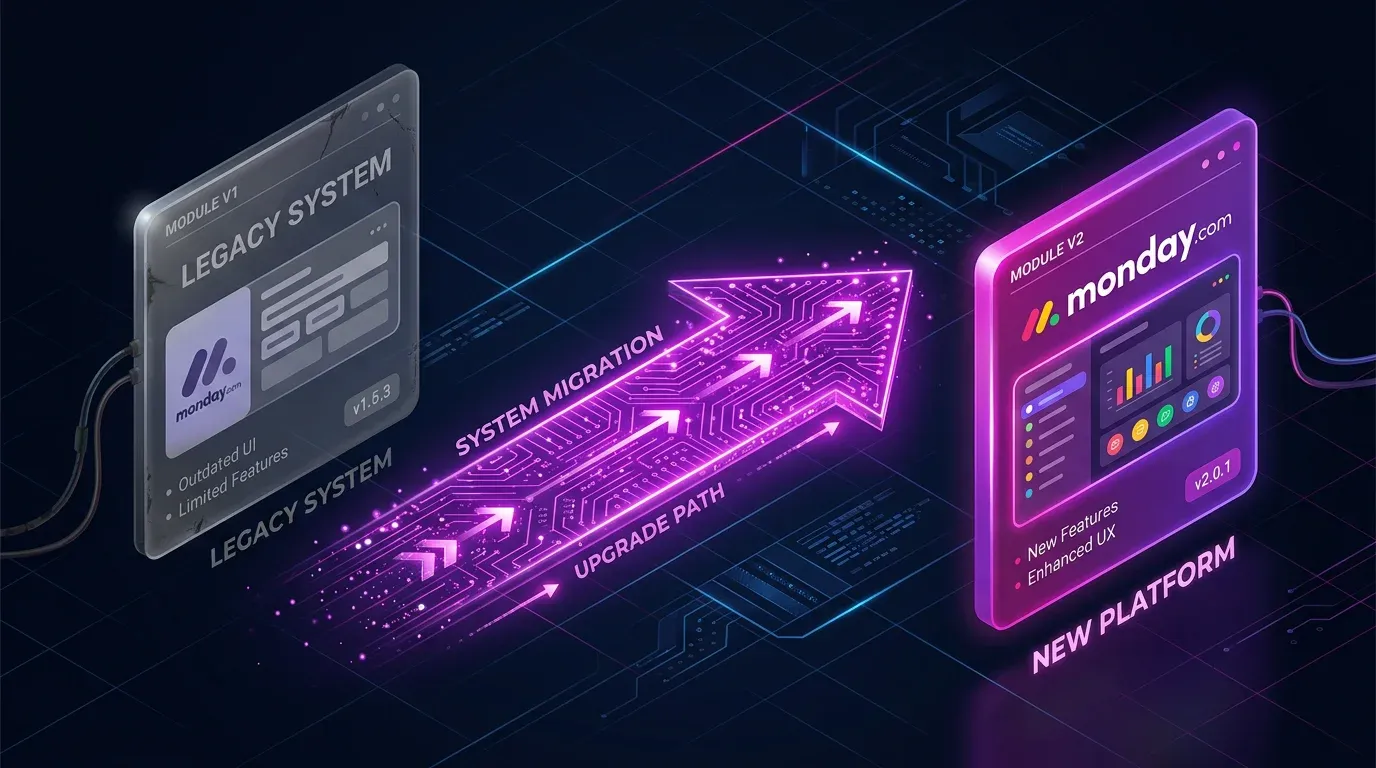
Make Module Migrator: monday.com V1 Is Gone – How to Fix Your Scenarios Now


TL;DR: „monday.com V1 modules in Make stopped working on May 1, 2026. If your scenarios are failing now, the Module Migrator scans your account and automates the upgrade to V2 after the fact."
— Till Freitag⚠️ Update (May 2026): The V1 API has been offline since May 1, 2026. If your scenarios are throwing errors or silently returning wrong data, jump straight to Missed the Deadline? – we show you how to find affected scenarios and get back to production in a few hours.
V1 Is Gone – And Many Accounts Are Only Noticing Now
monday.com deprecated their V1 API on May 1, 2026, and with it all V1 modules in Make.com. Scenarios still using legacy modules have been throwing errors since then – or, worse, continue to run but return wrong data because individual fields silently come back empty.
The good news: Make's Module Migrator still works and makes the after-the-fact cleanup much faster than touching every scenario by hand.
What's Changing?
monday.com updated their API version, and Make released a new V2 app to support it. The transition involves:
- Module replacement – V1 modules need to be swapped for their V2 counterparts
- Field mapping changes – Some fields have been renamed or removed
- Timeline – Both versions run in parallel until May 1, then V1 is gone
Affected Field Changes
Not all modules require manual adjustments. But if you're using these, pay attention:
Discontinued Fields
Modules: List Boards, Get a Board
The following fields no longer exist in V2:
bordervar_namedone_colorscolor_mappinglabels_position_v2hide_footer
Action: Remove any mappings that reference these fields.
Renamed Timestamp
Modules: Get an Item, Get an Item's Column Value, List Board's Items, List Group's Items, Search Items, Watch Board's Items, and all related watch modules.
Change: changed_at is now updated_at.
Action: Remap all references from changed_at to updated_at.
The Module Migrator: Automated Migration
Instead of manually editing every scenario, Make's Module Migrator handles the heavy lifting:
How It Works
- Open the Module Migrator – Access it directly in Make at apps.make.com/module-migrator
- Scan your folders – Select which folders to scan; the tool identifies all scenarios with V1 modules
- Choose your migration path:
- In-place update – Upgrade modules directly in existing scenarios
- Clone to new folder – Recreate scenarios in a new folder (recommended for testing)
- Review warnings – The tool flags modules that need manual field remapping
- Confirm and migrate – The tool swaps all compatible modules automatically
What Gets Automated vs. Manual
| Automated | Requires Manual Work |
|---|---|
| Module swap from V1 → V2 | Discontinued field mappings |
| Connection re-linking | changed_at → updated_at remapping |
| Basic field mapping | Custom formulas referencing old fields |
Guided Troubleshooting
For scenarios that can't be fully automated, the Module Migrator returns a Warning bundle with step-by-step instructions on exactly what to adjust.
Best Practices for Migration
1. Audit Before You Migrate
Before running the migrator, document your critical scenarios. Know which ones touch monday.com and what they do.
2. Use the Clone Method First
Always clone to a new folder first. Test the migrated scenarios before replacing your production workflows.
3. Check for Downstream Dependencies
A renamed field (changed_at → updated_at) can break downstream modules – filters, routers, or connected apps that reference the old field name.
4. Test with Real Data
Don't just check that the scenario runs – verify that the output data is correct. Field removals can silently break logic without throwing errors.
5. Use Make DevTool for Bulk Updates
The Make DevTool has a "Swap Variable" function that lets you update mappings across multiple modules at once – much faster than editing each module individually.
Migration Checklist
| Step | Status |
|---|---|
| Identify all monday.com scenarios | ☐ |
| Document critical workflows | ☐ |
| Run Module Migrator scan | ☐ |
| Clone scenarios to test folder | ☐ |
| Review warning bundles | ☐ |
| Remap discontinued fields | ☐ |
Update changed_at → updated_at | ☐ |
| Test migrated scenarios | ☐ |
| Replace production scenarios | ☐ |
| Verify downstream integrations | ☐ |
Timeline
| Date | Event |
|---|---|
| Until April 2026 | V1 and V2 ran in parallel; Module Migrator available |
| May 1, 2026 | ✅ V1 support ended – legacy modules throw errors or return incomplete data |
| Now (May 2026) | Recovery mode: Module Migrator still works, V2 modules are mandatory |
⚠️ If your scenarios are failing now: no need to panic, but don't postpone either. Every day with broken automations costs pipeline data, notifications, and trust in the system.
Missed the Deadline? How to Find Affected Scenarios
If V1 was shut down before your team migrated, three failure patterns are typical:
- Hard errors – Scenarios stop with
400 Bad RequestorModule not found. Visible in the Make Execution History and your notification channels. - Silent data gaps – Scenarios keep running, but individual fields come back empty (e.g.
border,done_colors). Filters and routers then make wrong decisions. - Wrong timestamps – Anything filtering on
changed_atnow matches nothing because the field is calledupdated_atin V2.
Quick Recovery Workflow
- Check Execution History – In Make, filter all scenarios for errors since May 1. Watch out for monday.com-related error codes.
- Review notification channels – Search Slack/email alerts from the past weeks for "monday" to surface silent failures.
- Run a full Module Migrator scan – Across all folders. The tool lists every scenario with V1 modules, even ones that appear to still be running.
- Audit downstream filters – Manually check all filters, routers, and aggregator modules for
changed_at,border,done_colors, and the other removed fields. - Test with real data – Silent breakage only shows up when you compare the output bundles of a test run field by field with the actual state in monday.com.
Conclusion
V1 is offline, but the Module Migrator removes most of the work. If you scan, clone, review, and test now, a broken monday stack can be back in production within a few hours.
For teams whose CRM or operations automations have been failing since May 1, get in touch with us – we've been through this process with dozens of clients and we prioritize recovery cases.
Want to learn more about monday.com and Make? Read our Make automation guide, the guide on Error Handling & Retry Strategies, the Monitoring & Observability setup with Datadog & Better Stack and our Security & Secrets Management guide – or visit the monday.com tool page.
Make Mastery Series
0 of 6 read · 0%Six articles that take you from first scenarios to production-grade, secure, and performant automations.
- PART 1Unread
make.com Automation – The Ultimate Guide
Intro, comparison with Zapier & n8n, 5 use cases.
Read - PART 2Unread
Error Handling & Retry Strategies
Resume, Rollback, Commit, Break – with interactive decision tree.
Read - PART 3Unread
Monitoring & Observability
Native dashboards + Better Stack heartbeats + Datadog deep dive.
Read - PART 4UnreadHere
Module Migrator: monday.com V1 → V2
Mandatory migration before May 1, 2026 – step-by-step guide.
- PART 5Unread
Security & Secrets Management
Connections, webhooks, IP whitelisting & vault patterns for production setups.
Read - PART 6Unread
Performance & Operations Optimization
Bundle size, filter order, aggregators & sub-scenarios – 40–70% fewer ops.
Read
Reading progress is stored locally in your browser (localStorage).
Related Articles

Why Founders Should Invest in Automation from Day 1
Automation isn't a luxury for scale-ups – it's the foundation every startup needs. How founders can build structure from…
Read more
Lean CRM Teams: The 3-Step Framework for 80% Less Manual Work
'We have too many people in our CRM team, we work inefficiently, and we have nothing going on with AI.' That's the exact…
Read more
make.com Error Handling & Retry Strategies: Building Resilient Scenarios (2026)
Complex make.com scenarios fall over without proper error handling. Here's how to build error routes, retry logic, and c…
Read more
The 10 Best monday MCP Prompts for Your Daily Work
Copy-paste-ready prompts for Claude, Cursor, and ChatGPT – to control monday.com via natural language. From board creati…
Read more
monday.com MCP: All Available Tools and Integrations Overview
monday.com offers two powerful MCP servers – Platform MCP and Apps MCP – plus native integrations for Claude, Cursor, Ch…
Read more
monday.com Sidekick 3.0 Is Fully Released: Smarter AI Across the Entire Platform
monday.com rolls out Sidekick 3.0 to all customers – with massively expanded action coverage, cross-platform execution, …
Read more
Why Your Company Needs an OS, Not More SaaS
Mercury, Rippling, Stripe – they're all becoming compound startups. What happens when your company takes the same approa…
Read more
monday Vibe Apps – Build Custom Mini-Applications Without Code (2026 Guide)
monday Vibe Apps let anyone build custom mini-applications using natural language prompts – no code, directly within mon…
Read more
monday.com + OpenClaw: How monday.com Becomes the Brain of Your AI Agent
monday.com is more than a project management tool – it can serve as the long-term memory and execution log for an AI age…
Read more