
make.com Error Handling & Retry Strategies: Building Resilient Scenarios (2026)


TL;DR: „Resilient make.com scenarios rest on three pillars: error routes with the right directive (Resume, Rollback, Commit, Break), thoughtful retry strategies with backoff – and a monitoring setup that surfaces failures before your customer does."
— Till FreitagWhy Error Handling Isn't Optional in make.com
A scenario that runs perfectly in testing tells you nothing about production. Once real data flows, the edge cases you didn't anticipate appear: rate limits, timeouts, empty fields, changed API responses, briefly unreachable services.
Without error handling the scenario crashes, the bundle is lost, and you only find out when someone notices missing data. With proper error handling the same failure becomes routine: detected, handled, logged – and the scenario keeps running.
The Four Error Handler Directives in make.com
When you click "Add error handler" on a module, you can start the resulting route with one of four directives. The directive controls how the failure is processed:
1. Resume
Continues the scenario as if the error never happened. You pass a substitute bundle that feeds downstream modules.
Use case: An optional Clay enrichment fails → you pass an empty record and the lead still lands in the CRM.
2. Rollback
Reverts all transactions of the current bundle (where the module supports rollback) and stops the scenario.
Use case: You create an order across multiple systems. If one fails, you don't want a half-created record.
3. Commit
Confirms all prior transactions and stops cleanly. The scenario is not marked as failed.
Use case: Deliberate stop on a business-logic condition (e.g. "lead not qualified").
4. Break
Stores the bundle in the Incomplete Executions queue for manual or automatic retry. This is the most important lever for retry strategies.
Retry Strategies That Work in Production
Strategy 1: Break + Auto-Retry for Transient Errors
For errors that typically resolve themselves (HTTP 429, 502, 503, timeouts), use Break with auto-retry enabled:
Break Directive:
- Number of attempts: 3
- Interval: 15 minutes
- Allow storing: yes
The bundle moves to Incomplete Executions, make.com retries after 15 minutes – up to three times. If it still fails, it waits for manual intervention.
Strategy 2: Exponential Backoff via Sleep + Repeater
For API-specific rate limits where fixed intervals are too short:
Repeater (Initial value: 0, Step: 1, Repeats: 5)
  └── Sleep (delay = 2 ^ {{repeater.i}} seconds)
  └── HTTP Request
  └── Filter: status = 200 → exit loop
Waits 1s, 2s, 4s, 8s, 16s between attempts. Classic pattern for external APIs without native retry.
Strategy 3: Circuit Breaker via Data Store
If a third-party system is verifiably down, more requests are wasted operations. Set a circuit breaker in a Data Store:
- On first error: write
service_x_down = truewith TTL 10 minutes - Before each request: check flag → if
true, skip or queue - A periodic health-check scenario clears the flag once the service responds again
Saves operations and prevents cascading failures in downstream scenarios.
Strategy 4: Dead Letter Queue (DLQ)
Bundles that fail after all retries belong in a central queue – ideally a monday.com board or Google Sheet:
Error Route (Resume):
  └── monday.com → Create item in "Failed Executions" board
       Fields: Scenario, Module, Error Message, Bundle JSON, Timestamp
  └── Slack → Notification to #automation-alerts
Now you have visibility, can spot patterns, and reprocess bundles intentionally.
Best Practices for Complex Scenarios
1. Error Routes Are Mandatory, Not Optional
Every module that talks to external APIs or performs write operations needs an error route. Period. No "it'll probably be fine".
2. Categorize Errors Instead of Handling Them Uniformly
Not every error is equal. Filter on error.message or error.statusCode and route:
- 4xx (except 429): data problem → DLQ + alert
- 429: rate limit → backoff + retry
- 5xx: service problem → circuit breaker + retry
- Timeout: network → retry with longer timeout
3. Ensure Idempotency
Before enabling retries: make sure your scenario is idempotent. A lead must not be created twice just because retry fires. Solutions: external-ID fields, upsert logic, dedup checks before create.
4. Sub-Scenarios With Their Own Error Handling
Extract critical branches into sub-scenarios. Benefits:
- Independent retry config per sub-scenario
- Errors in the sub-scenario don't block the parent
- Better observability per functional block
5. Breakpoints for Debugging
In complex scenarios, Break works as a deliberate stop point during development. The bundle lands in Incomplete Executions, you can inspect it, and step through.
6. Don't Forget Monitoring & Alerting
Make.com ships an Enhanced Error Monitoring Dashboard in 2026 with trend analysis. On top of that, configure:
- Email notifications for repeated failures
- Slack webhook for critical scenarios
- Weekly report: top-5 error sources per scenario
For a full observability stack (native dashboards + Better Stack heartbeats + Datadog), see our Monitoring & Observability guide for make.com.
Anti-Patterns to Avoid
❌ Global Resume catch without logging: You silently swallow errors – the scenario runs "green" but the data is broken.
❌ Endless retry loops without a cap: A broken API with unlimited retries burns thousands of operations and blocks the worker.
❌ Error handling only after a live incident: The most expensive moment to build an error route is at 3 AM after the first major incident.
❌ Identical handling for every error: A 401 (auth) needs a different action than a 503 (service down).
Practical Checklist for Every New Scenario
- Every writing/external module has an error route
- Directive chosen deliberately (Resume / Rollback / Commit / Break)
- Retry strategy defined (count, interval, backoff)
- Idempotency verified (no duplicate creation on retry)
- DLQ mechanism for permanently failed bundles
- Alerting on critical errors
- Test cases for: timeout, rate limit, empty response, auth error
Related Guides
- make.com Automation – The Ultimate Guide
- make.com vs. Zapier vs. n8n
- Make Module Migrator: monday.com V1 to V2
- Monitoring & Observability for make.com
- Security & Secrets Management in make.com
- n8n Best Practices Guide
We Build Production-Grade Automations
As a make.com Certified Partner, we design scenarios that don't just work – they stay stable under load, during API outages, and with messy input data. Including error-handling architecture, monitoring setup, and runbooks for your team.
Which error directive do you need?
Step 1 of 2
Is the failing module critical to the scenario's end result?
Make Mastery Series
0 of 6 read · 0%Six articles that take you from first scenarios to production-grade, secure, and performant automations.
- PART 1Unread
make.com Automation – The Ultimate Guide
Intro, comparison with Zapier & n8n, 5 use cases.
Read - PART 2UnreadHere
Error Handling & Retry Strategies
Resume, Rollback, Commit, Break – with interactive decision tree.
- PART 3Unread
Monitoring & Observability
Native dashboards + Better Stack heartbeats + Datadog deep dive.
Read - PART 4Unread
Module Migrator: monday.com V1 → V2
Mandatory migration before May 1, 2026 – step-by-step guide.
Read - PART 5Unread
Security & Secrets Management
Connections, webhooks, IP whitelisting & vault patterns for production setups.
Read - PART 6Unread
Performance & Operations Optimization
Bundle size, filter order, aggregators & sub-scenarios – 40–70% fewer ops.
Read
Reading progress is stored locally in your browser (localStorage).
Related Articles

make.com Performance & Operations Optimization: Bundle Size, Filters, Aggregators (2026)
Make.com bills per operation – and slow scenarios cost twice: in money and in latency. Here's how to optimize bundle siz…
Read more Deep Dive
Workflow Automation Explained: How Teams Eliminate Repetitive Work
Workflow automation vs. simple automation: What's the difference, why it matters, and how make.com, n8n, and monday.com …
Read moreDeep DiveWhy You Can't Do Without Middleware Beyond a Certain Point
Native integrations only get you so far. Why middleware like make.com or n8n becomes the indispensable backbone of your …
Read moremake.com Automation – The Ultimate Guide (2026)
make.com is the most powerful visual automation platform. Learn how to build workflows without code – including a compar…
Read more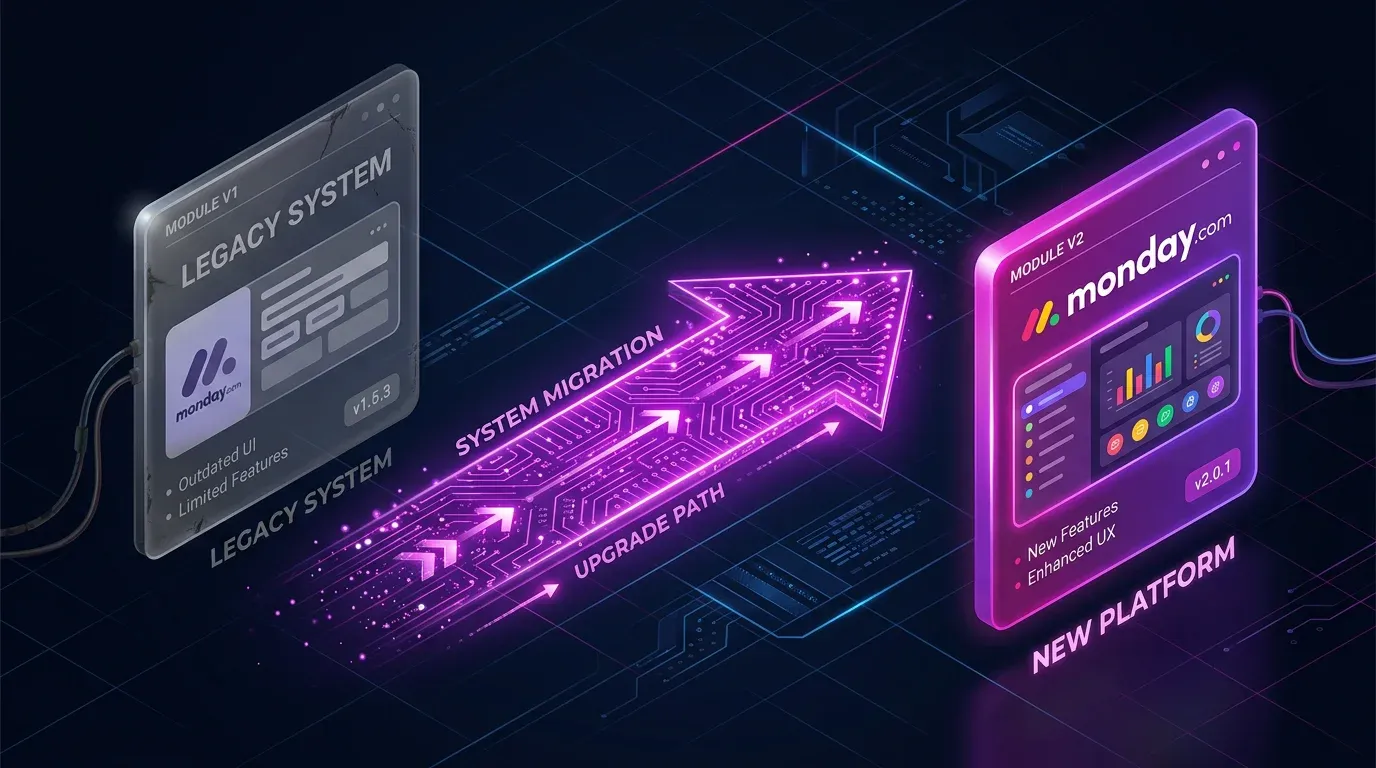
Make Module Migrator: monday.com V1 Is Gone – How to Fix Your Scenarios Now
monday.com's V1 API has been offline since May 1, 2026. If your Make scenarios are failing now: the Module Migrator help…
Read more
Importing Data into monday.com – 4 Ways to Get Your Data In Cleanly
Excel upload, API, middleware, or automated scripts – we compare 4 ways to import data into monday.com, with practical e…
Read more
API Integration for SMBs – Connecting Systems Without the Chaos (Practical Guide)
APIs connect your tools into one system. We show how SMBs plan, implement, and maintain API integrations – with practica…
Read more
Effective Project Management with monday.com – 12 Best Practices (2026 Update)
The best strategies for monday.com project management in 2026 – from board structure to AI Blocks, Sidekick and monday D…
Read more
Monitoring & Observability for make.com: Datadog, Better Stack & Native Tools (2026)
Make.com only runs in production once you see errors before the customer calls. Here's how to build a three-layer monito…
Read more