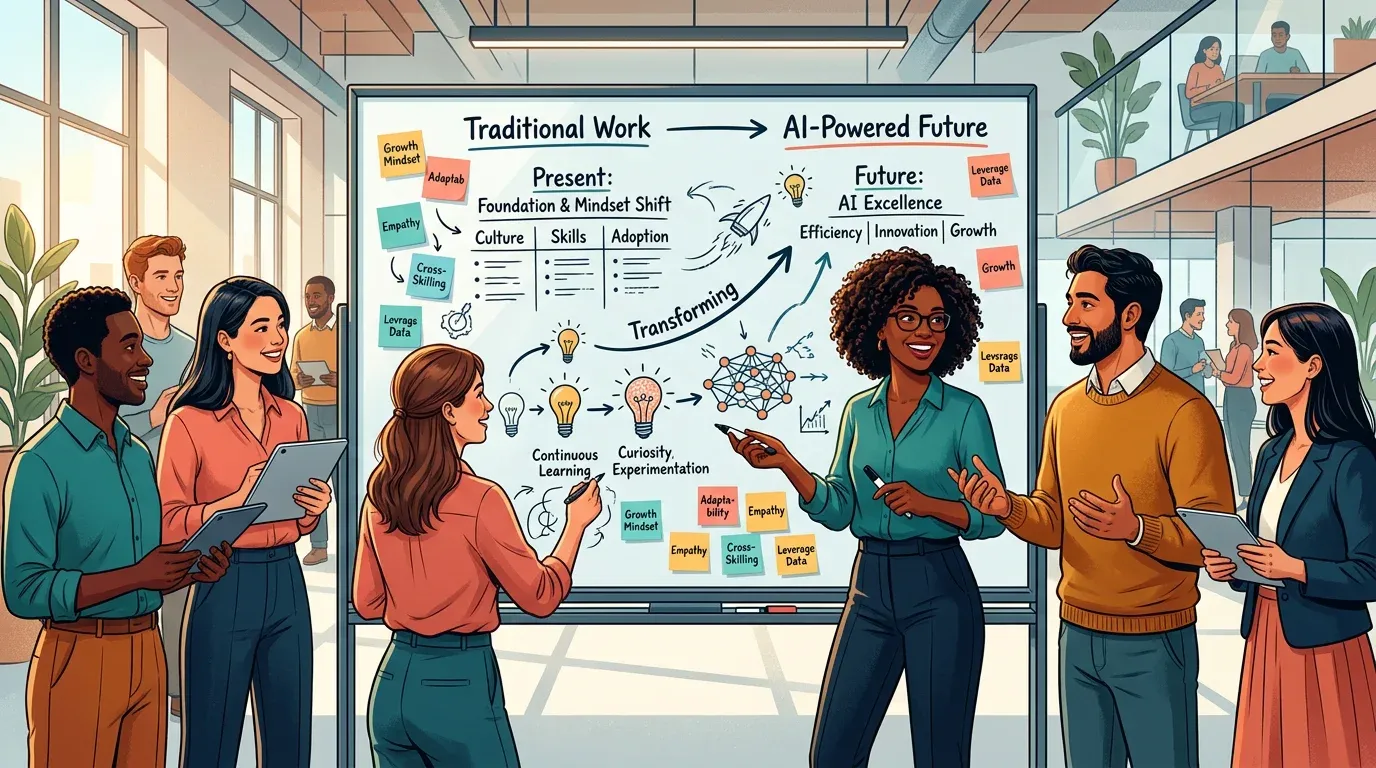
Rethinking Processes – How AI Fundamentally Transforms Your Workflows

TL;DR: „AI doesn't just change individual tasks – it transforms entire processes. And the revolution is happening quietly."
— Till FreitagThe Process Revolution Is Happening Quietly
Forget the big AI announcements. The real transformation doesn't happen in keynotes – it happens in those small moments when a process suddenly runs smoothly that previously required three follow-up questions and two Excel spreadsheets.
Three Levels of Process Transformation
Level 1: Acceleration (Quick Wins)
Making existing processes faster without fundamentally changing them:
- Status reports automatically generated from board data
- Meeting summaries via AI instead of manual notes
- Email drafts prepared for standard communications
- Data entry through intelligent forms with AI suggestions
Effort: Hours. Effect: immediately noticeable.
Level 2: Redesign (Optimization)
Questioning processes and rethinking them with AI capabilities:
- Lead qualification: Instead of manual evaluation, AI analyzes incoming requests and prioritizes automatically
- Project planning: AI suggests timelines based on historical project data
- Client onboarding: Automatic workflows that adapt to the client
Effort: Days. Effect: sustainable efficiency gains.
Level 3: Reinvention (Transformation)
Processes that wouldn't be possible without AI:
- Predictive Project Management – identifying risks before they occur
- Intelligent resource planning – AI optimizes team capacity in real-time
- Adaptive workflows – processes that dynamically adjust to changing conditions
Effort: Weeks. Effect: competitive advantage.
A Concrete Example: Our Proposal Process
Before (Traditional)
- Request arrives via email ➜ manually transferred to monday.com
- Initial meeting ➜ write notes in a document
- Create proposal ➜ fill Word template, calculate pricing
- Send proposal ➜ create PDF, write email
- Follow up ➜ set reminder, manually check in
Duration: 3–5 hours per proposal
After (Working 2.0)
- Request arrives ➜ Make automatically captures all data in monday CRM
- Initial meeting ➜ AI creates summary and identifies requirements
- Proposal ➜ AI generates draft based on meeting notes and historical proposals
- Review & send ➜ Human reviews, adjusts, sends
- Follow-up ➜ Automatic, personalized reminders
Duration: 45–60 minutes per proposal
The Process Audit: Where to Start?
Not every process needs AI. Our rule of thumb:
| Criterion | AI useful? |
|---|---|
| Repetitive (>3x/week) | ✅ Yes |
| Data-driven | ✅ Yes |
| Creative core | ⚠️ Partially (Augmentation) |
| One-time | ❌ No |
| Highly sensitive (data privacy) | ⚠️ Only with care |
Common Mistakes in Process Transformation
- Everything at once – start with one process, not twenty
- AI without context – a tool is only as good as the data it gets
- Not bringing the team along – the best automation is useless if nobody uses it
- Complexity over simplicity – if the AI workflow is more complicated than the manual one, something's wrong
Conclusion: Processes Are the Lever
Anyone can install tools. The real difference comes when you redesign your processes with an AI mindset. Don't automate everything – but the right things, done right.
Part 3 of the Working 2.0 series. Next up: Culture & Mindset – How to Get Your Team Ready for the AI Era
Related Articles
 Deep Dive
Workflow Automation Explained: How Teams Eliminate Repetitive Work
Workflow automation vs. simple automation: What's the difference, why it matters, and how make.com, n8n, and monday.com …
Read more
Why Founders Should Invest in Automation from Day 1
Automation isn't a luxury for scale-ups – it's the foundation every startup needs. How founders can build structure from…
Read more
Effective Project Management with monday.com – 12 Best Practices (2026 Update)
The best strategies for monday.com project management in 2026 – from board structure to AI Blocks, Sidekick and monday D…
Read more
AI Transformation: Roadmap, Change Management & Implementation Phases for Companies
AI Transformation is more than handing out ChatGPT licenses. An honest roadmap with five phases, change management princ…
Read more
make.com Error Handling & Retry Strategies: Building Resilient Scenarios (2026)
Complex make.com scenarios fall over without proper error handling. Here's how to build error routes, retry logic, and c…
Read more
Make Module Migrator: monday.com V1 Is Gone – How to Fix Your Scenarios Now
monday.com's V1 API has been offline since May 1, 2026. If your Make scenarios are failing now: the Module Migrator help…
Read more
Make vs. Claude Code vs. OpenClaw – Picking the Right Orchestration Layer (2026)
Make.com, Claude Code, or OpenClaw? Three tools, three layers of the stack. Here's when to pick which orchestration tool…
Read more
HyperAgent Review 2026: The Agent Platform for Teams Ready to Scale AI
HyperAgent promises the complete platform for AGI-level agents – learnable skills, fleet management, A/B testing. How do…
Read more
SOP Design: How to Create Standard Operating Procedures and Implement Them in monday.com
SOPs are the backbone of scalable teams. How to create Standard Operating Procedures and keep them alive in monday.com –…
Read more